How to Dispute iTunes Charges
View your purchase history under your account settings.. Select the purchase you want refunded.. Click on the "Report a Problem" link.
Steps
View your purchase history under your account settings.
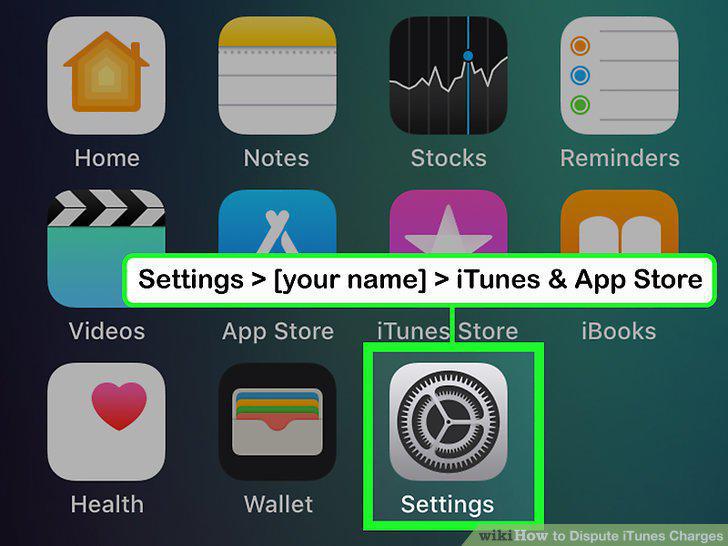
View your purchase history under your account settings.
Select the purchase you want refunded.
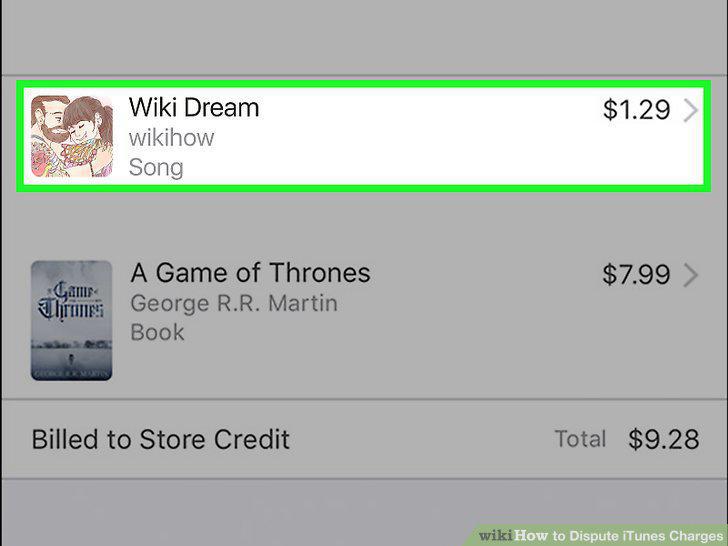
Select the purchase you want refunded.
Click on the "Report a Problem" link.
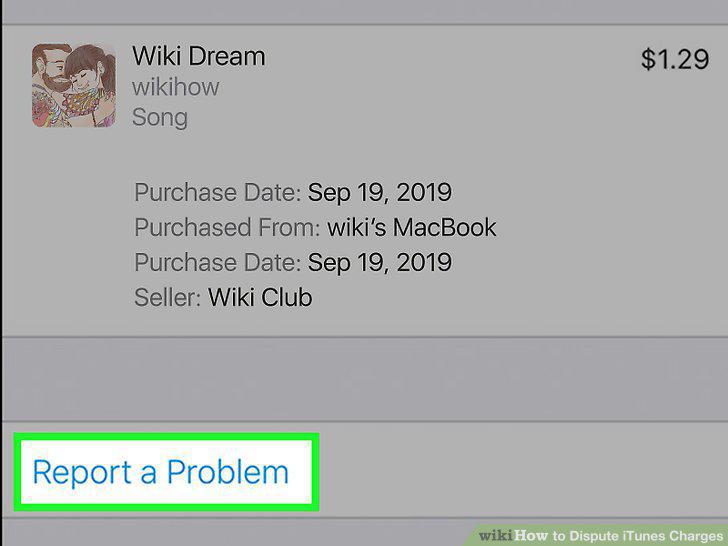
Click on the "Report a Problem" link.
Choose the reason you want a refund, then submit your request.
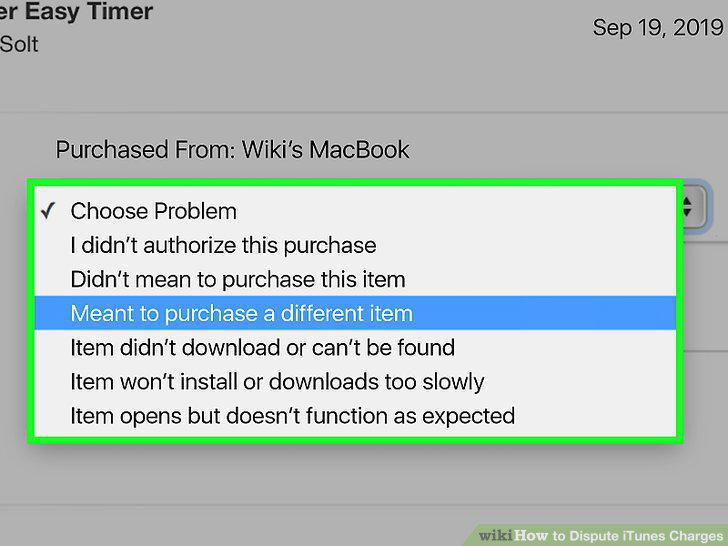
Choose the reason you want a refund, then submit your request.
Wait for a response from Apple.
Wait for a response from Apple.
Identify unfamiliar purchases in your purchase history.
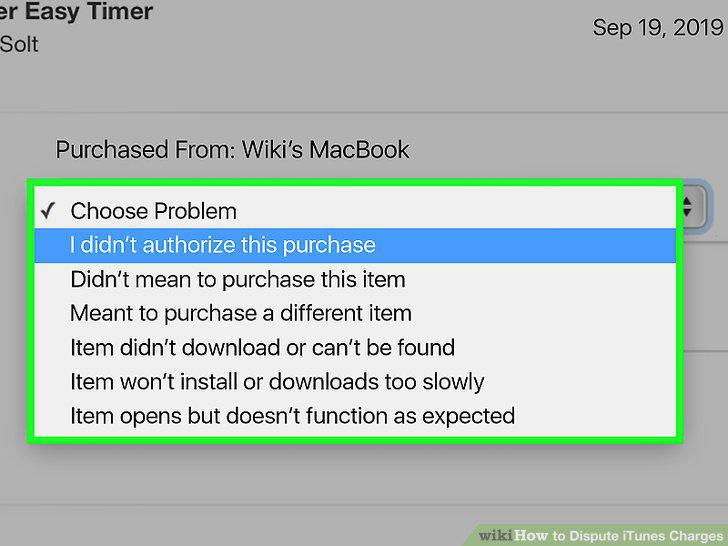
Identify unfamiliar purchases in your purchase history.
Change your password immediately.
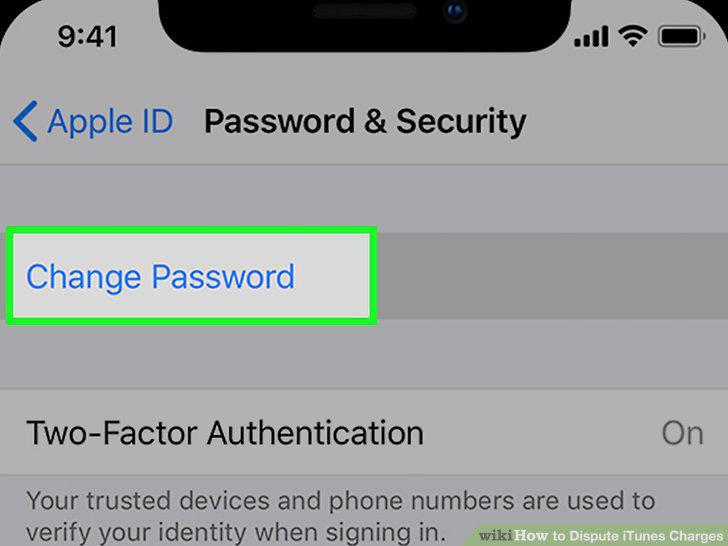
Change your password immediately.
Visit the Apple support website for assistance.
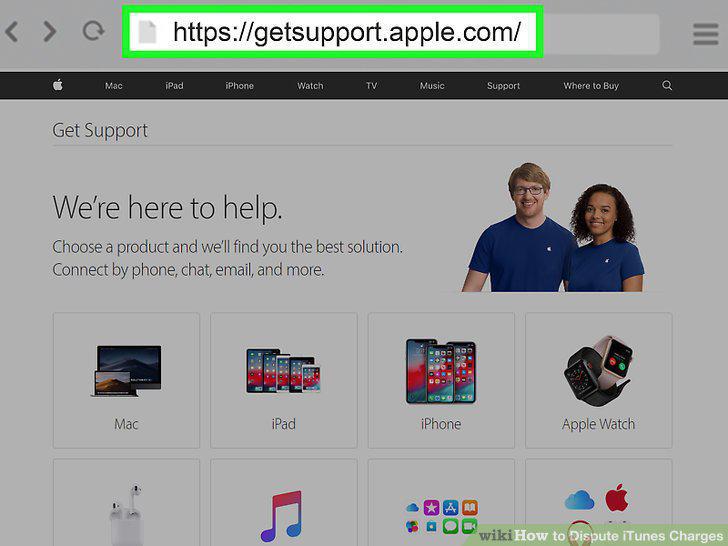
Visit the Apple support website for assistance.
Describe your issue to a customer service representative.
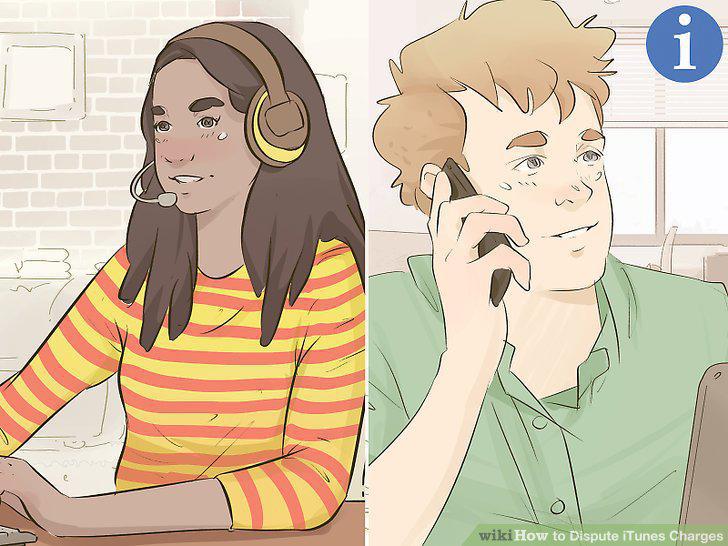
Describe your issue to a customer service representative.
Contact your bank or credit card company.
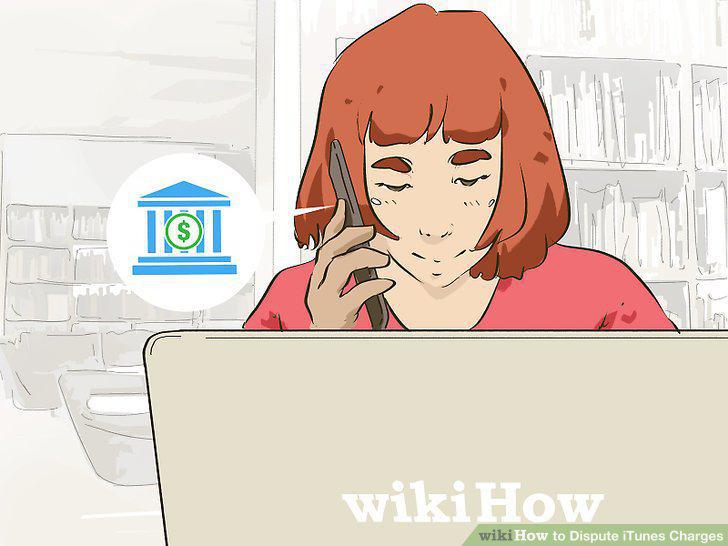
Contact your bank or credit card company.
File a report with your local police department.
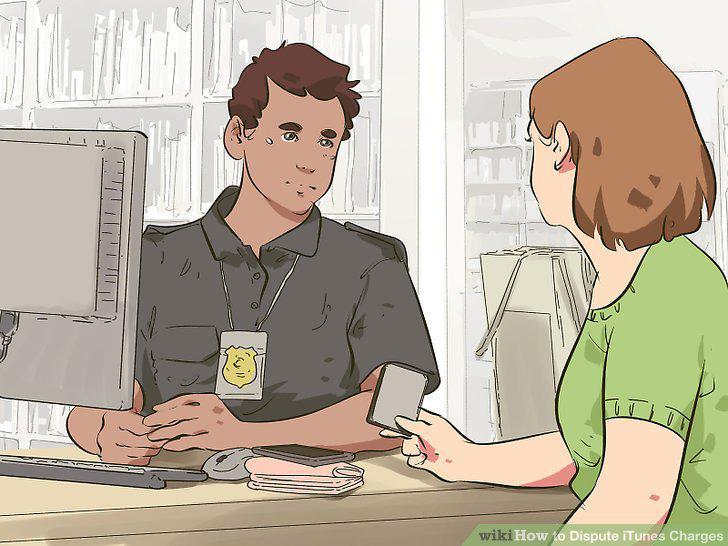
File a report with your local police department.
View your subscriptions under your account settings.
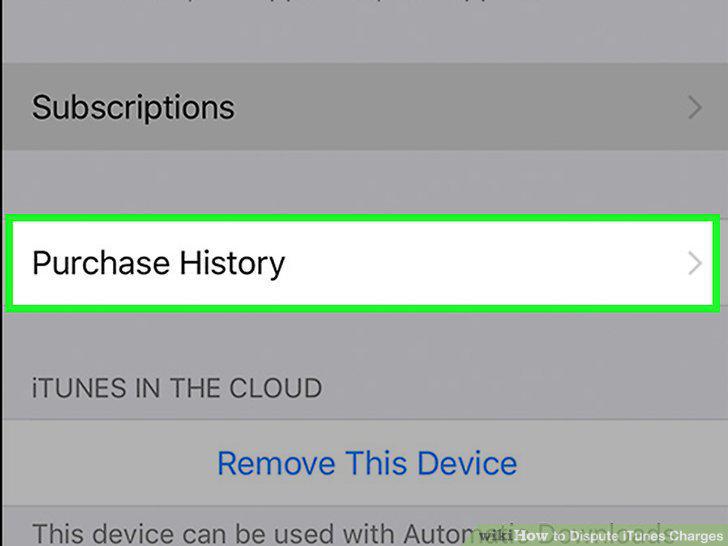
View your subscriptions under your account settings.
Select the subscription you want to manage.
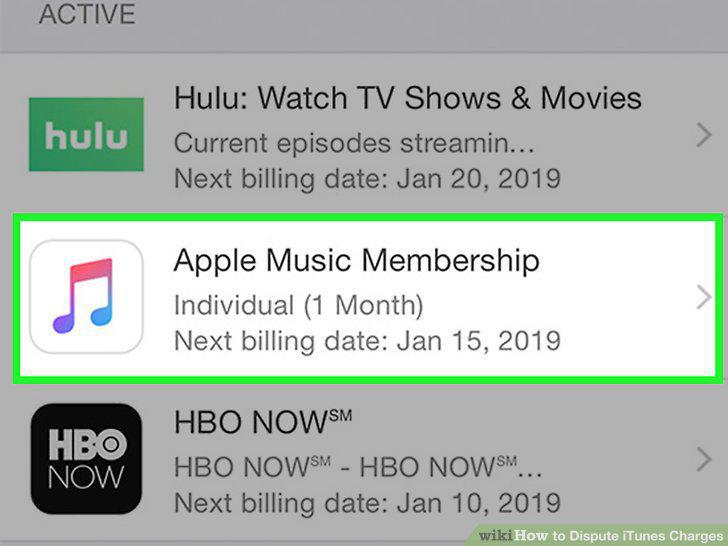
Select the subscription you want to manage.
Click "Cancel Subscription" to stop future billing.
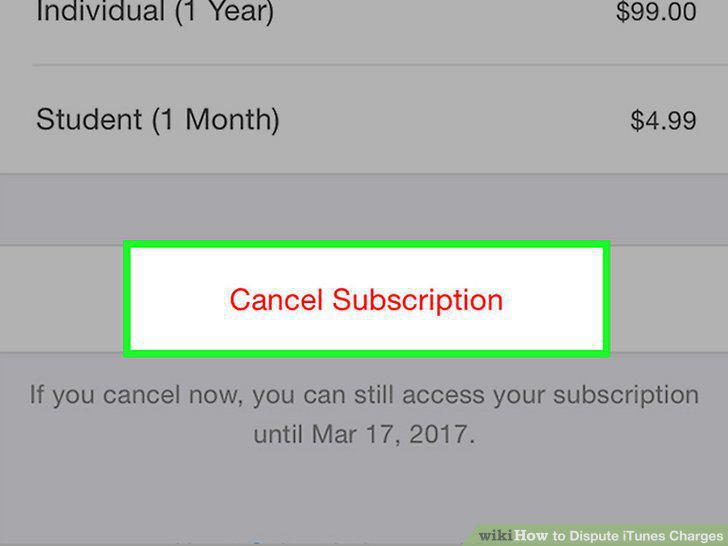
Click "Cancel Subscription" to stop future billing.
Contact the content provider directly if you aren't billed through Apple.
Contact the content provider directly if you aren't billed through Apple.
Comments (0)
No comments yet. Be the first to share your thoughts!