How to Link Your Email on Wechat
Open WeChat on your smartphone or tablet.. Tap Me.. Tap Settings.
Steps
1
Open WeChat on your smartphone or tablet.
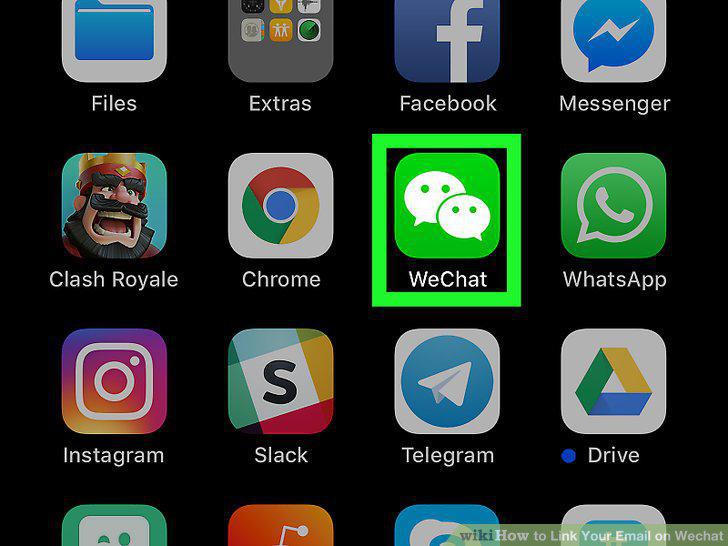
Open WeChat on your smartphone or tablet.
2
Tap Me.
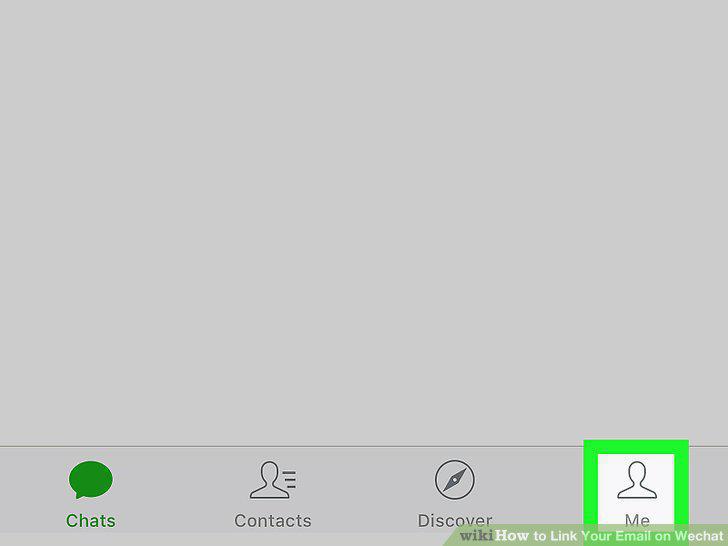
Tap Me.
3
Tap Settings.
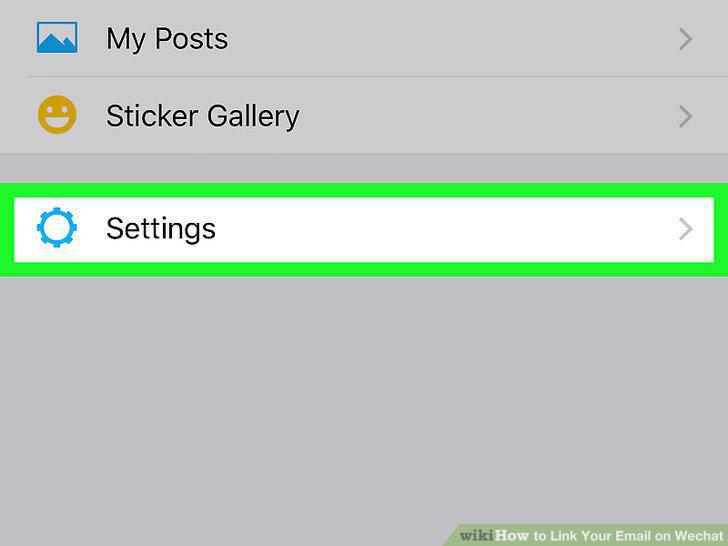
Tap Settings.
4
Tap Account Security.
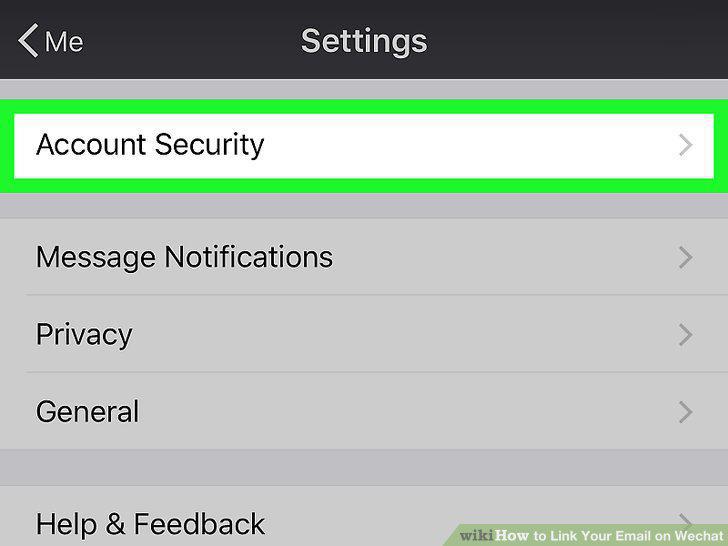
Tap Account Security.
5
Tap More Settings.
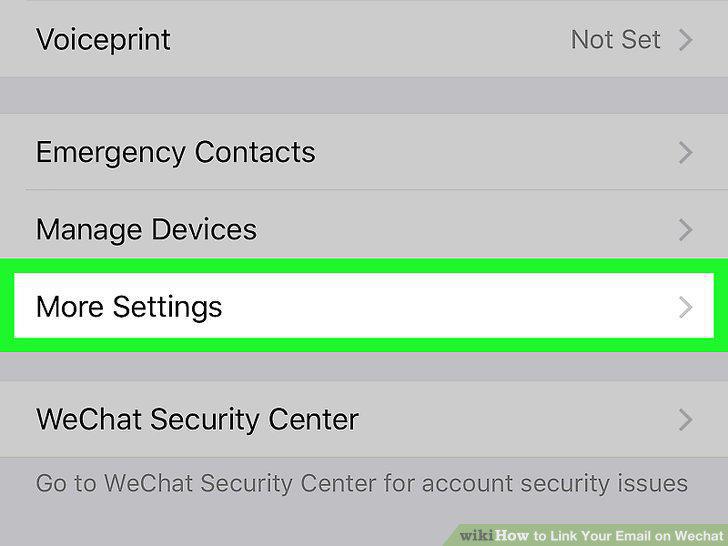
Tap More Settings.
6
Tap Email.
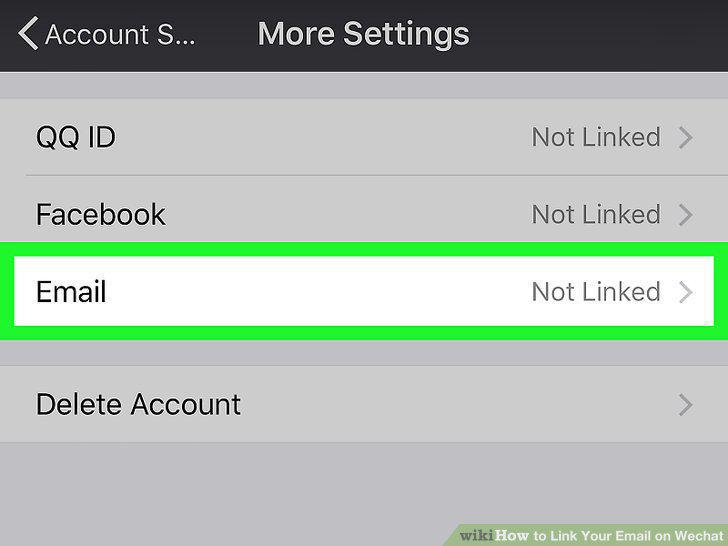
Tap Email.
7
Type your email address into the blank.
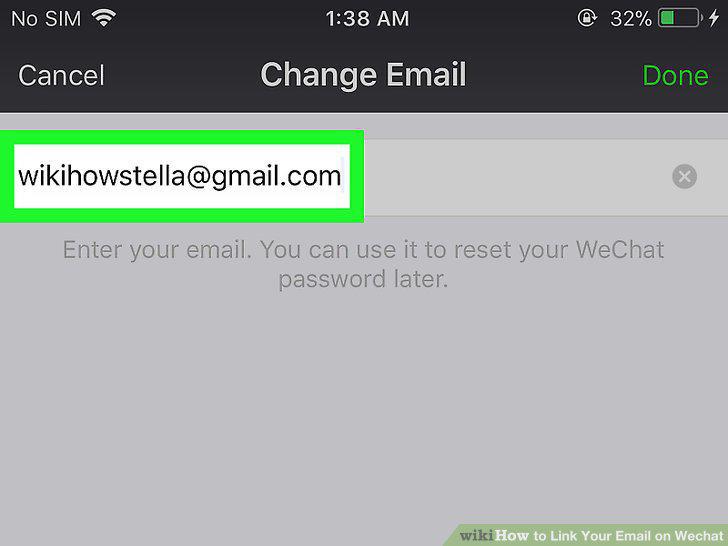
Type your email address into the blank.
8
Tap Done.
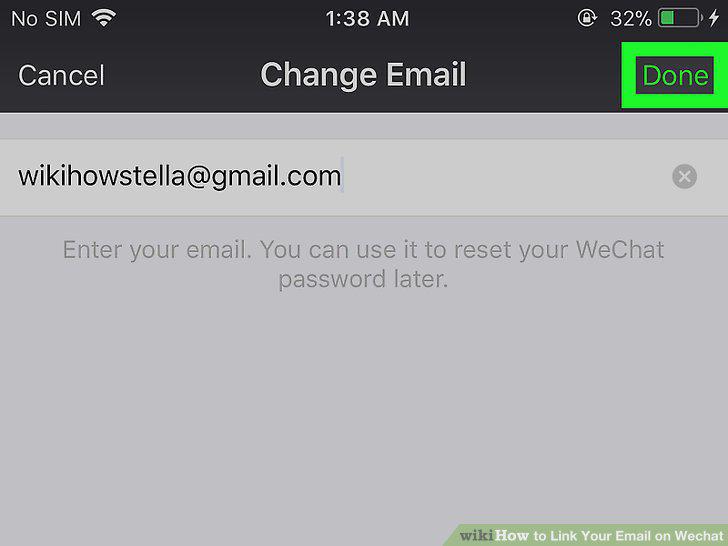
Tap Done.
9
Open the verification message from WeChat.
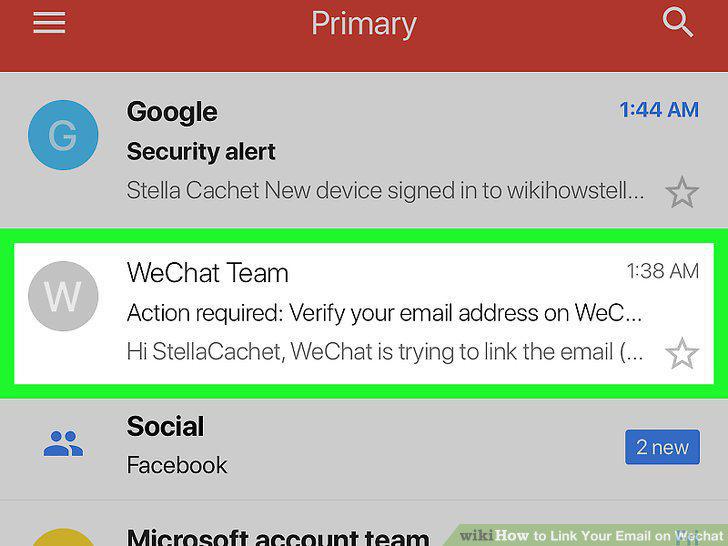
Open the verification message from WeChat.
10
Tap OK in the message from WeChat.
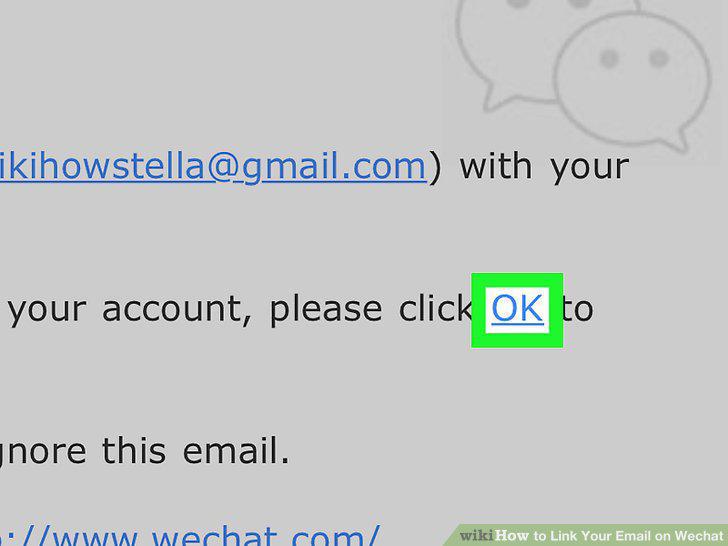
Tap OK in the message from WeChat.
Comments (0)
No comments yet. Be the first to share your thoughts!