How to Cascade Routers
Designate which routers will be the primary and which will be secondary.. Plug your secondary router in.. Connect your computer directly to your secondary router.
Steps
Designate which routers will be the primary and which will be secondary.
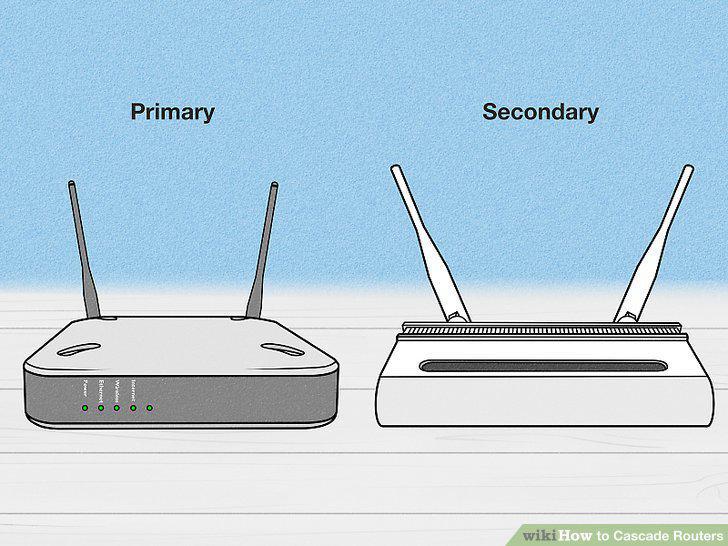
Designate which routers will be the primary and which will be secondary.
Plug your secondary router in.
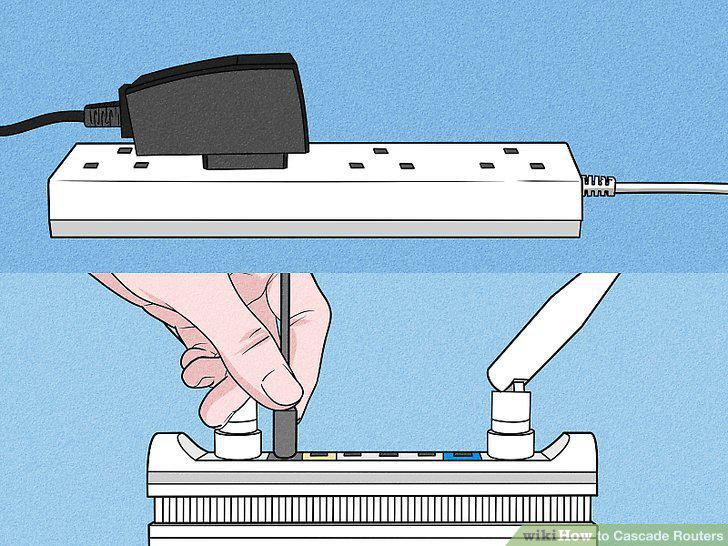
Plug your secondary router in.
Connect your computer directly to your secondary router.
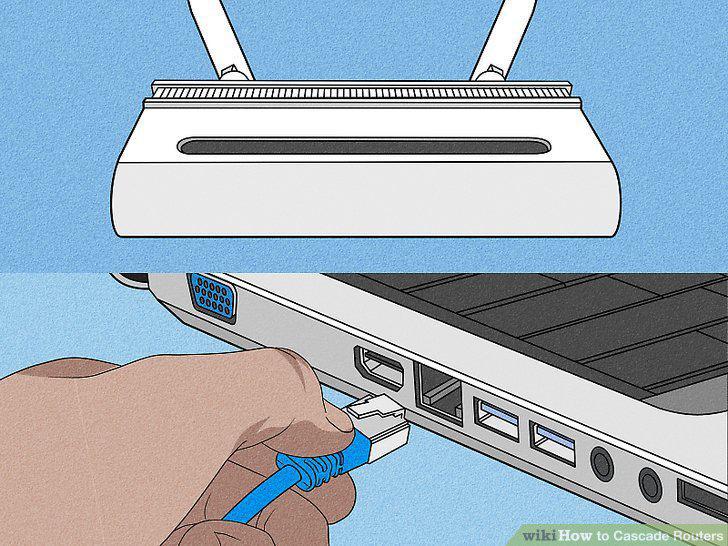
Connect your computer directly to your secondary router.
Access your router's web-based configuration menu.
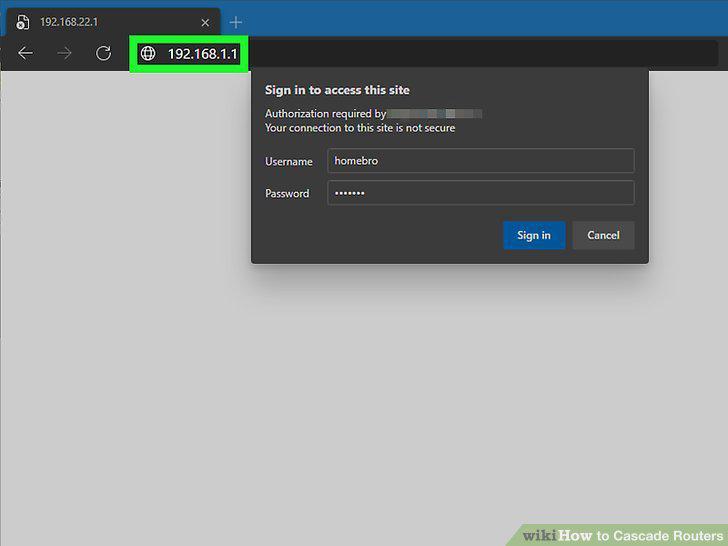
Access your router's web-based configuration menu.
Change the secondary router's IP address.
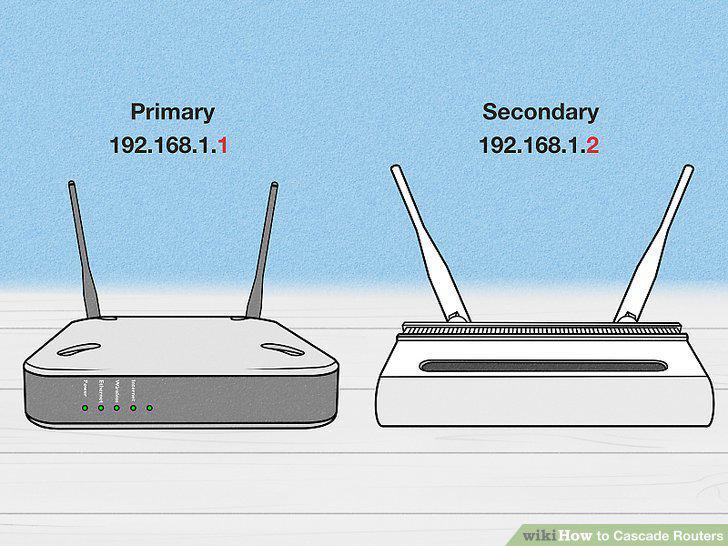
Change the secondary router's IP address.
Turn off the secondary router's DHCP Server settings.
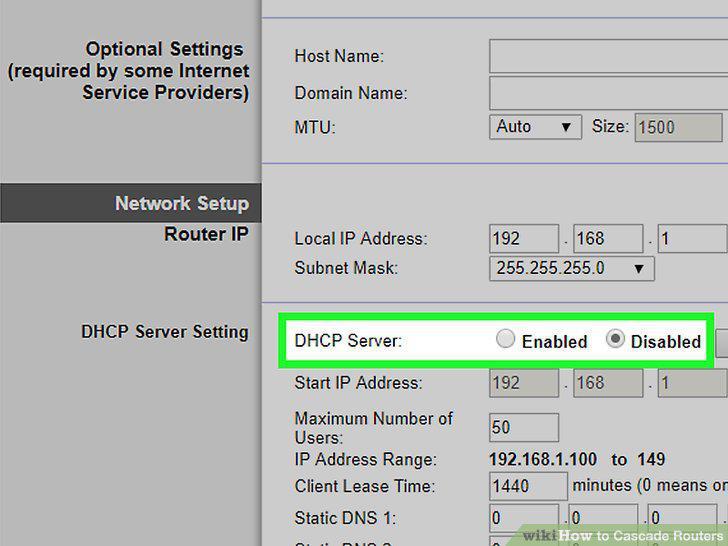
Turn off the secondary router's DHCP Server settings.
Make sure your secondary router is set to router operating mode.
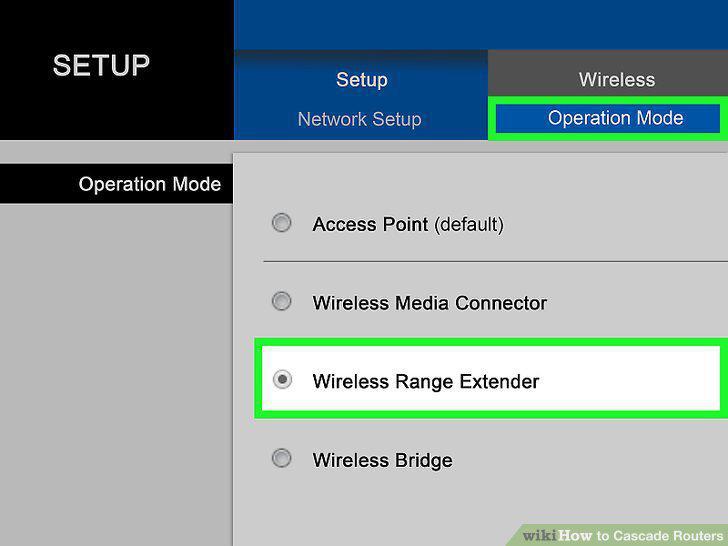
Make sure your secondary router is set to router operating mode.
Connect the secondary router to the primary router.
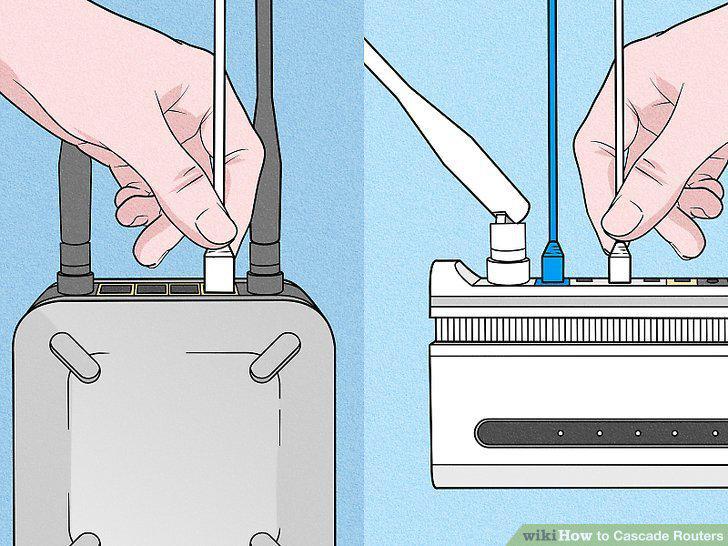
Connect the secondary router to the primary router.
Plug in your secondary router.
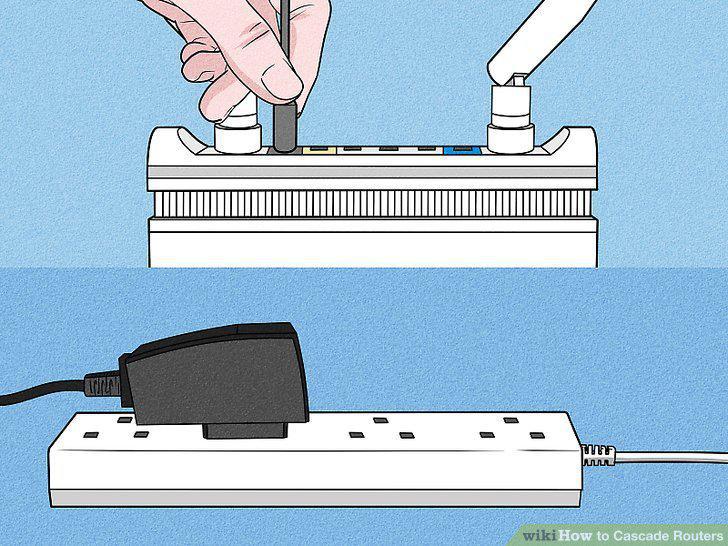
Plug in your secondary router.
Connect your computer to your secondary router.
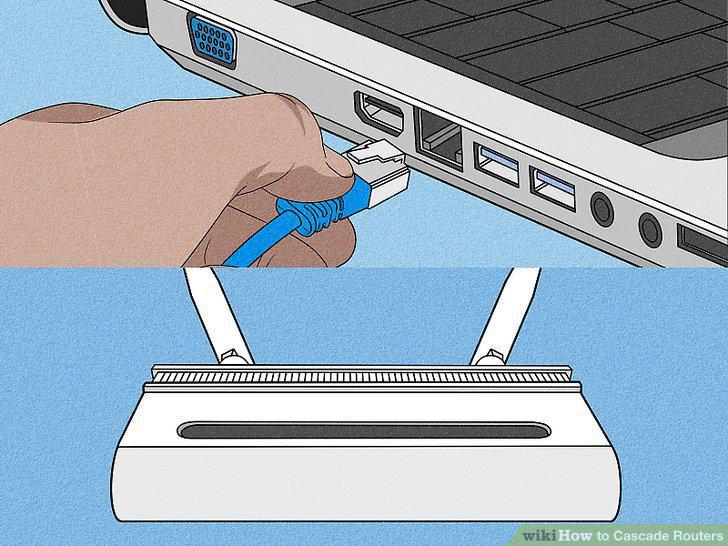
Connect your computer to your secondary router.
Access the web-based configuration menu.
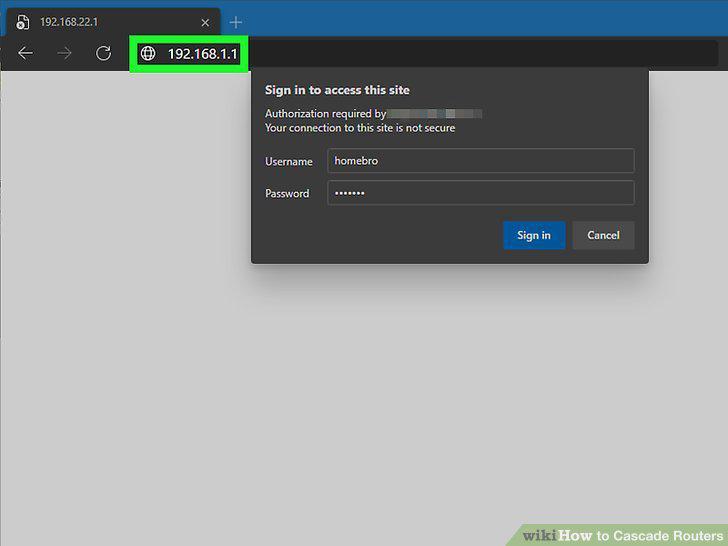
Access the web-based configuration menu.
Change the local IP address.
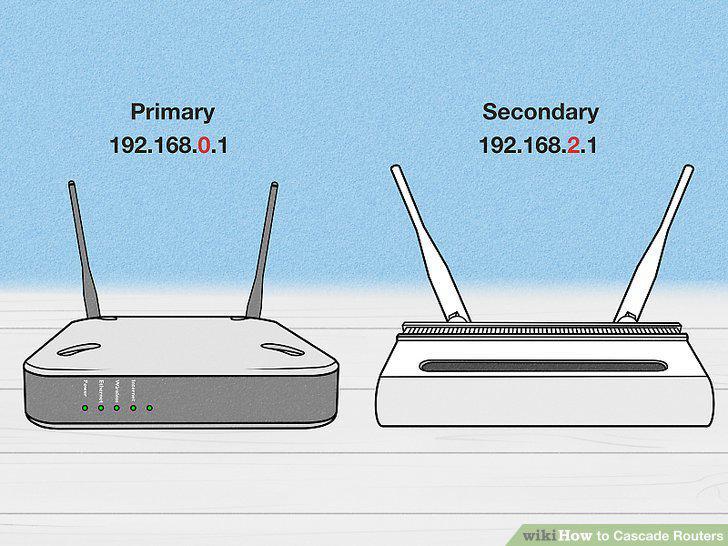
Change the local IP address.
Save your IP address changes.
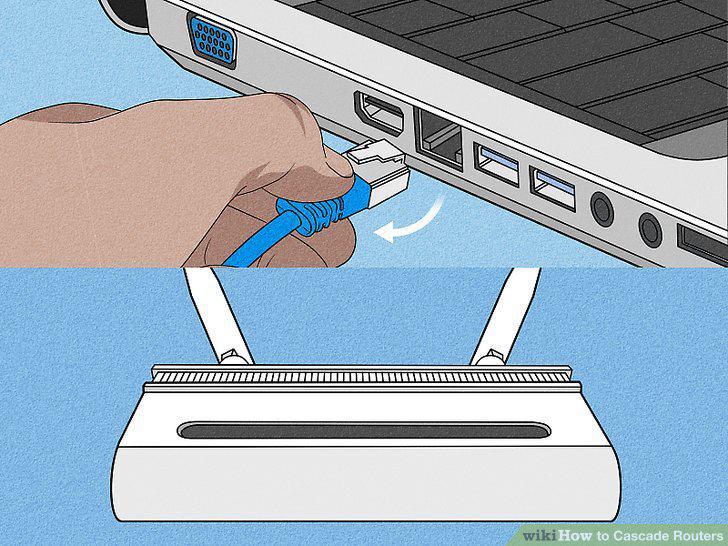
Save your IP address changes.
Connect your primary router to you secondary router.
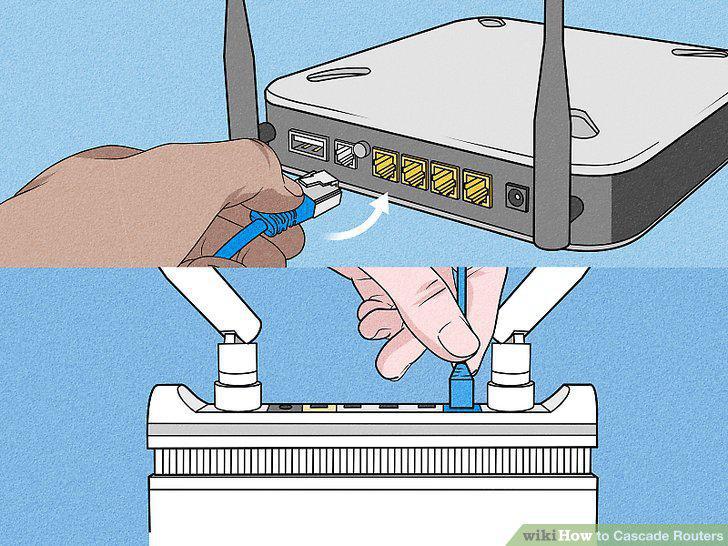
Connect your primary router to you secondary router.
Comments (0)
No comments yet. Be the first to share your thoughts!