How to Unfreeze the Samsung Galaxy Tab
Press the Home button.. Wait for the app to minimize.. Try closing the app.
Steps
1
Press the Home button.
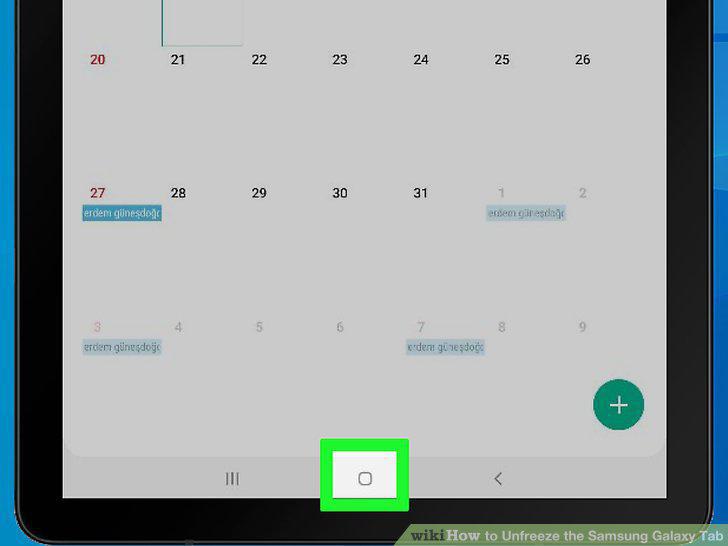
Press the Home button.
2
Wait for the app to minimize.
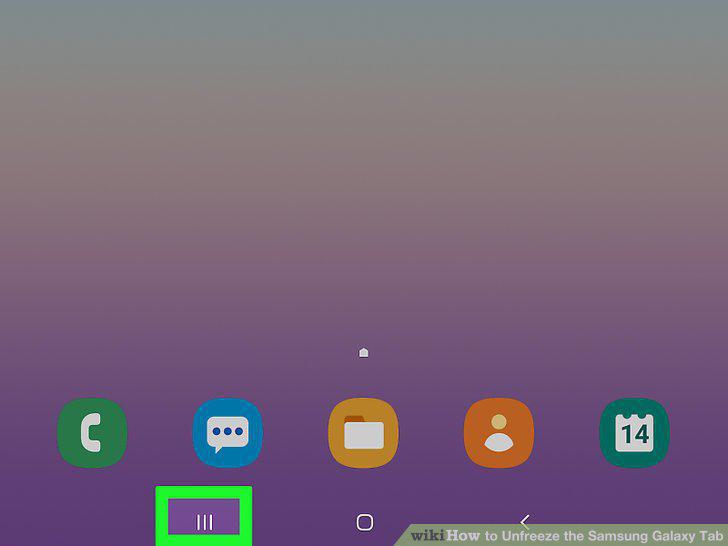
Wait for the app to minimize.
3
Try closing the app.
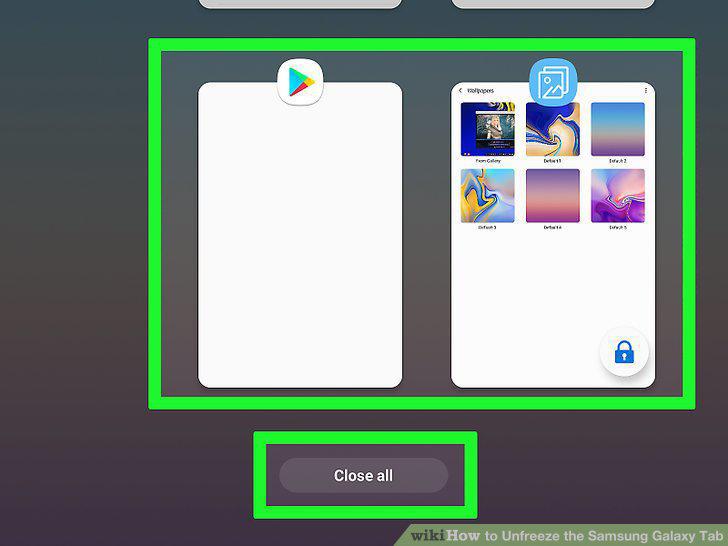
Try closing the app.
4
Open Settings.
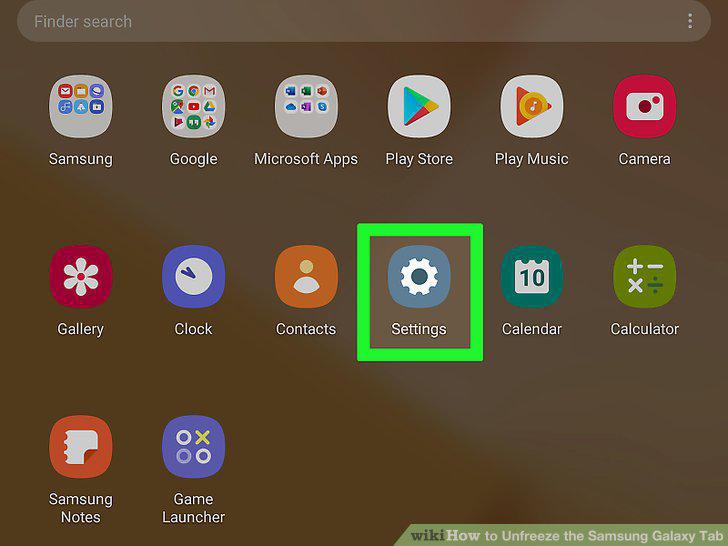
Open Settings.
5
Tap Apps.
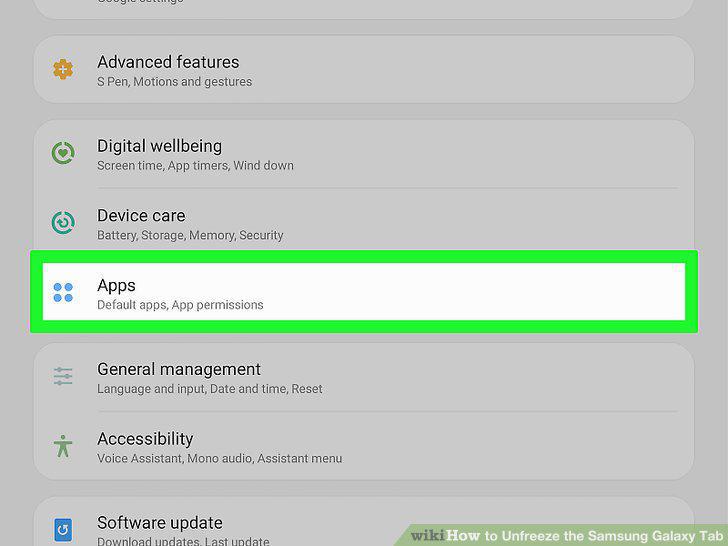
Tap Apps.
6
Select the app.
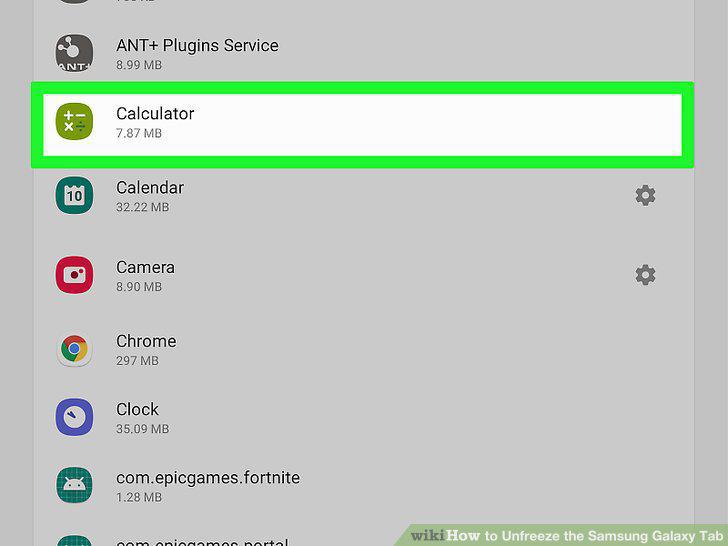
Select the app.
7
Tap FORCE STOP.
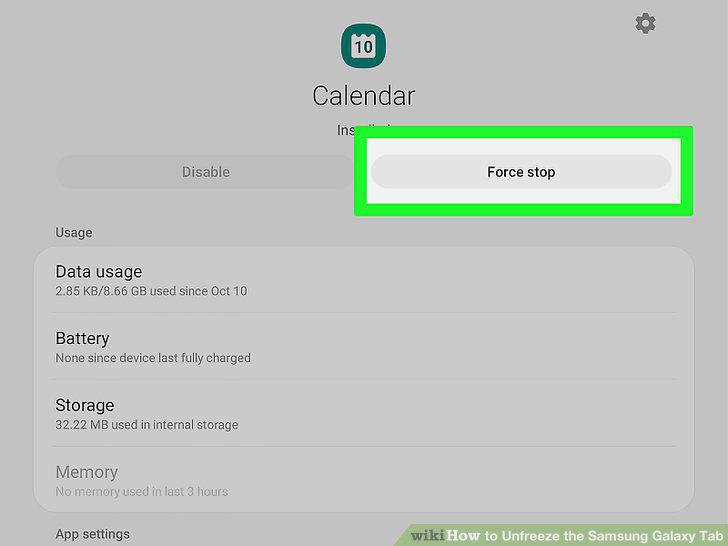
Tap FORCE STOP.
8
Consider deleting the app.
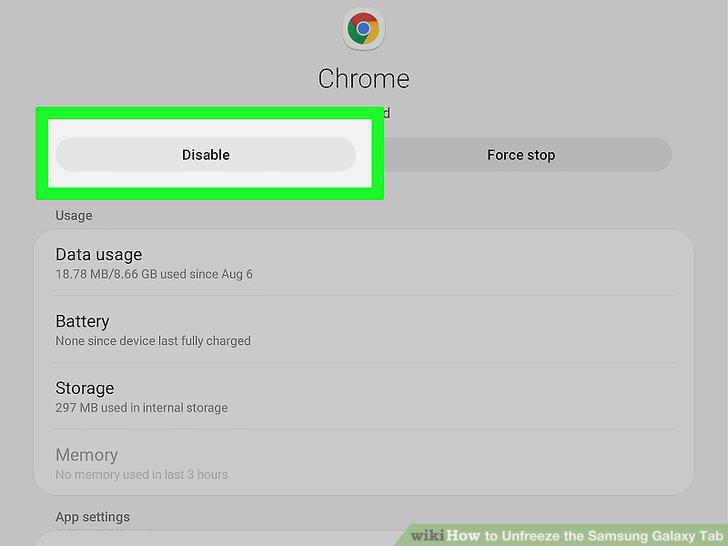
Consider deleting the app.
9
Try restarting the tablet.
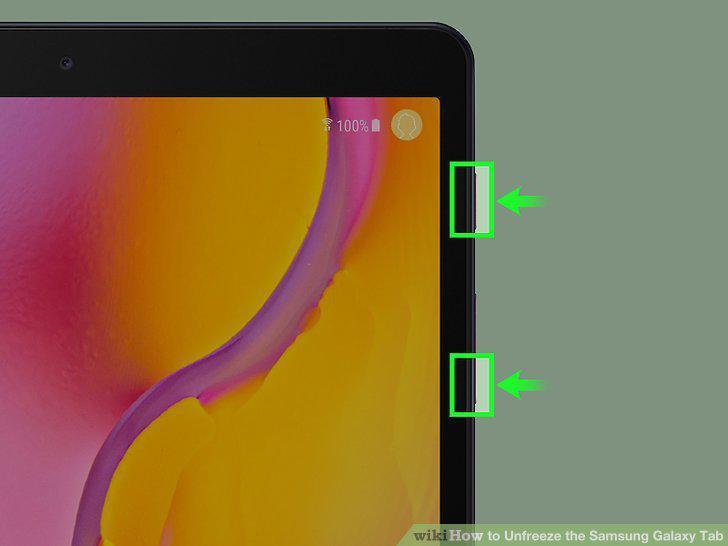
Try restarting the tablet.
10
Press and hold the Power button.
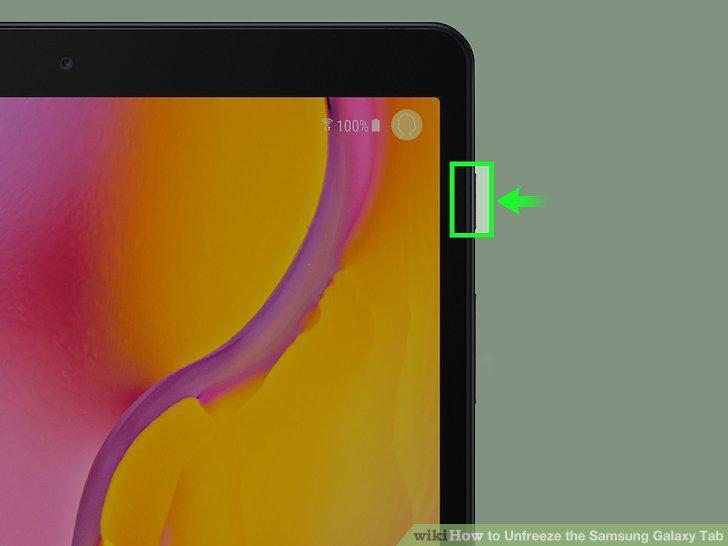
Press and hold the Power button.
11
Wait for your tablet to power down.
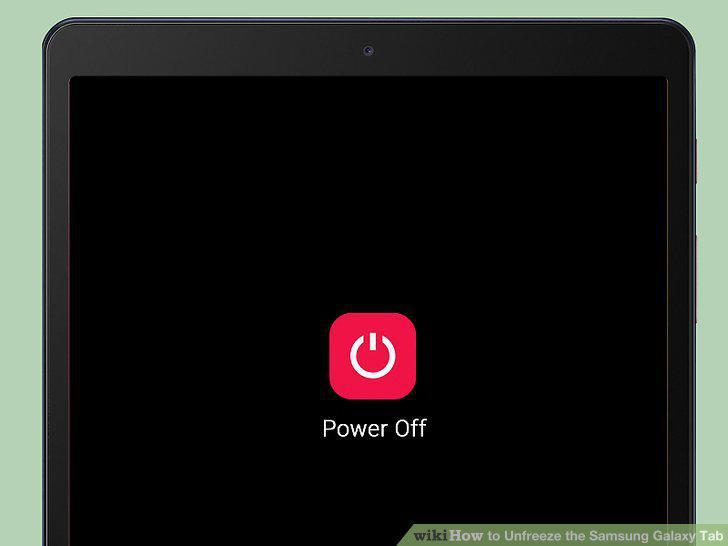
Wait for your tablet to power down.
12
Release the Power button.
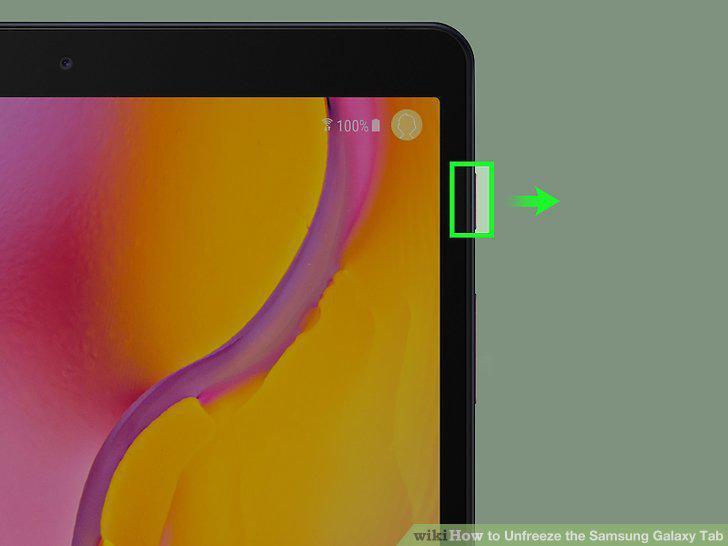
Release the Power button.
13
Turn back on the tablet after one minute.
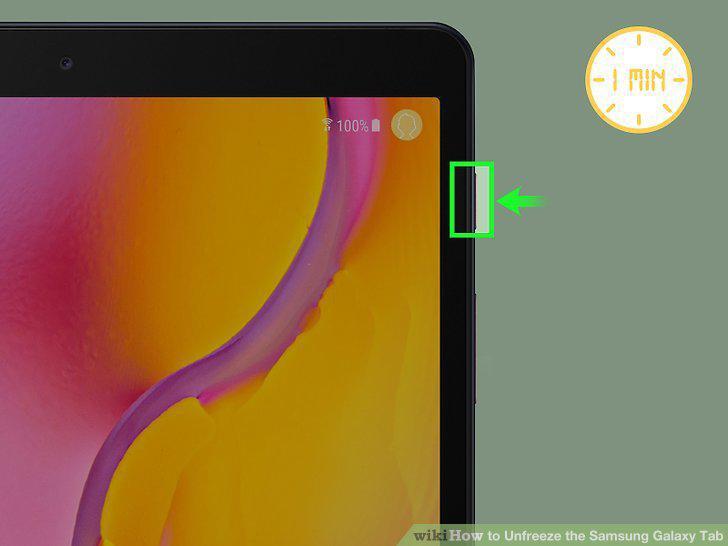
Turn back on the tablet after one minute.
14
Remove a problematic app if necessary.
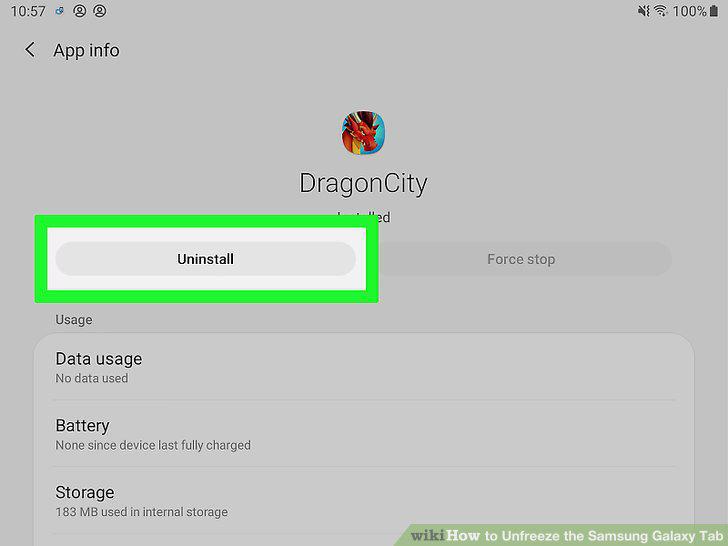
Remove a problematic app if necessary.
15
Turn off your tablet.
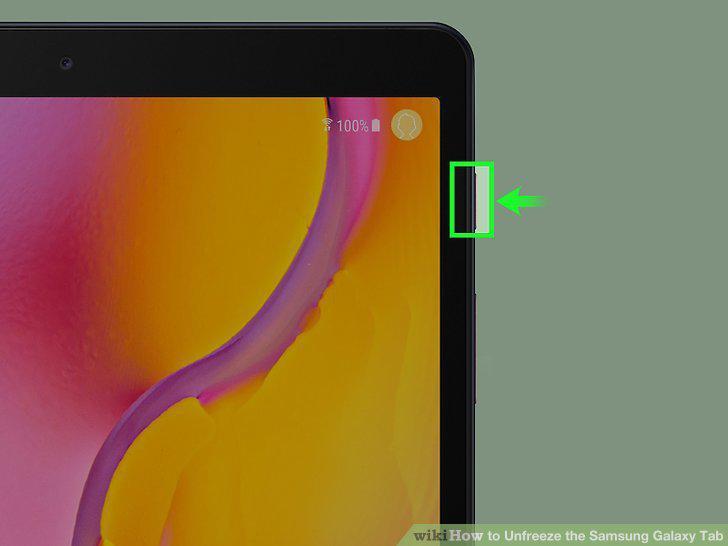
Turn off your tablet.
16
Open the recovery screen.
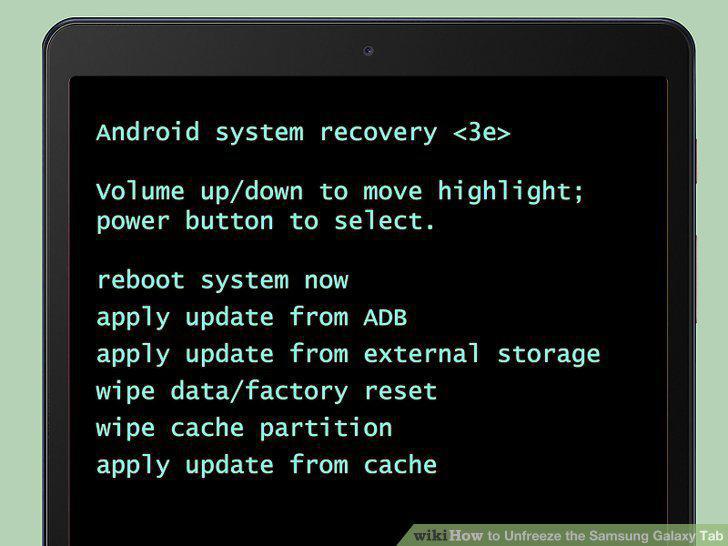
Open the recovery screen.
17
Select Wipe data/factory reset.
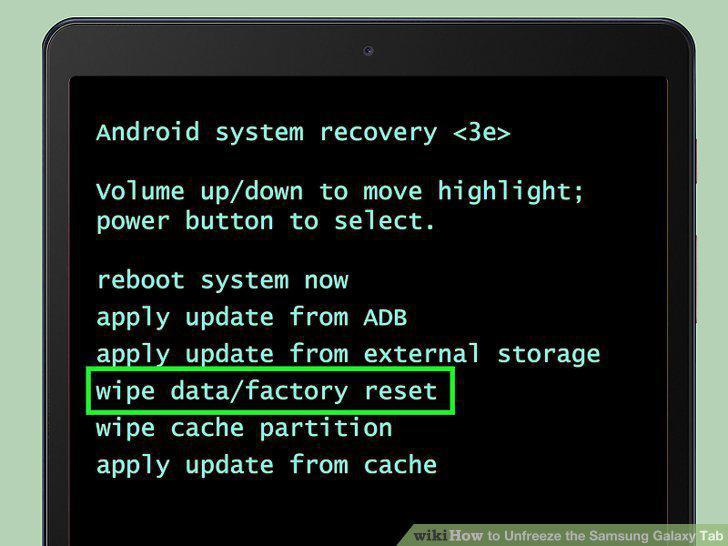
Select Wipe data/factory reset.
18
Select Yes -- delete all user data.
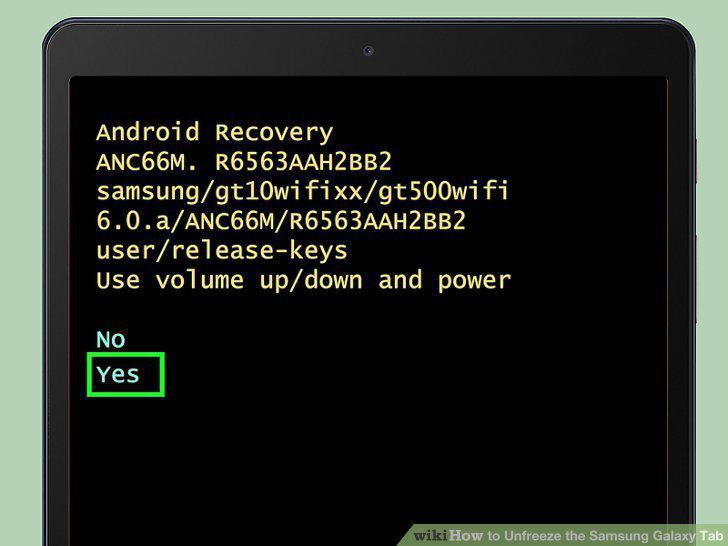
Select Yes -- delete all user data.
19
Wait for the factory reset to complete.
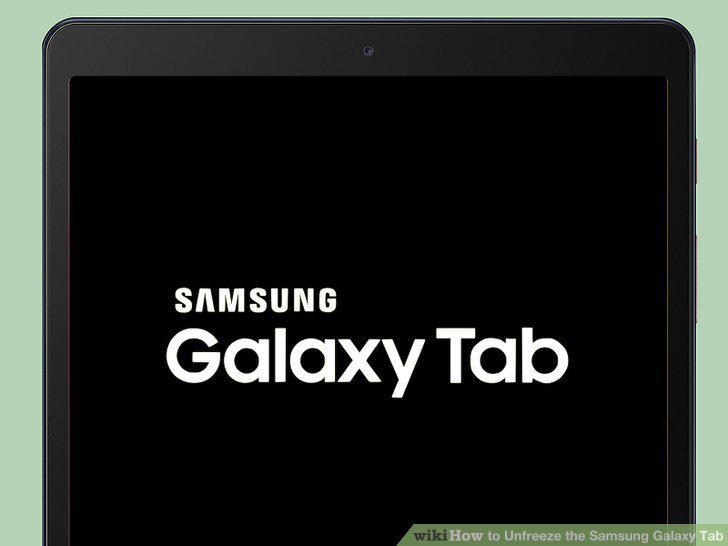
Wait for the factory reset to complete.
20
Set up your tablet.
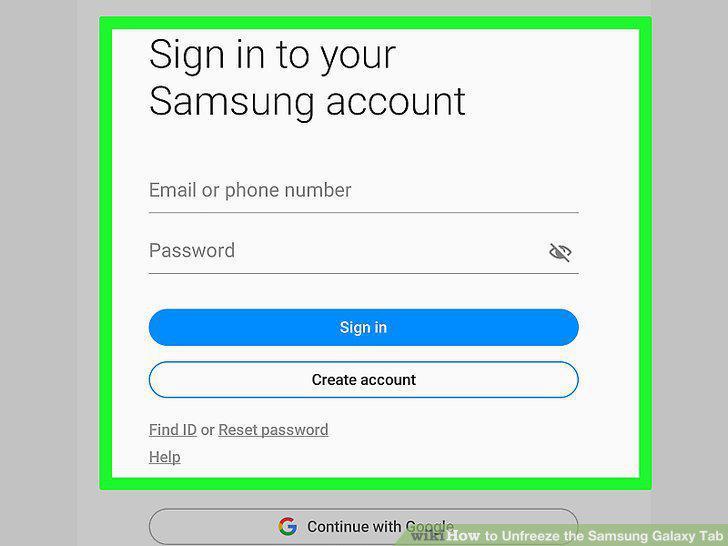
Set up your tablet.
Comments (0)
No comments yet. Be the first to share your thoughts!