How to Add Your Own Pictures and Logo Within Microsoft Office Templates
Open Microsoft Word.. Click a template.. Click an image you want to replace.
Steps
1
Open Microsoft Word.
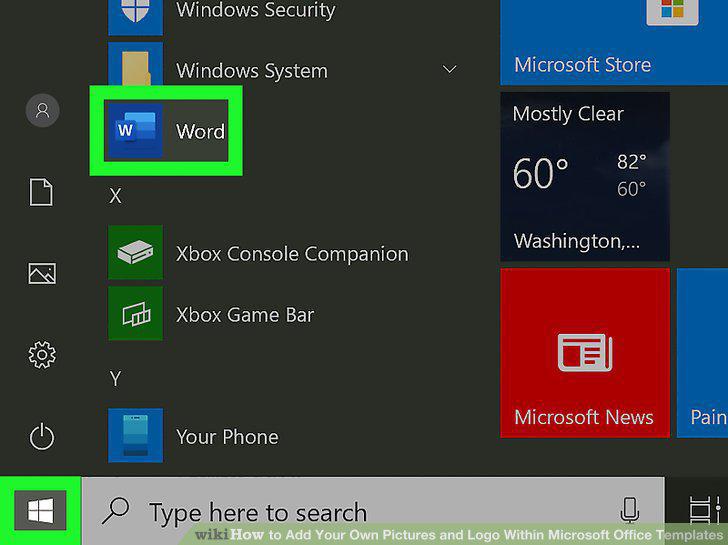
Open Microsoft Word.
2
Click a template.
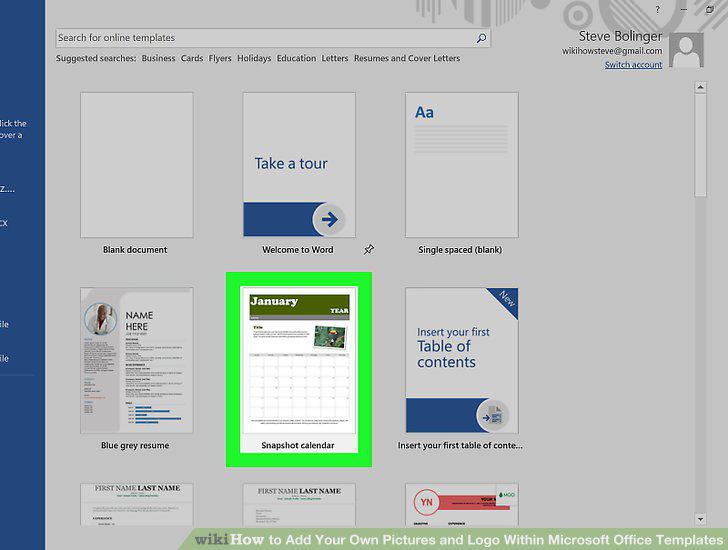
Click a template.
3
Click an image you want to replace.
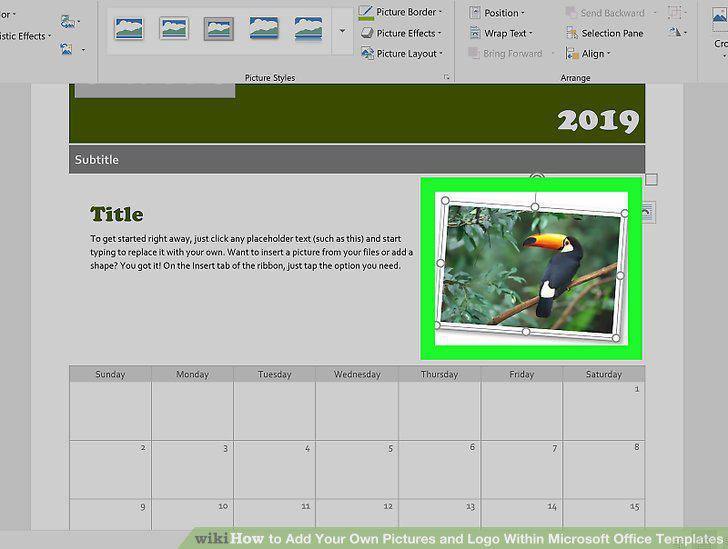
Click an image you want to replace.
4
Click the Format tab.
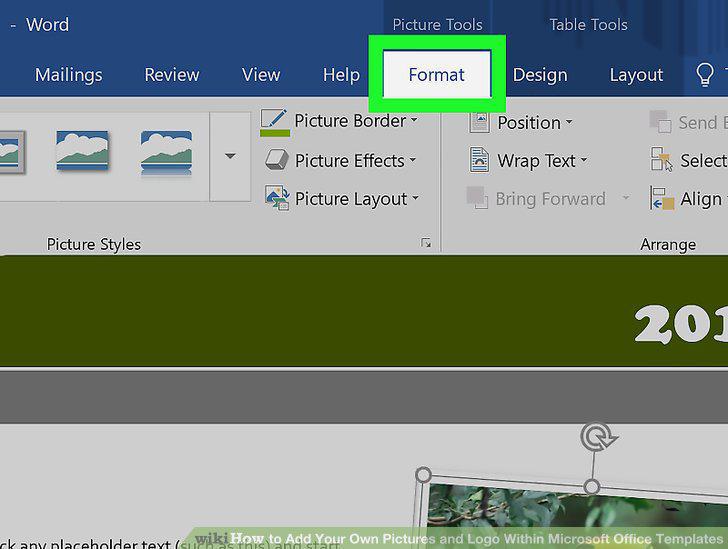
Click the Format tab.
5
Click Change Picture.
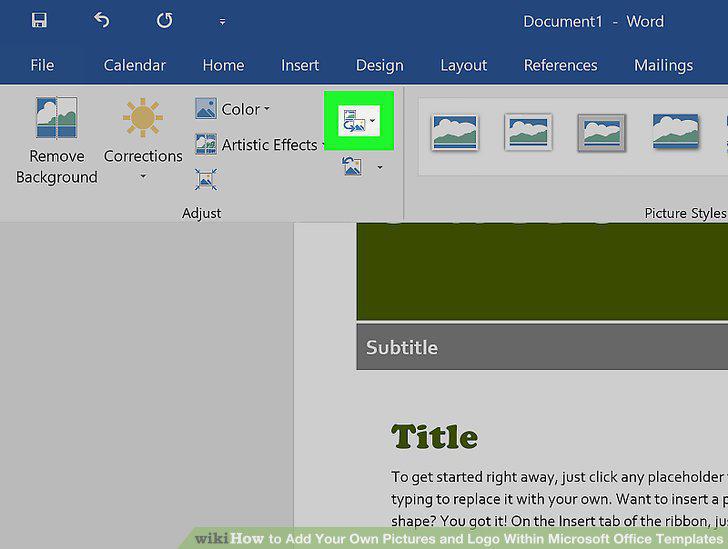
Click Change Picture.
6
Navigate to the picture you want to use and double-click it.
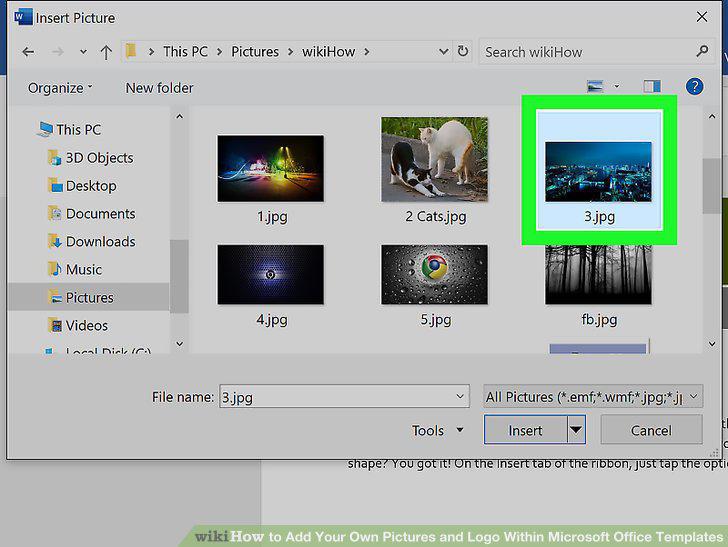
Navigate to the picture you want to use and double-click it.
7
Adjust the image.
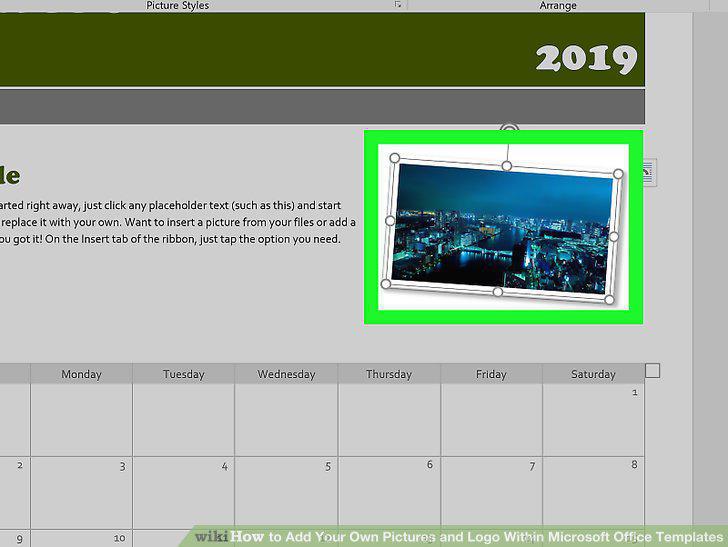
Adjust the image.
8
Save your work
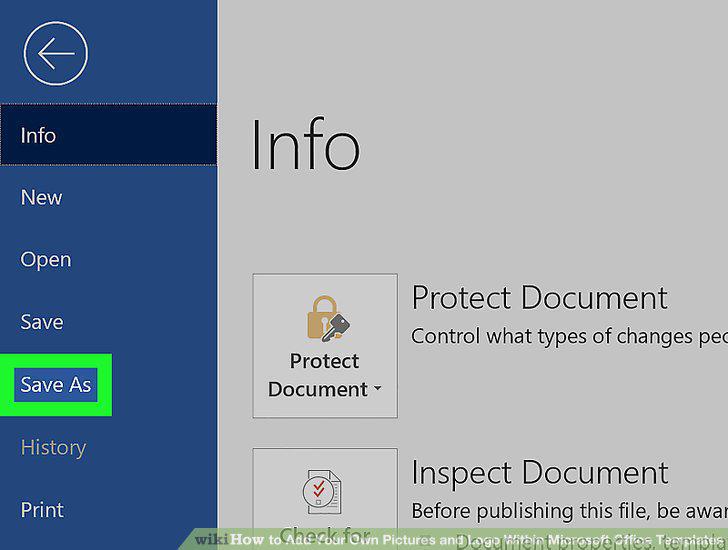
Save your work
Comments (0)
No comments yet. Be the first to share your thoughts!