How to Add Your Website to Google
Go to Google's Search Console page.. Enter your password and click NEXT.. Click the "URL" box.
Steps
1
Go to Google's Search Console page.
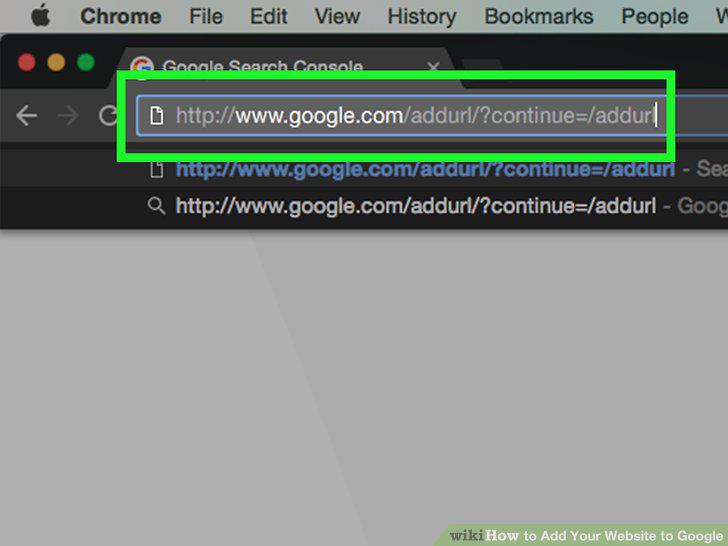
Go to Google's Search Console page.
2
Enter your password and click NEXT.
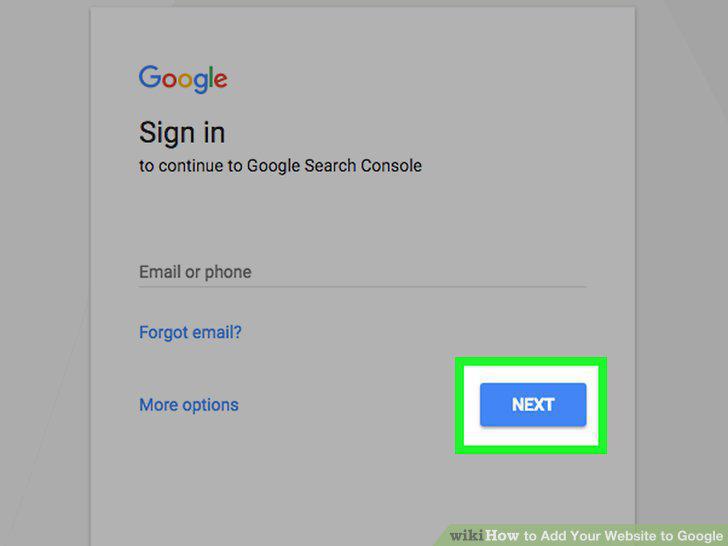
Enter your password and click NEXT.
3
Click the "URL" box.
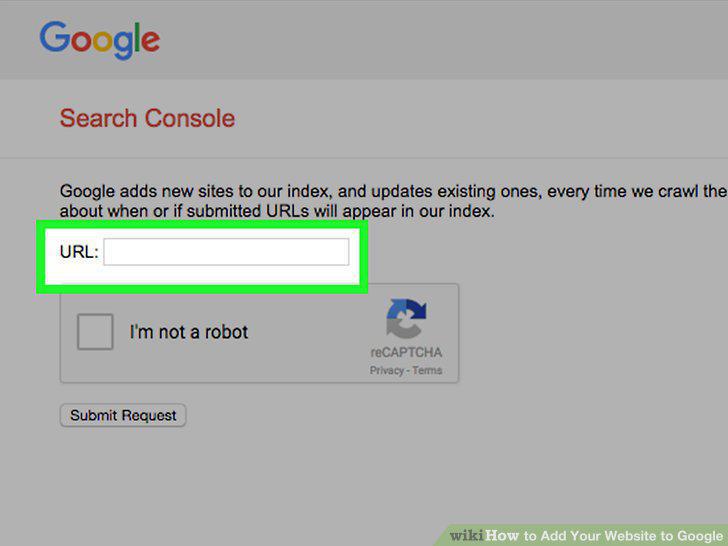
Click the "URL" box.
4
Type in your website's URL.
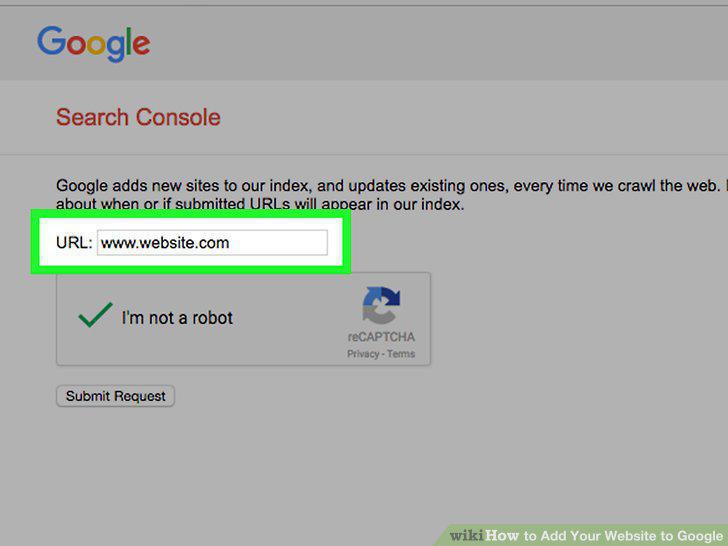
Type in your website's URL.
5
Click the "I'm not a robot" box.
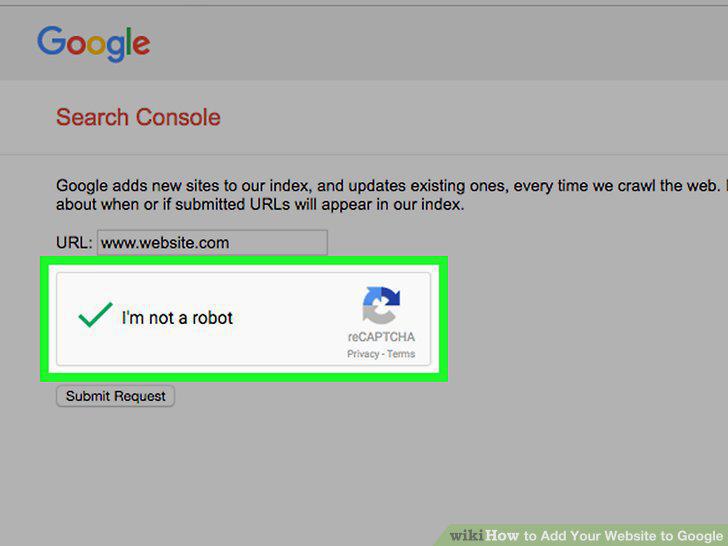
Click the "I'm not a robot" box.
6
Click Submit Request.
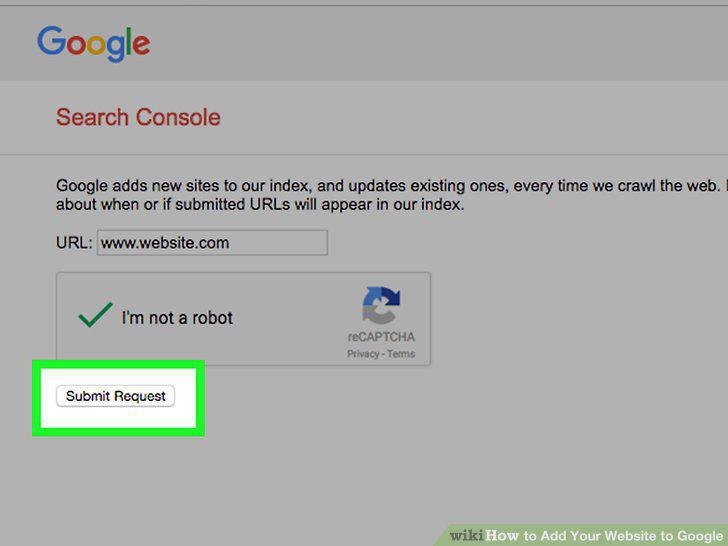
Click Submit Request.
7
Go to the Google Business page.

Go to the Google Business page.
8
Click SIGN IN.

Click SIGN IN.
9
Enter your email address and password.
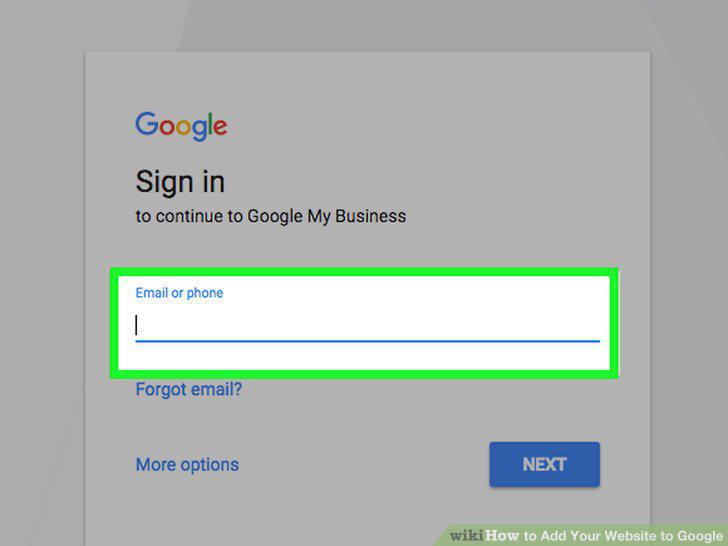
Enter your email address and password.
10
Click Sign in.
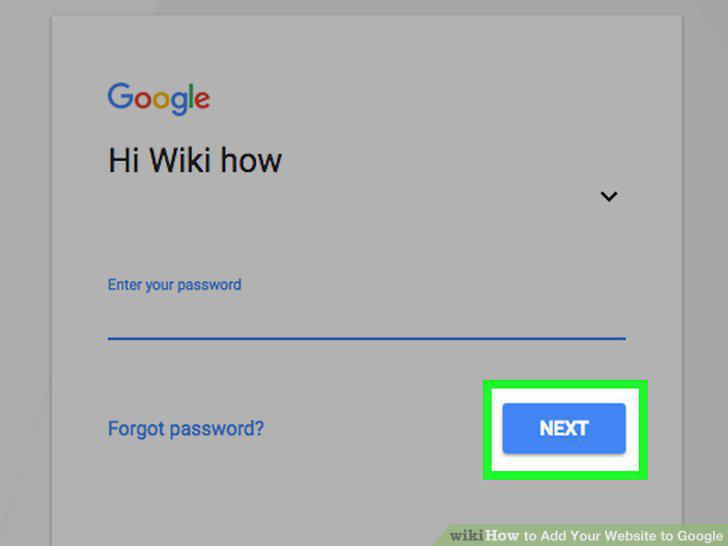
Click Sign in.
11
Enter your business' information.
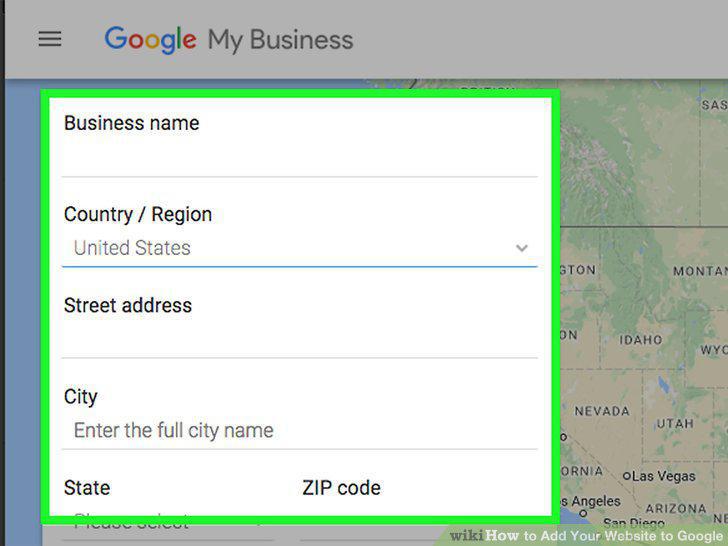
Enter your business' information.
12
Click Continue.
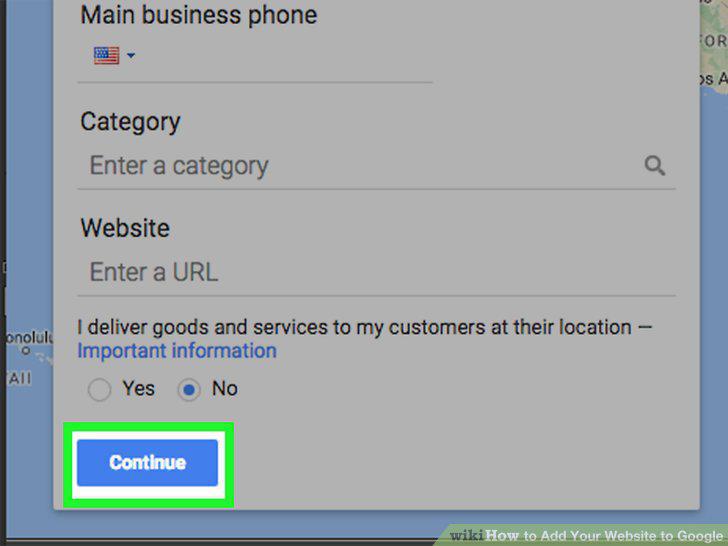
Click Continue.
13
Click the "I am authorized..." box.
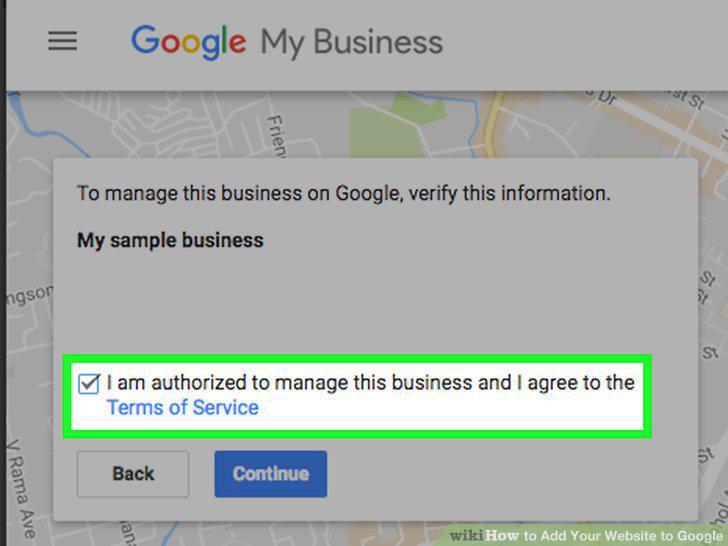
Click the "I am authorized..." box.
14
Click Continue.
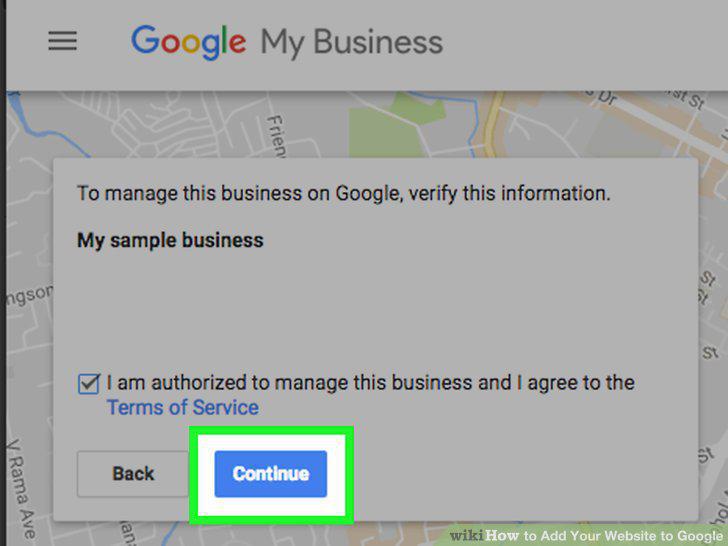
Click Continue.
15
Click Mail.
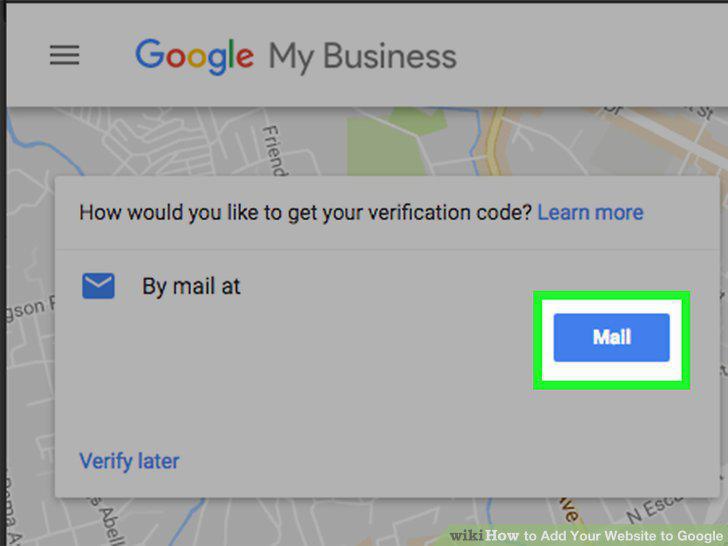
Click Mail.
Comments (0)
No comments yet. Be the first to share your thoughts!