How to Put Babysitting on a Resume
Add a single entry for all your babysitting jobs under the "Experience" section.. Use the title "childcare provider" to sound more professional.. Describe your babysitting responsibilities using action words.
Steps
Add a single entry for all your babysitting jobs under the "Experience" section.
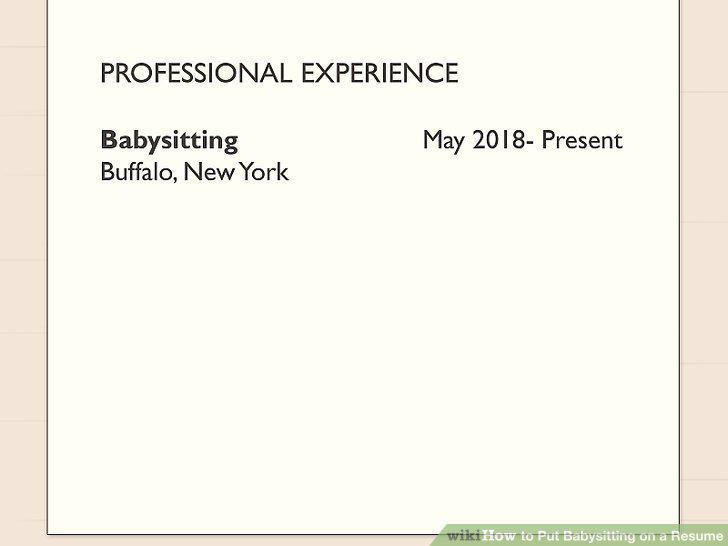
Add a single entry for all your babysitting jobs under the "Experience" section.
Use the title "childcare provider" to sound more professional.
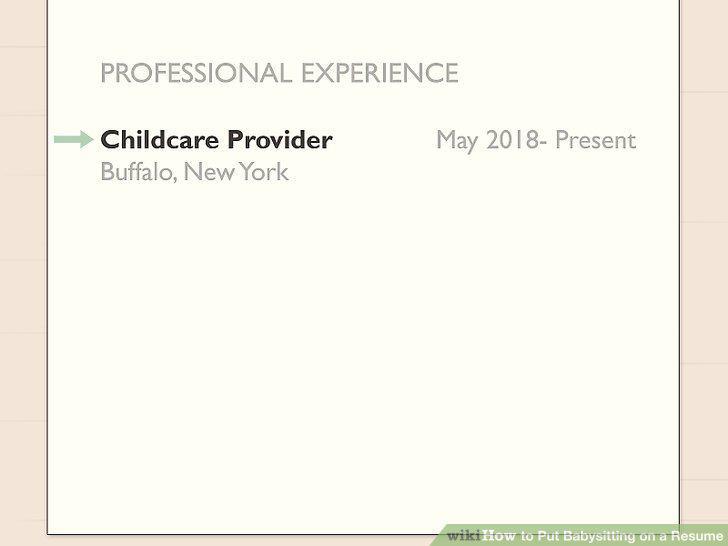
Use the title "childcare provider" to sound more professional.
Describe your babysitting responsibilities using action words.
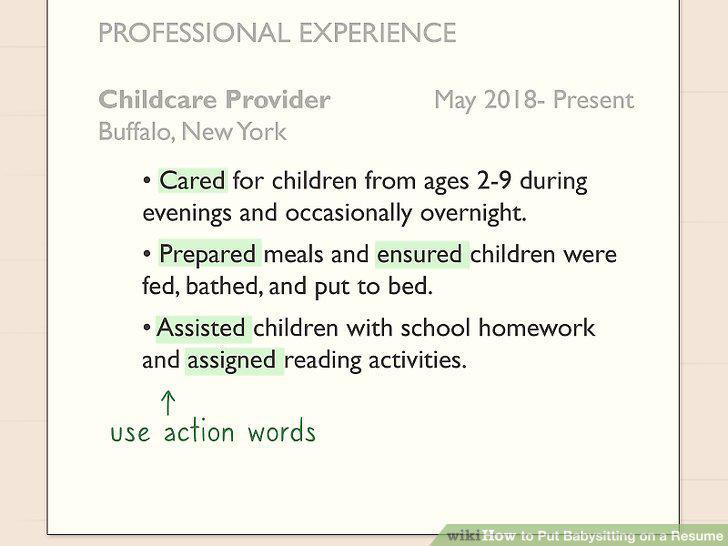
Describe your babysitting responsibilities using action words.
Emphasize tasks that are relevant to whatever job you're applying for.
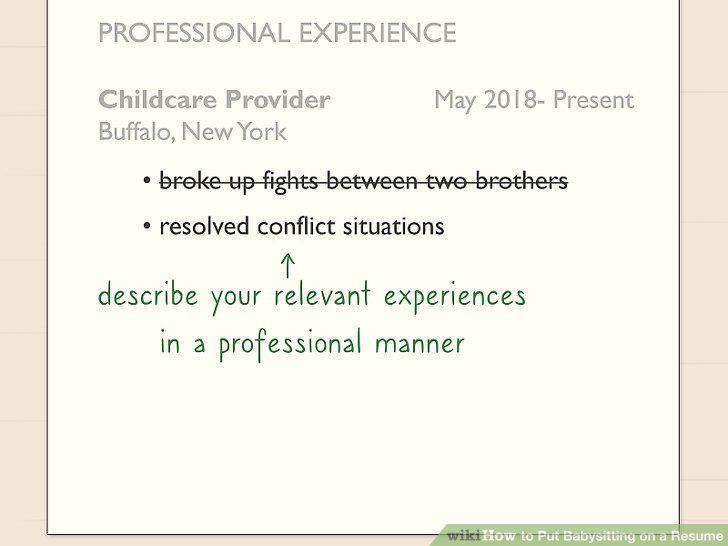
Emphasize tasks that are relevant to whatever job you're applying for.
Include CPR and first aid certifications under the "Skills" section.
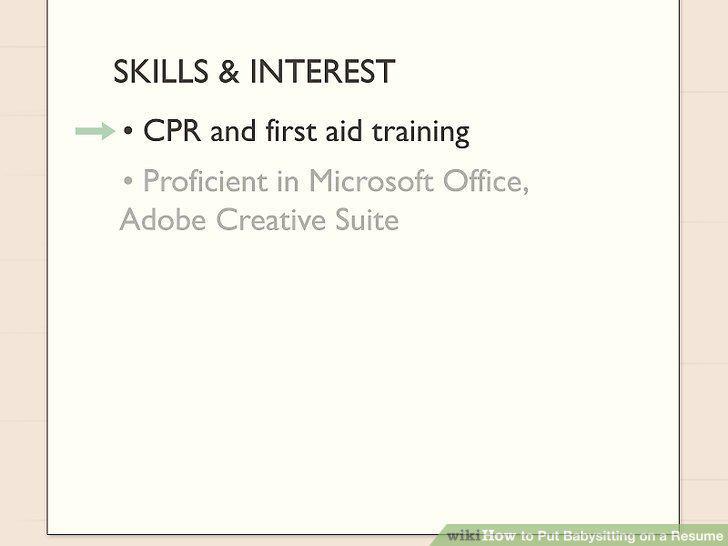
Include CPR and first aid certifications under the "Skills" section.
List specific or unique situations that you've handled.
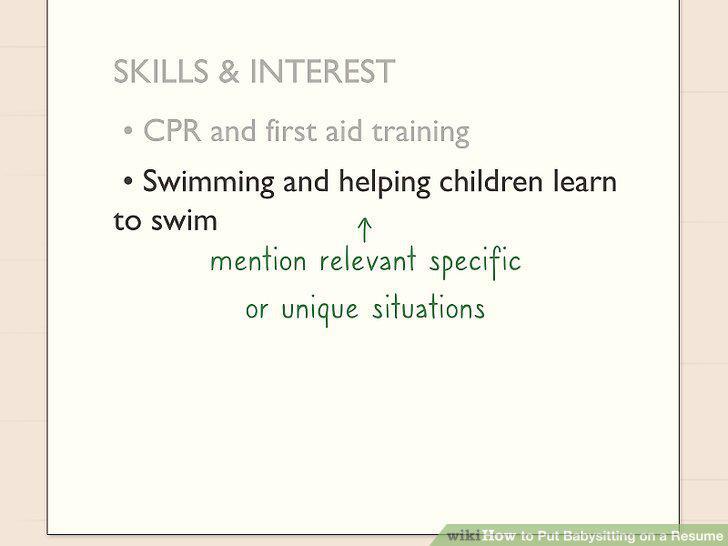
List specific or unique situations that you've handled.
Add any subject-specific tutoring experience as a skill.
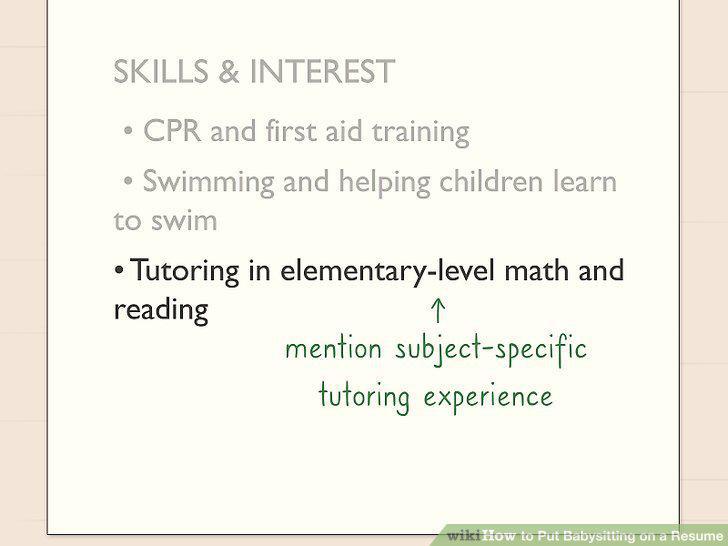
Add any subject-specific tutoring experience as a skill.
Remember to include "soft skills" like time management and multitasking.
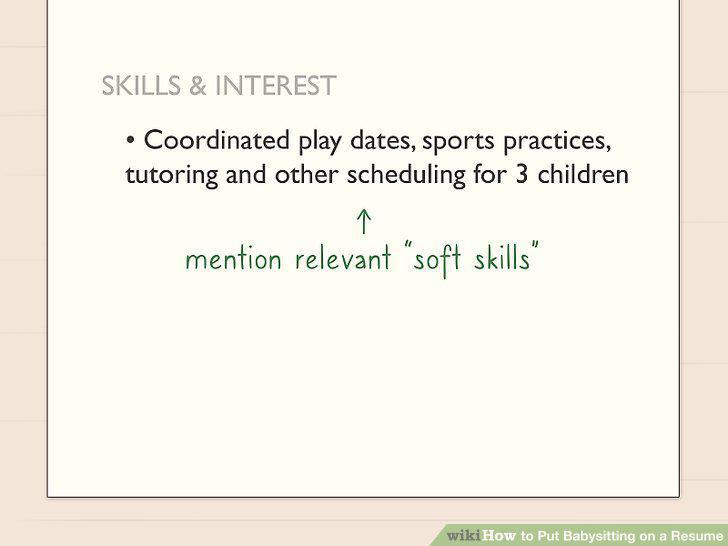
Remember to include "soft skills" like time management and multitasking.
Create a "References" page or section on your resume.
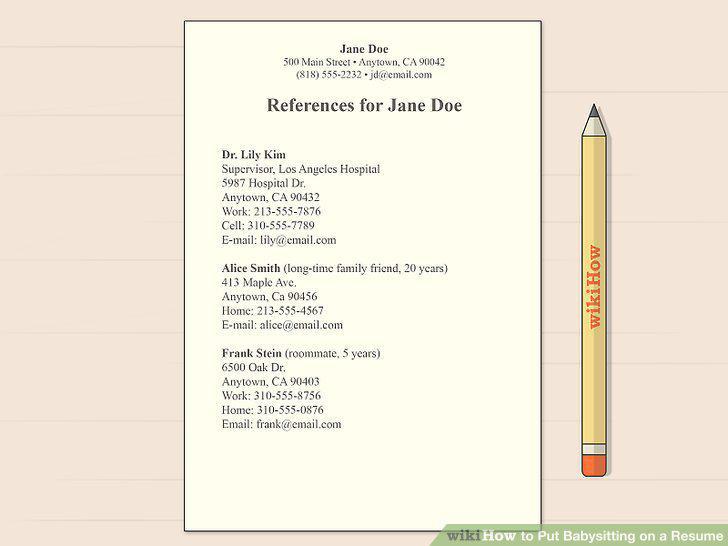
Create a "References" page or section on your resume.
Determine 3-5 people who will speak highly of your ability and character.
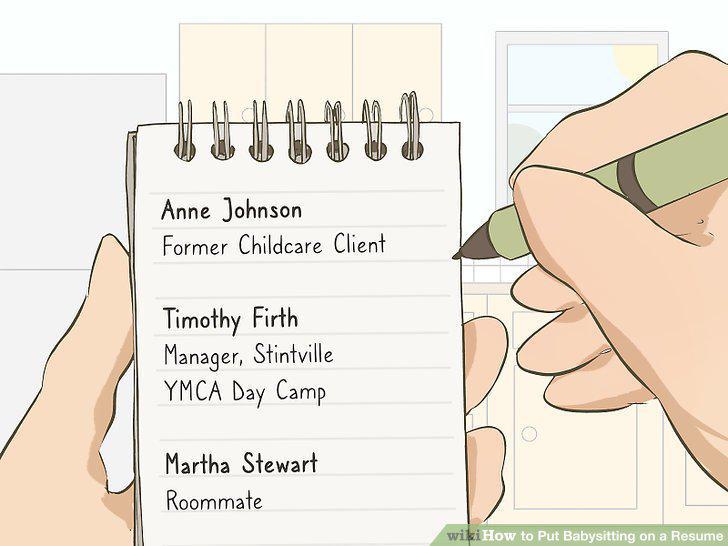
Determine 3-5 people who will speak highly of your ability and character.
Get permission from your references before listing them on your resume.

Get permission from your references before listing them on your resume.
Include contact information for each of your references.
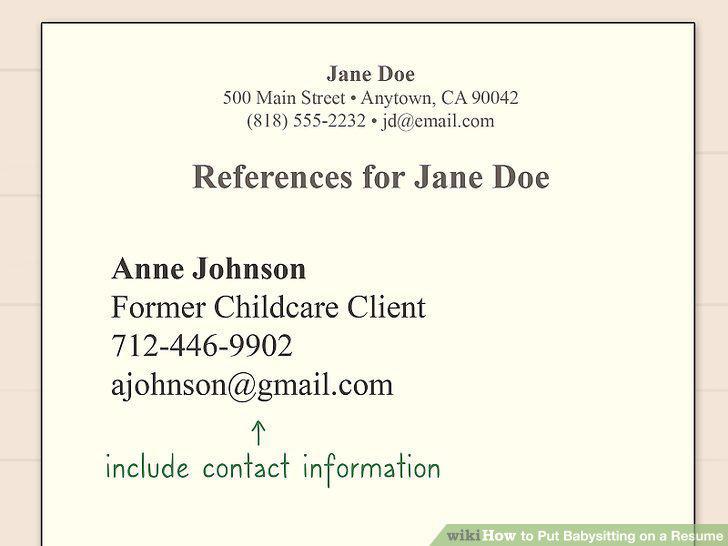
Include contact information for each of your references.
Comments (0)
No comments yet. Be the first to share your thoughts!