How to Post Images on Slack on iPhone or iPad
Open Slack on your iPhone or iPad.. Tap the # icon on the top-left.. Tap a channel or direct message on the menu.
Steps
1
Open Slack on your iPhone or iPad.

Open Slack on your iPhone or iPad.
2
Tap the # icon on the top-left.

Tap the # icon on the top-left.
3
Tap a channel or direct message on the menu.

Tap a channel or direct message on the menu.
4
Tap the image icon next to the message field.
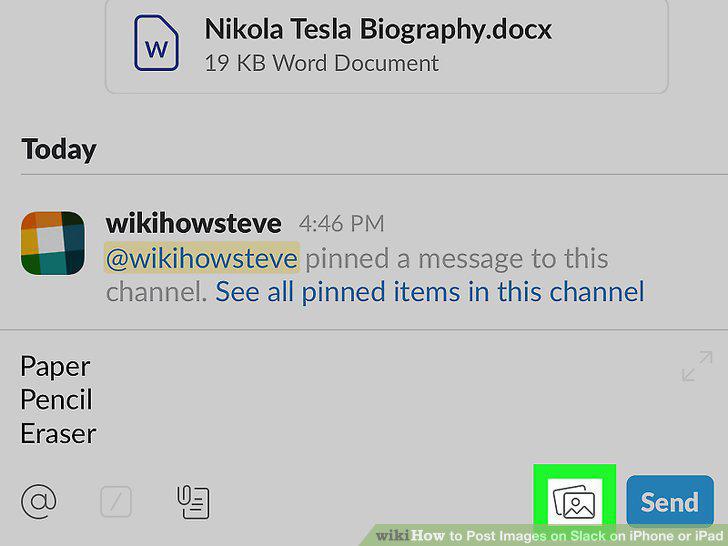
Tap the image icon next to the message field.
5
Tap Allow Access on the image panel.

Tap Allow Access on the image panel.
6
Tap OK in the confirmation pop-up.

Tap OK in the confirmation pop-up.
7
Tap the image you want to send on the image panel.
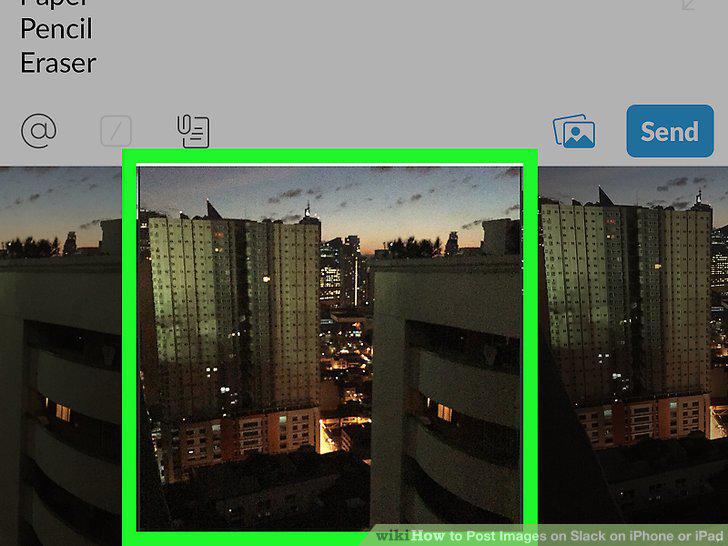
Tap the image you want to send on the image panel.
8
Tap the green checkmark icon.
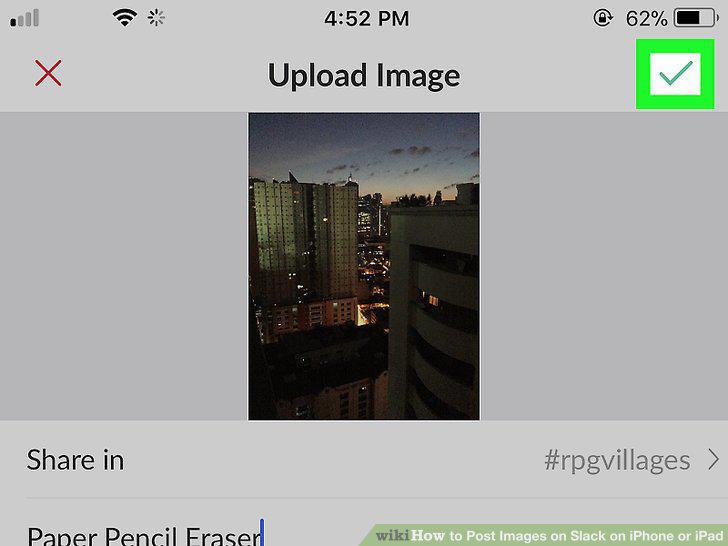
Tap the green checkmark icon.
Comments (0)
No comments yet. Be the first to share your thoughts!