How to Contact Apple
Locate your Apple product's serial number before you contact Apple.. Call (800) APL–CARE to get help with iPod, Mac, and iPad products.. Call (800) MY–IPHONE for technical support assistance with iPhones.
Steps
Locate your Apple product's serial number before you contact Apple.
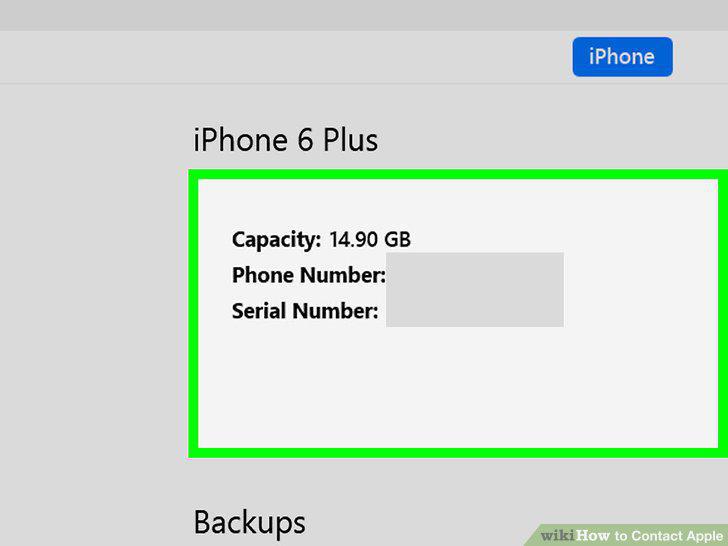
Locate your Apple product's serial number before you contact Apple.
Call (800) APL–CARE to get help with iPod, Mac, and iPad products.
Call (800) APL–CARE to get help with iPod, Mac, and iPad products.
Call (800) MY–IPHONE for technical support assistance with iPhones.
Call (800) MY–IPHONE for technical support assistance with iPhones.
Call (800) MY–APPLE for questions about AppleCare products.
Call (800) MY–APPLE for questions about AppleCare products.
Find your country's Apple Support phone number if living outside the U.S.
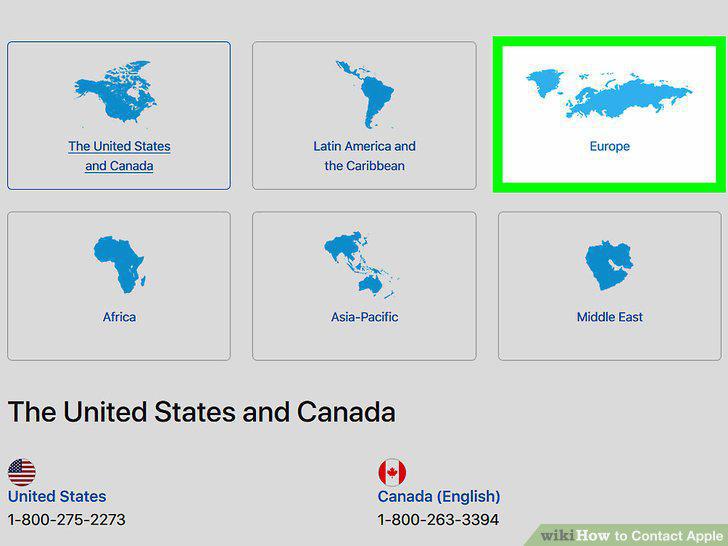
Find your country's Apple Support phone number if living outside the U.S.
Begin a chat session with Apple Support to discuss repair needs online.
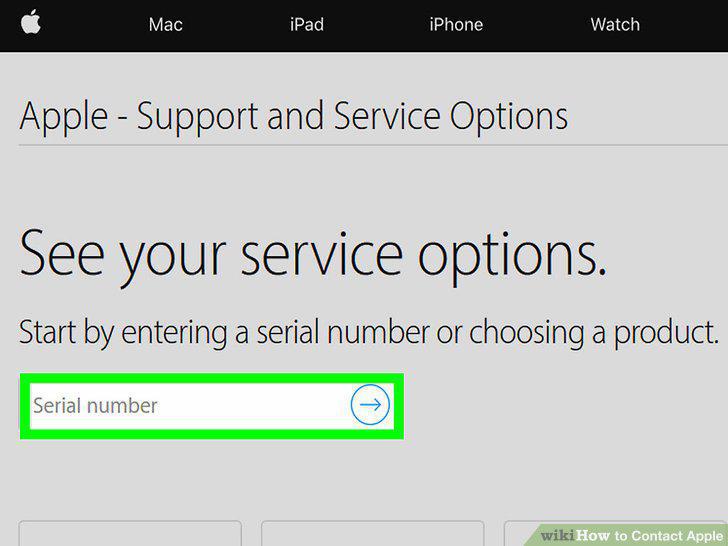
Begin a chat session with Apple Support to discuss repair needs online.
Take your Apple product to a local Authorized Service Provider for help.
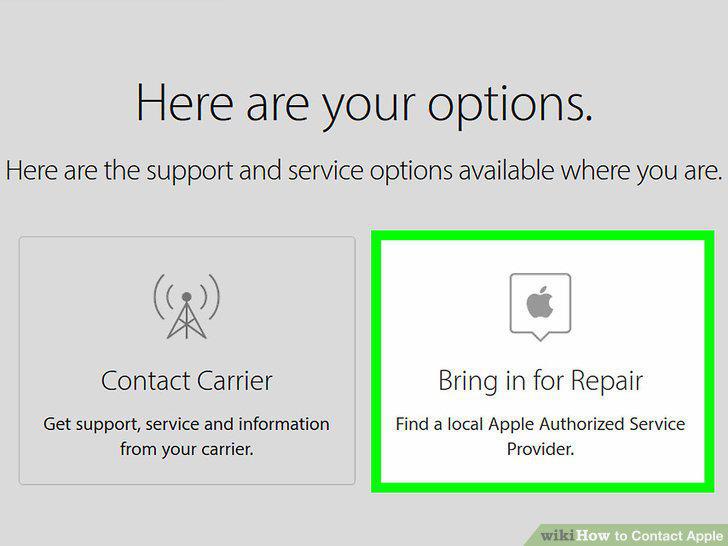
Take your Apple product to a local Authorized Service Provider for help.
Call (800) MY–APPLE for help purchasing Apple products by phone.
Call (800) MY–APPLE for help purchasing Apple products by phone.
Call (800) 854–3680 to buy Apple products for your business by phone.
Call (800) 854–3680 to buy Apple products for your business by phone.
Call Apple Store for Education to buy products for education by phone.

Call Apple Store for Education to buy products for education by phone.
Visit https://www.apple.com/feedback/ to get to the Product Feedback website.

Visit https://www.apple.com/feedback/ to get to the Product Feedback website.
Click on the product you want to leave feedback about.
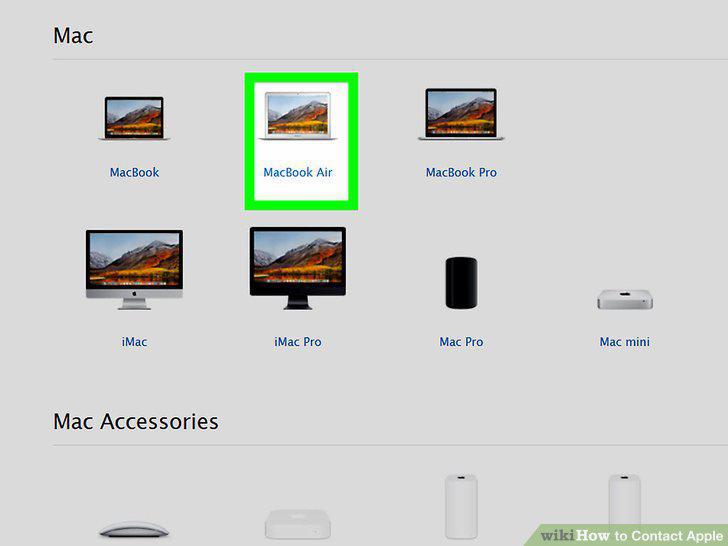
Click on the product you want to leave feedback about.
Complete the feedback form with your biographic and product details.
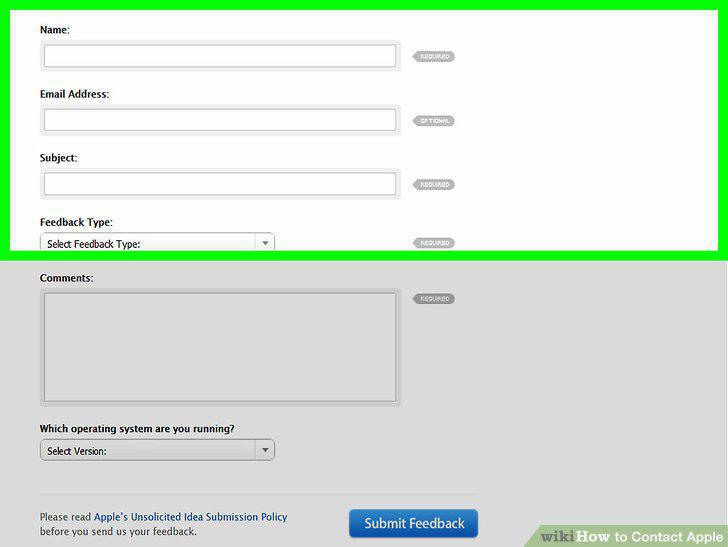
Complete the feedback form with your biographic and product details.
Write your feedback in the "Comments" section and press "Submit.
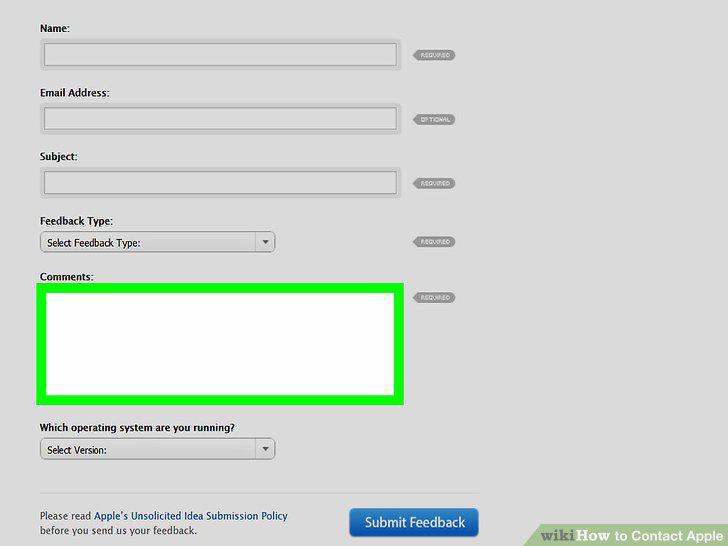
Write your feedback in the "Comments" section and press "Submit.
Comments (0)
No comments yet. Be the first to share your thoughts!