How to Delete Messages on OfferUp on iPhone or iPad
Open OfferUp.. Tap the messages tab.. Tap "Messages" under Inbox.
Steps
1
Open OfferUp.
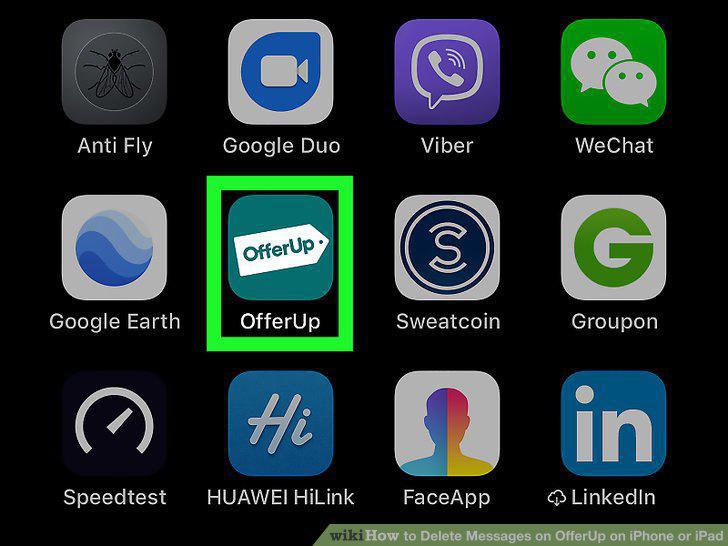
Open OfferUp.
2
Tap the messages tab.
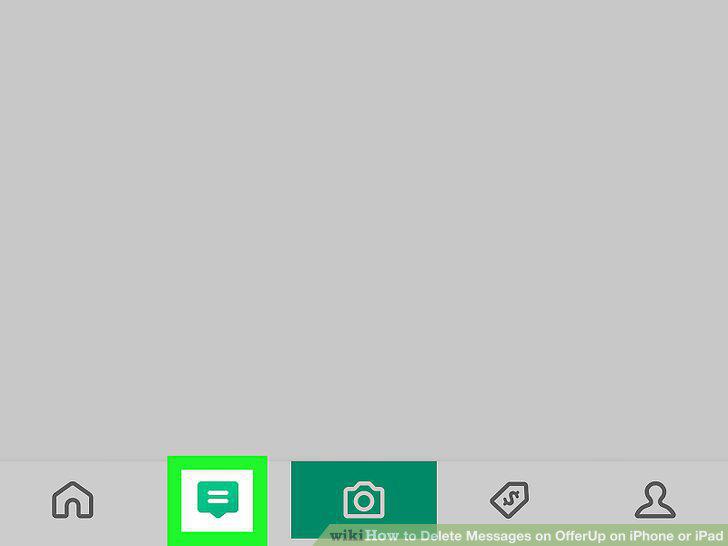
Tap the messages tab.
3
Tap "Messages" under Inbox.
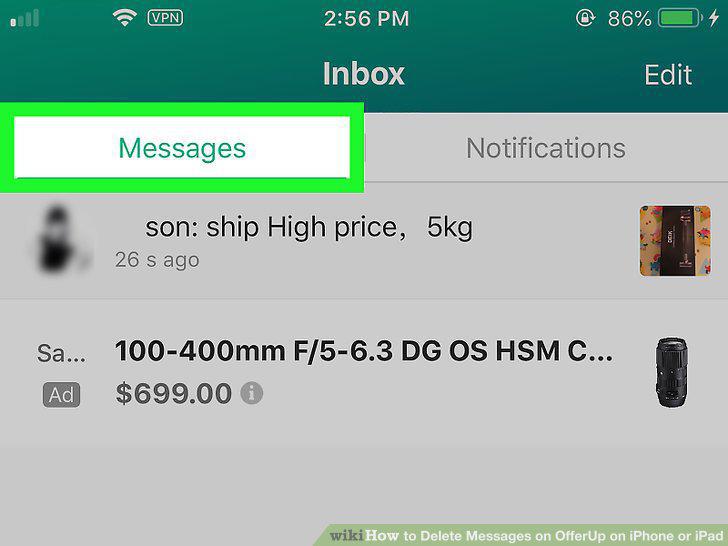
Tap "Messages" under Inbox.
4
Tap Edit.
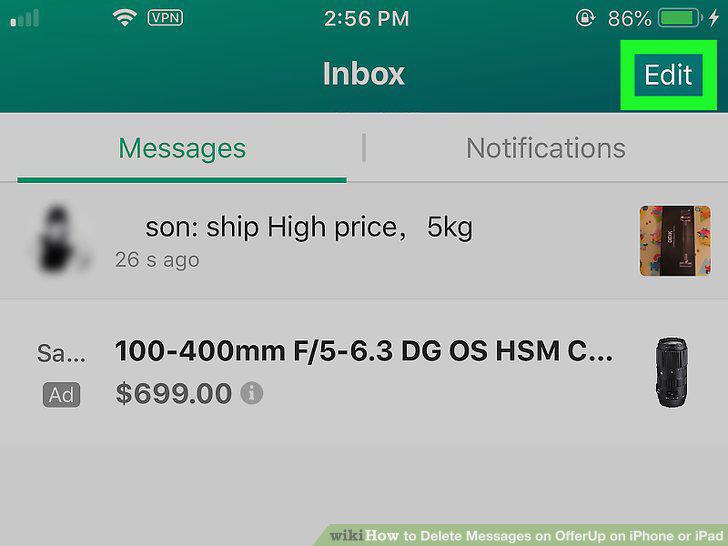
Tap Edit.
5
Tap the radial button next to the conversation you want to hide.
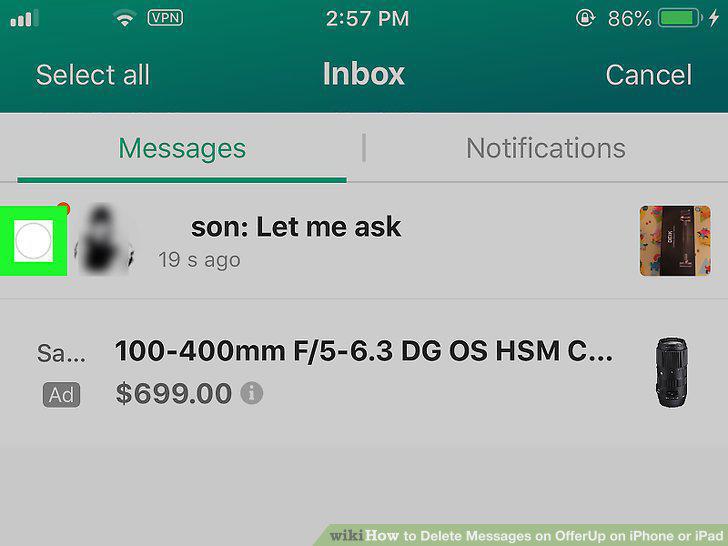
Tap the radial button next to the conversation you want to hide.
6
Tap Hide.
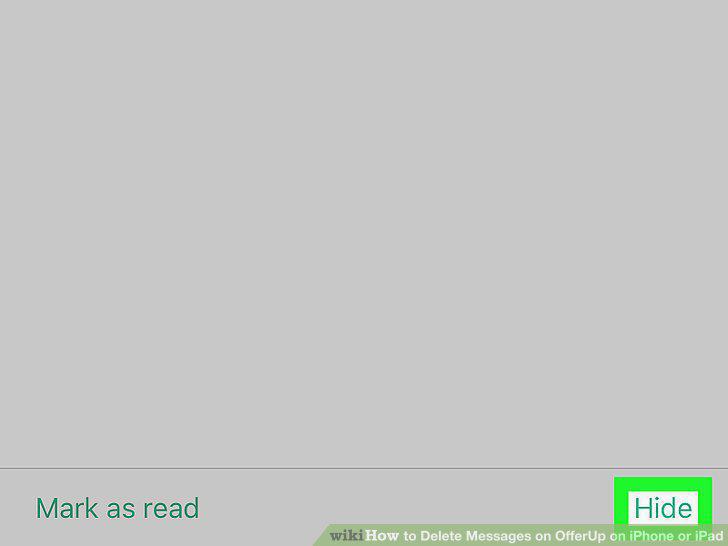
Tap Hide.
Comments (0)
No comments yet. Be the first to share your thoughts!