How to Recall Wechat Messages on an iPhone or iPad
Open WeChat on your iPhone or iPad.. Tap Chats.. Tap the chat that contains the message you wish to recall.
Steps
1
Open WeChat on your iPhone or iPad.

Open WeChat on your iPhone or iPad.
2
Tap Chats.

Tap Chats.
3
Tap the chat that contains the message you wish to recall.
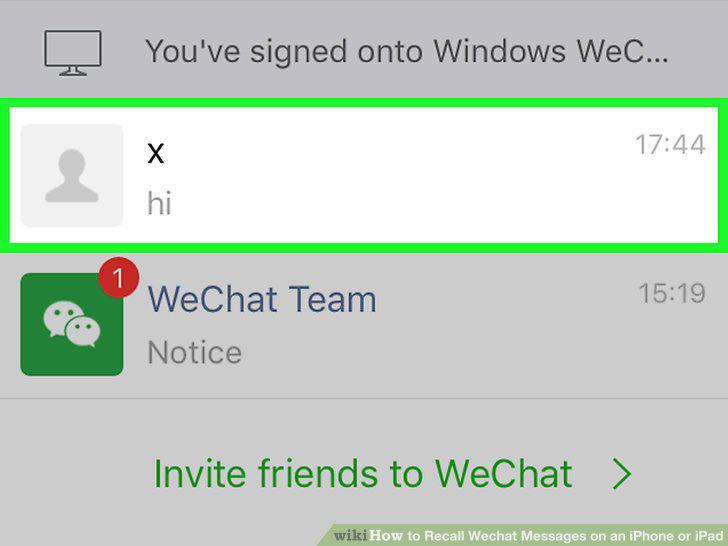
Tap the chat that contains the message you wish to recall.
4
Tap and hold the message.
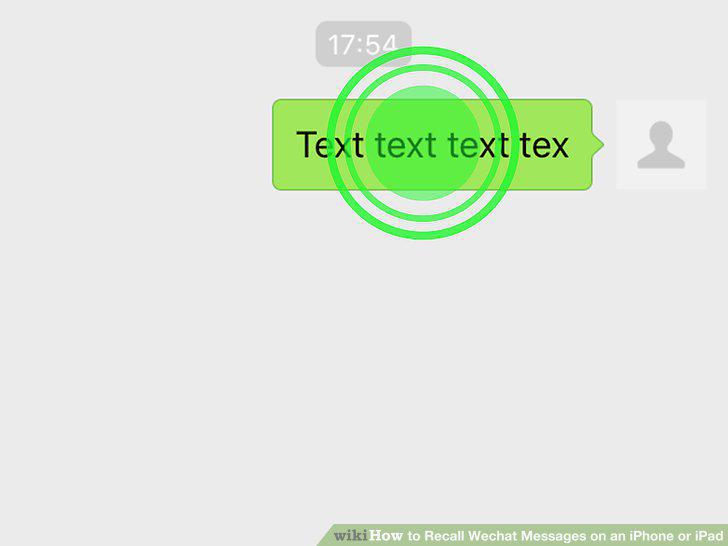
Tap and hold the message.
5
Tap the right-pointing arrow.
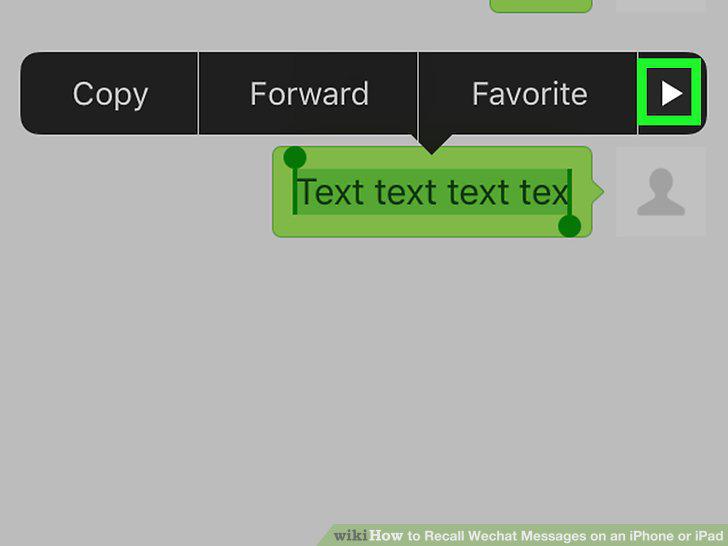
Tap the right-pointing arrow.
6
Tap Recall.
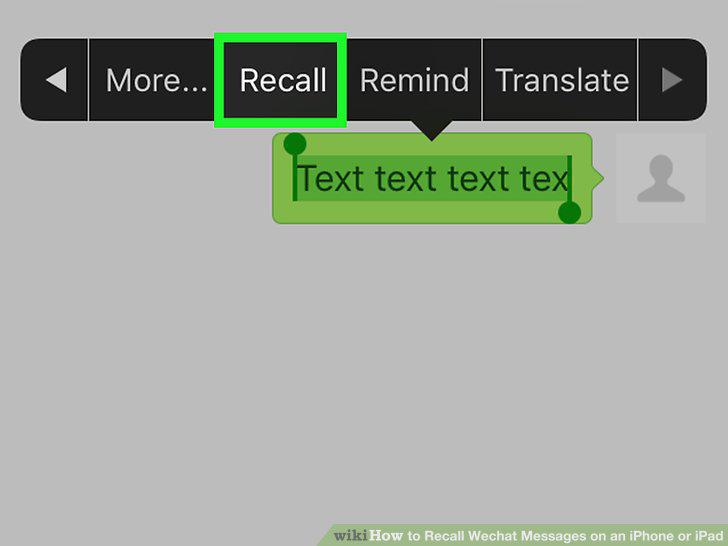
Tap Recall.
7
Tap OK.
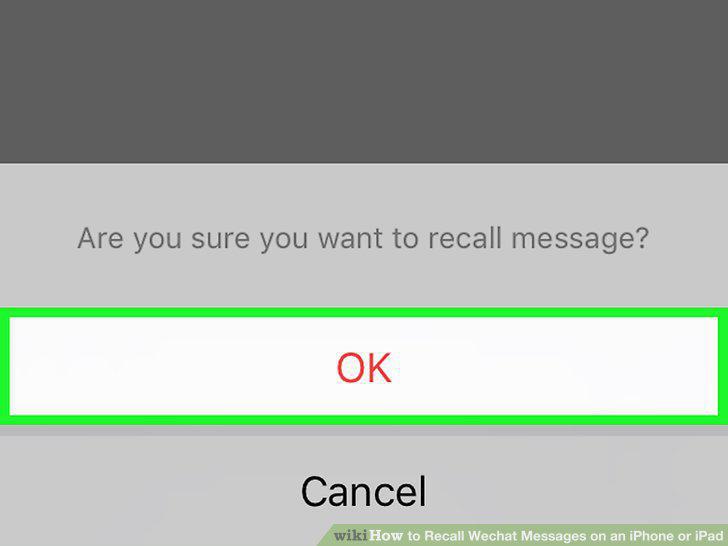
Tap OK.
Comments (0)
No comments yet. Be the first to share your thoughts!