How to Share WiFi from an iPhone to a Mac
Connect your iPhone to the wireless network.. Join the Wi-Fi network on your Mac.. Tap Share Password on your iPhone.
Steps
1
Connect your iPhone to the wireless network.
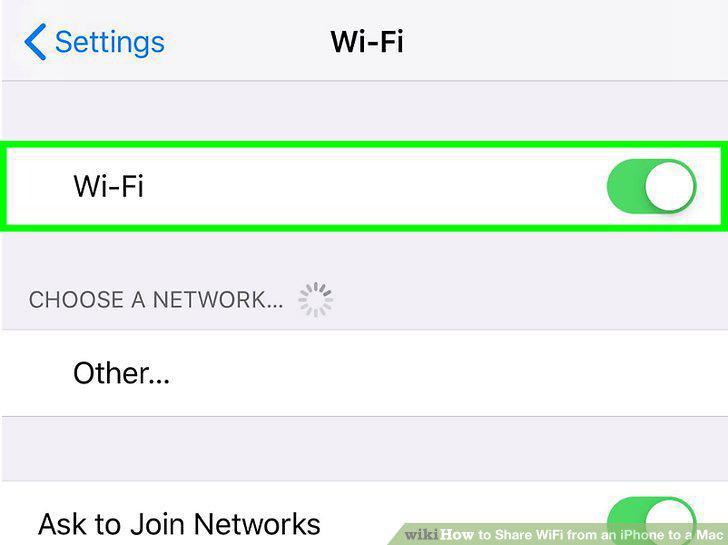
Connect your iPhone to the wireless network.
2
Join the Wi-Fi network on your Mac.
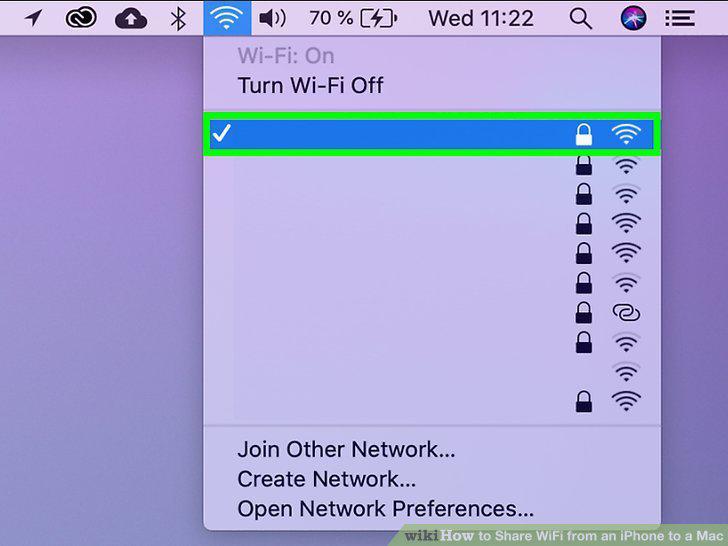
Join the Wi-Fi network on your Mac.
3
Tap Share Password on your iPhone.
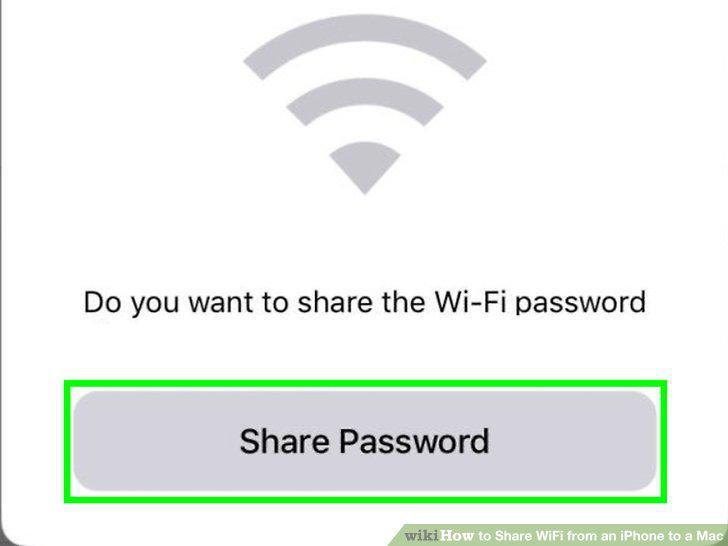
Tap Share Password on your iPhone.
4
Tap Done on your iPhone.
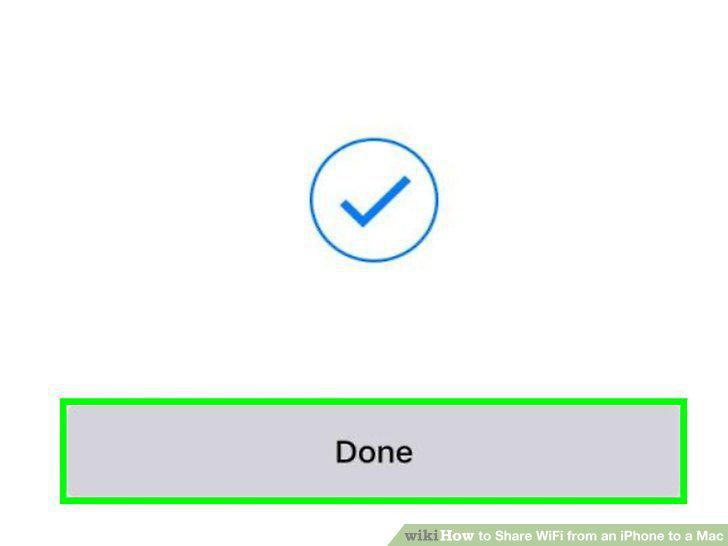
Tap Done on your iPhone.
5
Turn on Wi-Fi and Bluetooth on your iPhone.
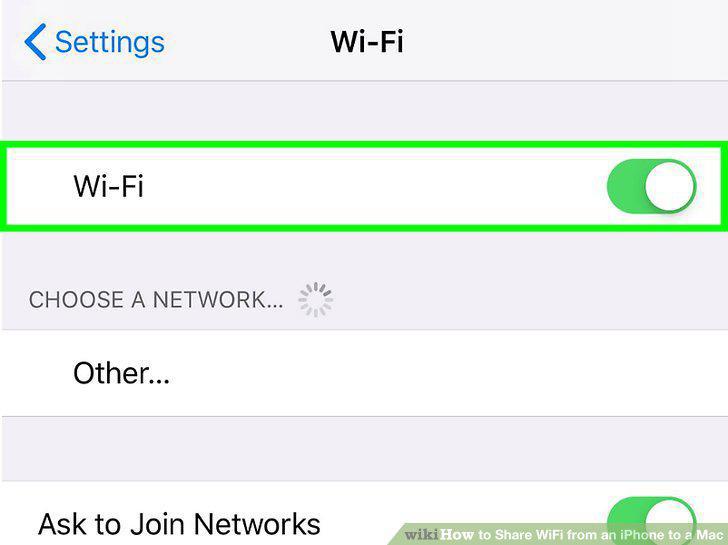
Turn on Wi-Fi and Bluetooth on your iPhone.
6
Turn on Wi-Fi on your Mac.
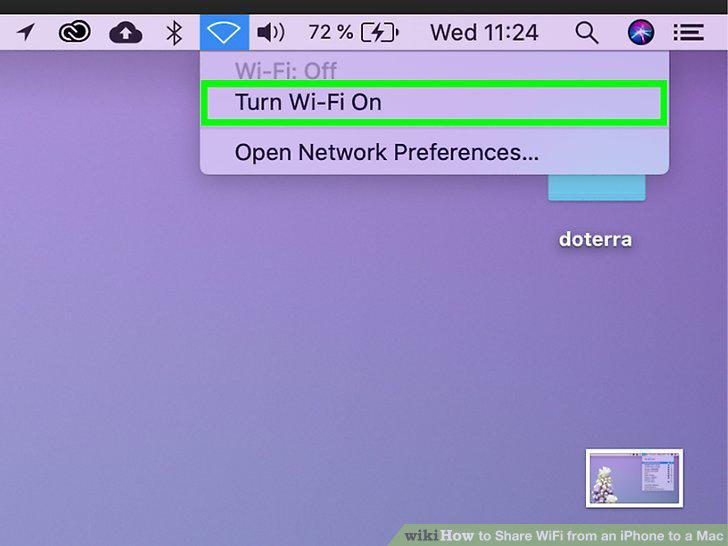
Turn on Wi-Fi on your Mac.
7
Turn on Bluetooth on your Mac.
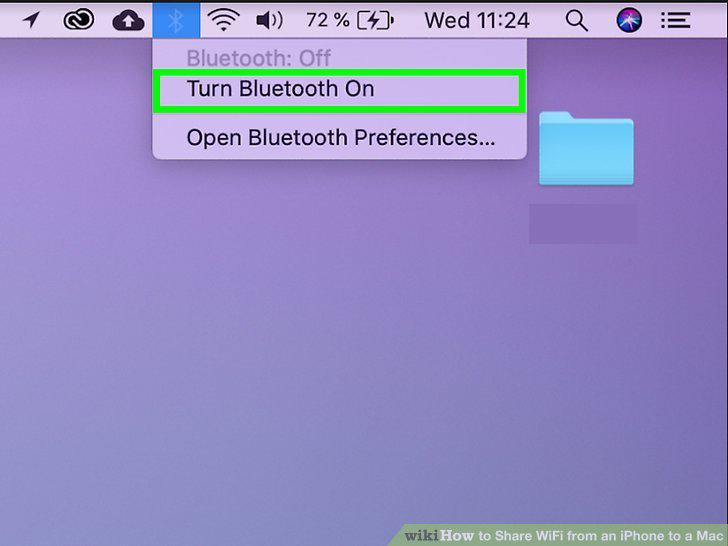
Turn on Bluetooth on your Mac.
8
Open your iPhone's Settings .
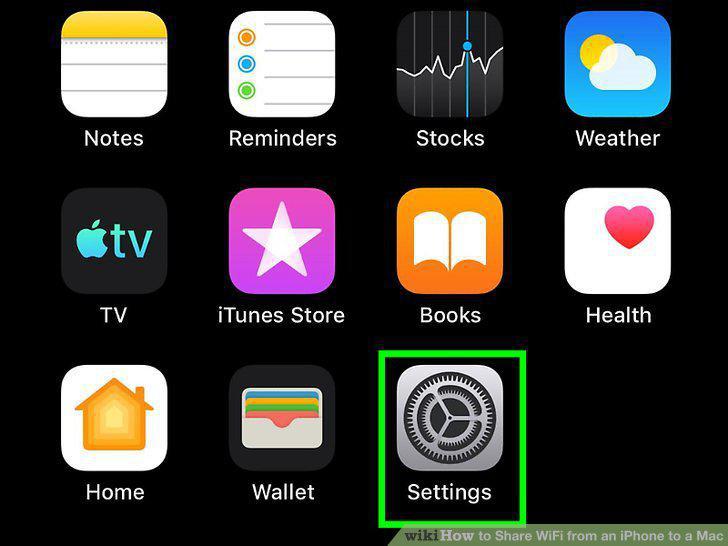
Open your iPhone's Settings .
9
Tap Personal Hotspot.
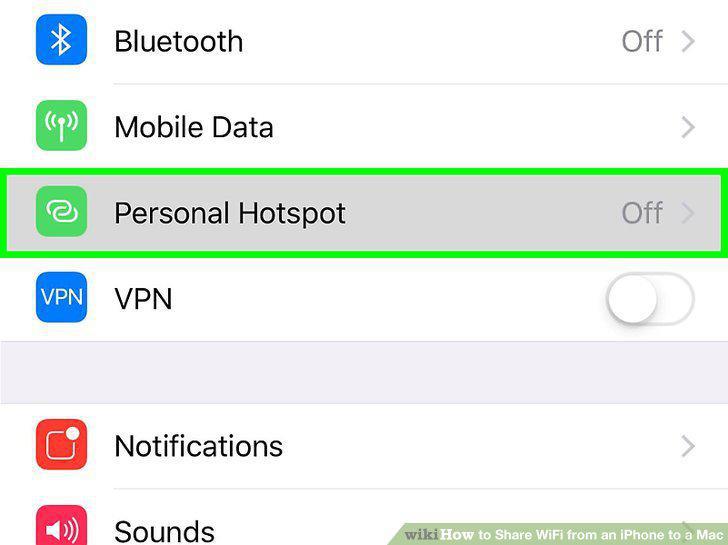
Tap Personal Hotspot.
10
Slide the "Allow Others to Join" switch to On .
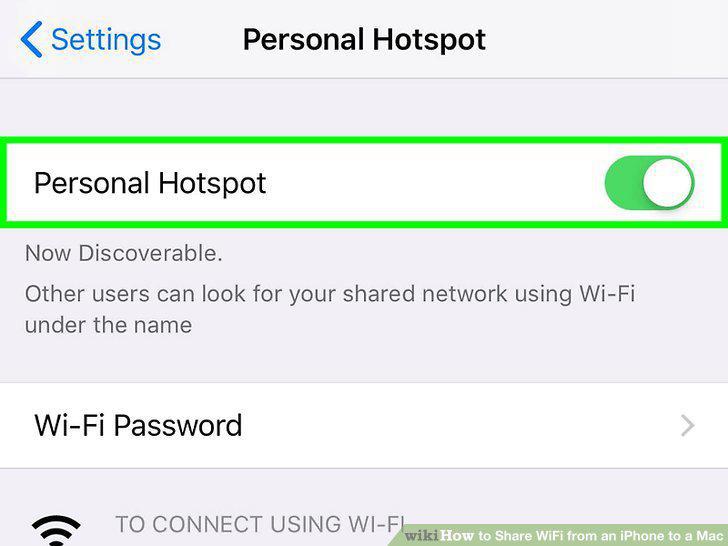
Slide the "Allow Others to Join" switch to On .
11
Connect to your hotspot via Wi-Fi on your Mac.
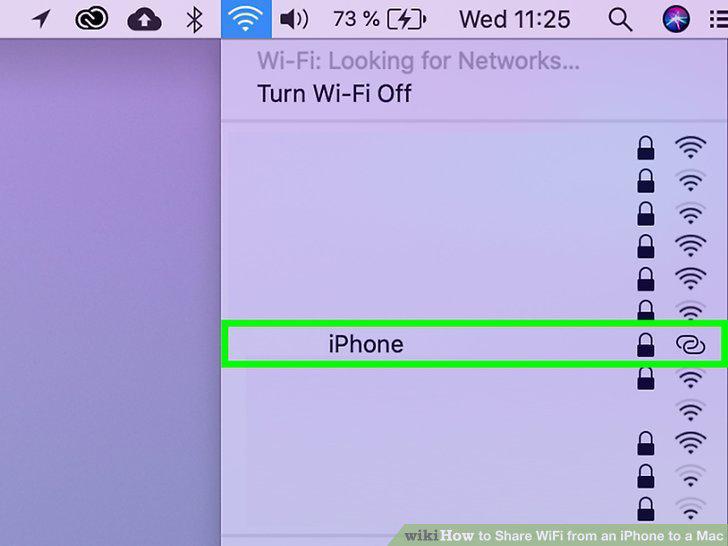
Connect to your hotspot via Wi-Fi on your Mac.
Comments (0)
No comments yet. Be the first to share your thoughts!