How to Prevent Others from Seeing Posts You Like on Facebook
Open Facebook.com.. Go to your Profile page.. Click View Activity Log.
Steps
1
Open Facebook.com.
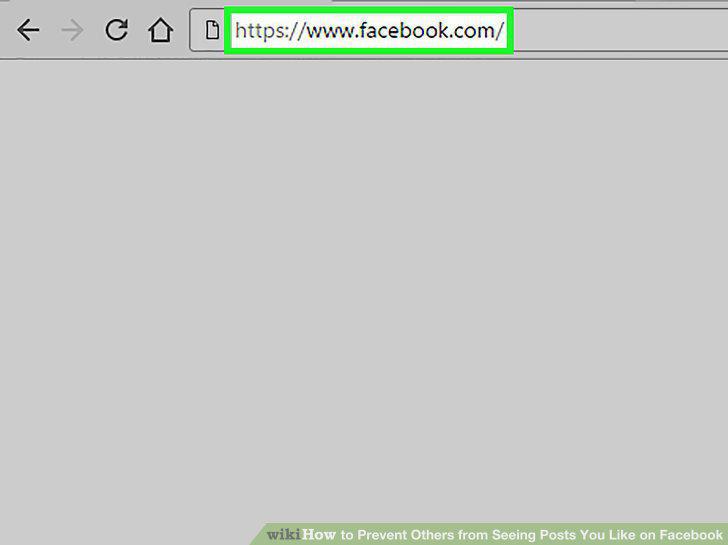
Open Facebook.com.
2
Go to your Profile page.
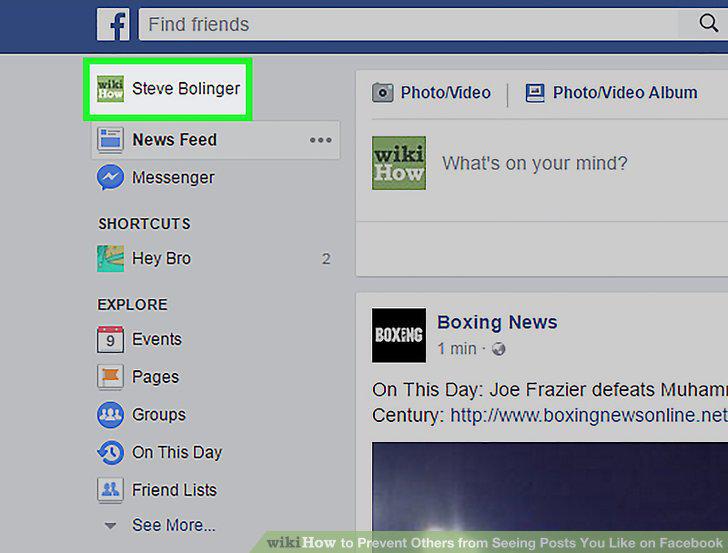
Go to your Profile page.
3
Click View Activity Log.
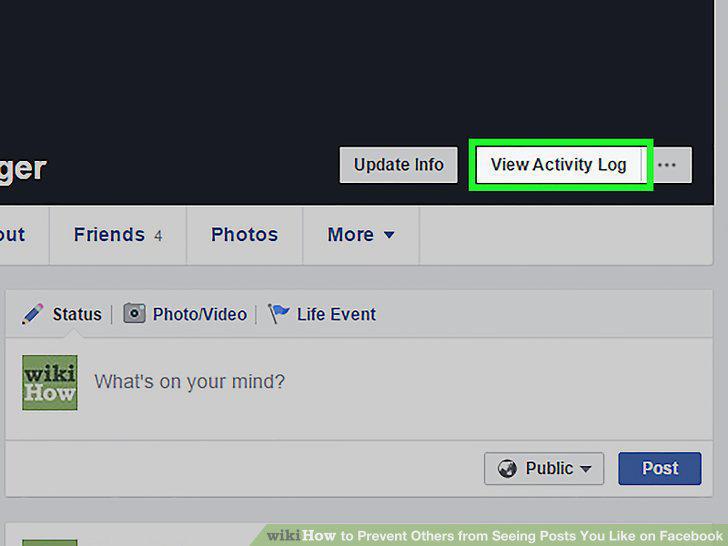
Click View Activity Log.
4
Find the like you want to hide in your Activity Log.
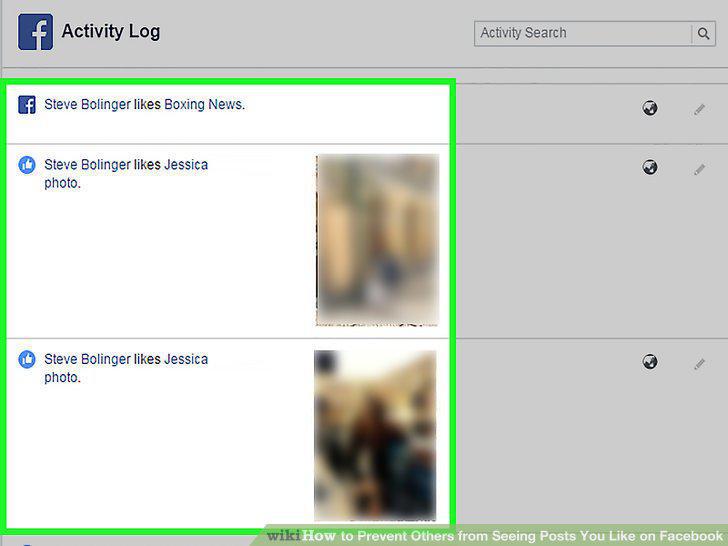
Find the like you want to hide in your Activity Log.
5
Click the Edit button to the right of your like.
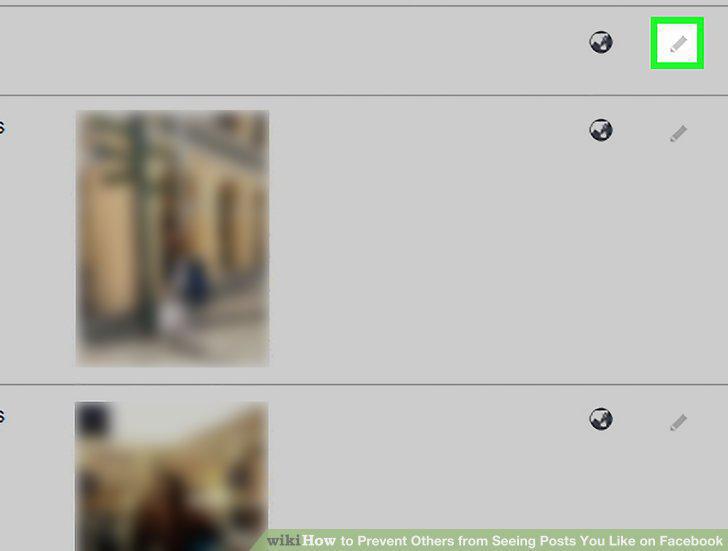
Click the Edit button to the right of your like.
6
Select Hidden From Timeline from the menu.
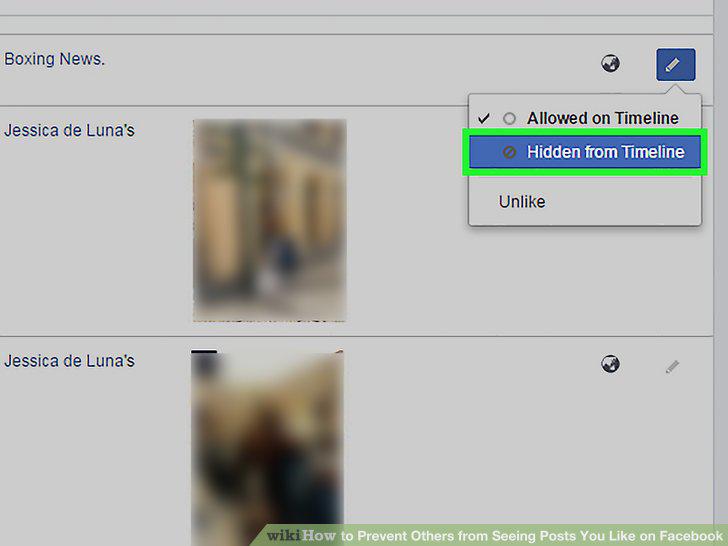
Select Hidden From Timeline from the menu.
Comments (0)
No comments yet. Be the first to share your thoughts!