How to Get Free LINE App Coins on PC or Mac
Open the LINE app on your iPhone or Android.. Tap the three dots icon.. Tap LINE Points at the top.
Steps
1
Open the LINE app on your iPhone or Android.
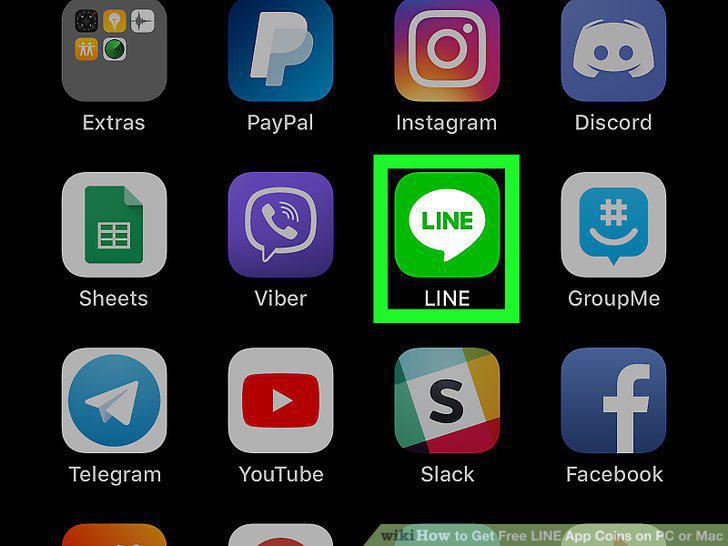
Open the LINE app on your iPhone or Android.
2
Tap the three dots icon.

Tap the three dots icon.
3
Tap LINE Points at the top.
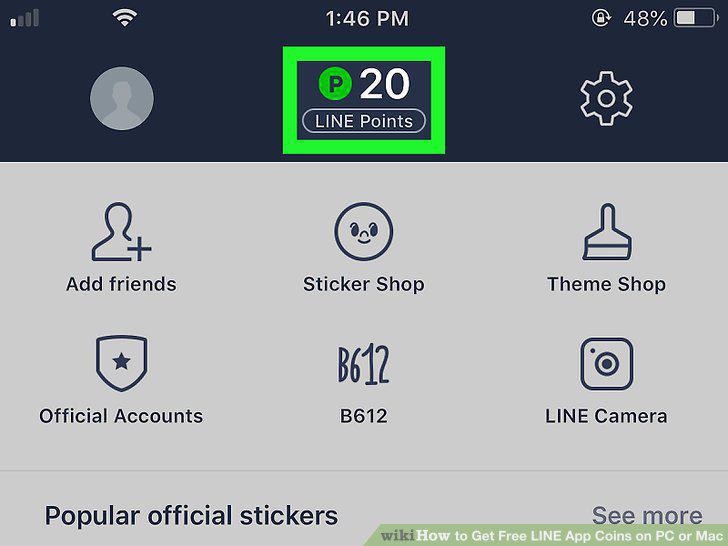
Tap LINE Points at the top.
4
Tap LINE Points under Official Accounts.

Tap LINE Points under Official Accounts.
5
Scroll down and tap Add as Friend.
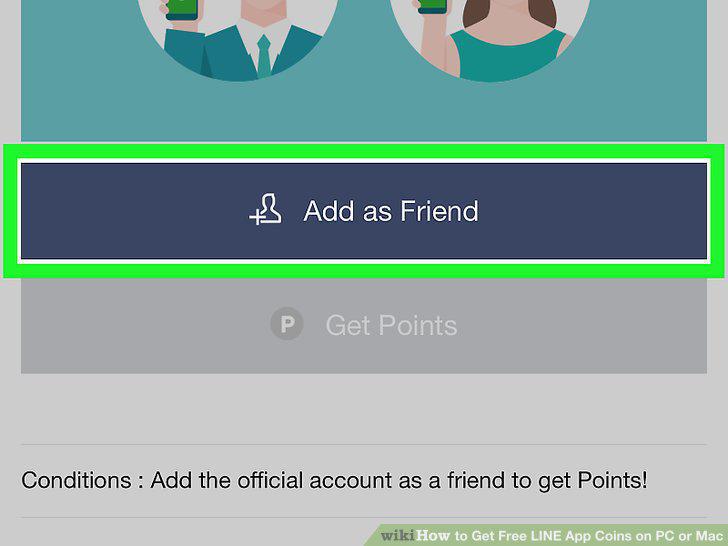
Scroll down and tap Add as Friend.
6
Tap Add in the confirmation pop-up.
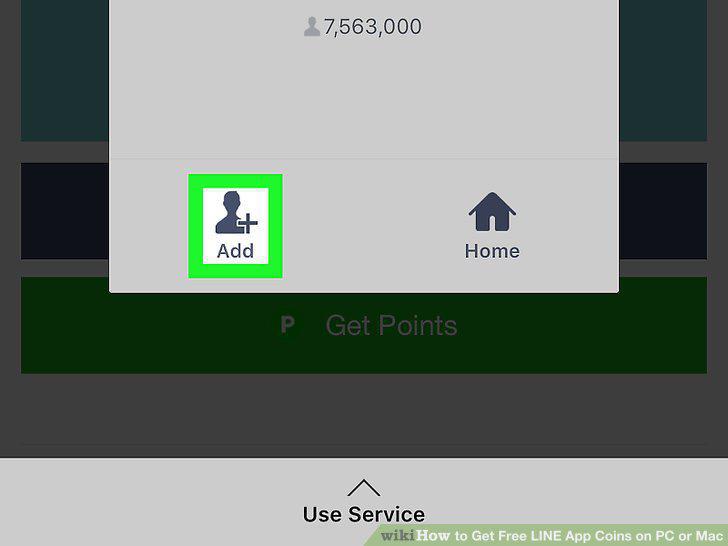
Tap Add in the confirmation pop-up.
7
Tap the Allow button.
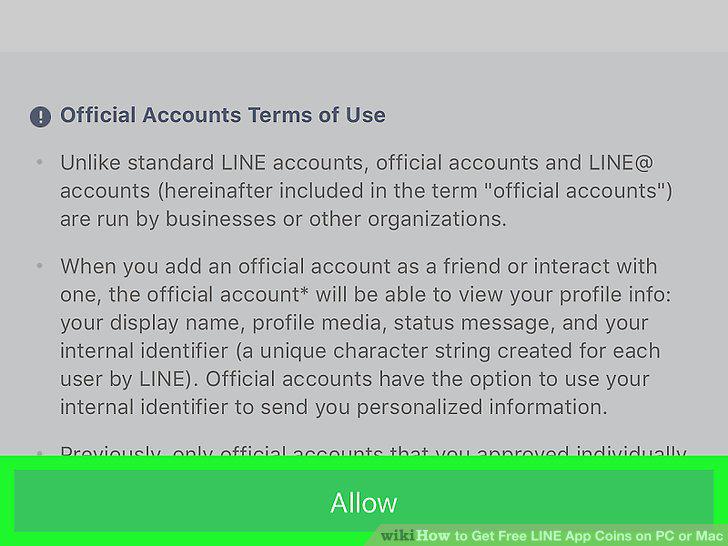
Tap the Allow button.
8
Tap the Get Points button.
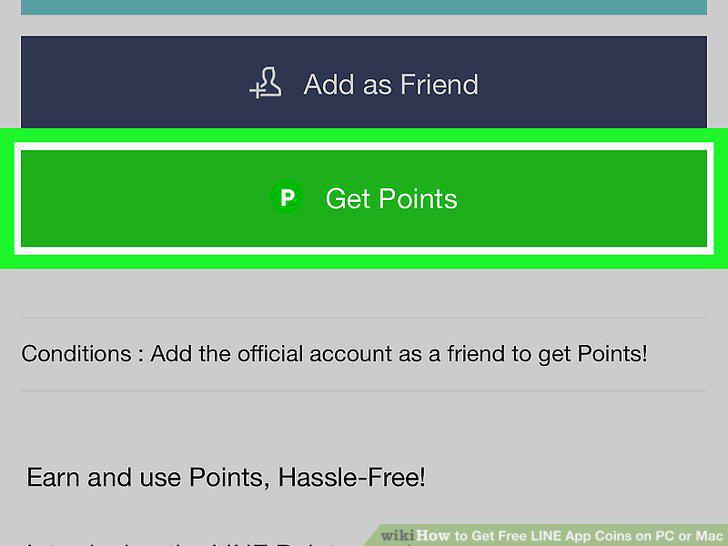
Tap the Get Points button.
Comments (0)
No comments yet. Be the first to share your thoughts!