How to Group Animations in PowerPoint on iPhone or iPad
Open the PowerPoint app on your iPhone or iPad.. Click Open on the bottom navigation bar.. Tap the presentation you want to edit.
Steps
1
Open the PowerPoint app on your iPhone or iPad.

Open the PowerPoint app on your iPhone or iPad.
2
Click Open on the bottom navigation bar.

Click Open on the bottom navigation bar.
3
Tap the presentation you want to edit.
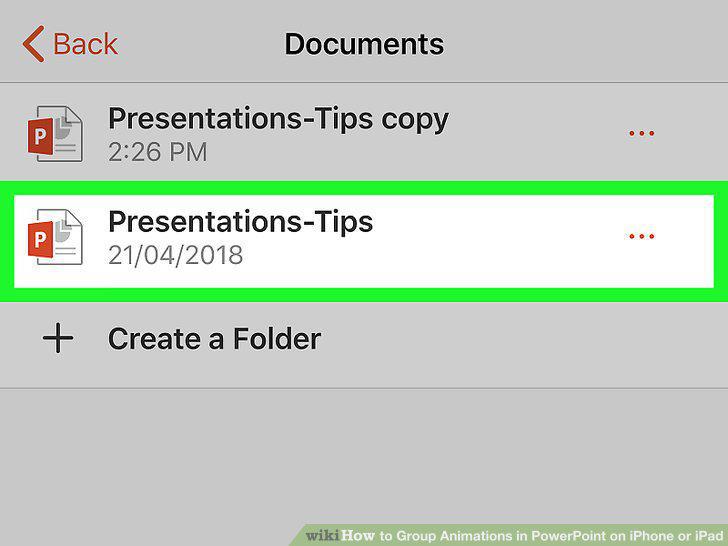
Tap the presentation you want to edit.
4
Tap the object you want to animate.
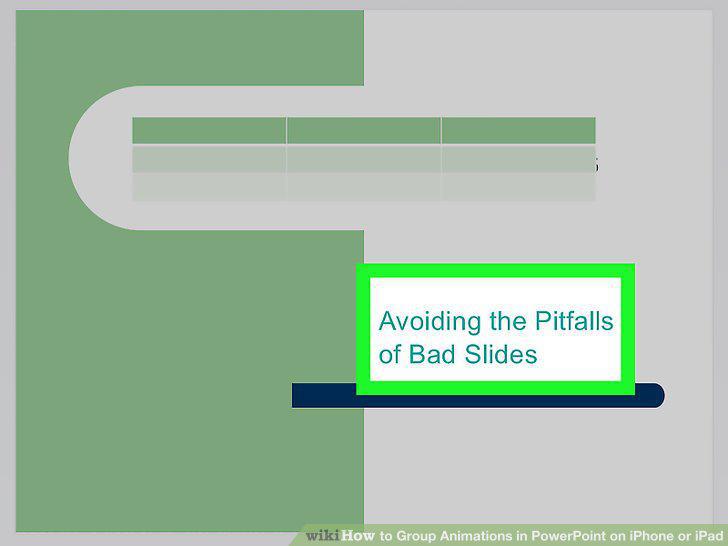
Tap the object you want to animate.
5
Tap the down-arrow at the bottom.
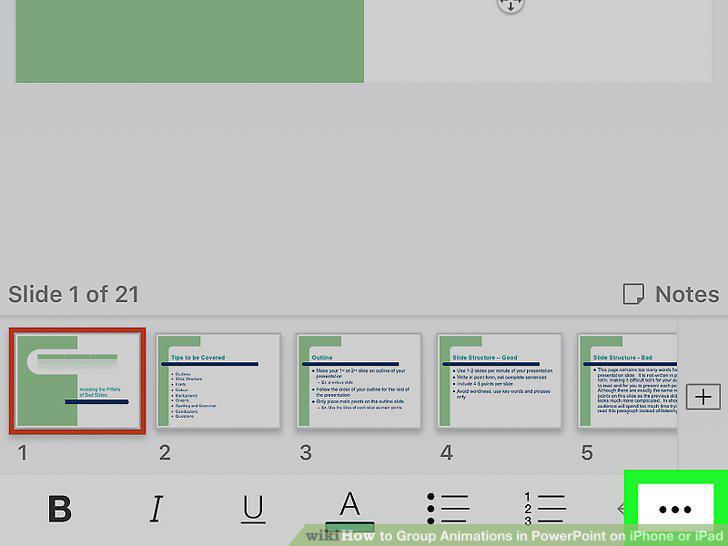
Tap the down-arrow at the bottom.
6
Tap on Home and select Animations.
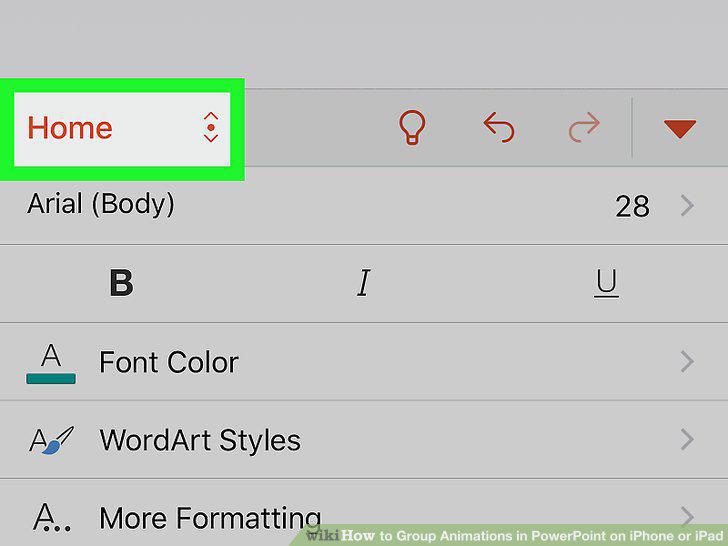
Tap on Home and select Animations.
7
Tap an animation effect.
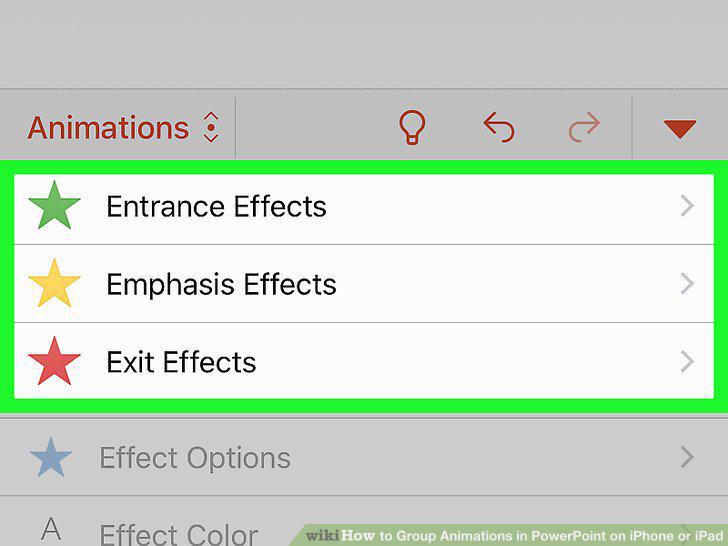
Tap an animation effect.
8
Repeat this step for other objects you want to animate.
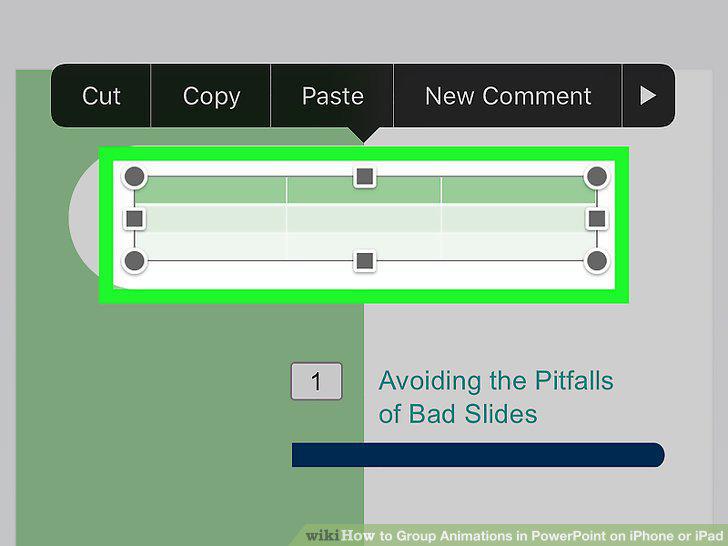
Repeat this step for other objects you want to animate.
Comments (0)
No comments yet. Be the first to share your thoughts!