How to Start Working for Doordash
Wait until you are at least 18 years old.. Make sure you have an iPhone or Android smartphone to use with the app.. Ensure you have access to a working vehicle.
Steps
Wait until you are at least 18 years old.
Wait until you are at least 18 years old.
Make sure you have an iPhone or Android smartphone to use with the app.
Make sure you have an iPhone or Android smartphone to use with the app.
Ensure you have access to a working vehicle.
Ensure you have access to a working vehicle.
Have a valid driver's license and insurance for your vehicle.
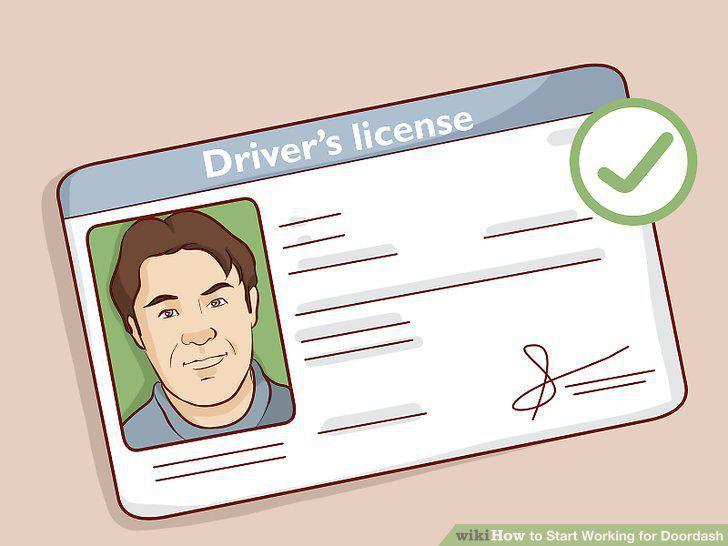
Have a valid driver's license and insurance for your vehicle.
Ensure you have a clean driving record.
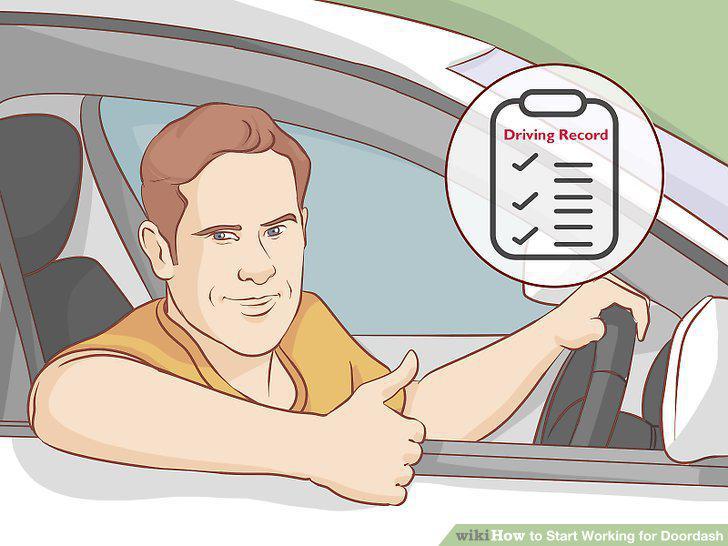
Ensure you have a clean driving record.
Go to https://www.doordash.com/dasher/signup/ and sign up.
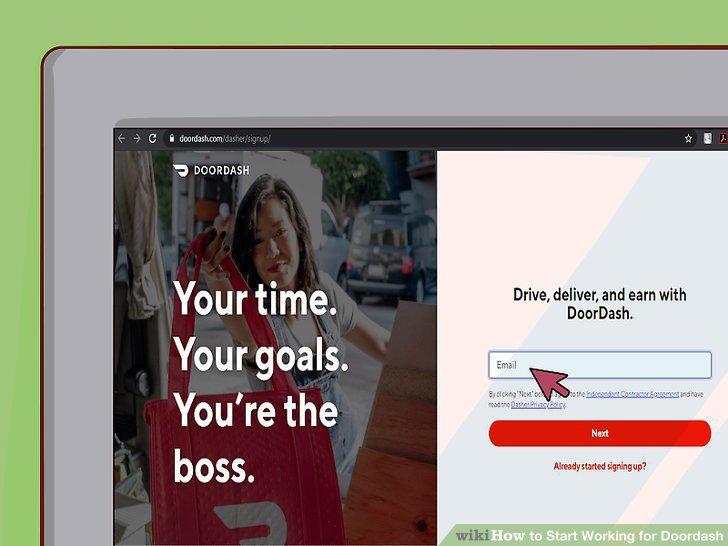
Go to https://www.doordash.com/dasher/signup/ and sign up.
Consent to a background check and driving record check.
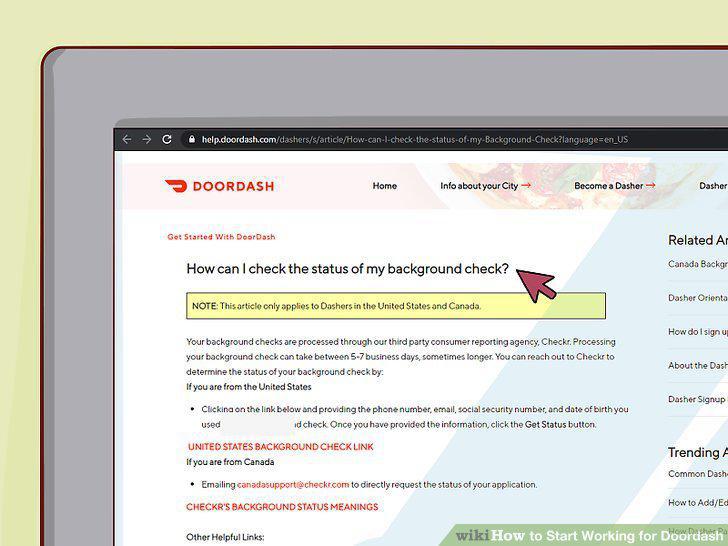
Consent to a background check and driving record check.
Request an activation kit or schedule an in-person orientation.
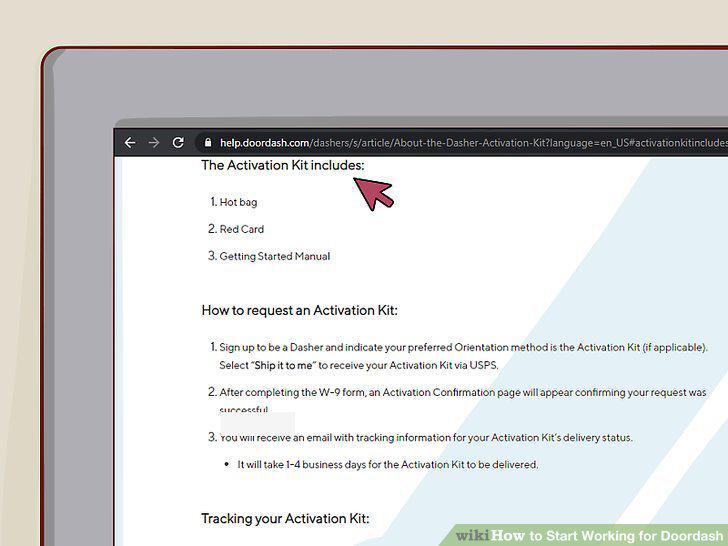
Request an activation kit or schedule an in-person orientation.
Activate the Red Card that you received in your kit.
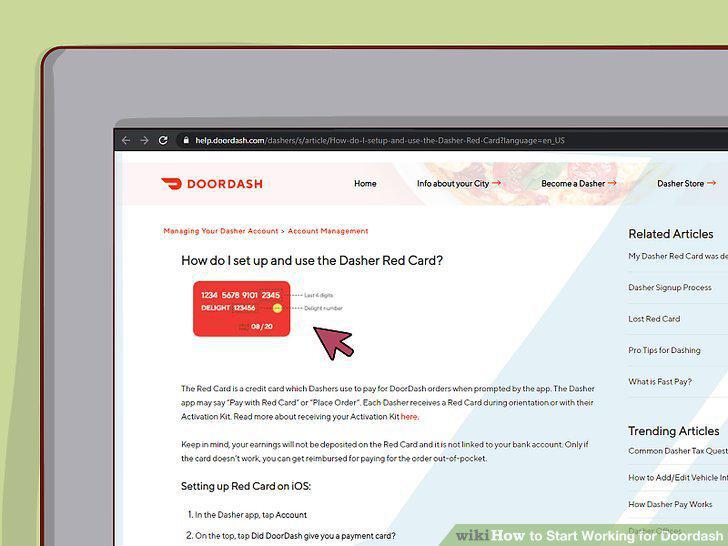
Activate the Red Card that you received in your kit.
Connect your bank account to DoorDash to receive direct deposits.
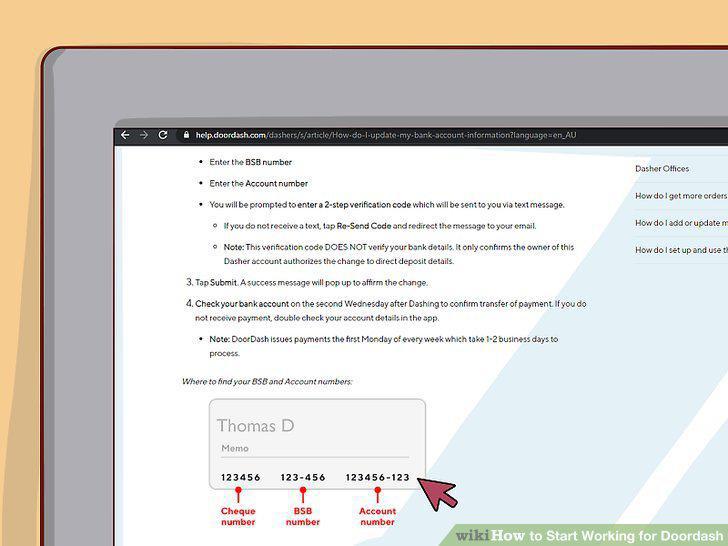
Connect your bank account to DoorDash to receive direct deposits.
Look at the heat map in the app to see where the most orders are being placed.
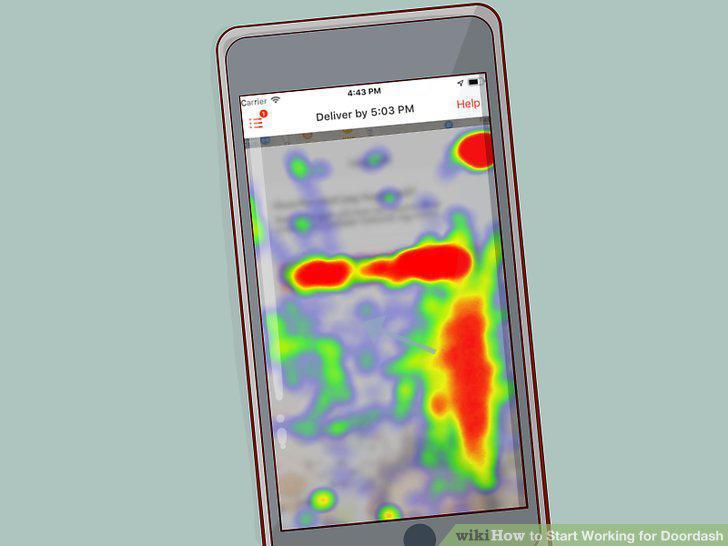
Look at the heat map in the app to see where the most orders are being placed.
Schedule your shifts ahead of time in the areas you want to drive in.
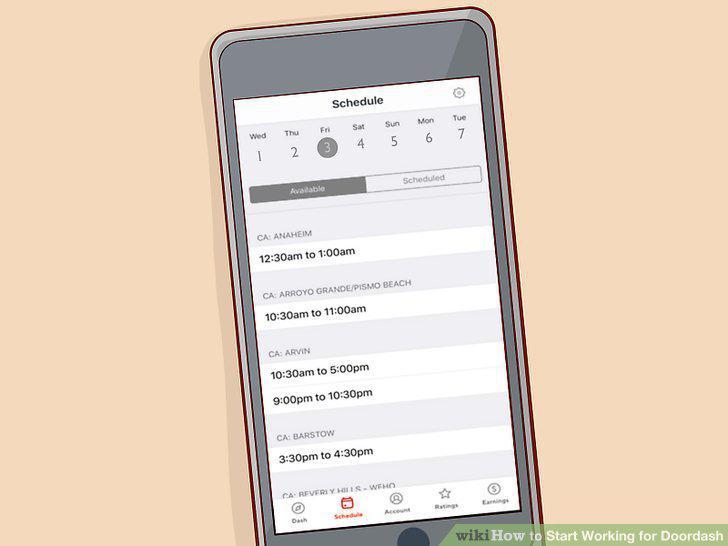
Schedule your shifts ahead of time in the areas you want to drive in.
Drive to the area your scheduled shift is in before the shift starts.
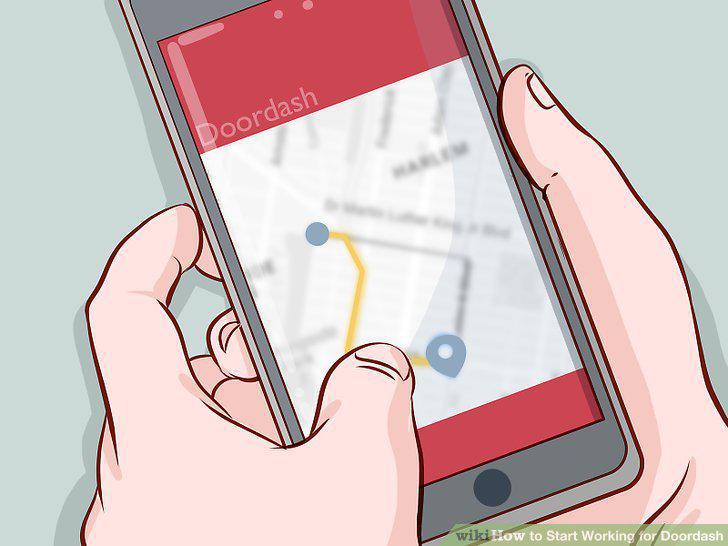
Drive to the area your scheduled shift is in before the shift starts.
Fill out the pre-shift checklist to check-in to a scheduled shift and start driv
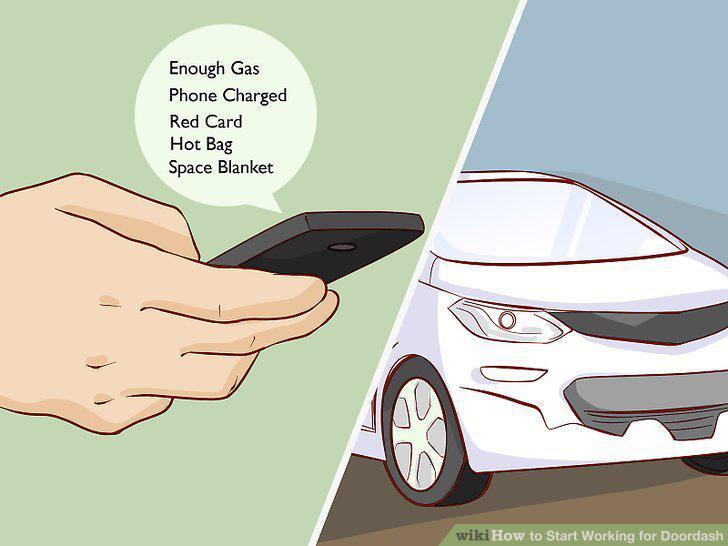
Fill out the pre-shift checklist to check-in to a scheduled shift and start driving.
Wait for an order to come in and tap "Accept Order.
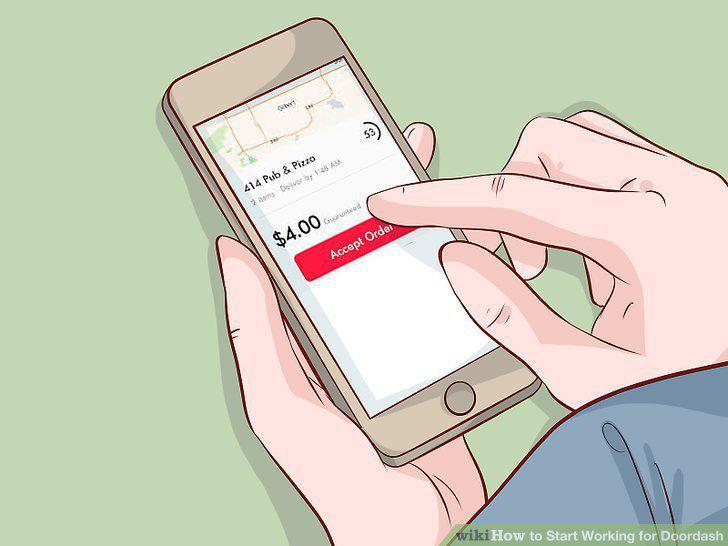
Wait for an order to come in and tap "Accept Order.
Click on "Route" to choose a navigation app to get you to the restaurant.
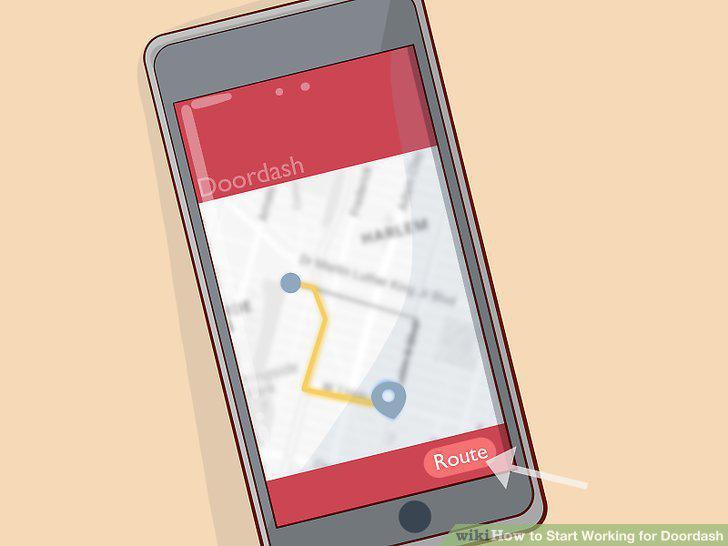
Click on "Route" to choose a navigation app to get you to the restaurant.
Slide the slider bar at the bottom of the screen when you get to the restaurant.
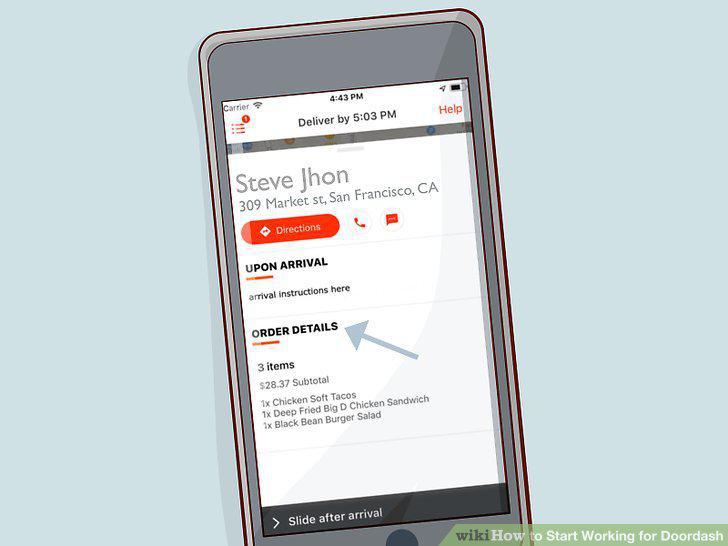
Slide the slider bar at the bottom of the screen when you get to the restaurant.
Check the order's items off and slide the slider bar at the bottom of the screen
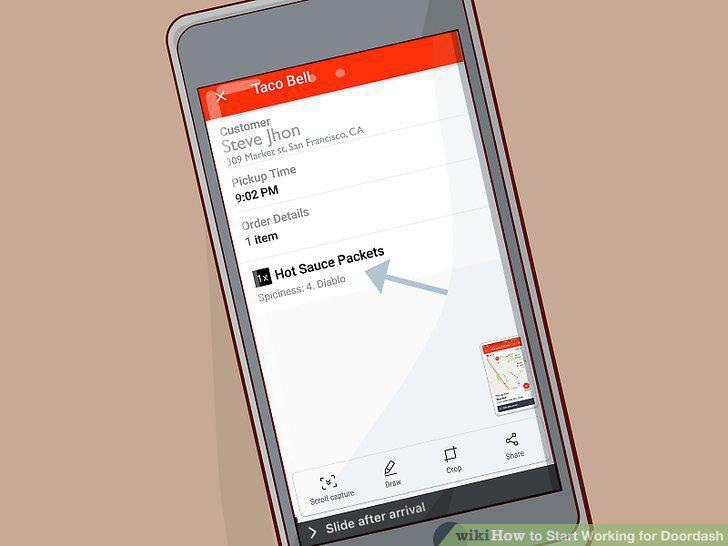
Check the order's items off and slide the slider bar at the bottom of the screen.
Deliver the order to the customer.
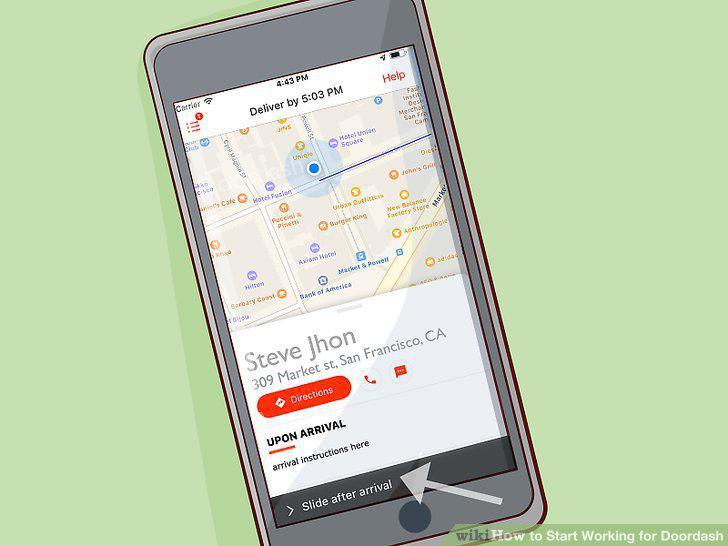
Deliver the order to the customer.
Comments (0)
No comments yet. Be the first to share your thoughts!