How to Convert a Doc File to a Docx File
Open your Doc file in Microsoft Word.. Click the File tab on the top-left.. Click Save As on the File menu.
Steps
Open your Doc file in Microsoft Word.
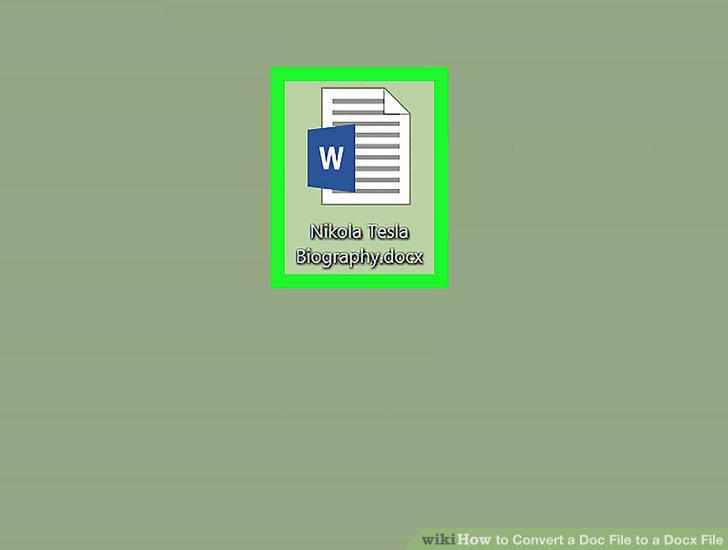
Open your Doc file in Microsoft Word.
Click the File tab on the top-left.
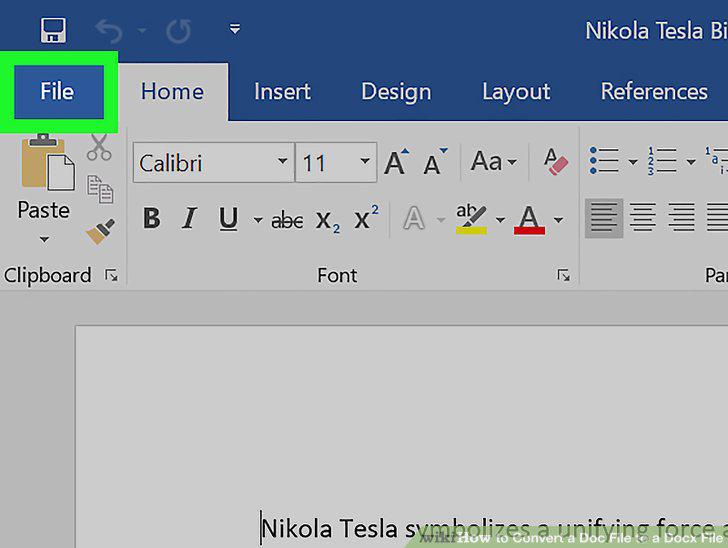
Click the File tab on the top-left.
Click Save As on the File menu.
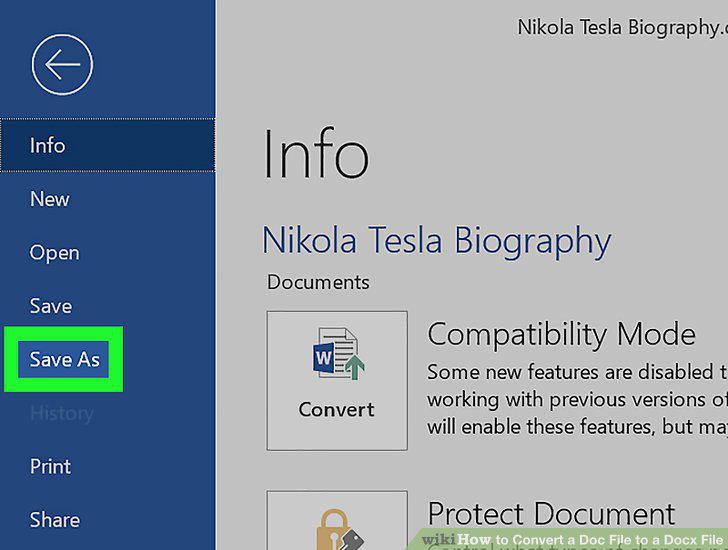
Click Save As on the File menu.
Click the format drop-down at the bottom of the Save As window.
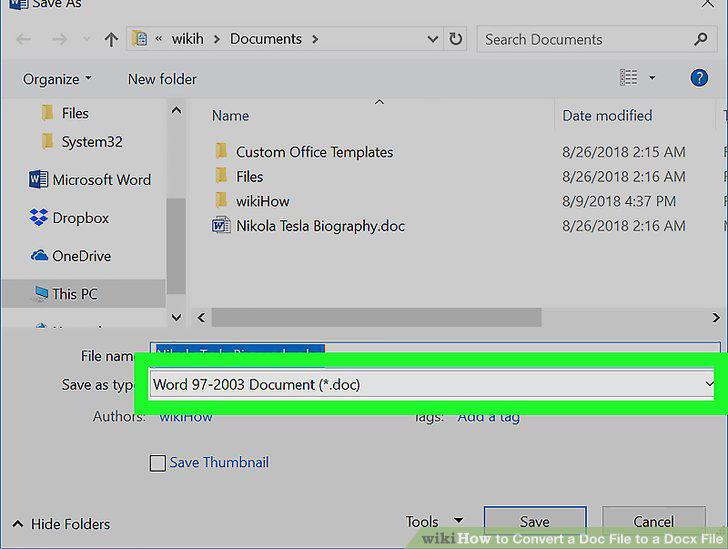
Click the format drop-down at the bottom of the Save As window.
Select Word Document (*.docx) as your file type.
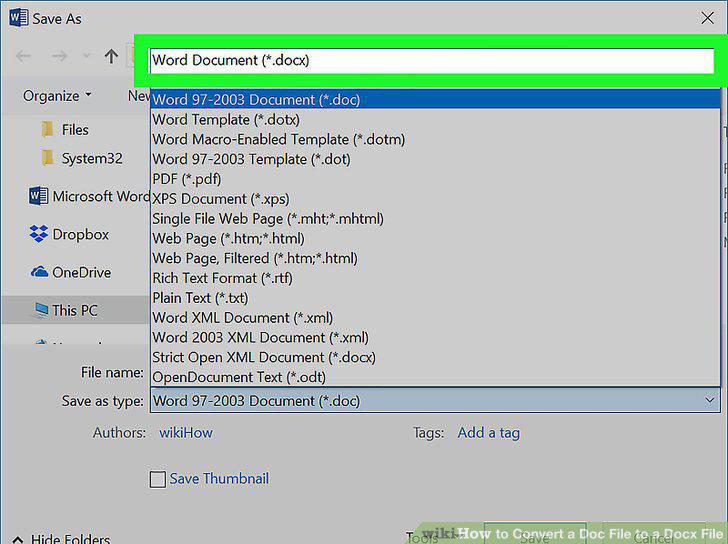
Select Word Document (*.docx) as your file type.
Select a saving location for your document.
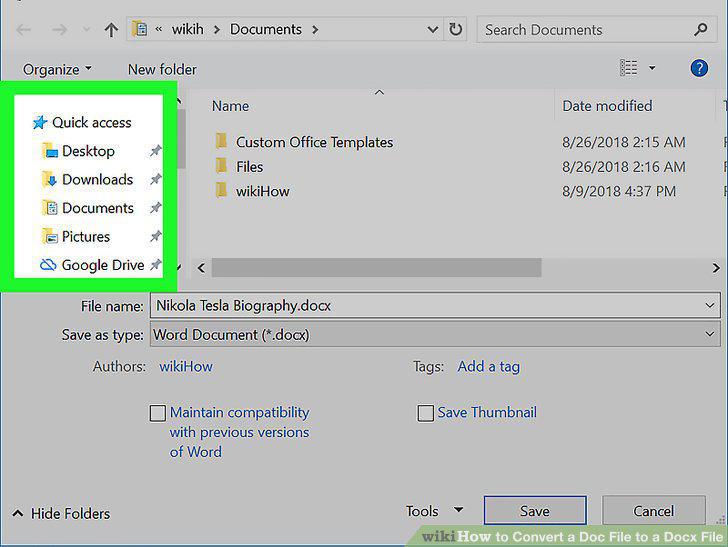
Select a saving location for your document.
Click Save on the bottom-right.
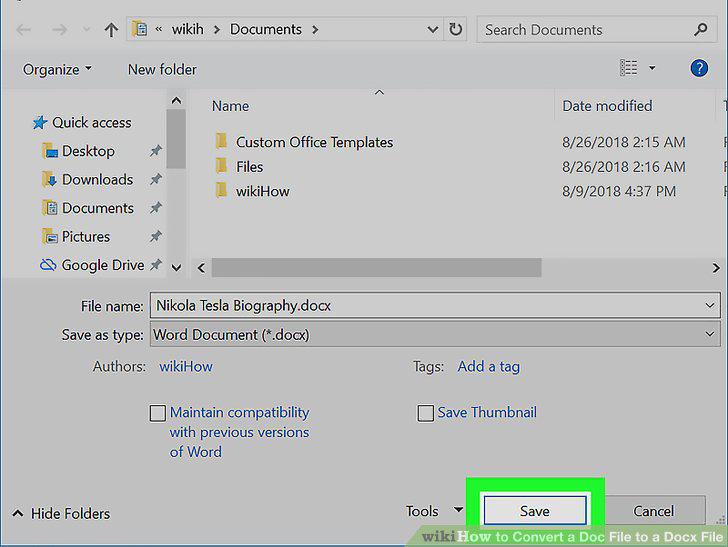
Click Save on the bottom-right.
Open Google Docs in an internet browser.
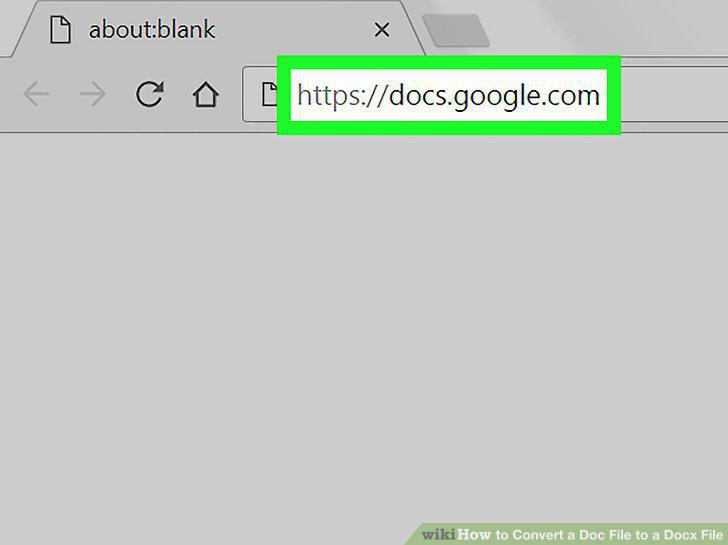
Open Google Docs in an internet browser.
Click the Blank option on the top-left.
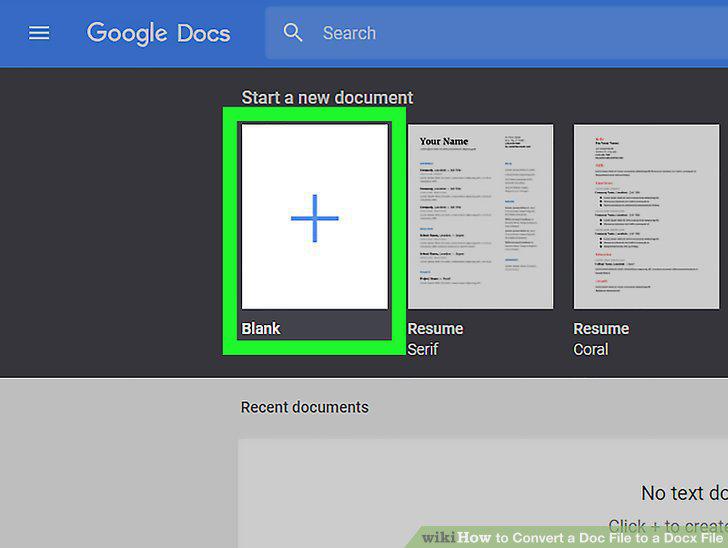
Click the Blank option on the top-left.
Click the File tab on the top-left.
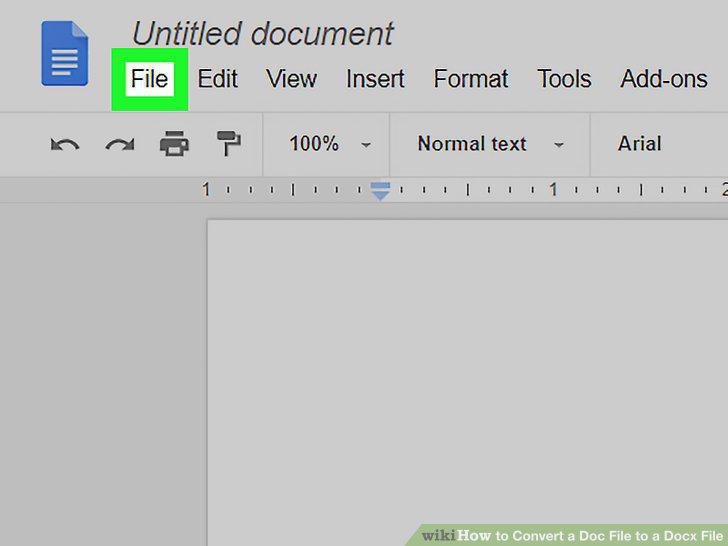
Click the File tab on the top-left.
Click Open on the drop-down menu.
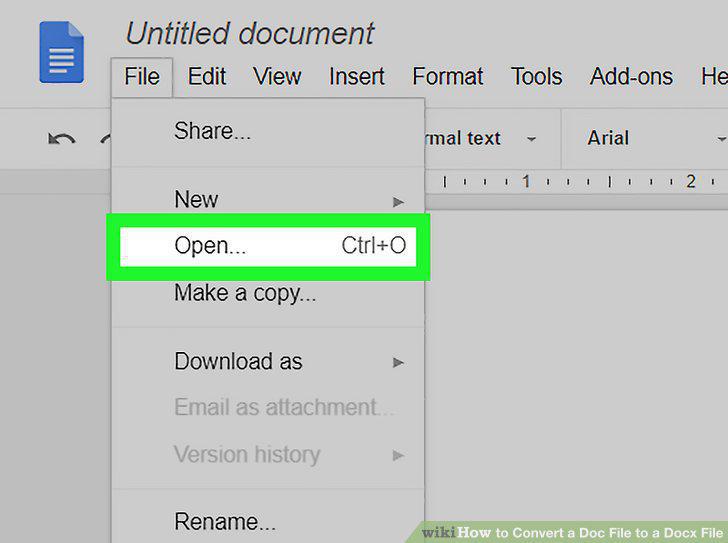
Click Open on the drop-down menu.
Click the Upload tab in the "Open a file" window.
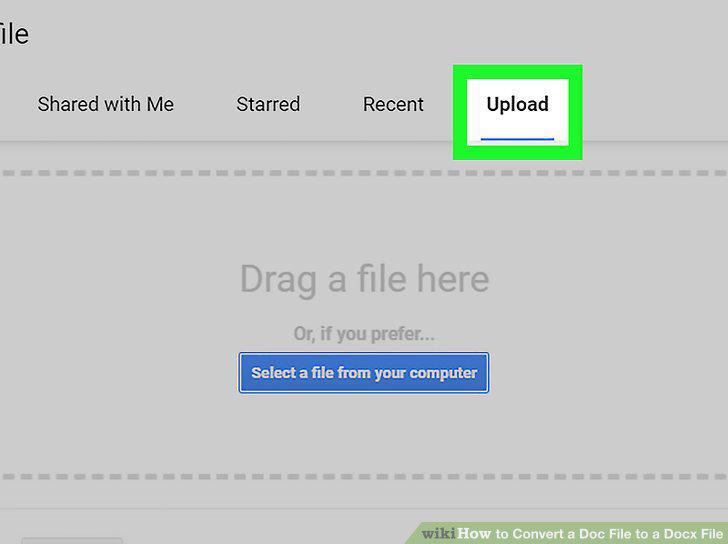
Click the Upload tab in the "Open a file" window.
Click the blue Select a file from your computer button.
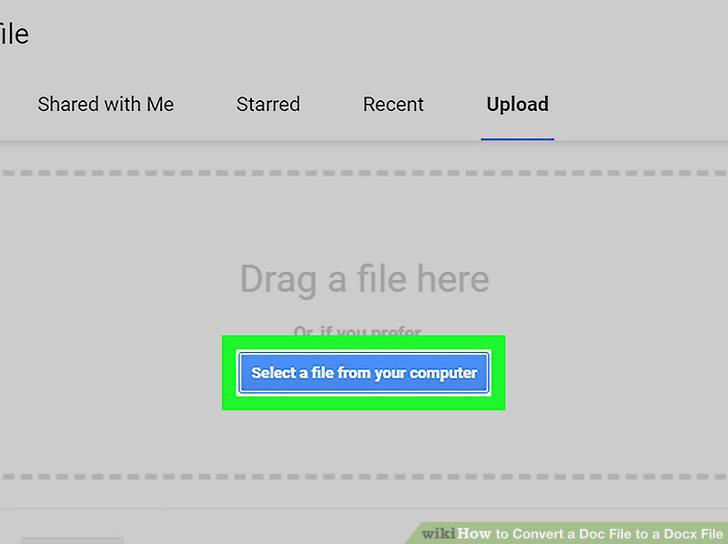
Click the blue Select a file from your computer button.
Upload the document you want to convert.
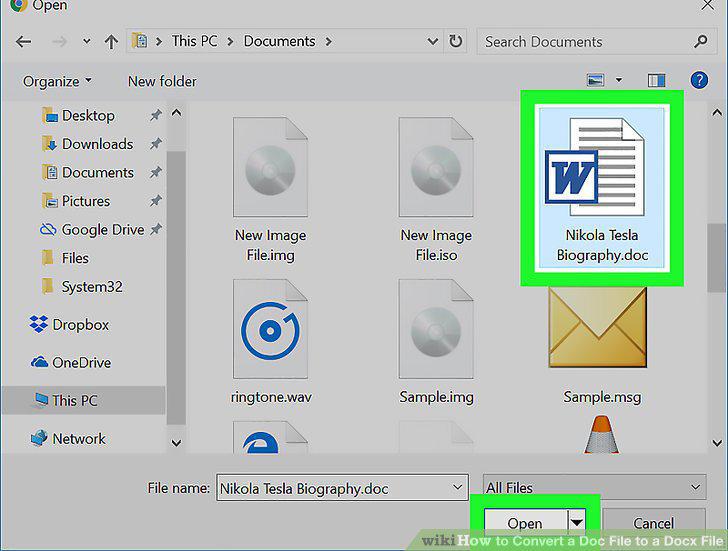
Upload the document you want to convert.
Click the File tab.
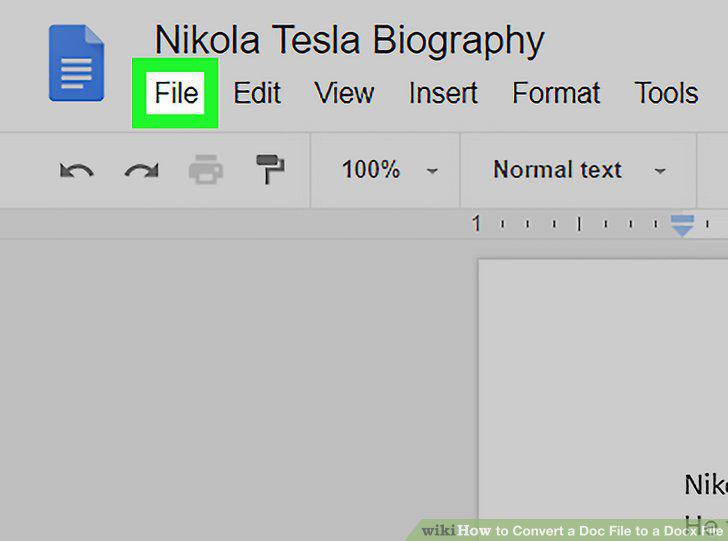
Click the File tab.
Hover over Download as on the File menu.
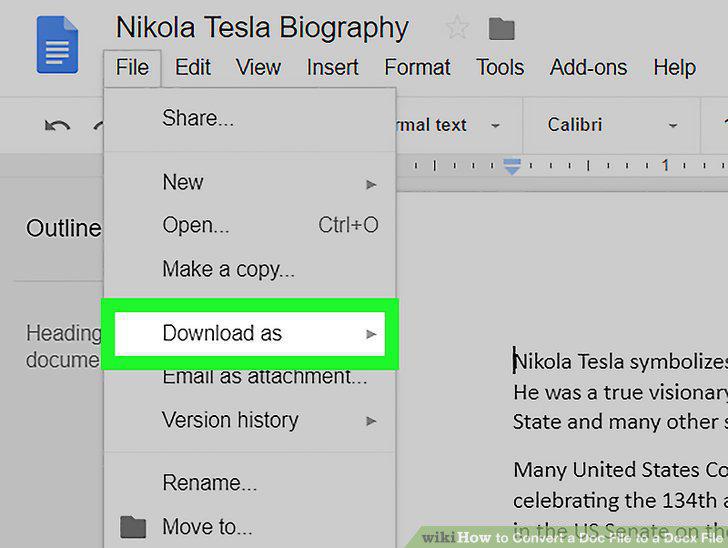
Hover over Download as on the File menu.
Select Microsoft Word (.docx) on the "Download as" menu.
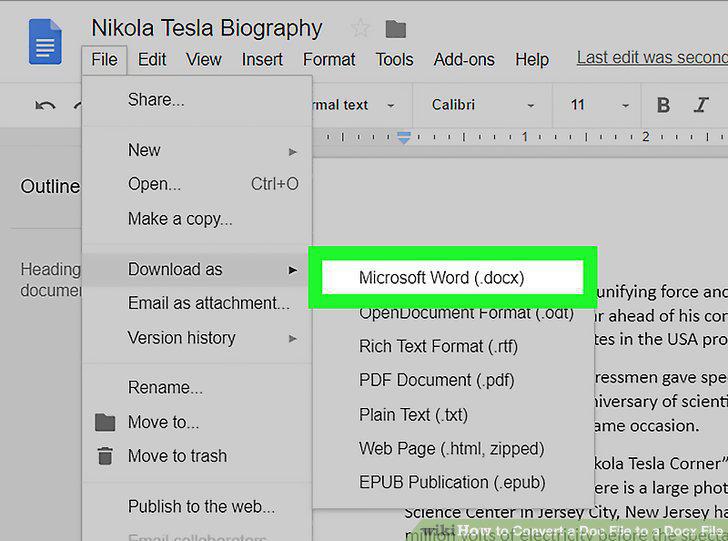
Select Microsoft Word (.docx) on the "Download as" menu.
Comments (0)
No comments yet. Be the first to share your thoughts!