Steps
1
Open GIMP 2.
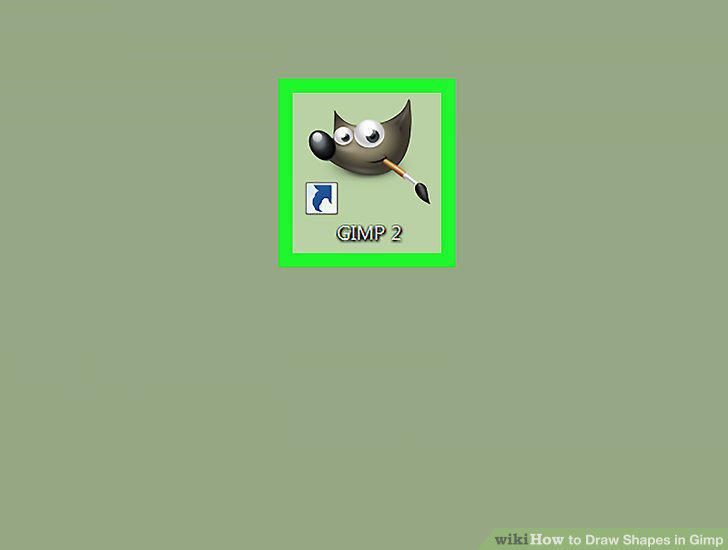
Open GIMP 2.
2
Open a new image or canvas.
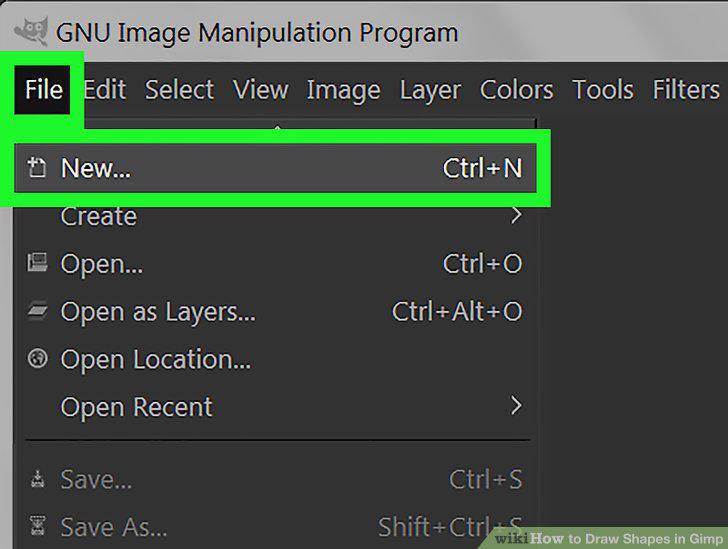
Open a new image or canvas.
3
Click Tools.
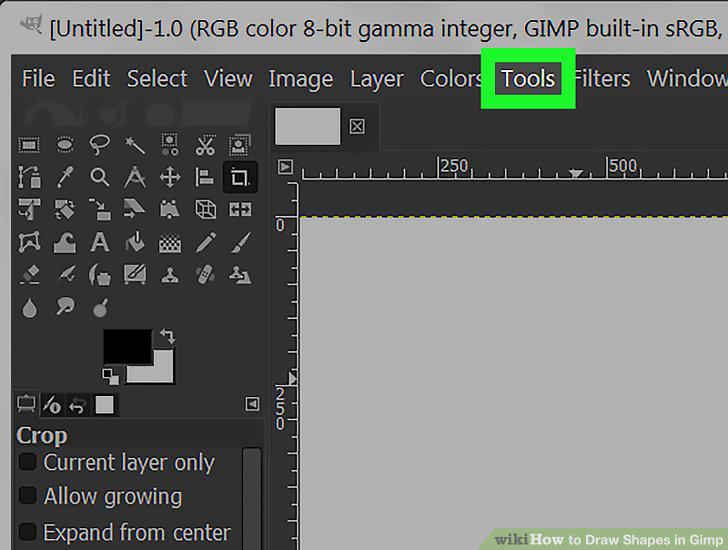
Click Tools.
4
Click New Toolbox.
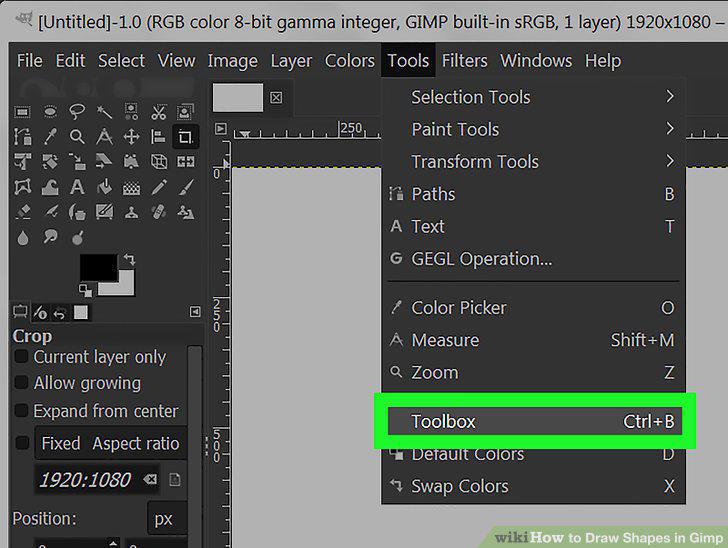
Click New Toolbox.
5
Select a drawing tool.
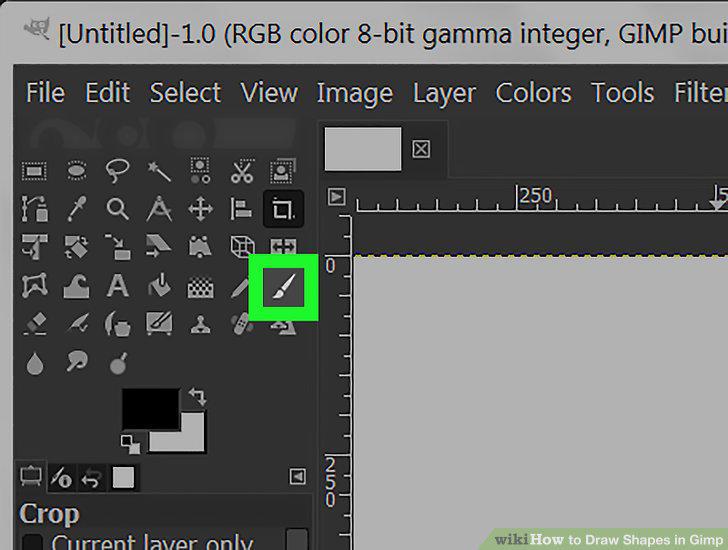
Select a drawing tool.
6
Select a color.
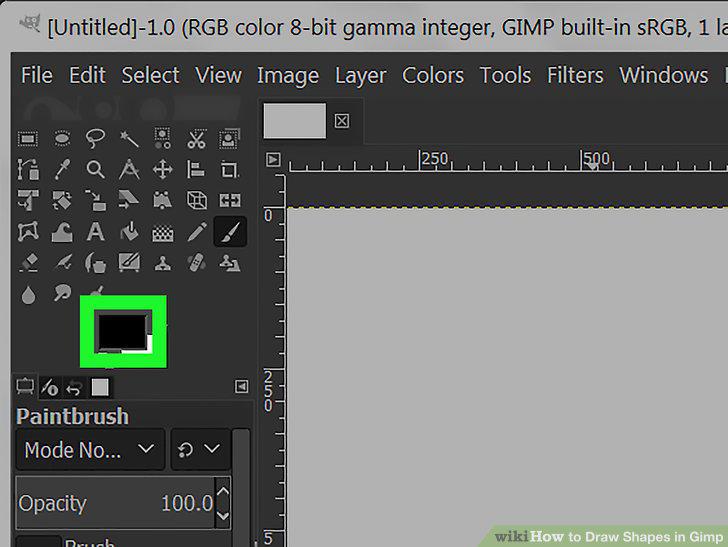
Select a color.
7
Click and drag your cursor around the canvas.
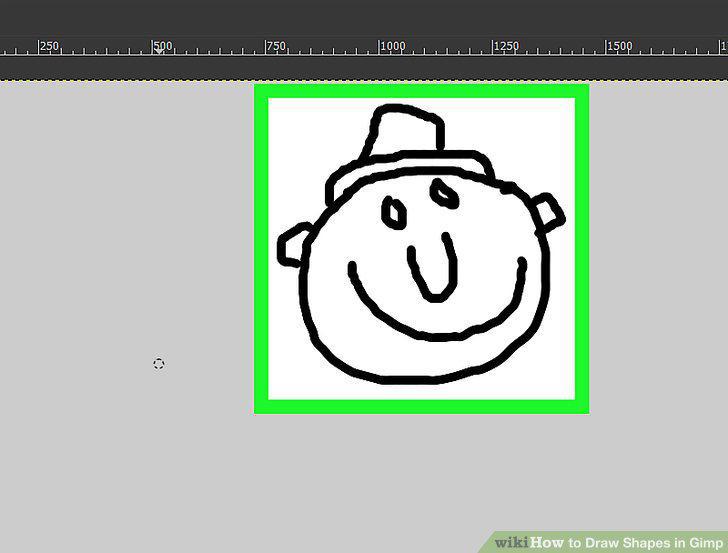
Click and drag your cursor around the canvas.
8
Change your tool's size
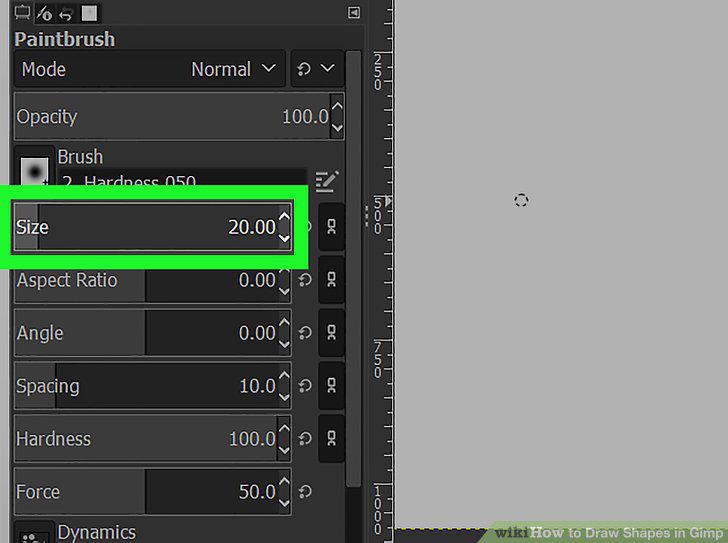
Change your tool's size
9
Save your project.
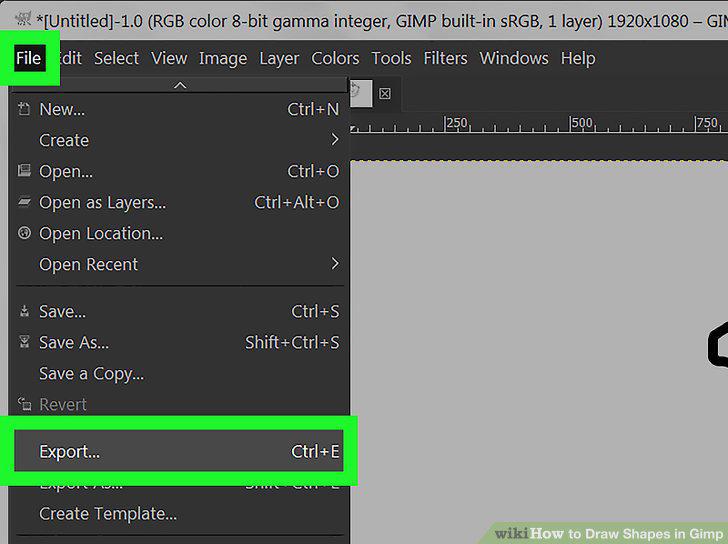
Save your project.
Comments (0)
No comments yet. Be the first to share your thoughts!