How to Upload Multiple Photos to Instagram on Android
Open the Instagram app on your device.. Tap the plus icon.. Tap the SELECT MULTIPLE button.
Steps
1
Open the Instagram app on your device.
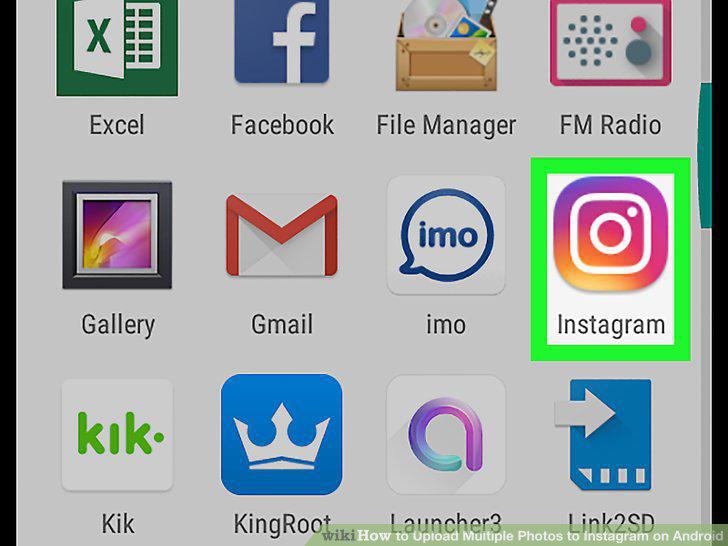
Open the Instagram app on your device.
2
Tap the plus icon.
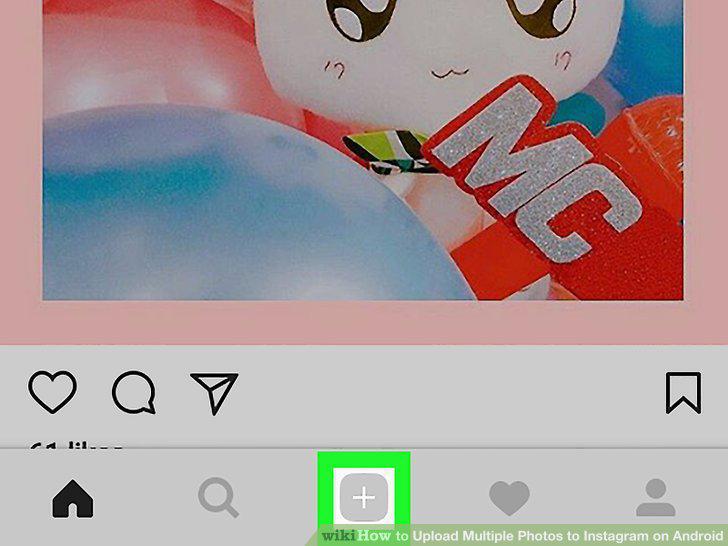
Tap the plus icon.
3
Tap the SELECT MULTIPLE button.
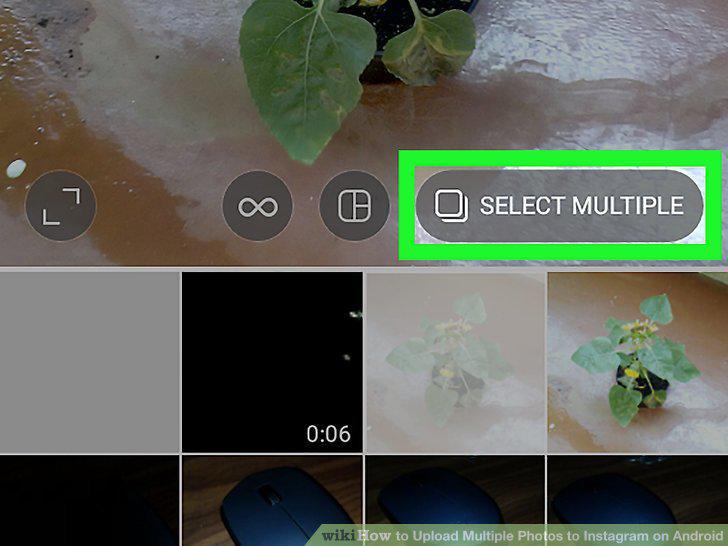
Tap the SELECT MULTIPLE button.
4
Select your first image.
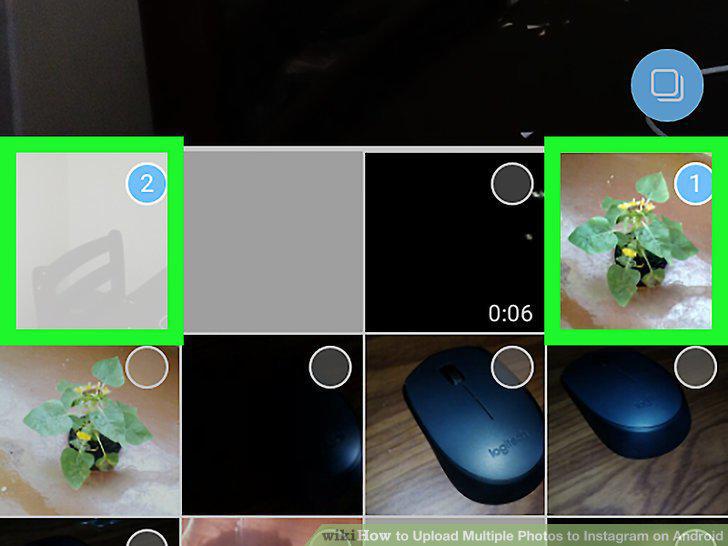
Select your first image.
5
Select more images.
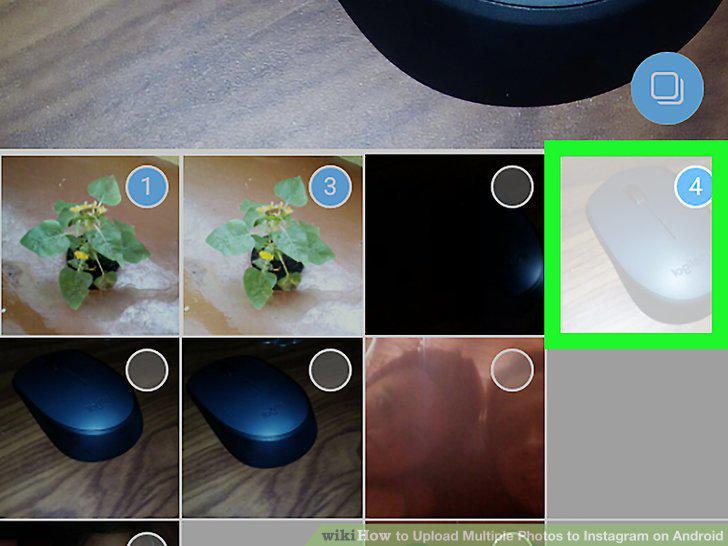
Select more images.
6
Tap Next.
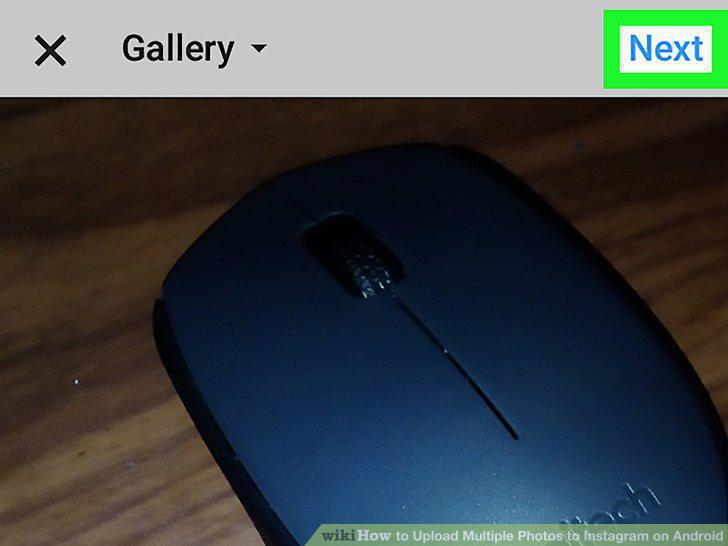
Tap Next.
7
Add a filter to your images.
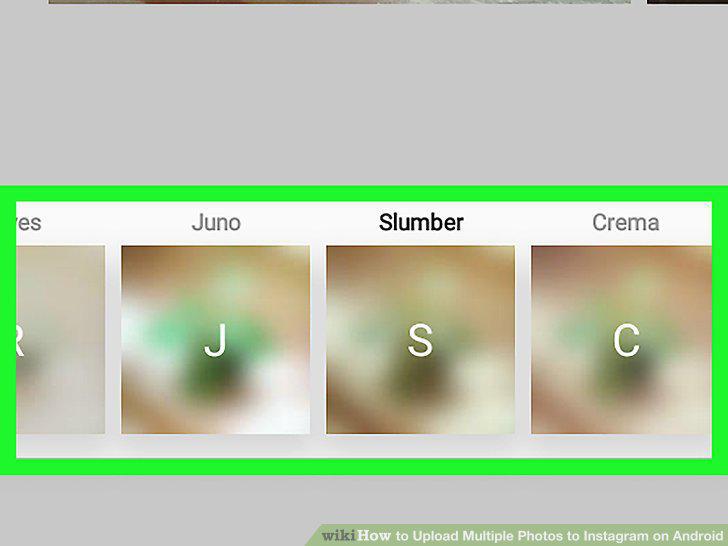
Add a filter to your images.
8
Tap Next.
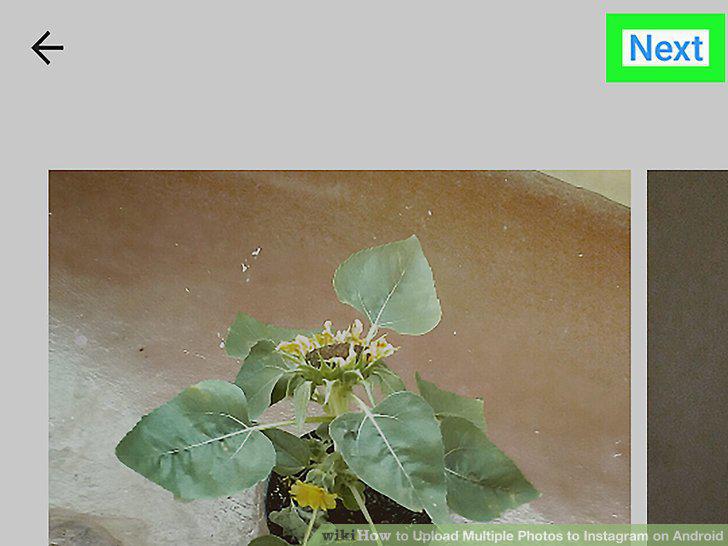
Tap Next.
9
Tap Share.
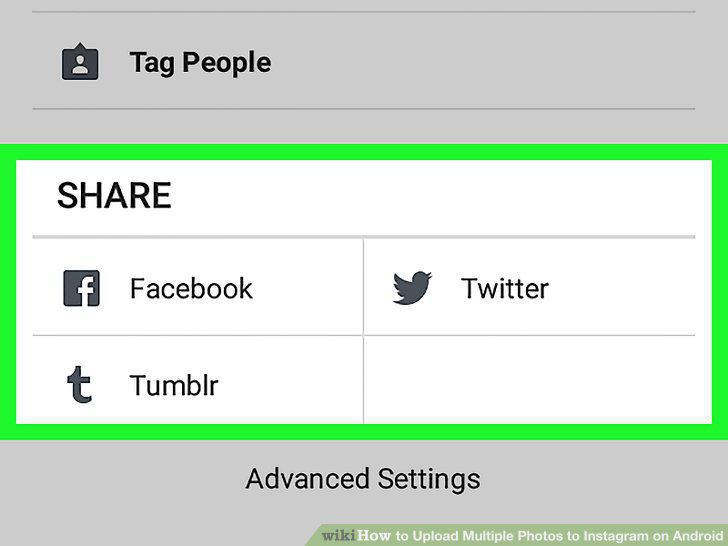
Tap Share.
Comments (0)
No comments yet. Be the first to share your thoughts!