How to Post Images in a Discord Chat on a PC or Mac
Open Discord.. Open a server.. Open a chat.
Steps
1
Open Discord.
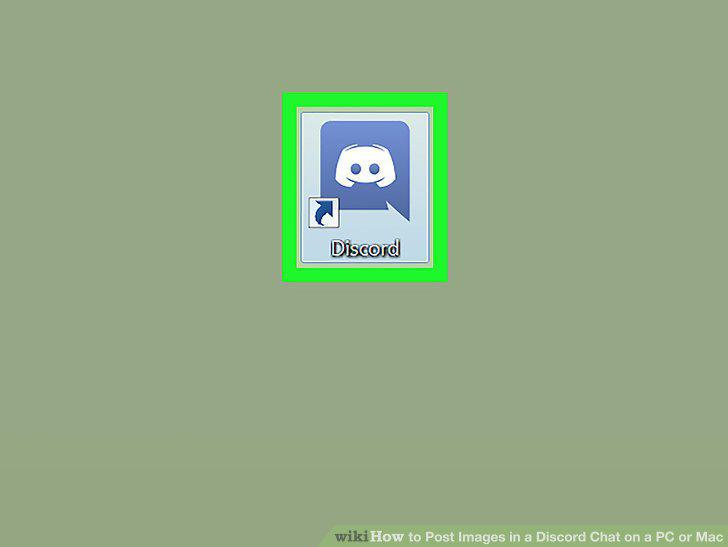
Open Discord.
2
Open a server.
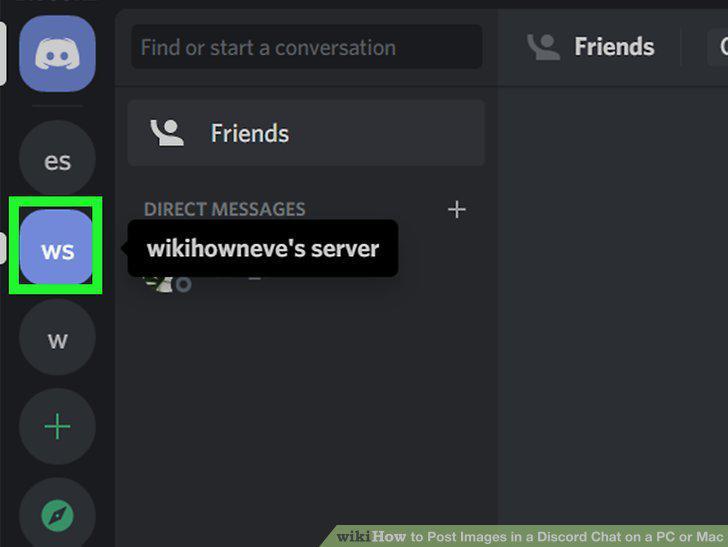
Open a server.
3
Open a chat.
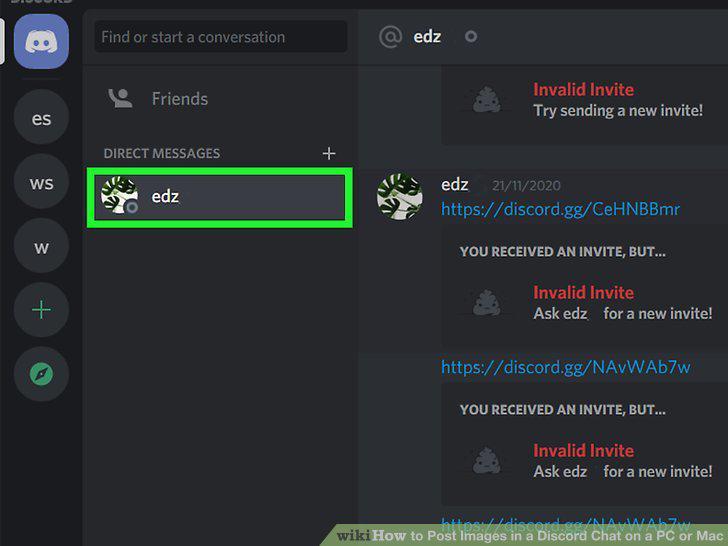
Open a chat.
4
Click the plus icon .
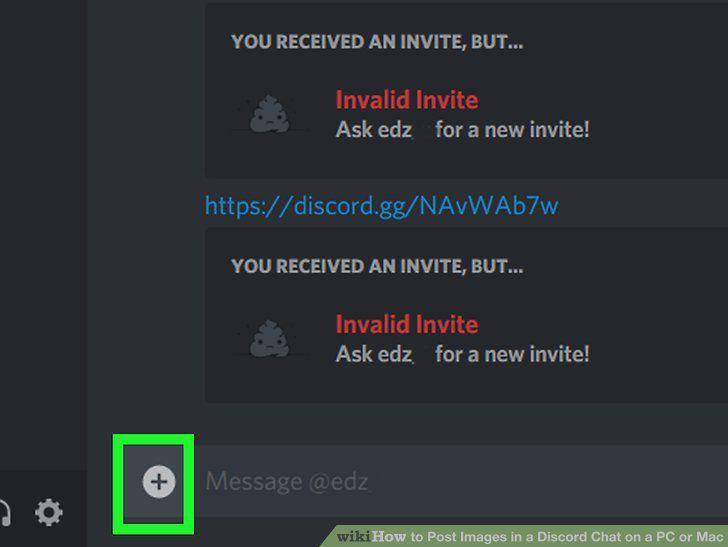
Click the plus icon .
5
Navigate to the file you want to upload.
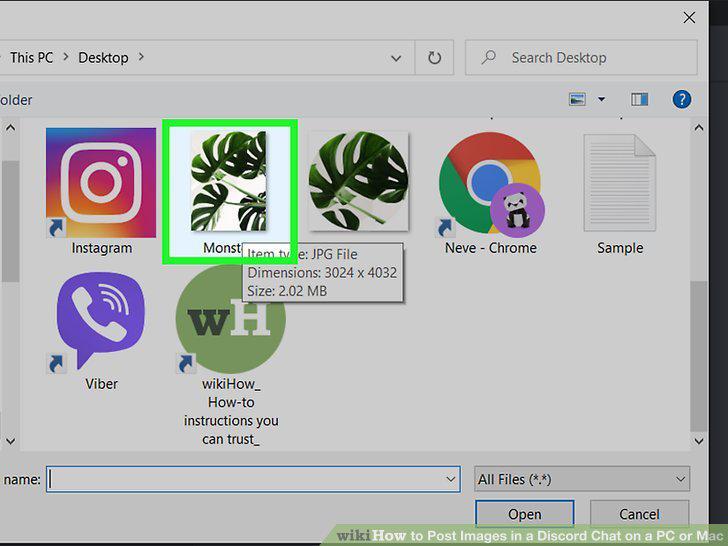
Navigate to the file you want to upload.
6
Select an image file and click Open.
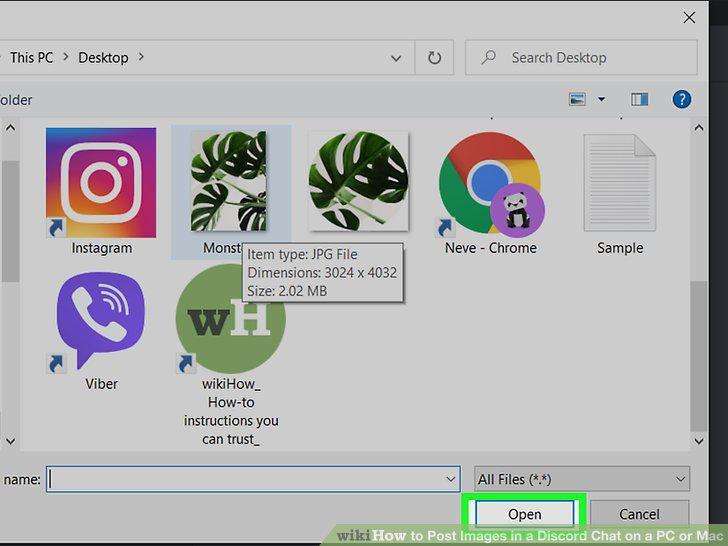
Select an image file and click Open.
7
Type a comment (optional).
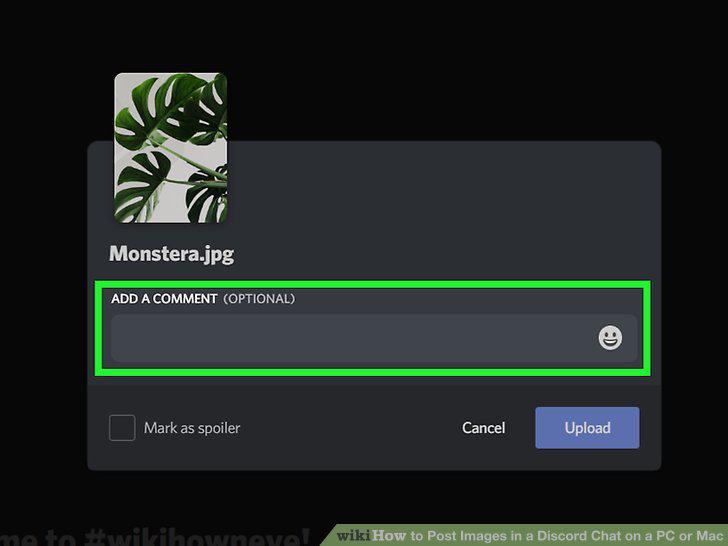
Type a comment (optional).
8
Click Upload.
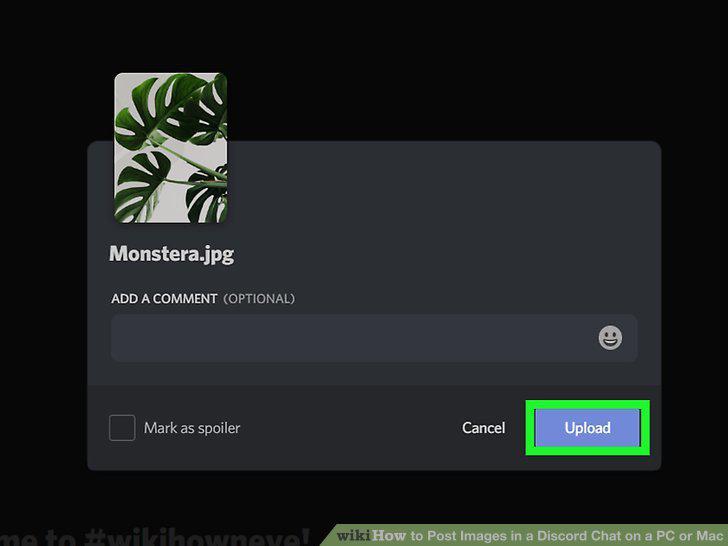
Click Upload.
Comments (0)
No comments yet. Be the first to share your thoughts!