How to Improve Photo Resolution on Samsung Galaxy
Open the Camera app on your Galaxy.. Tap the gear icon.. Tap Picture size under "REAR CAMERA.
Steps
1
Open the Camera app on your Galaxy.
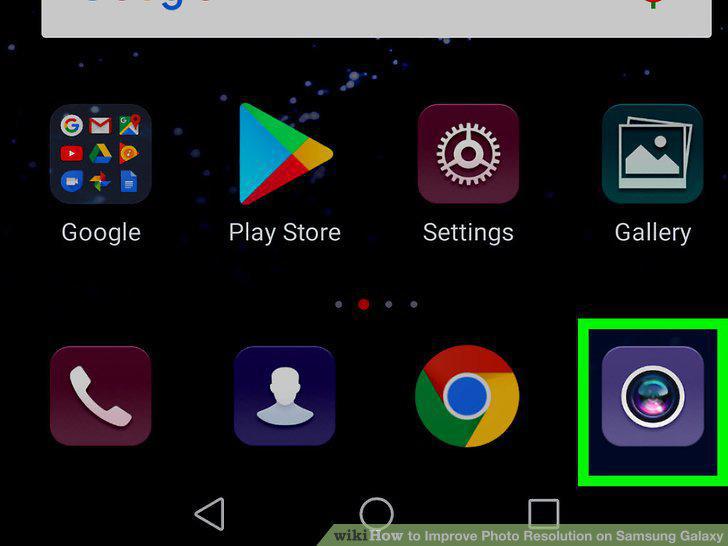
Open the Camera app on your Galaxy.
2
Tap the gear icon.
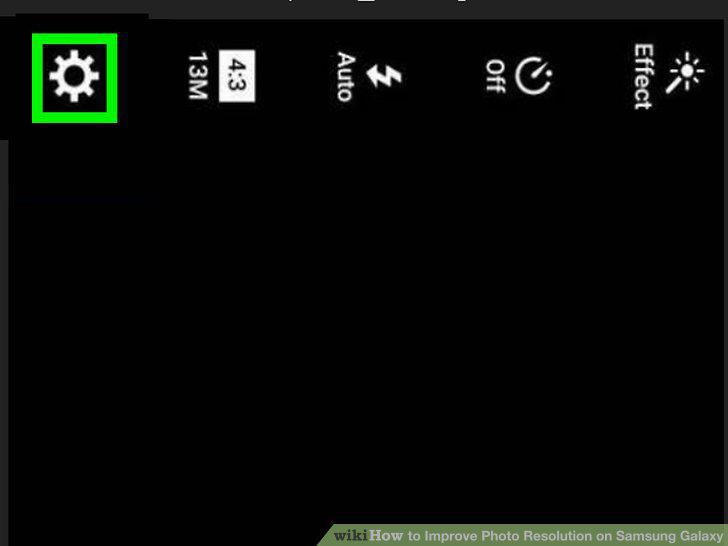
Tap the gear icon.
3
Tap Picture size under "REAR CAMERA.
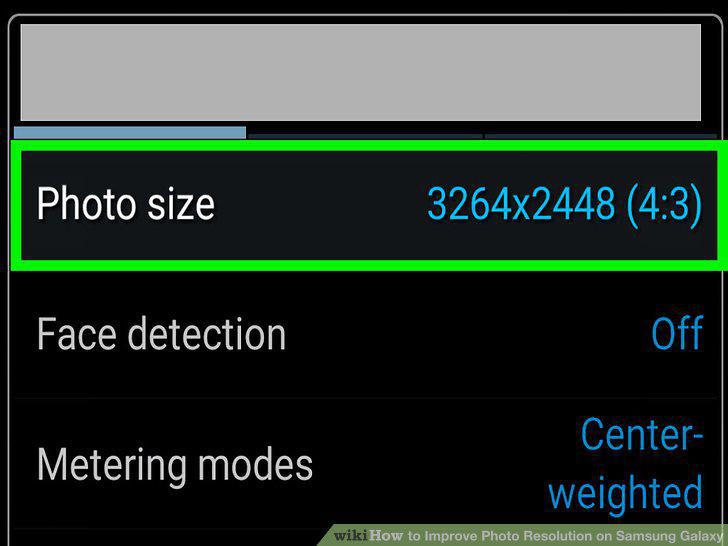
Tap Picture size under "REAR CAMERA.
4
Select a higher resolution.
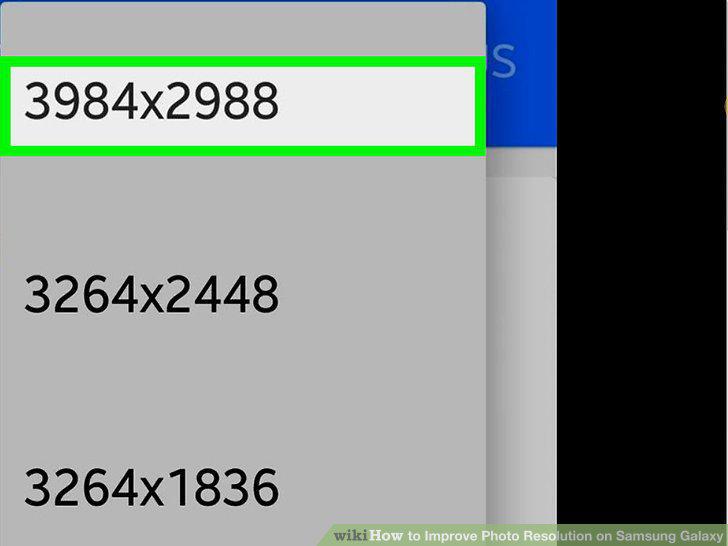
Select a higher resolution.
5
Tap the back button.
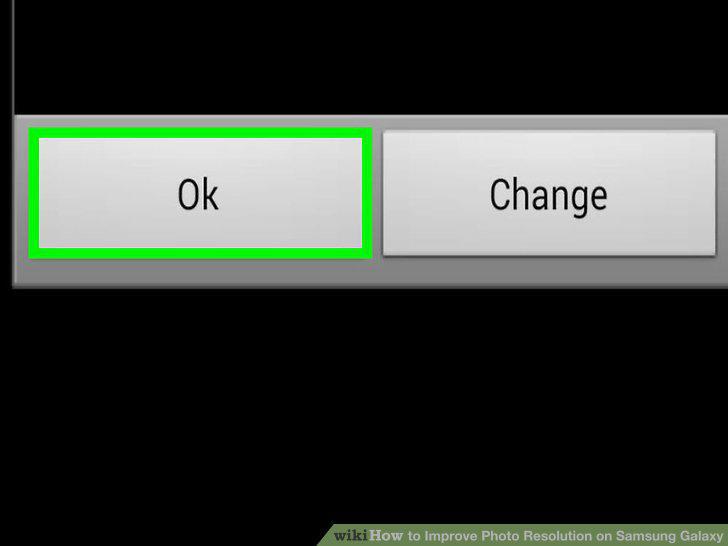
Tap the back button.
6
Tap MacButton under "FRONT CAMERA.
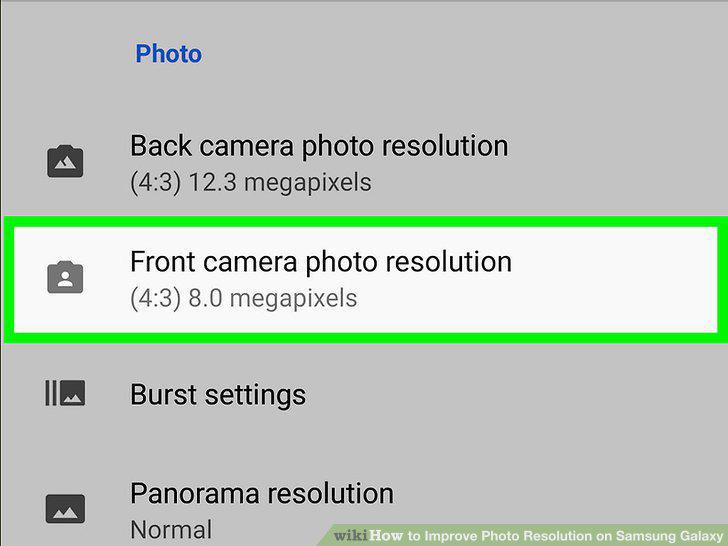
Tap MacButton under "FRONT CAMERA.
7
Tap your desired resolution.
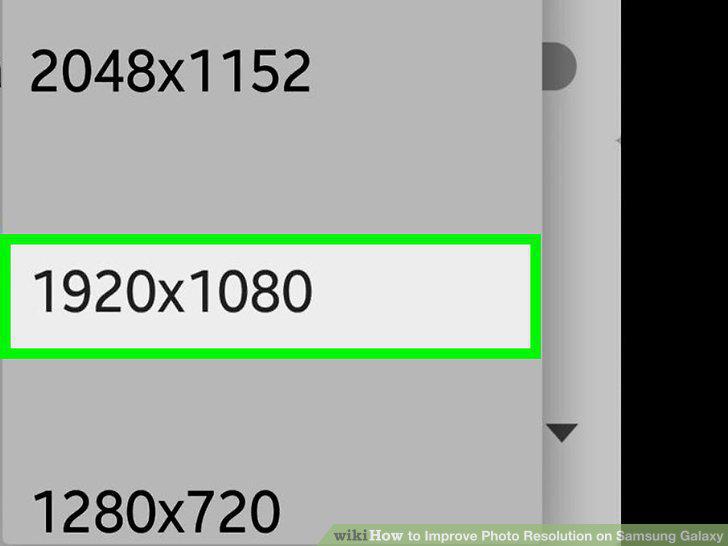
Tap your desired resolution.
Comments (0)
No comments yet. Be the first to share your thoughts!