How to Stop a Windows Computer from Freezing
Defragment your hard disk.. Format your disk and reinstall your operating system.. Downgrade to a lower operating system.
Steps
1
Defragment your hard disk.
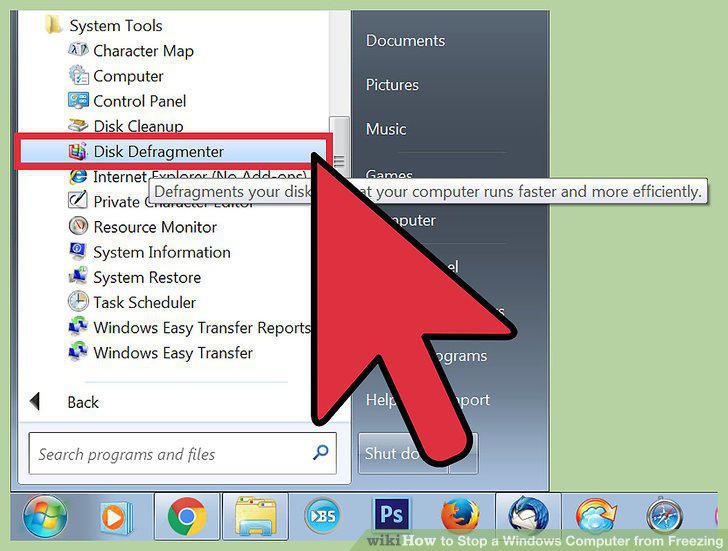
Defragment your hard disk.
2
Format your disk and reinstall your operating system.
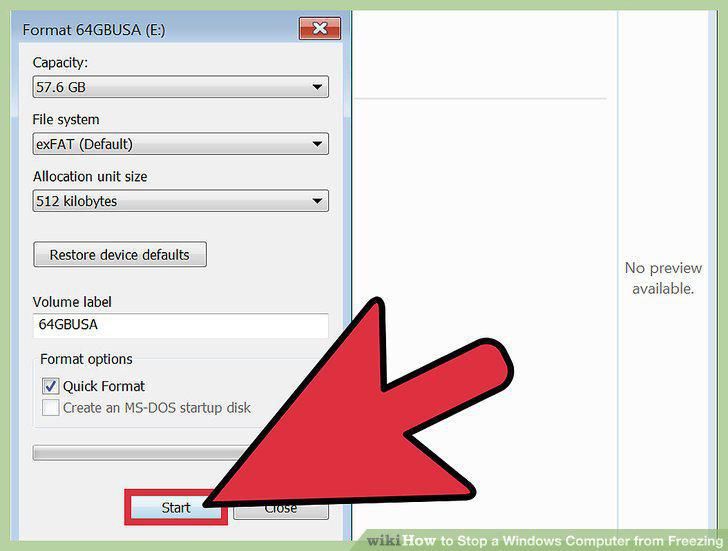
Format your disk and reinstall your operating system.
3
Downgrade to a lower operating system.
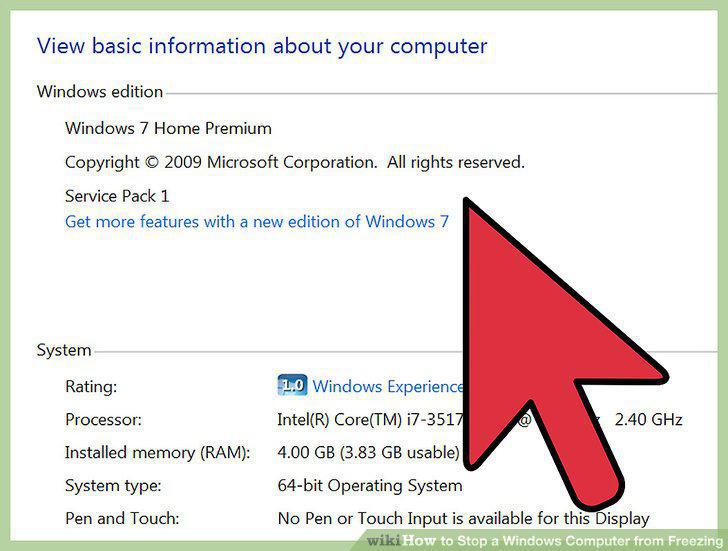
Downgrade to a lower operating system.
4
Update your applications.
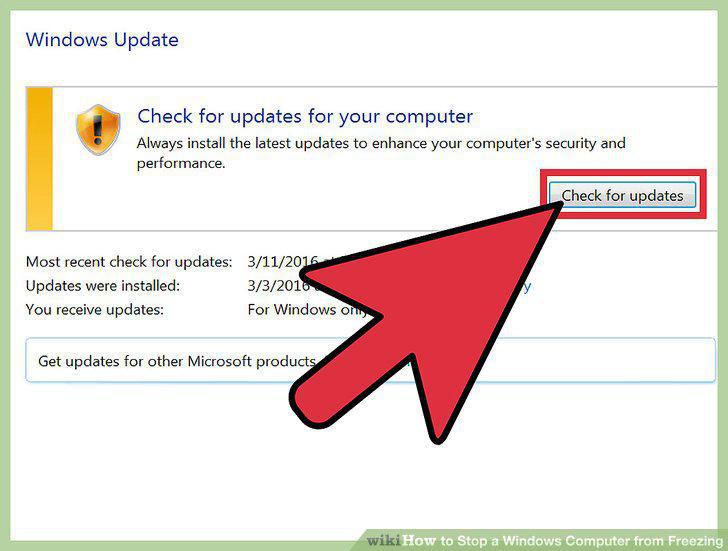
Update your applications.
5
Close all unnecessary applications.
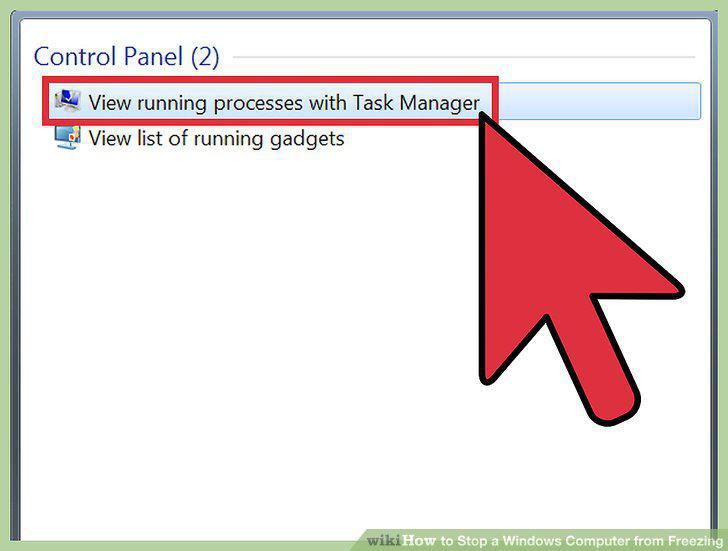
Close all unnecessary applications.
6
Limit the programs that open automatically at startup.
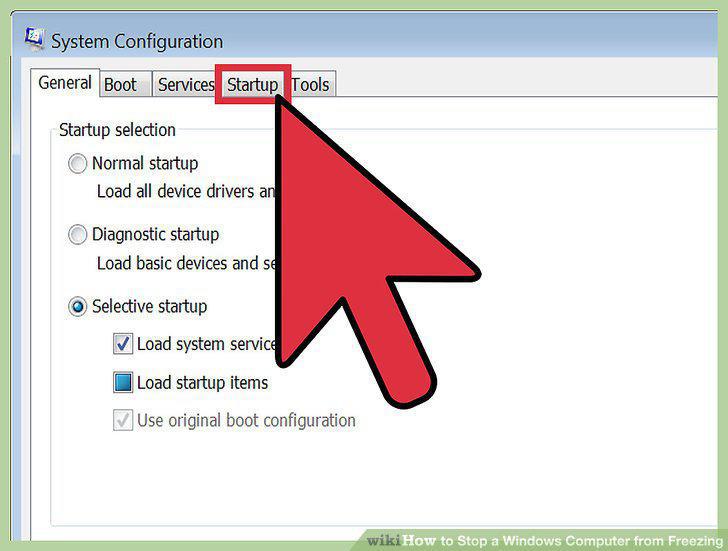
Limit the programs that open automatically at startup.
7
Turn off visual effects.
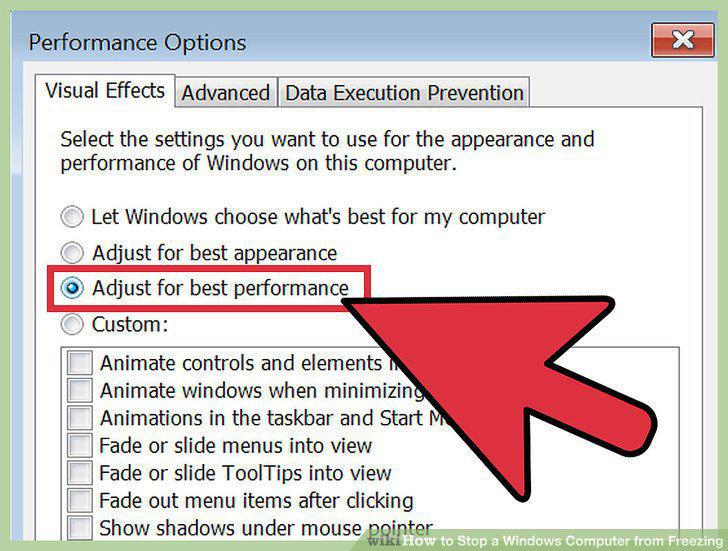
Turn off visual effects.
8
Uninstall any applications you no longer need.
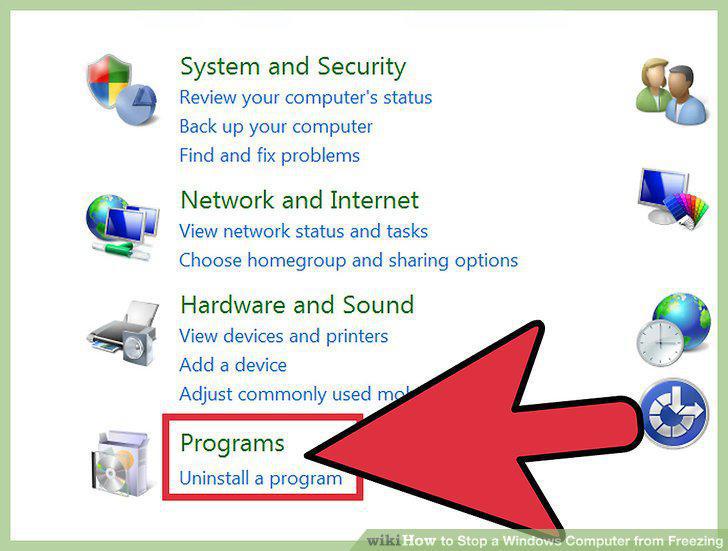
Uninstall any applications you no longer need.
9
Delete any files you no longer need.
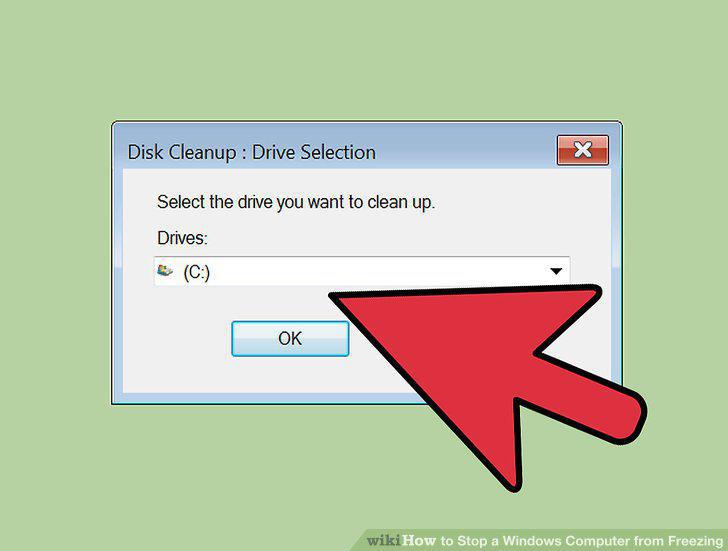
Delete any files you no longer need.
10
Restart your computer on a regular basis.
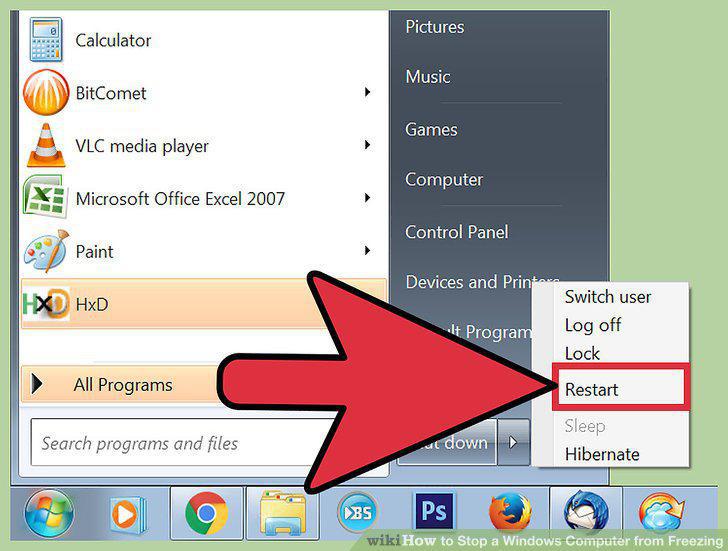
Restart your computer on a regular basis.
11
Run a virus scan.
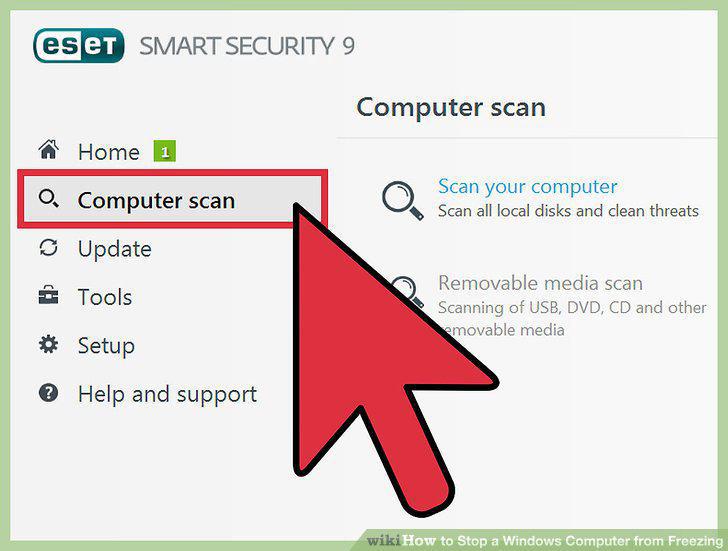
Run a virus scan.
12
Clean up your Windows registry.
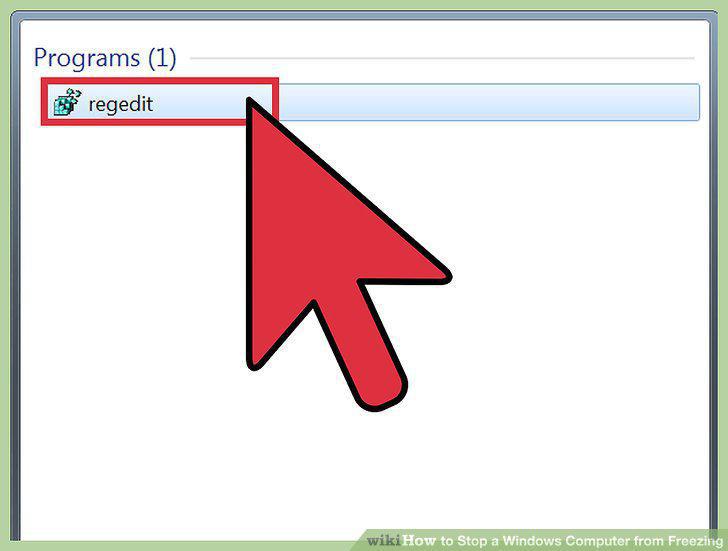
Clean up your Windows registry.
13
Physically open up your computer and clean it.
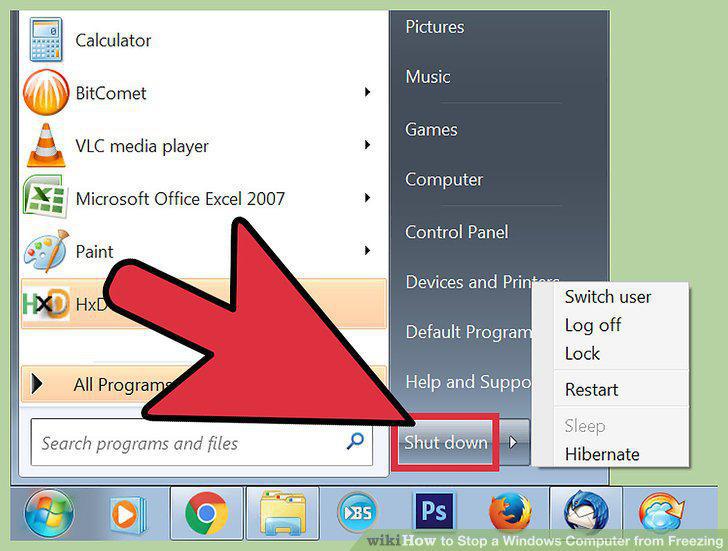
Physically open up your computer and clean it.
Comments (0)
No comments yet. Be the first to share your thoughts!