How to Remove a Solid Background Color of an Image in PowerPoint
Open PowerPoint.. Click Blank Presentation.. Click and drag an image into PowerPoint.
Steps
1
Open PowerPoint.
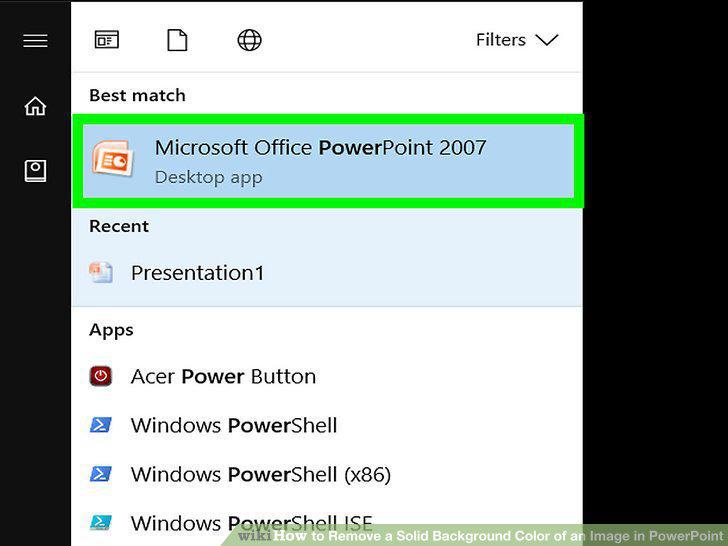
Open PowerPoint.
2
Click Blank Presentation.
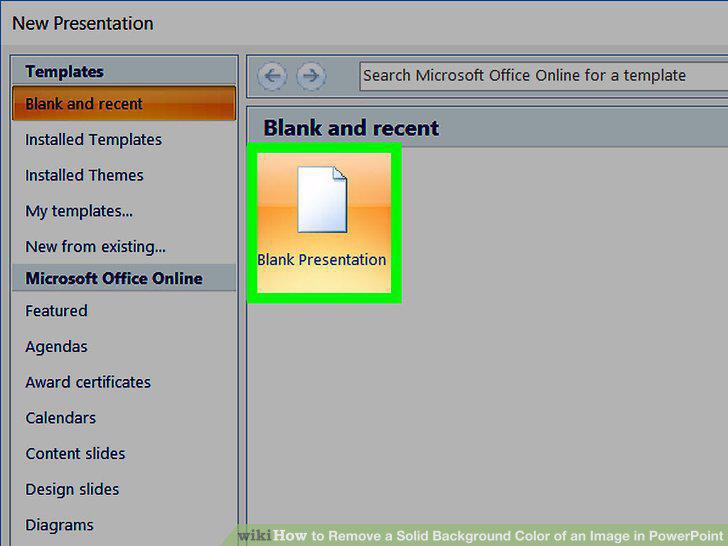
Click Blank Presentation.
3
Click and drag an image into PowerPoint.
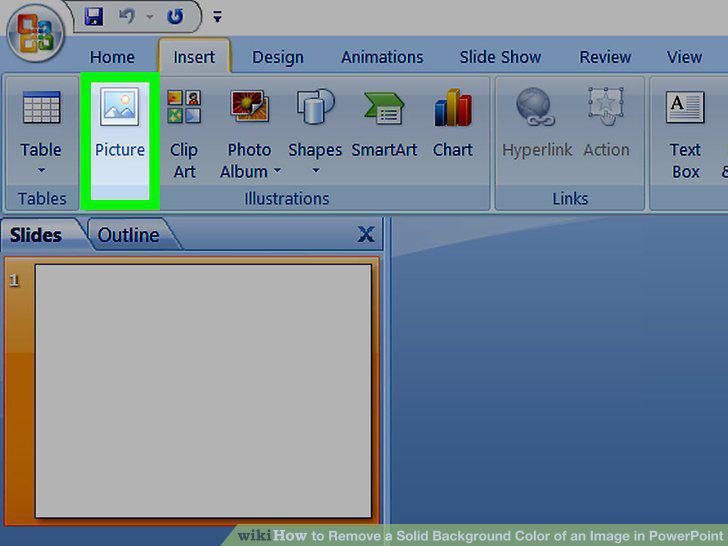
Click and drag an image into PowerPoint.
4
Resize your image if needed.
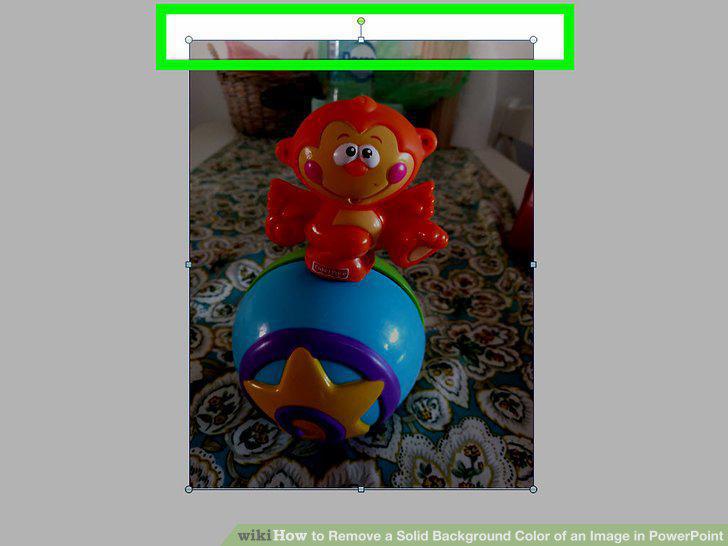
Resize your image if needed.
5
Click the picture to select it, then click Format.
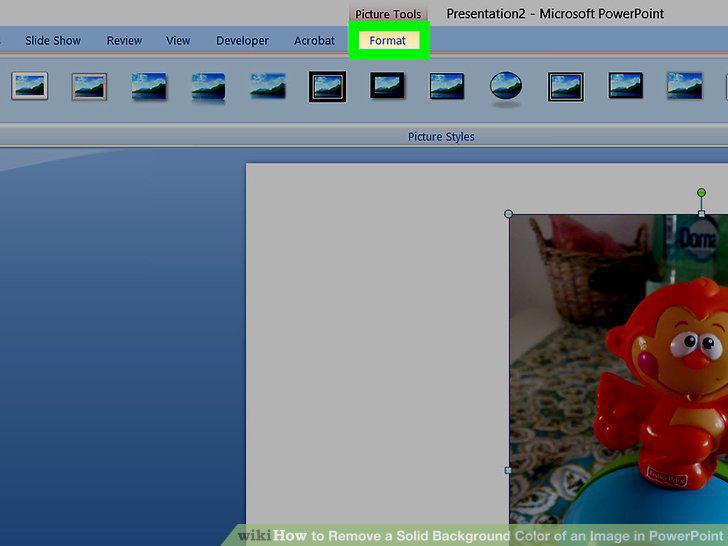
Click the picture to select it, then click Format.
6
Click Remove Background.
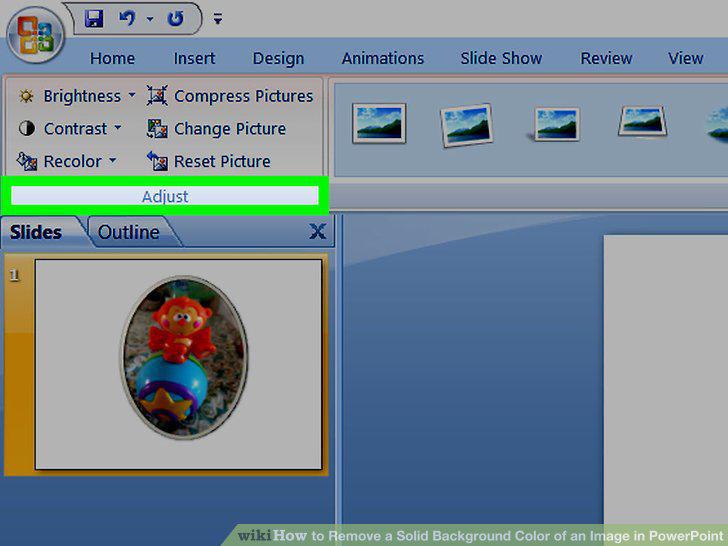
Click Remove Background.
7
Resize the square box to cover your image.
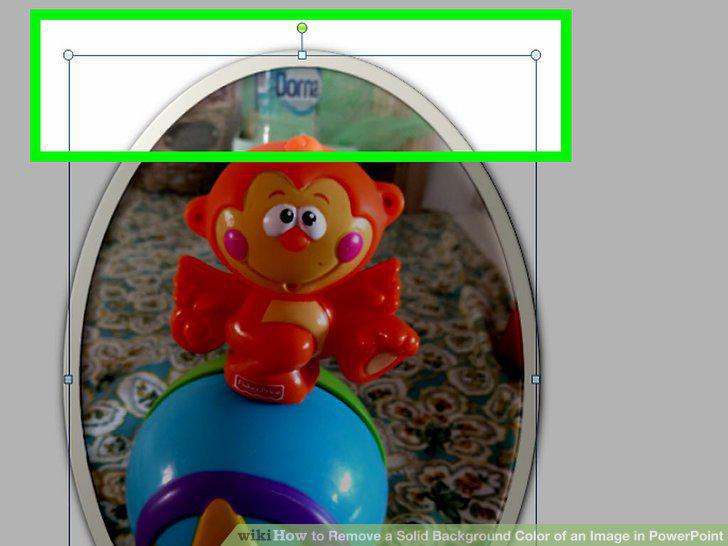
Resize the square box to cover your image.
8
Mark other parts of your image for deletion or for preservation.
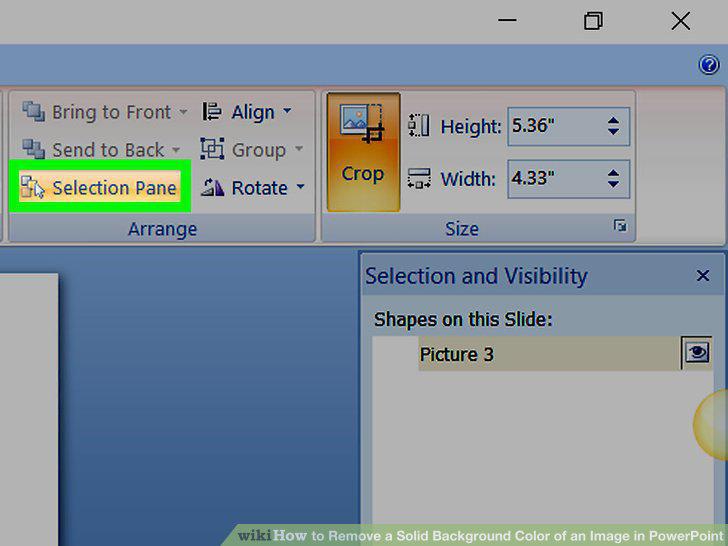
Mark other parts of your image for deletion or for preservation.
9
Click Keep Changes to delete the selected areas.
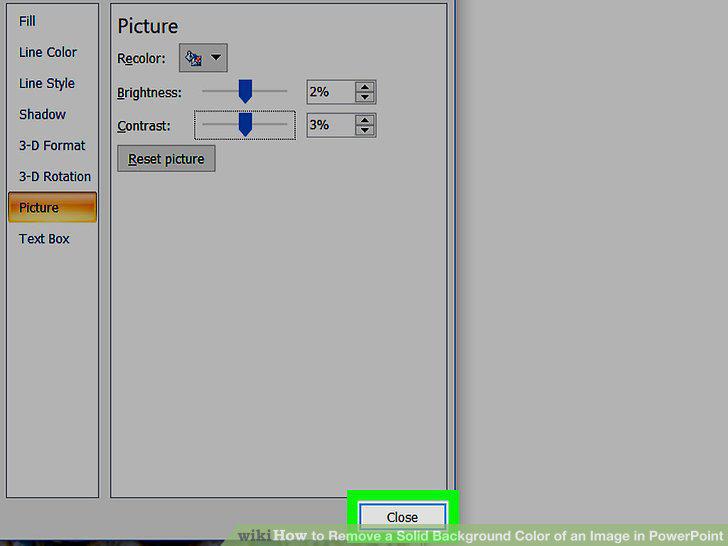
Click Keep Changes to delete the selected areas.
Comments (0)
No comments yet. Be the first to share your thoughts!