How to Find Out if You Have Been Restricted on Facebook
Visit your friend's profile.. Look for empty space at the top of their profile.. See if their posts are all public.
Steps
1
Visit your friend's profile.
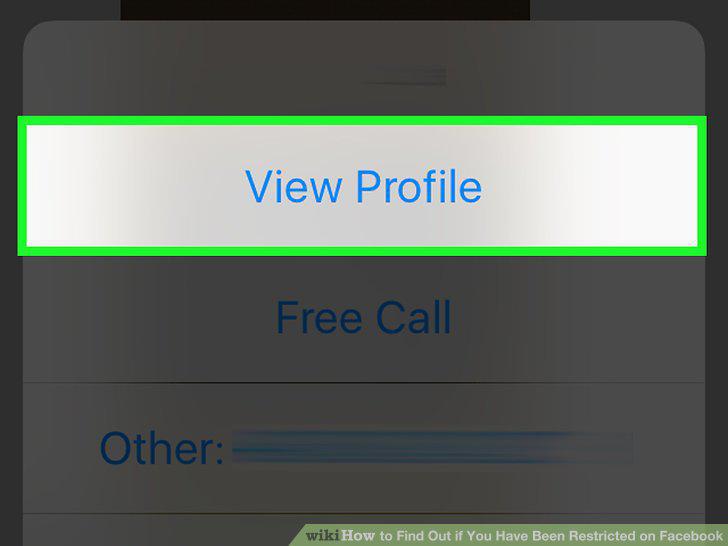
Visit your friend's profile.
2
Look for empty space at the top of their profile.
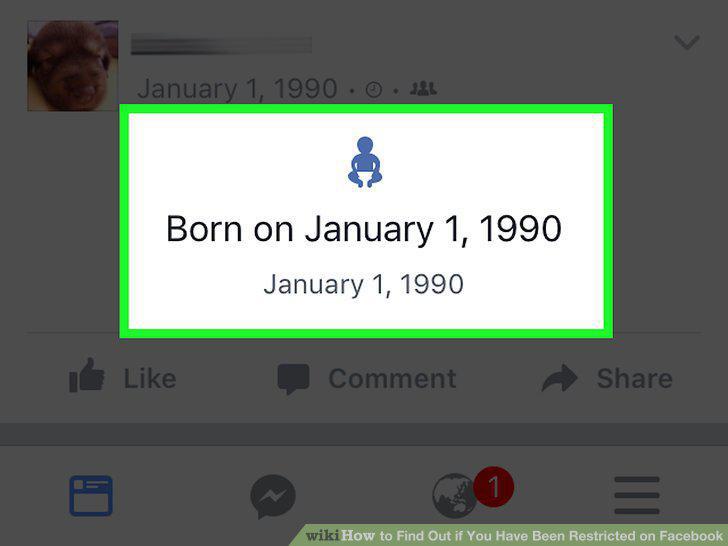
Look for empty space at the top of their profile.
3
See if their posts are all public.
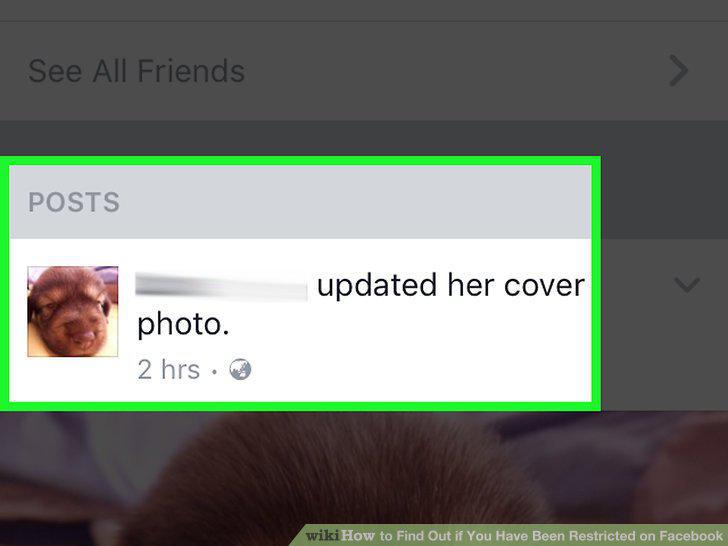
See if their posts are all public.
4
Look for a sudden lack of content.
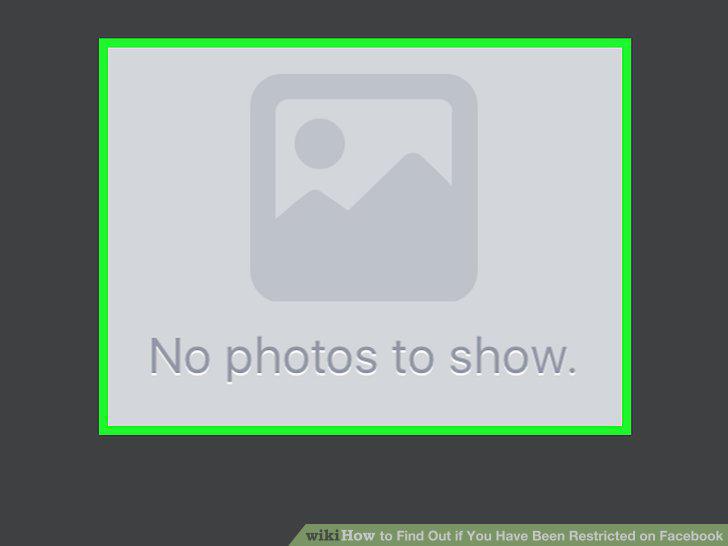
Look for a sudden lack of content.
5
Ask a mutual friend to look at your friend's Timeline.
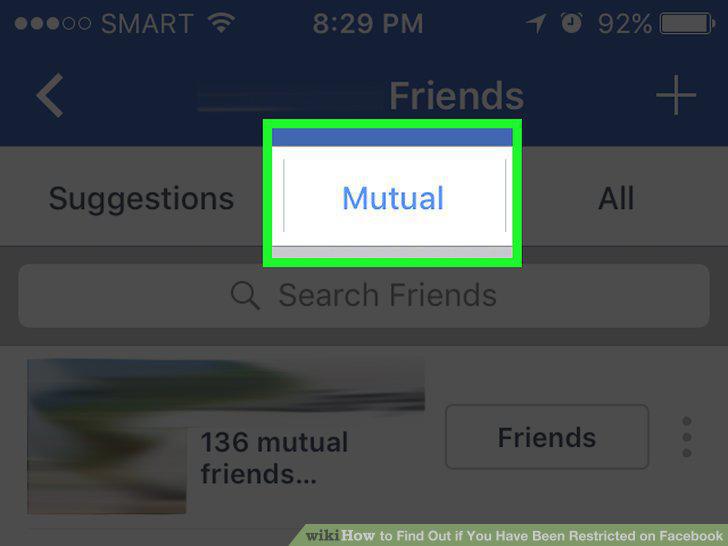
Ask a mutual friend to look at your friend's Timeline.
6
Ask your friend if they restricted you.
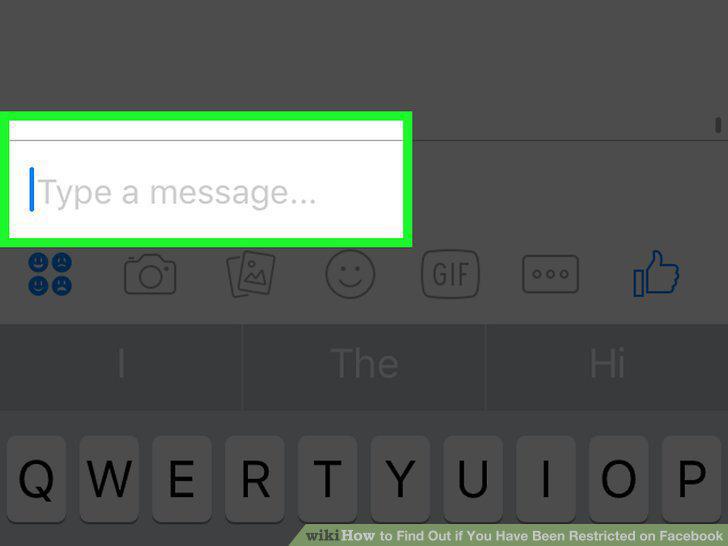
Ask your friend if they restricted you.
Comments (0)
No comments yet. Be the first to share your thoughts!