How to Delete a Profile Picture on Facebook on a PC or Mac
Navigate to https://www.facebook.com.. Click your profile photo next to "What's on your mind?. Click the larger version of your profile photo.
Steps
1
Navigate to https://www.facebook.com.
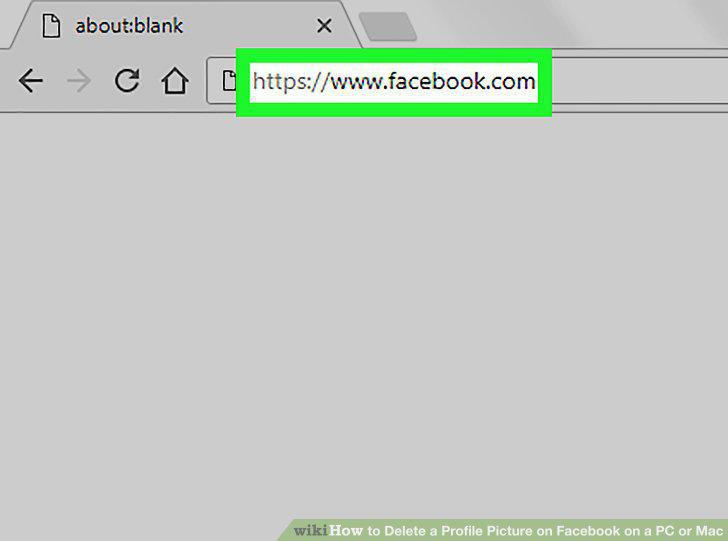
Navigate to https://www.facebook.com.
2
Click your profile photo next to "What's on your mind?
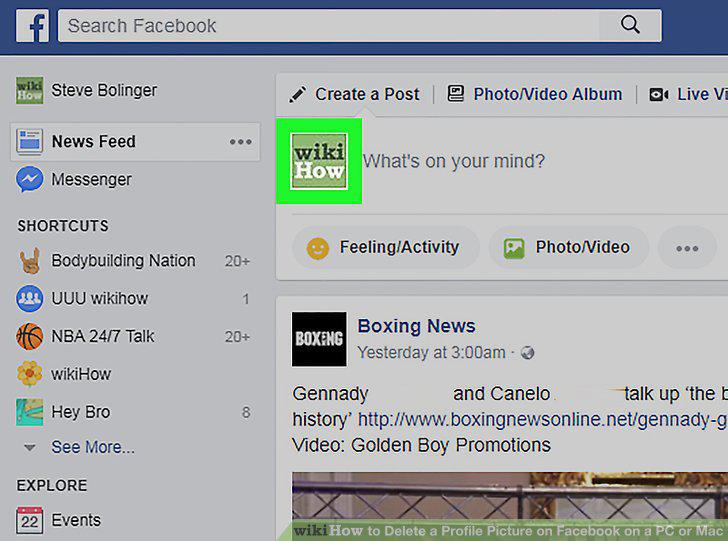
Click your profile photo next to "What's on your mind?
3
Click the larger version of your profile photo.
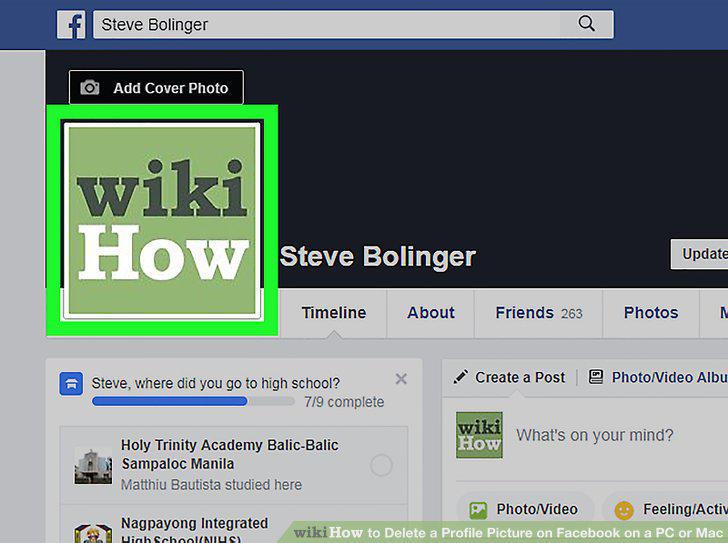
Click the larger version of your profile photo.
4
Find the photo you want to delete.
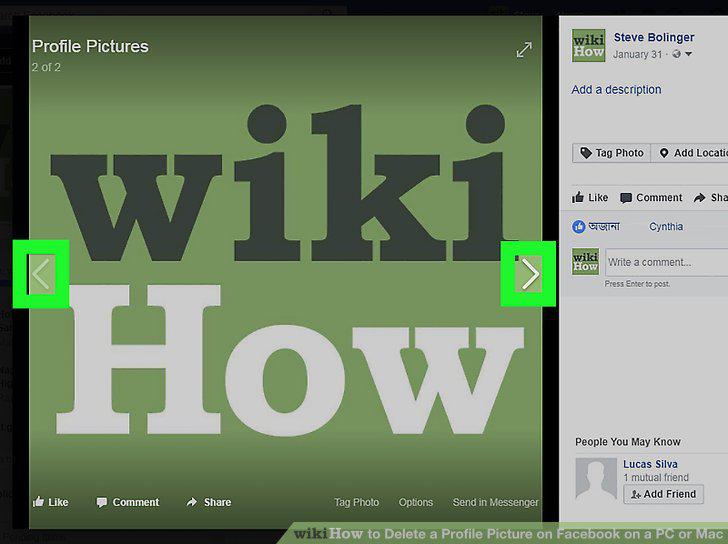
Find the photo you want to delete.
5
Click Options.
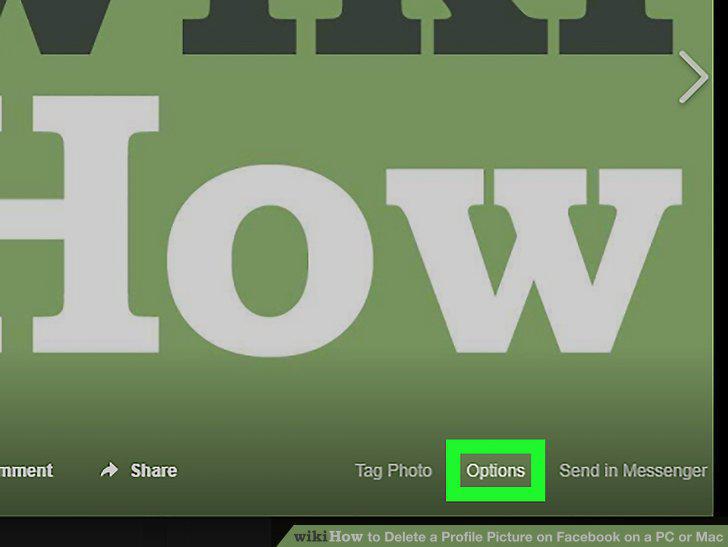
Click Options.
6
Click Delete this Photo.
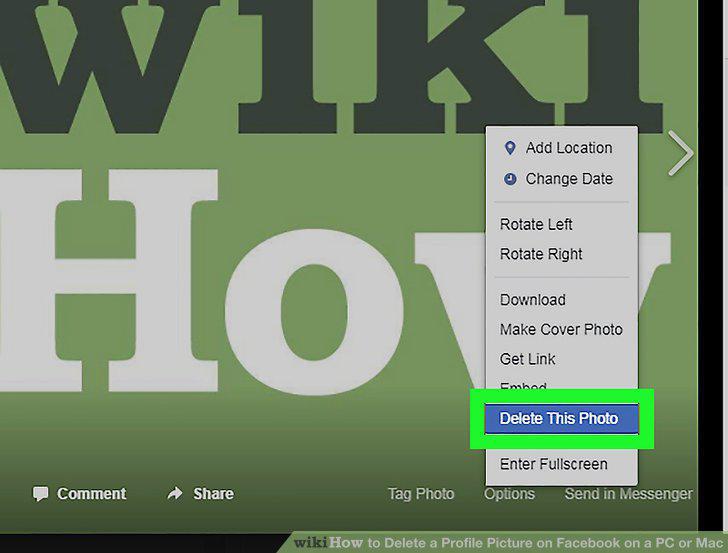
Click Delete this Photo.
7
Click Delete to confirm.
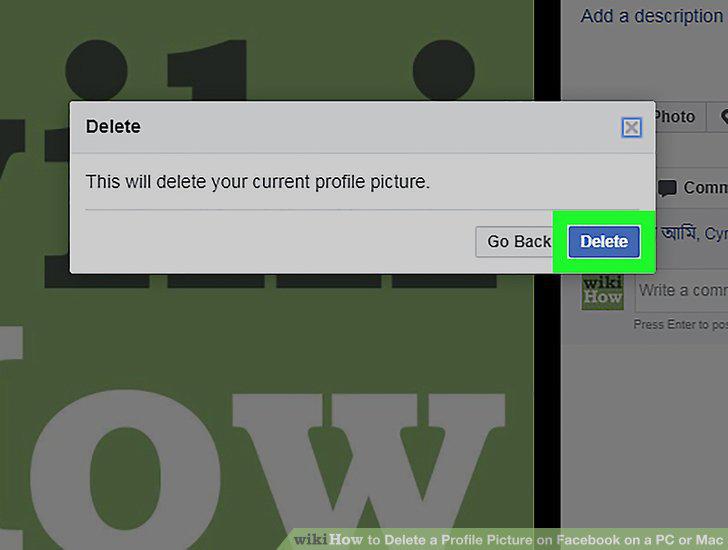
Click Delete to confirm.
Comments (0)
No comments yet. Be the first to share your thoughts!