How to Organize Your Computer
Make folders.. Organize with icons.. Personalize the computer.
Steps
1
Make folders.
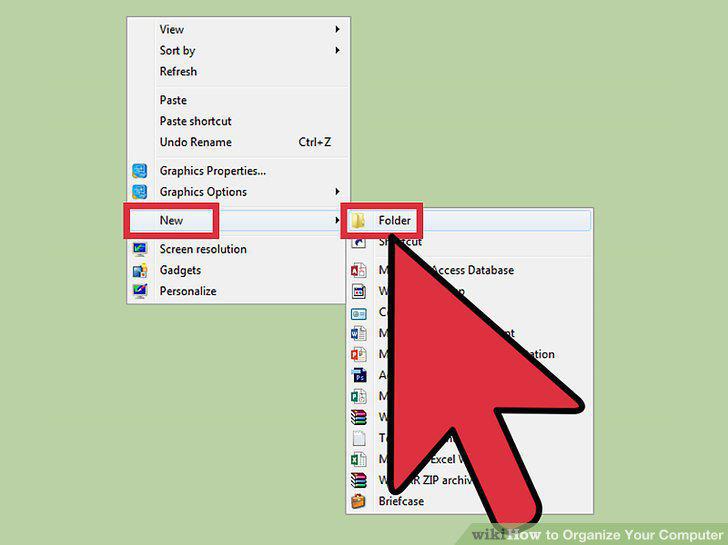
Make folders.
2
Organize with icons.
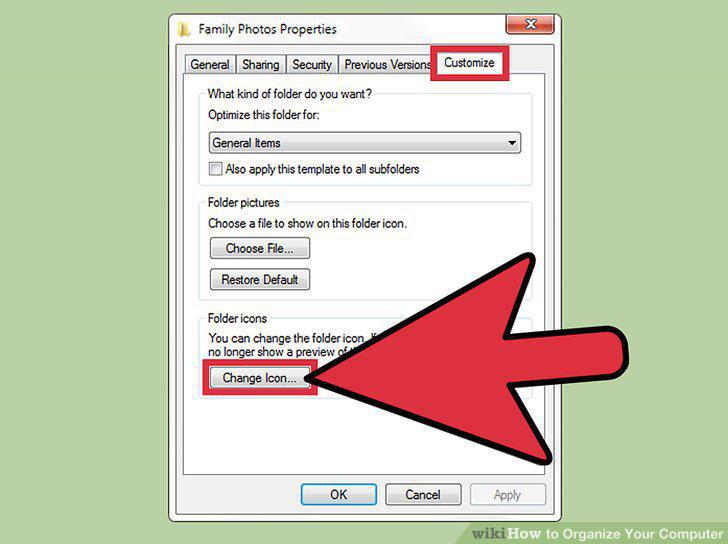
Organize with icons.
3
Personalize the computer.
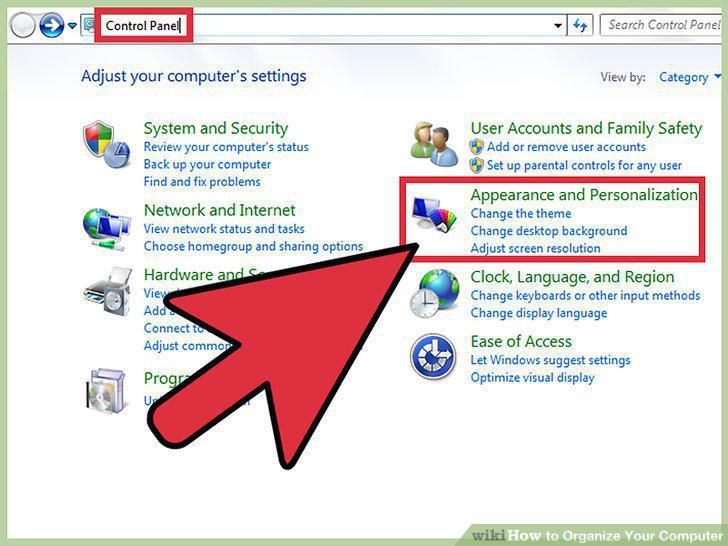
Personalize the computer.
4
Don't place your icons on the side.
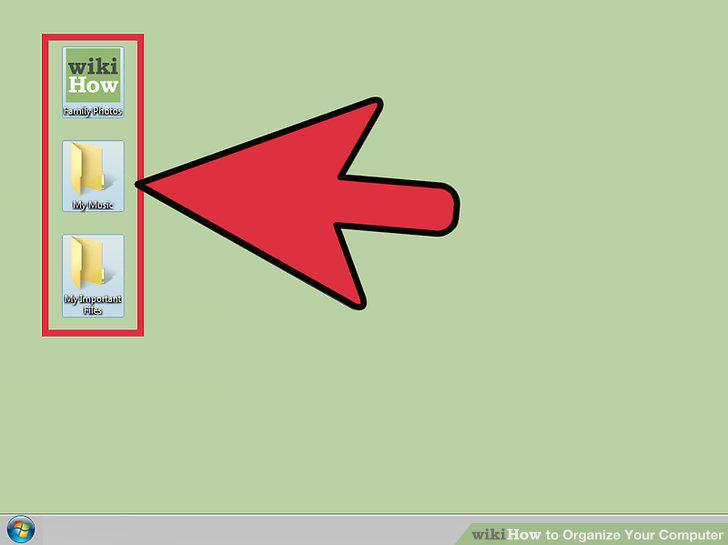
Don't place your icons on the side.
5
Make sure you have memory and back-up folders outside the network in case of dat
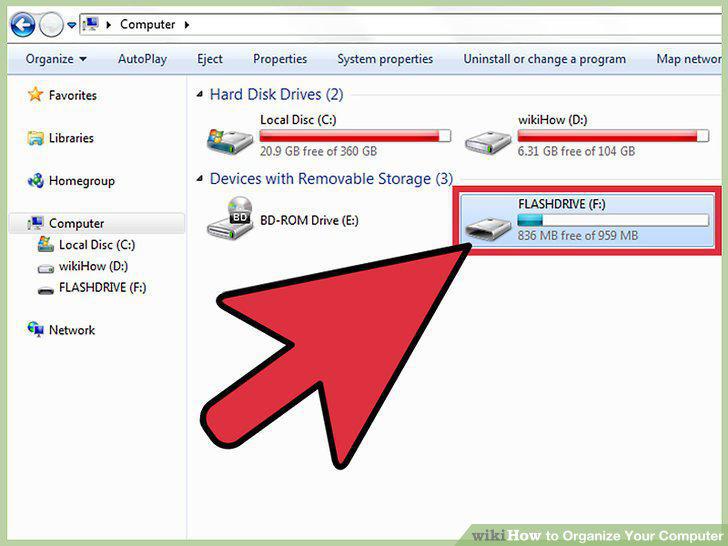
Make sure you have memory and back-up folders outside the network in case of data loss.
6
Remove unneeded files from your desktop.
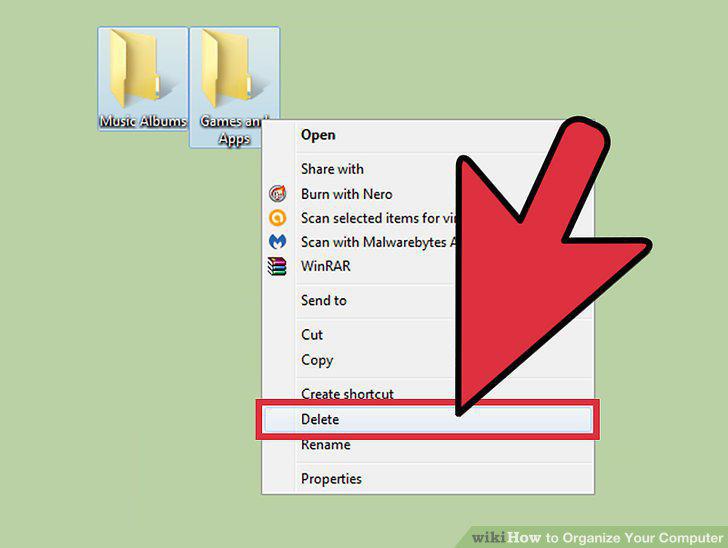
Remove unneeded files from your desktop.
Comments (0)
No comments yet. Be the first to share your thoughts!