How to Calculate an Interest Payment Using Microsoft Excel
Open Microsoft Excel.. Click Blank Workbook.. Set up your rows.
Steps
1
Open Microsoft Excel.
Open Microsoft Excel.
2
Click Blank Workbook.
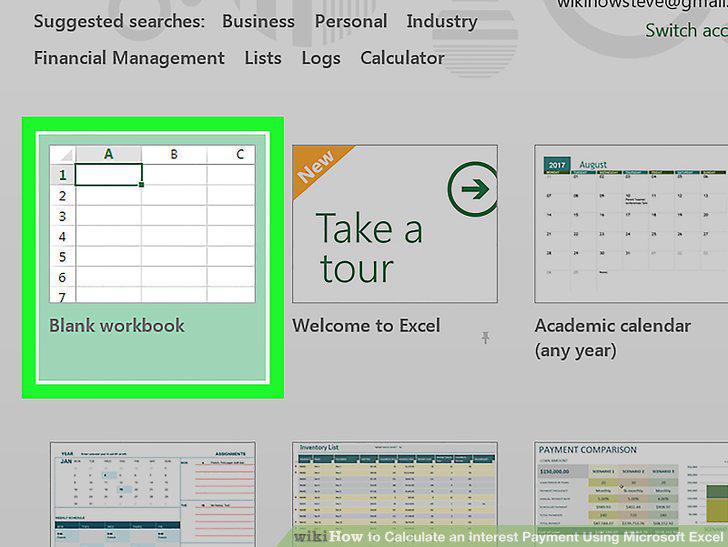
Click Blank Workbook.
3
Set up your rows.
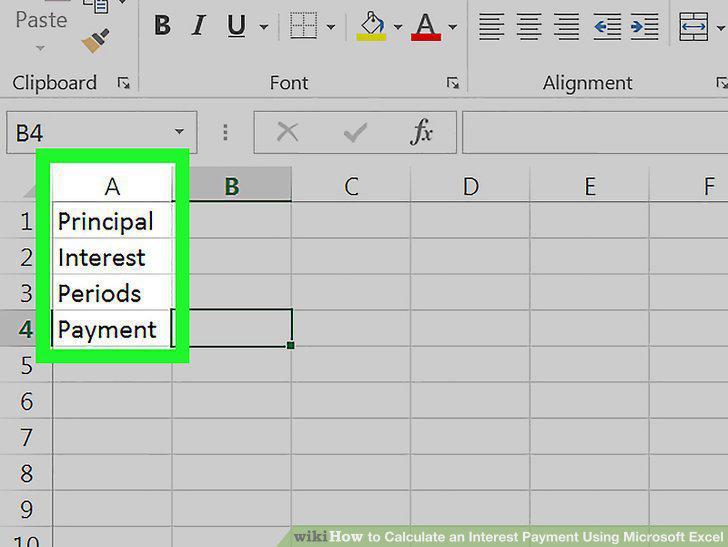
Set up your rows.
4
Enter the payment's total value.
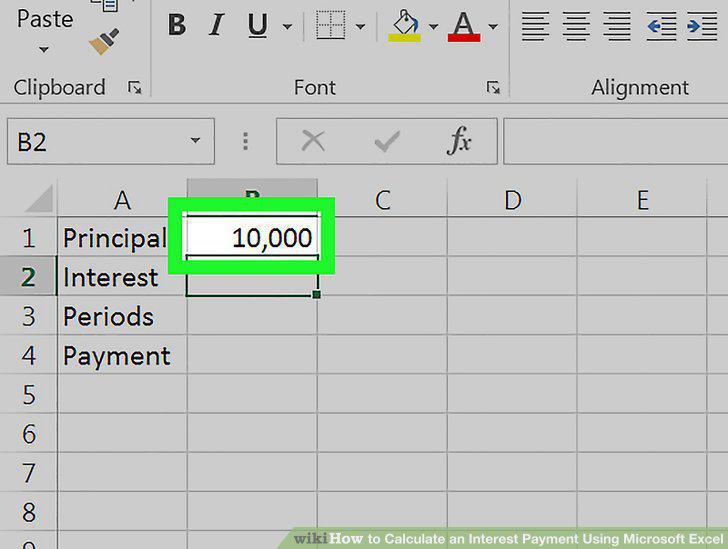
Enter the payment's total value.
5
Enter the current interest rate.
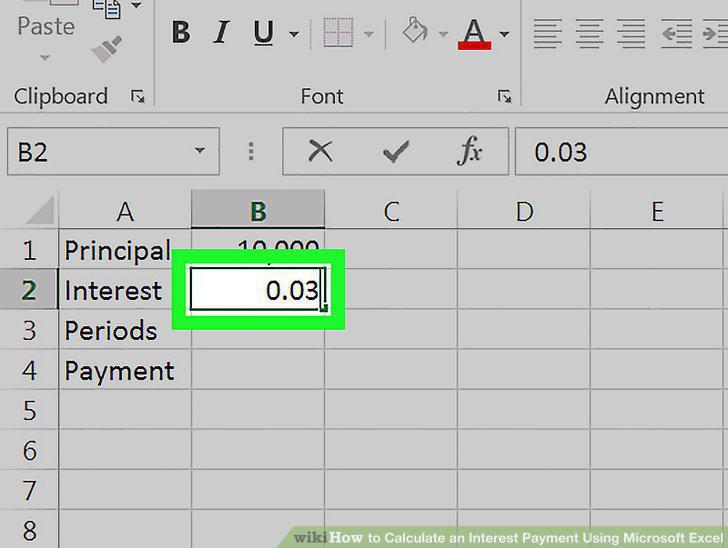
Enter the current interest rate.
6
Enter the number of payments you have left.
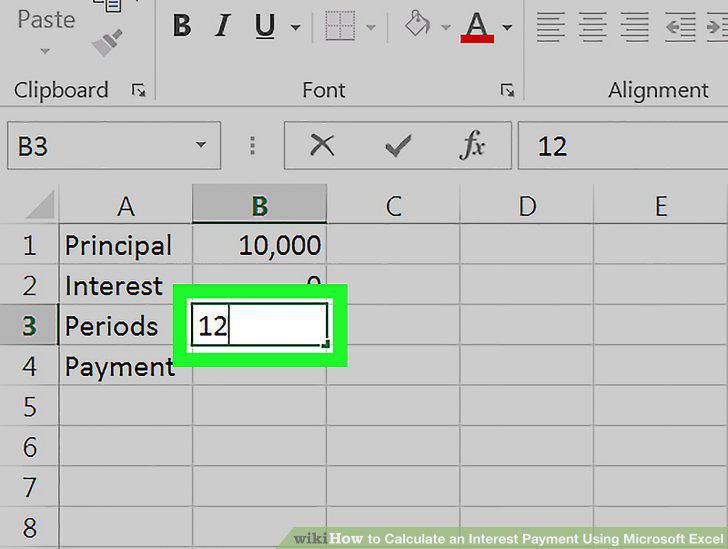
Enter the number of payments you have left.
7
Select cell B4.
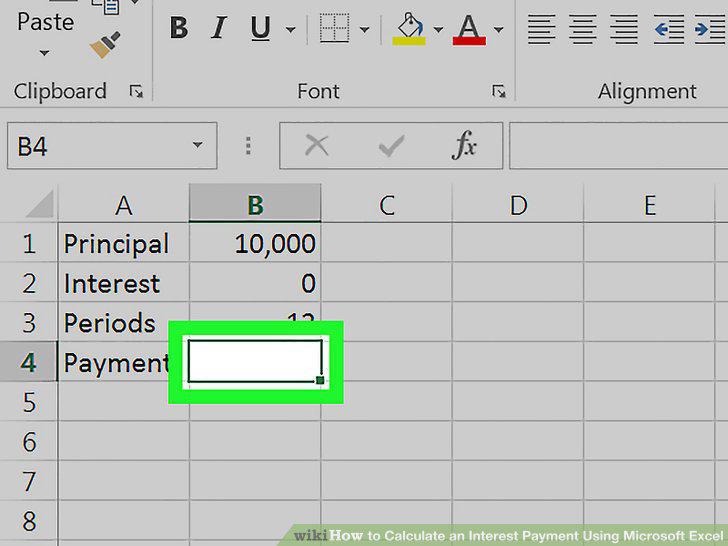
Select cell B4.
8
Enter the interest payment formula.
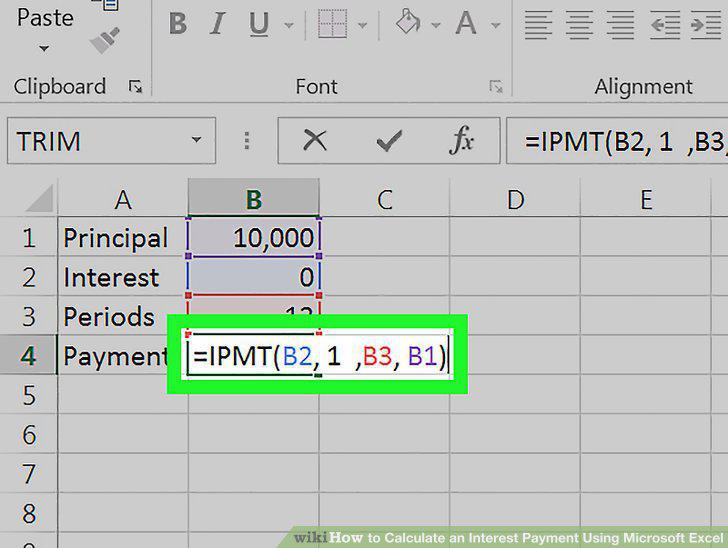
Enter the interest payment formula.
Comments (0)
No comments yet. Be the first to share your thoughts!