How to Use Waze to Avoid Traffic Jams
Open Waze.. Tap the magnifying glass icon.. Tap the "Search" bar.
Steps
1
Open Waze.
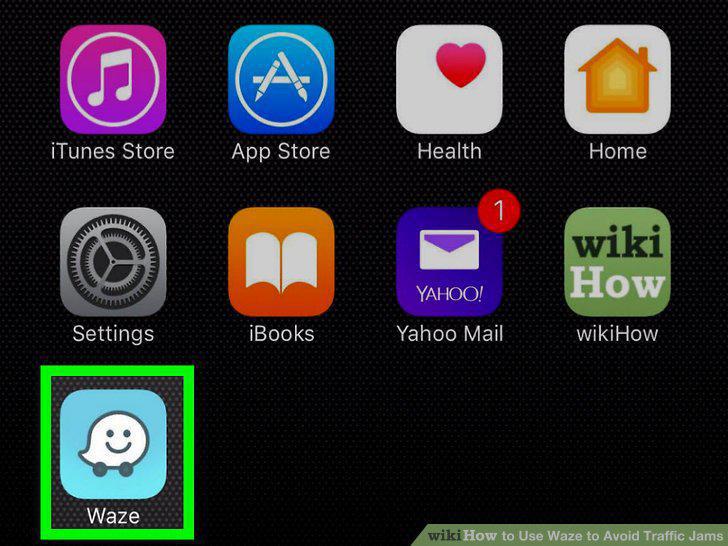
Open Waze.
2
Tap the magnifying glass icon.
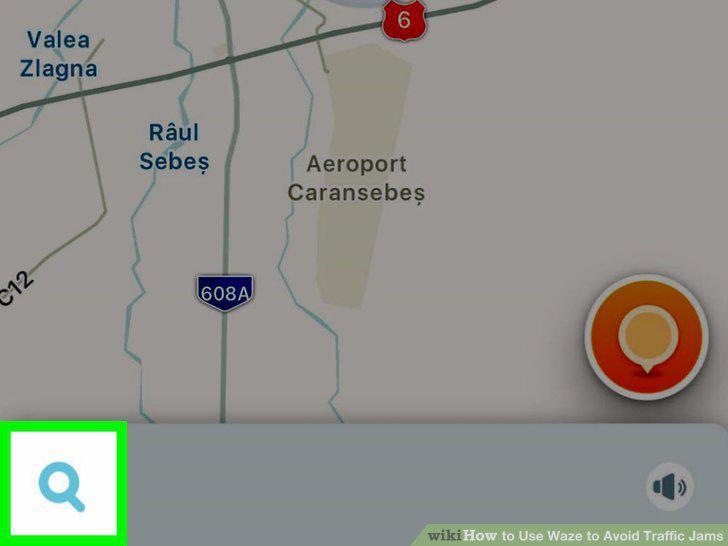
Tap the magnifying glass icon.
3
Tap the "Search" bar.
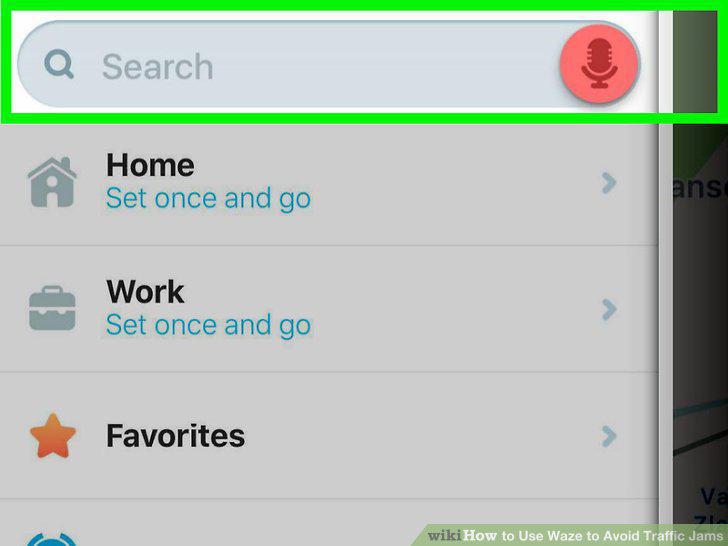
Tap the "Search" bar.
4
Type in a destination.
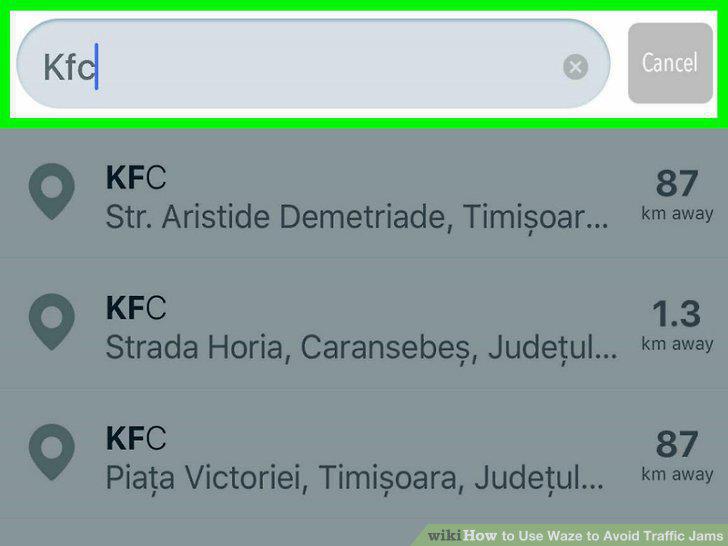
Type in a destination.
5
Tap a suggestion.
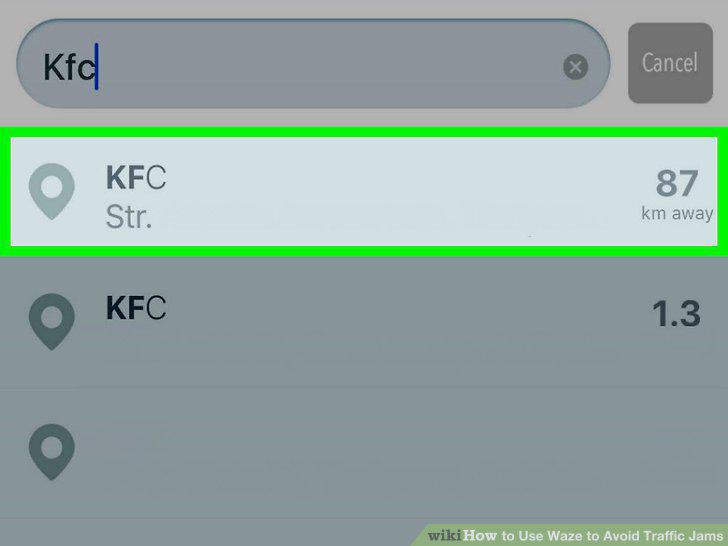
Tap a suggestion.
6
Tap GO.
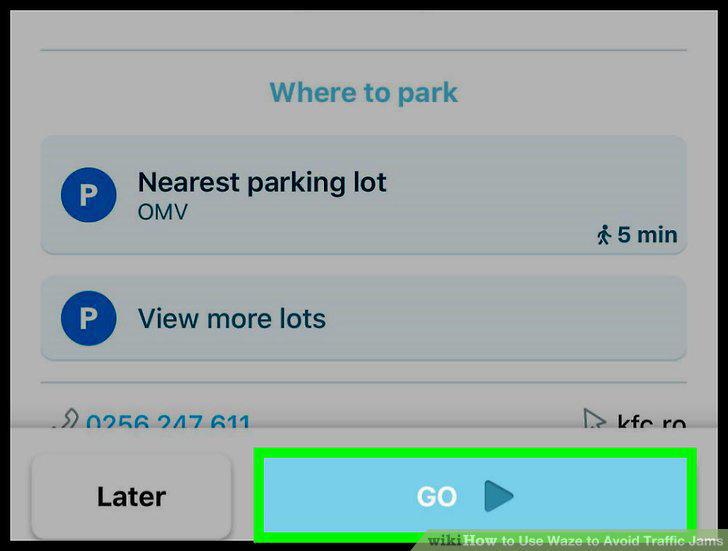
Tap GO.
7
Tap Routes.
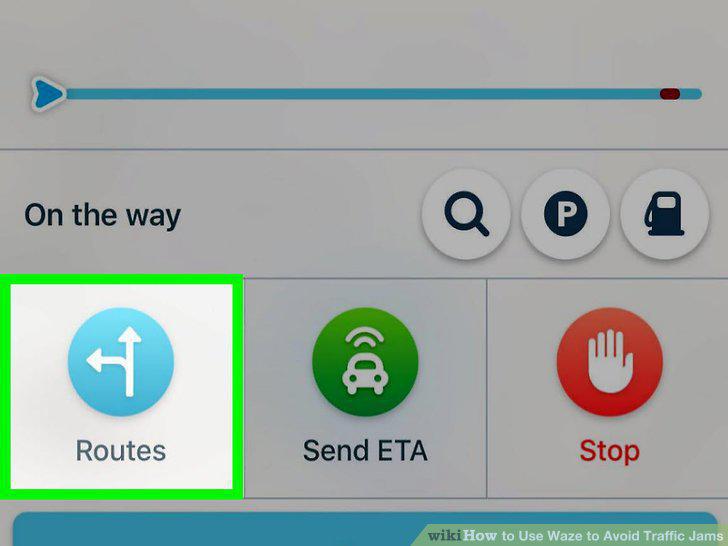
Tap Routes.
8
Review all available routes.
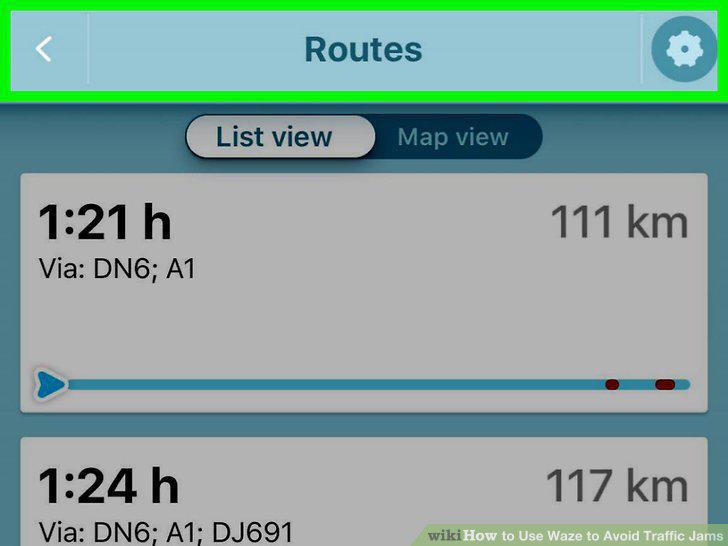
Review all available routes.
9
Tap a traffic-free route.
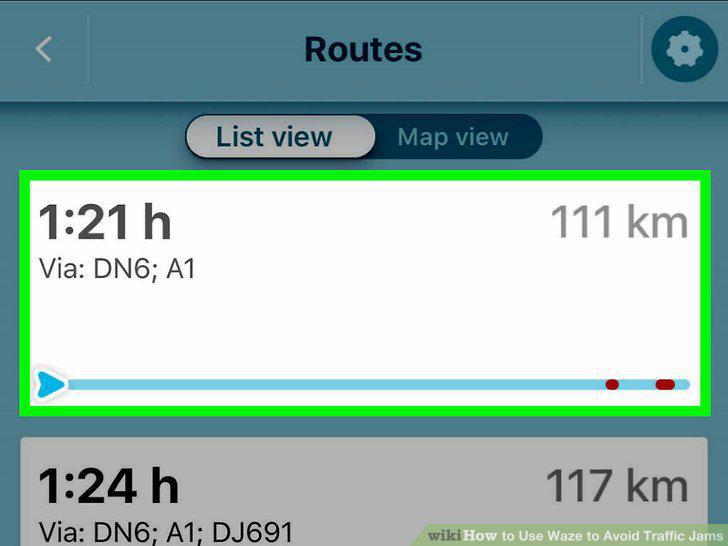
Tap a traffic-free route.
Comments (0)
No comments yet. Be the first to share your thoughts!