How to Edit Videos with Filmr on Android
Open Filmr.. Tap Gallery.. Tap to select videos and tap the checkmark icon.
Steps
1
Open Filmr.
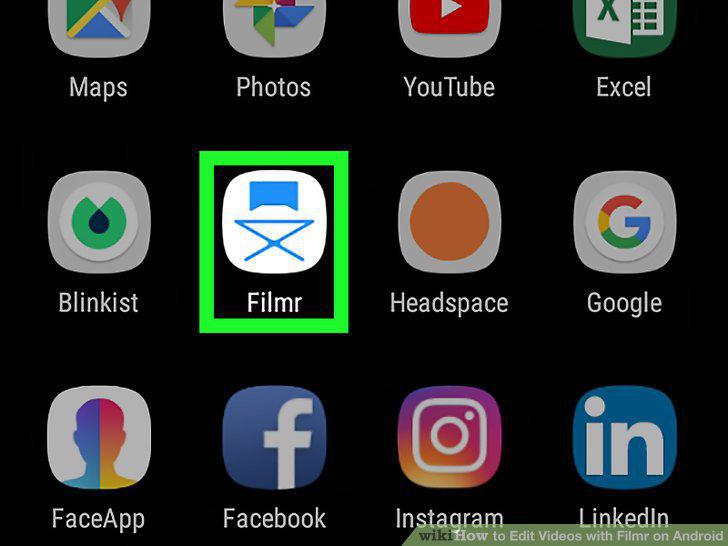
Open Filmr.
2
Tap Gallery.
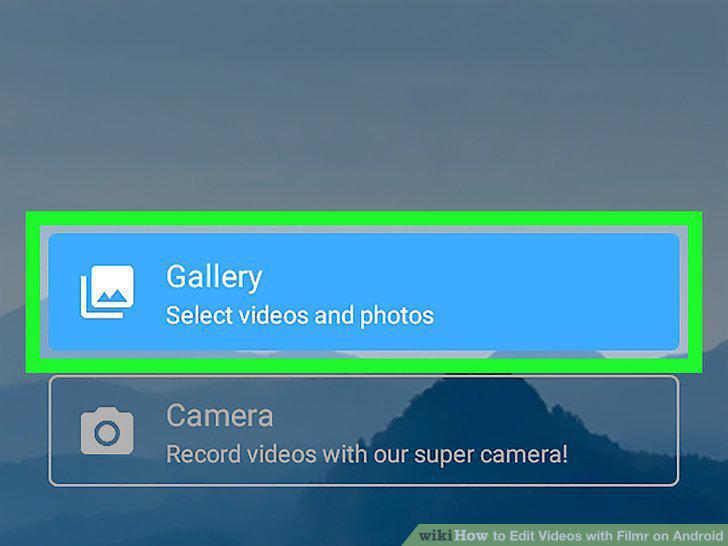
Tap Gallery.
3
Tap to select videos and tap the checkmark icon.
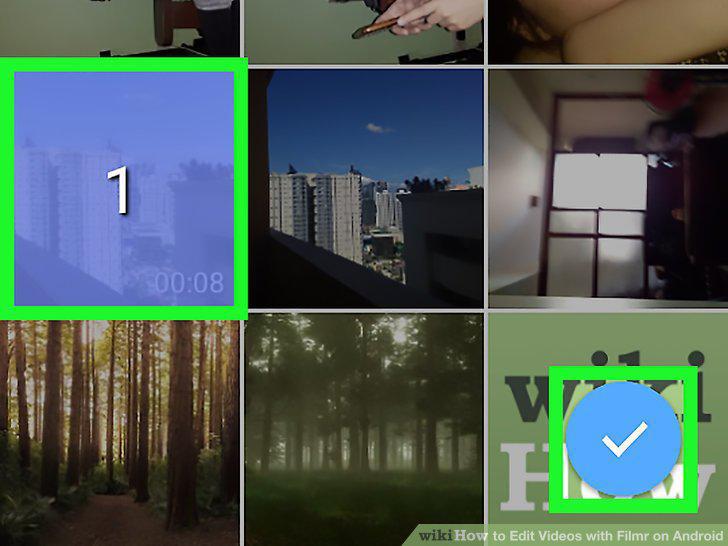
Tap to select videos and tap the checkmark icon.
4
Preview video sequence.
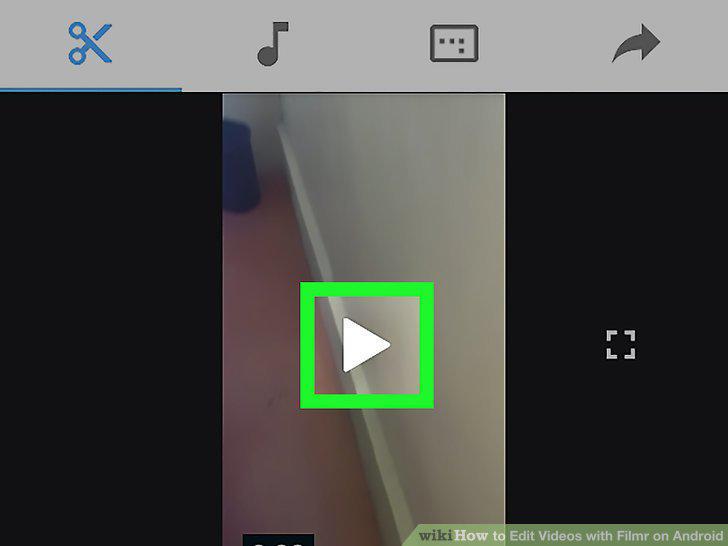
Preview video sequence.
5
Tap the scissors icon.
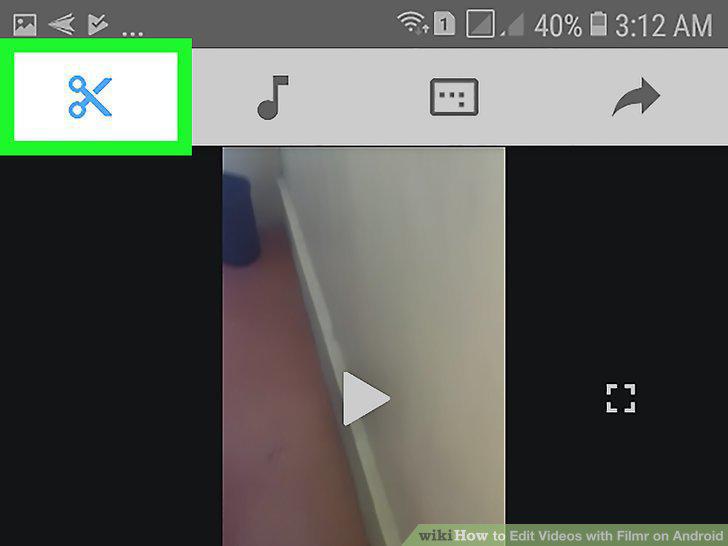
Tap the scissors icon.
6
Rearrange videos.
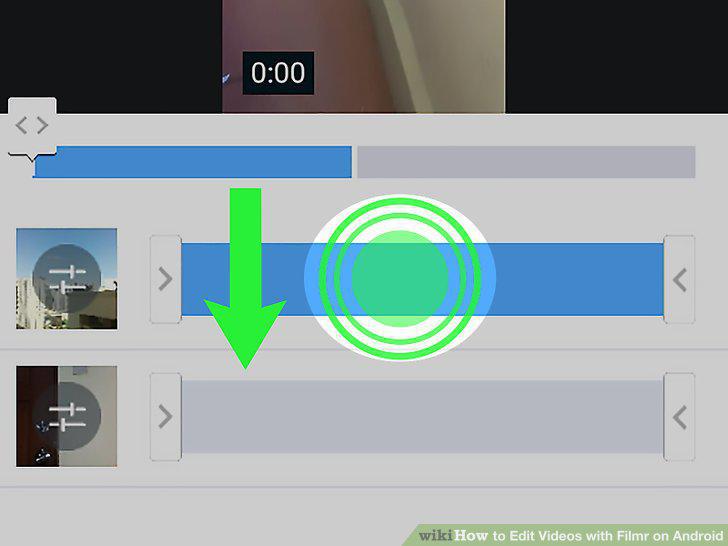
Rearrange videos.
7
Trim the video clips.
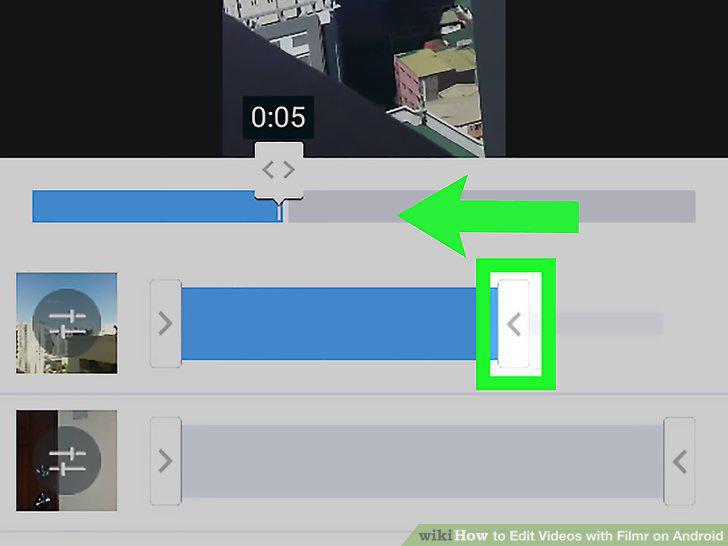
Trim the video clips.
8
Tap a video thumbnail image.
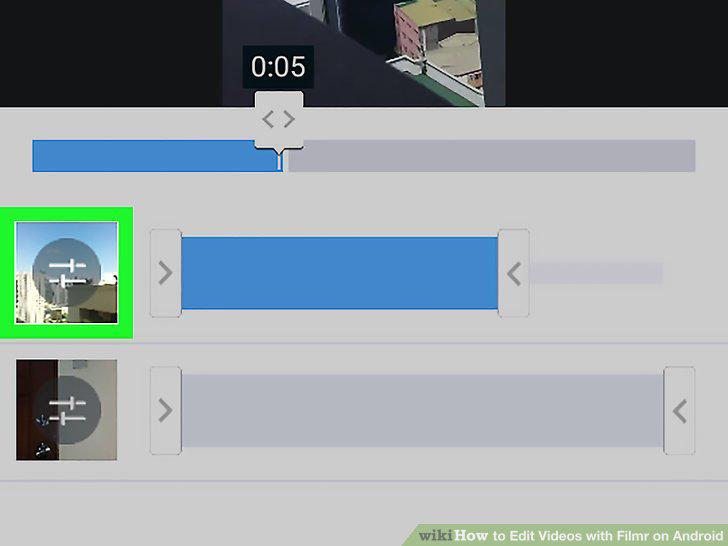
Tap a video thumbnail image.
9
Change the video orientation.
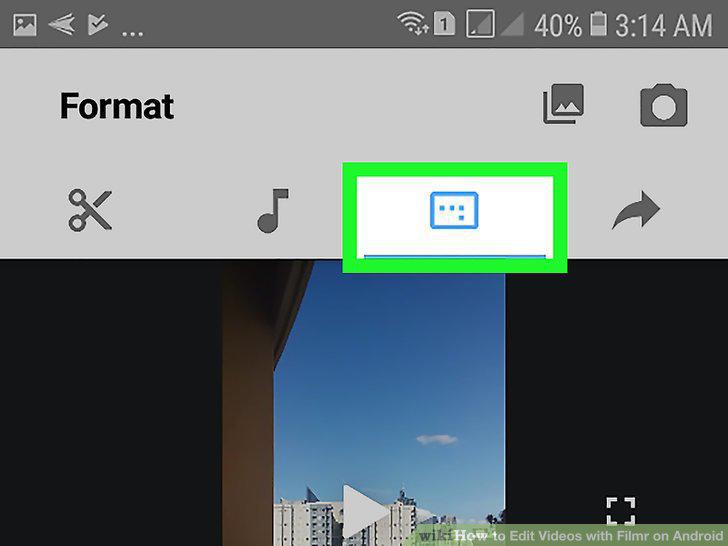
Change the video orientation.
Comments (0)
No comments yet. Be the first to share your thoughts!