How to Disable Two Factor Authentication on Discord
Launch Discord or go to https://discord.com/channels/@me.. Click .. Click Remove 2FA.
Steps
1
Launch Discord or go to https://discord.com/channels/@me.
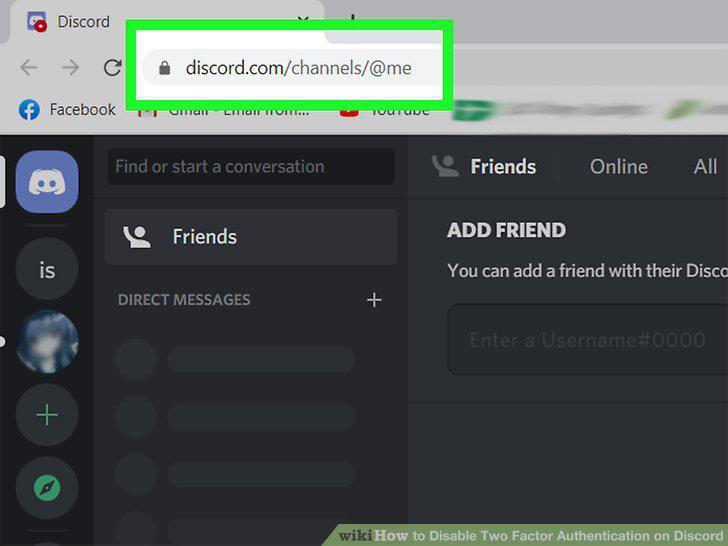
Launch Discord or go to https://discord.com/channels/@me.
2
Click .
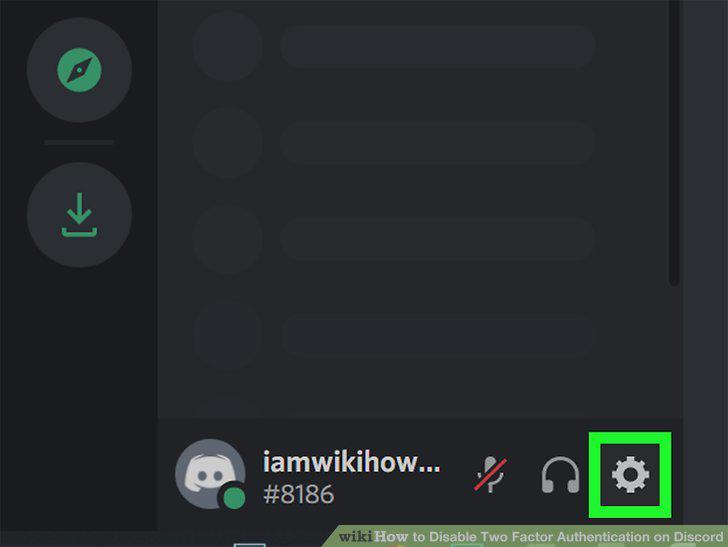
Click .
3
Click Remove 2FA.
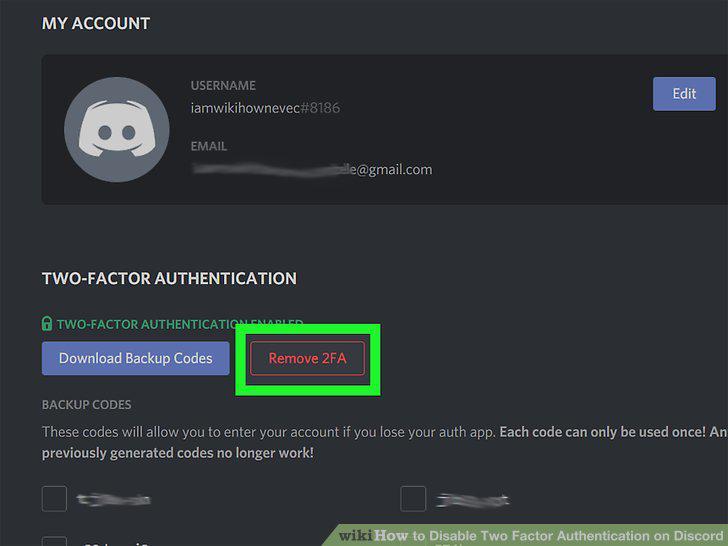
Click Remove 2FA.
4
Enter your 6-digit authentication code and click Remove 2FA.
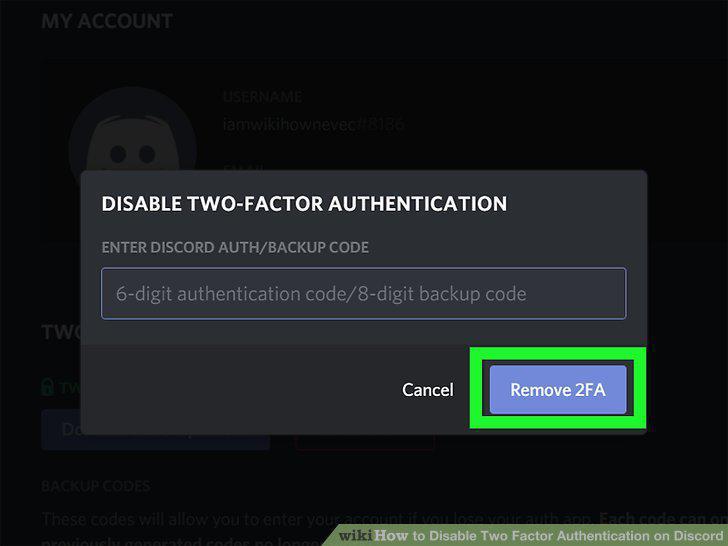
Enter your 6-digit authentication code and click Remove 2FA.
Comments (0)
No comments yet. Be the first to share your thoughts!