How to Download the Facebook Application for the iPhone
Open your iPhone's App Store.. Tap Search.. Tap the search bar.
Steps
1
Open your iPhone's App Store.
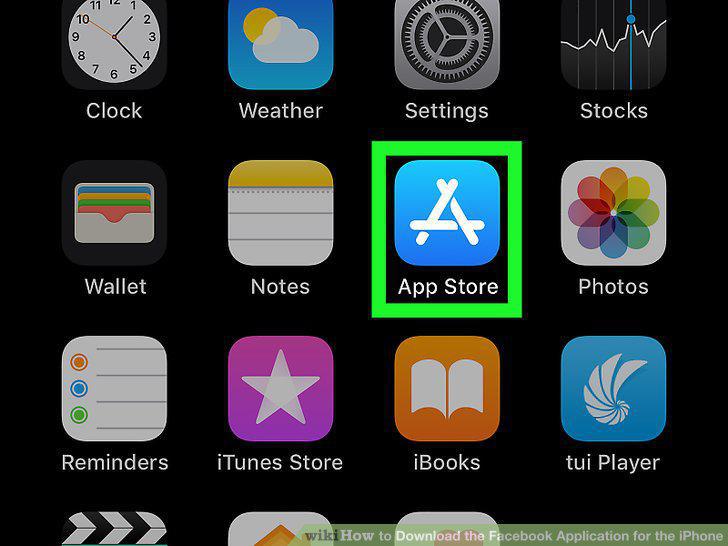
Open your iPhone's App Store.
2
Tap Search.
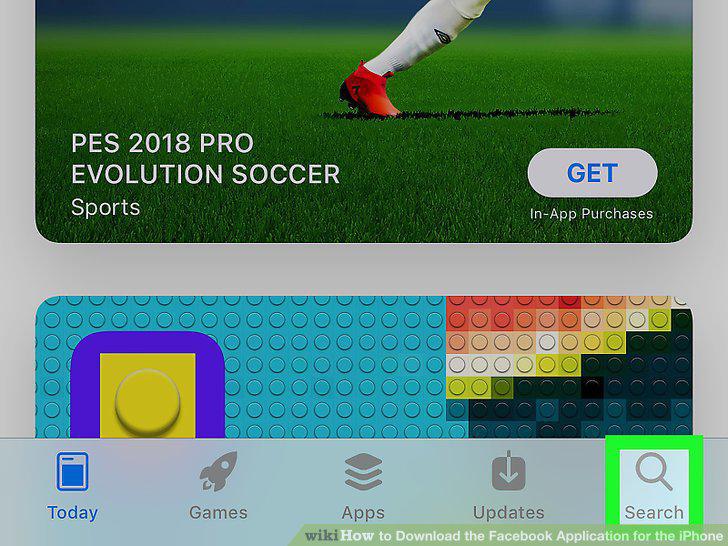
Tap Search.
3
Tap the search bar.
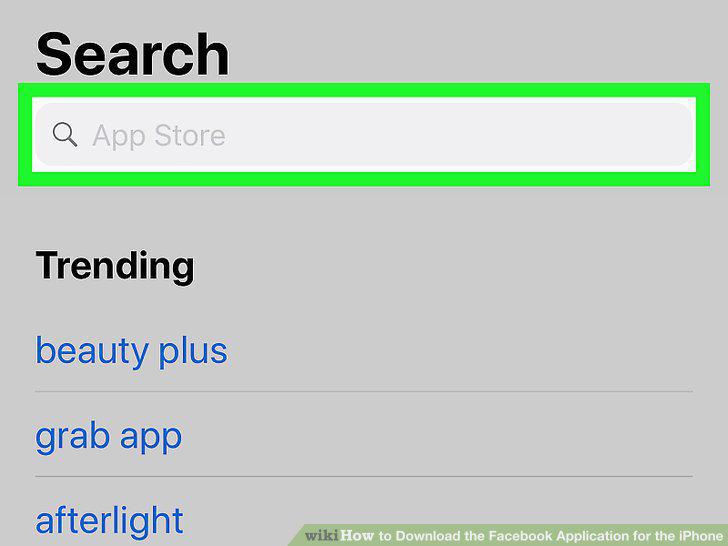
Tap the search bar.
4
Type facebook into the search bar.
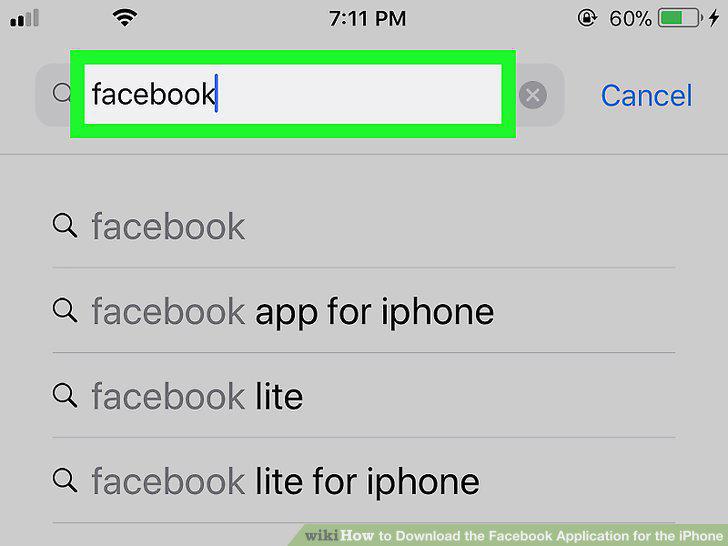
Type facebook into the search bar.
5
Tap Search.
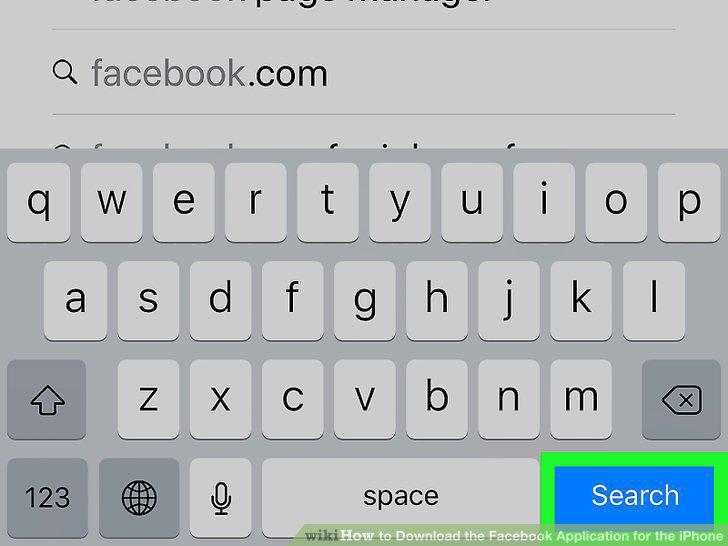
Tap Search.
6
Tap GET.
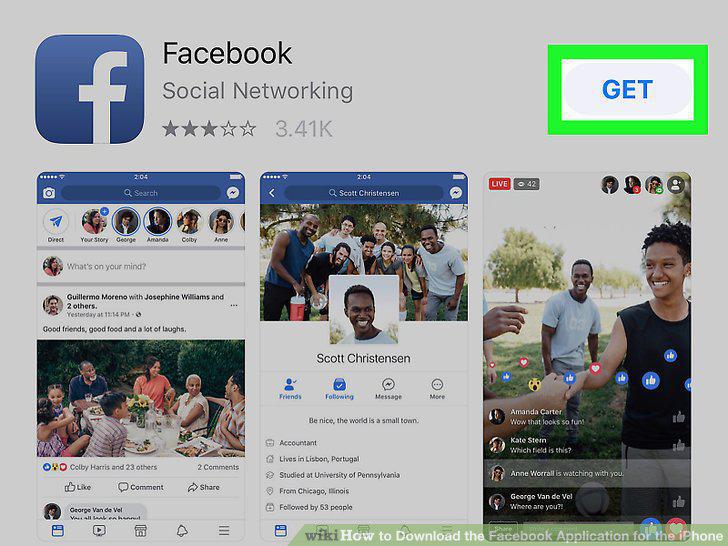
Tap GET.
7
Enter your Apple ID password or Touch ID.
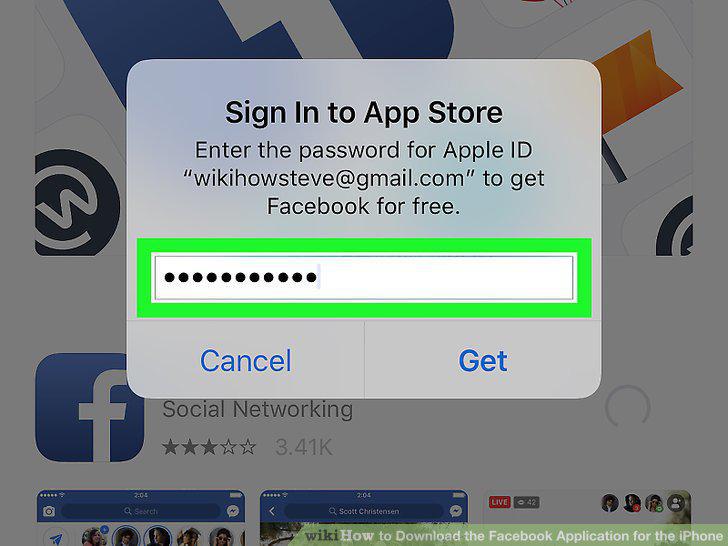
Enter your Apple ID password or Touch ID.
8
Wait for the download to complete.
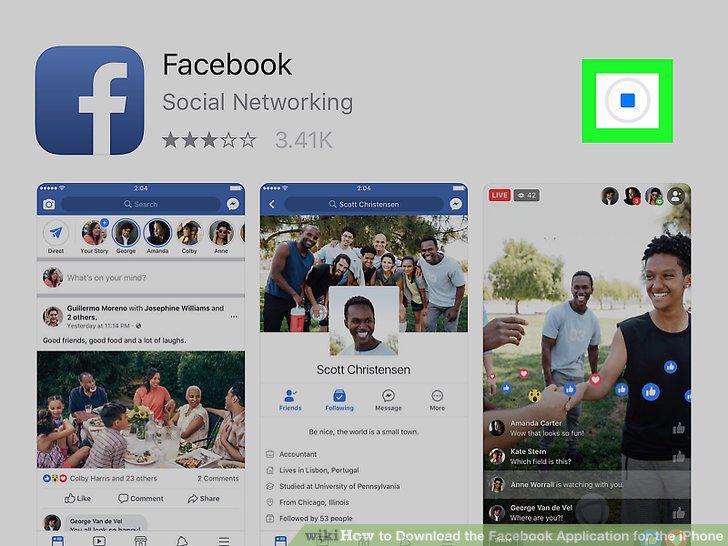
Wait for the download to complete.
Comments (0)
No comments yet. Be the first to share your thoughts!