How to Check Your Safari History
Open Safari.. Tap the open book icon.. Tap the clock button.
Steps
1
Open Safari.
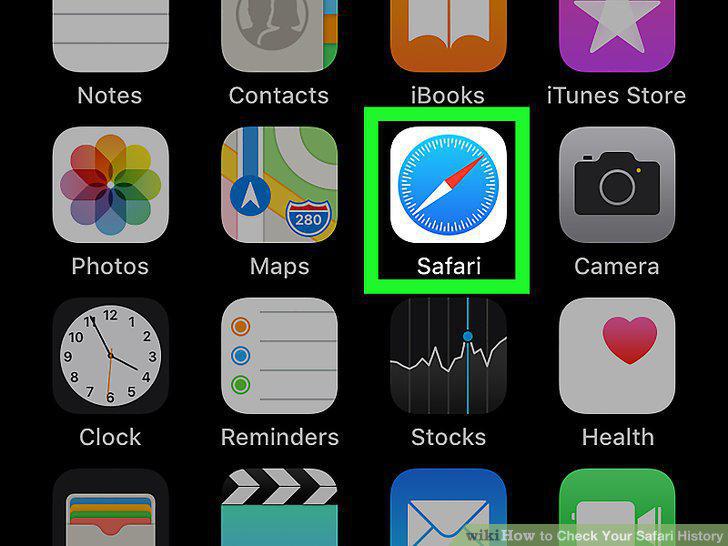
Open Safari.
2
Tap the open book icon.
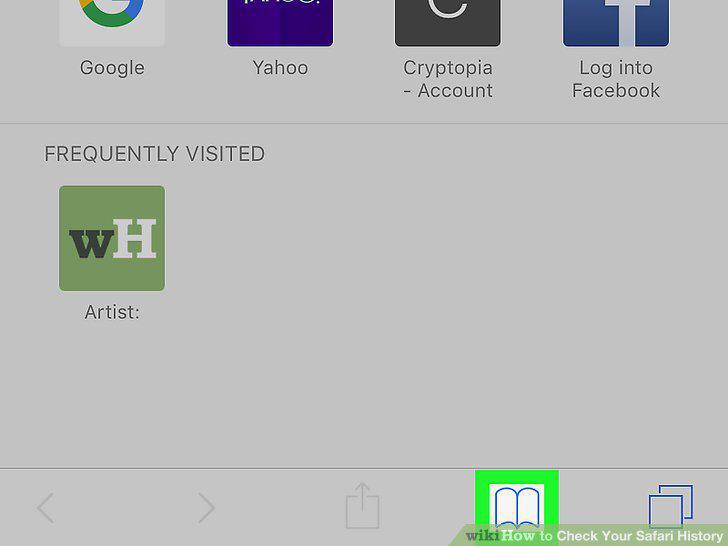
Tap the open book icon.
3
Tap the clock button.
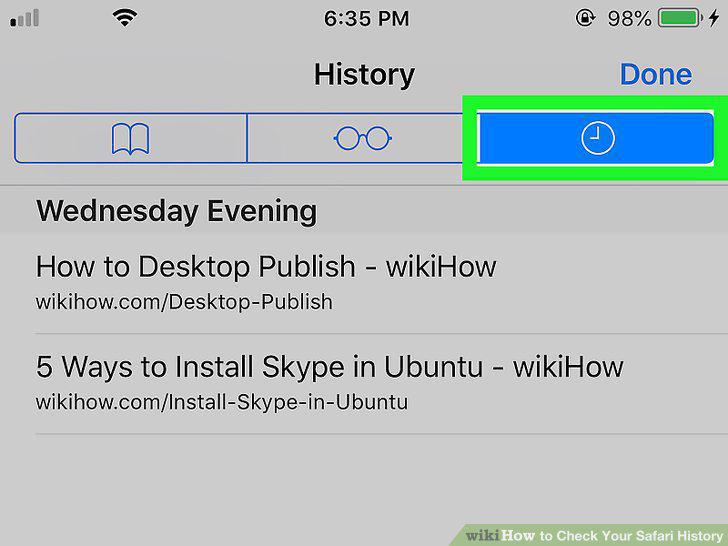
Tap the clock button.
4
Clear the history (optional).

Clear the history (optional).
5
Open Safari on your Mac.
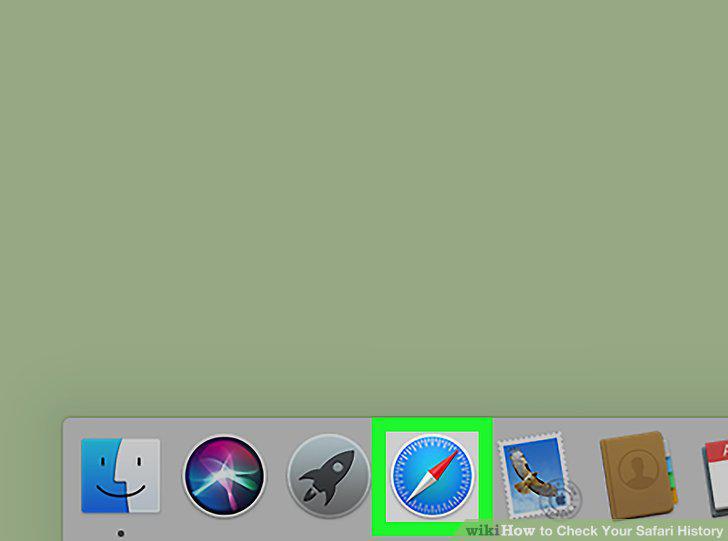
Open Safari on your Mac.
6
Click the History menu.
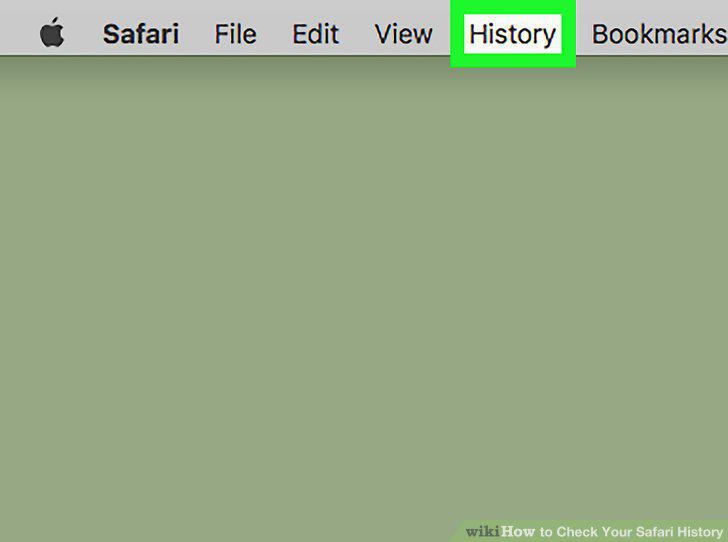
Click the History menu.
7
Click Show All History.
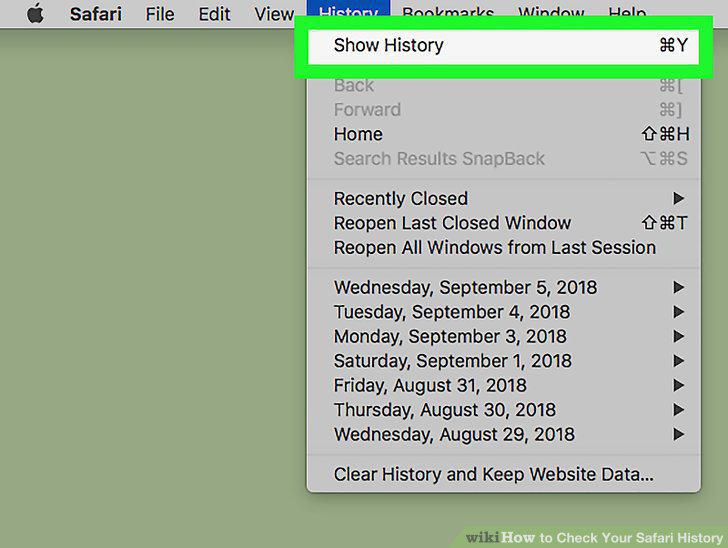
Click Show All History.
8
Search for a site (optional).
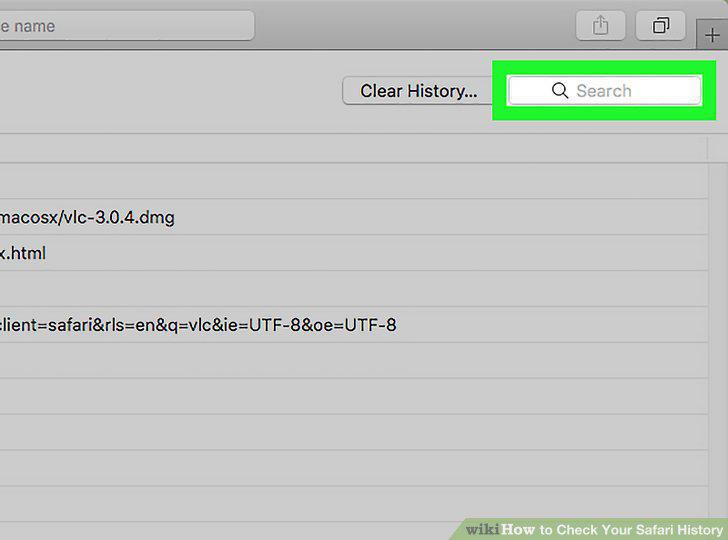
Search for a site (optional).
9
Clear your history (optional).
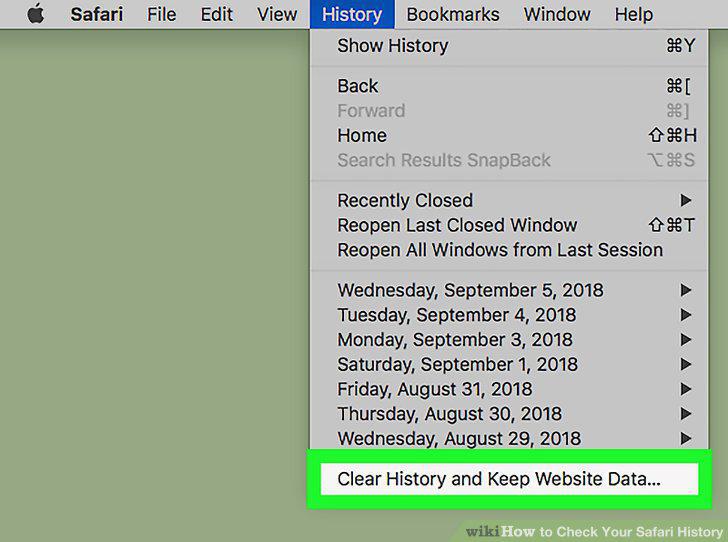
Clear your history (optional).
Comments (0)
No comments yet. Be the first to share your thoughts!