How to Make Notes on a PDF on iPhone or iPad
Tap to the folder icon to open the Files app.. Tap to open the PDF you want to make notes on.. Tap the markup button in the top right corner.
Steps
1
Tap to the folder icon to open the Files app.
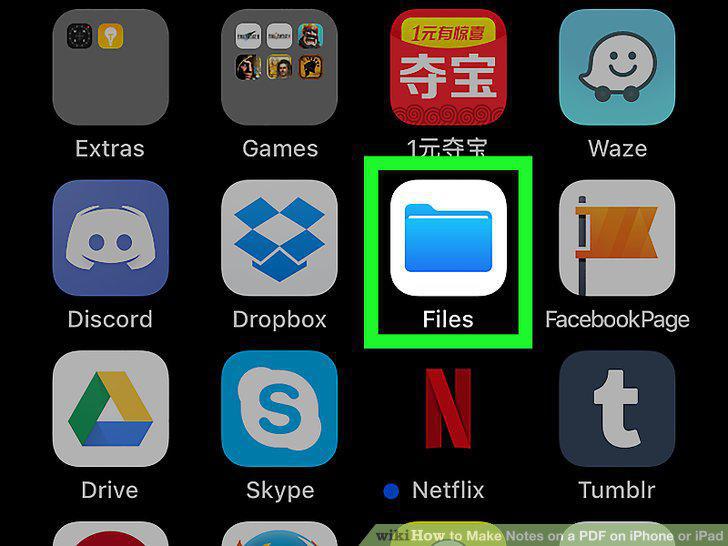
Tap to the folder icon to open the Files app.
2
Tap to open the PDF you want to make notes on.
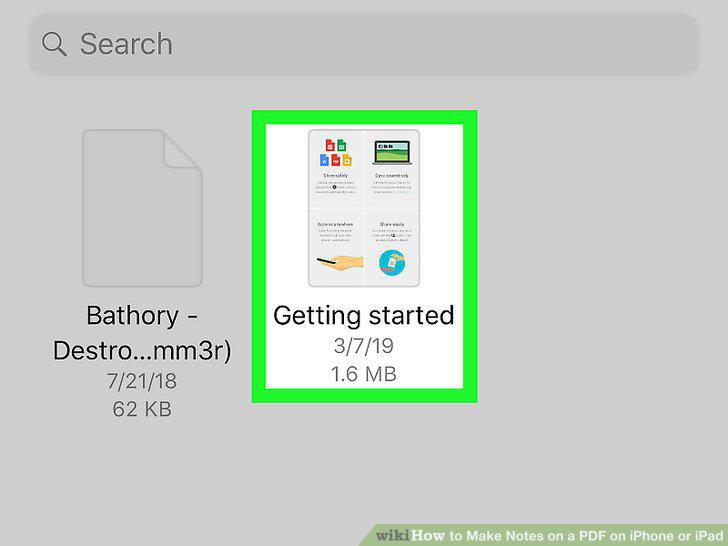
Tap to open the PDF you want to make notes on.
3
Tap the markup button in the top right corner.
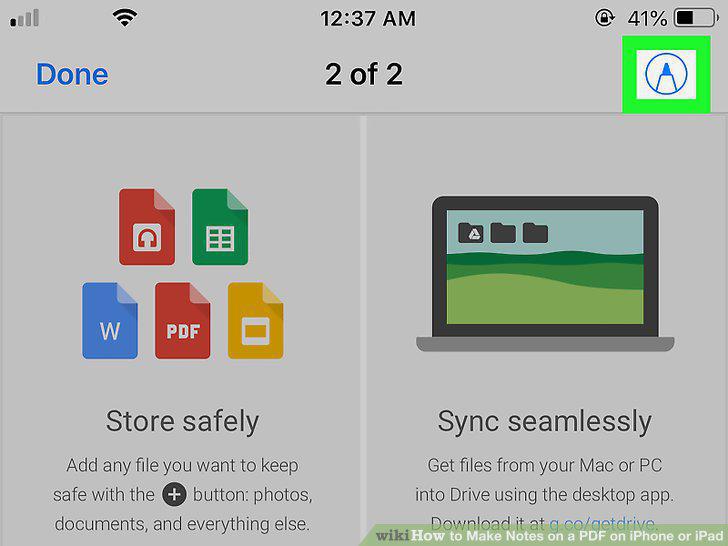
Tap the markup button in the top right corner.
4
Tap the plus button .
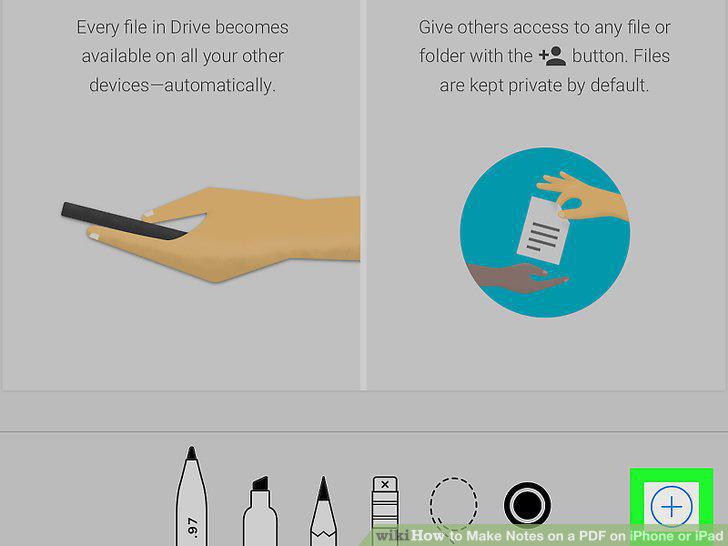
Tap the plus button .
5
Tap Text.
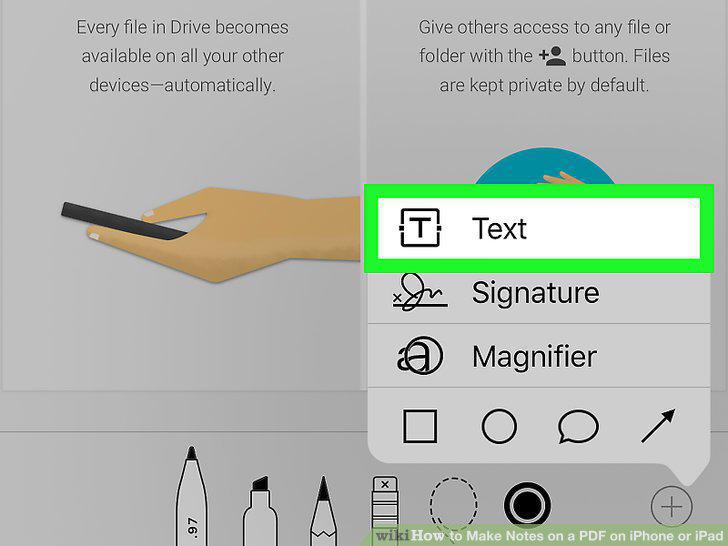
Tap Text.
6
Tap and hold to drag the text box.
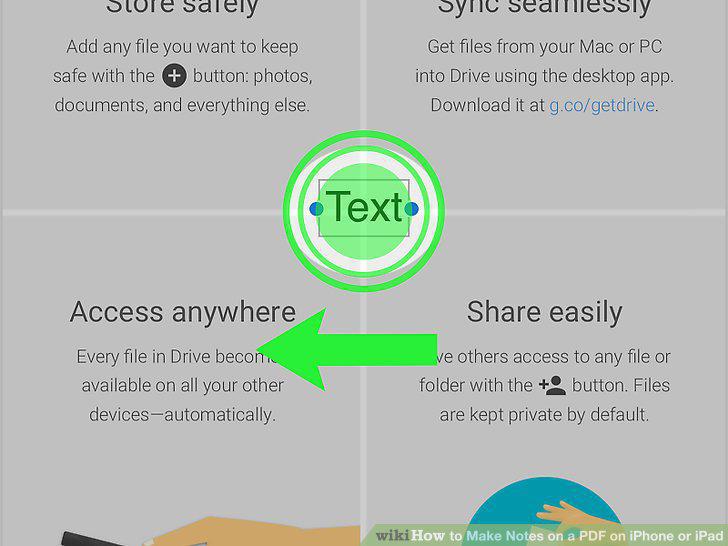
Tap and hold to drag the text box.
7
Tap the text box and click Edit.
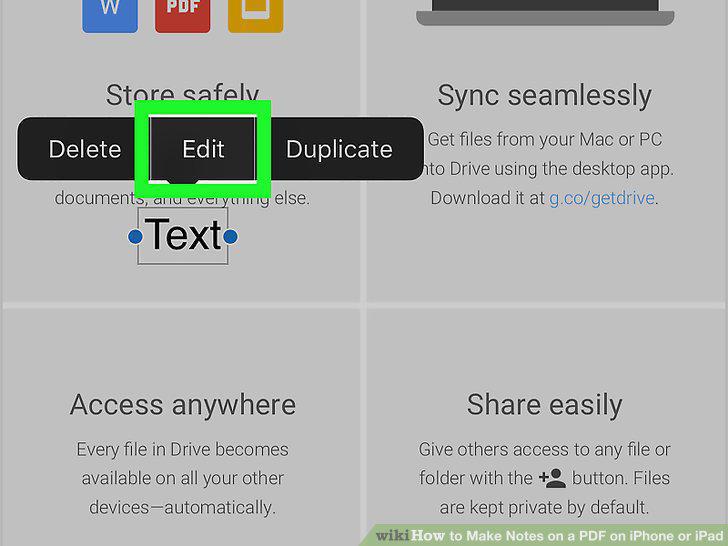
Tap the text box and click Edit.
8
Tap anywhere outside the text box when you're finished.
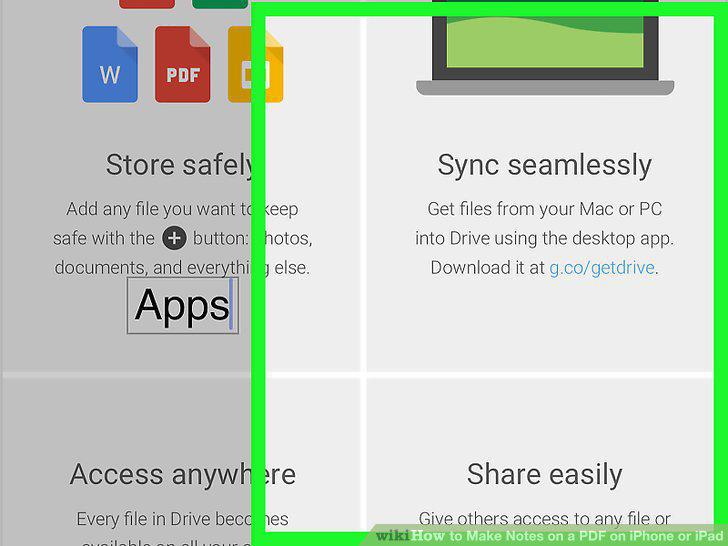
Tap anywhere outside the text box when you're finished.
9
Tap Done when you're finished making your notes.
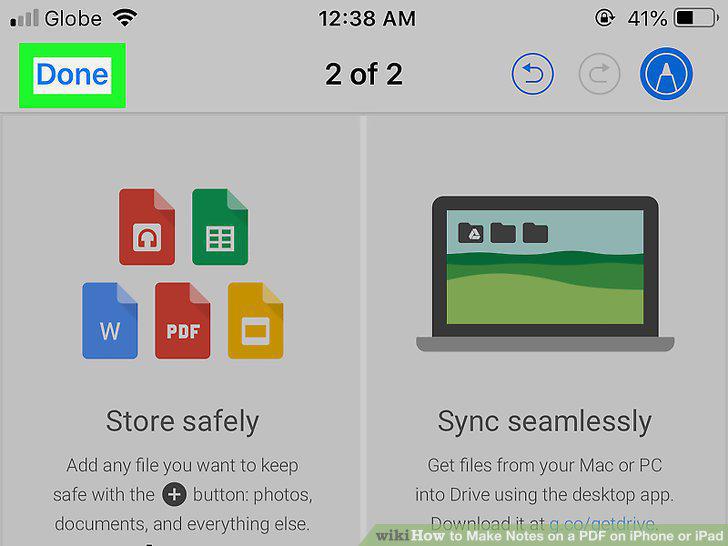
Tap Done when you're finished making your notes.
Comments (0)
No comments yet. Be the first to share your thoughts!