How to Use Headspace Meditation App on Android
Open Headspace.. Tap Begin your Journey.. Tap Sign up with email.
Steps
1
Open Headspace.
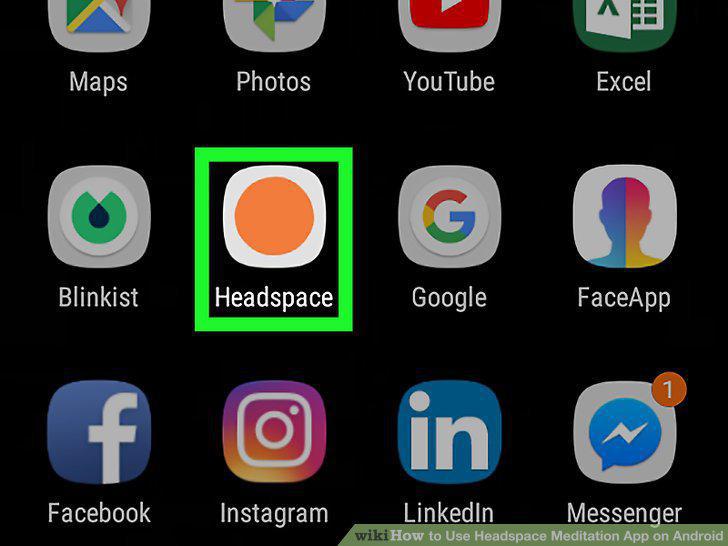
Open Headspace.
2
Tap Begin your Journey.
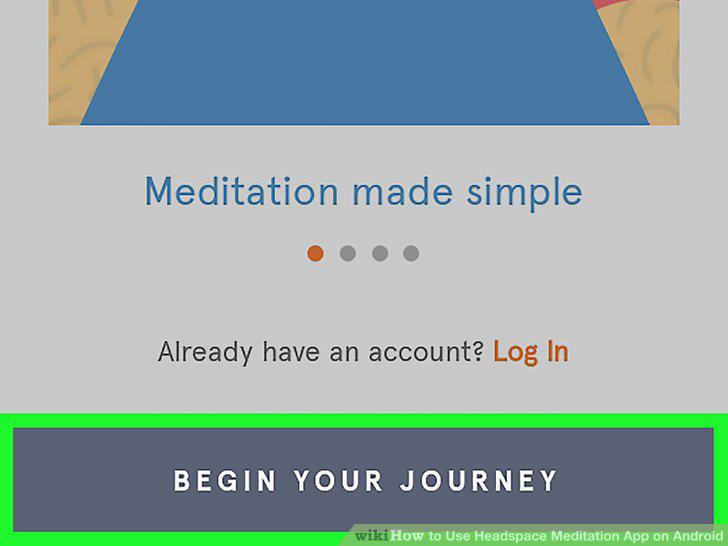
Tap Begin your Journey.
3
Tap Sign up with email.
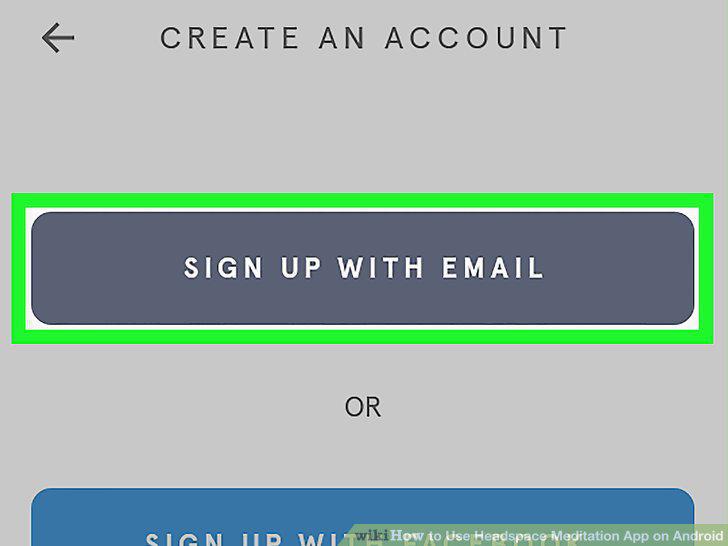
Tap Sign up with email.
4
Fill out the form and tap Get started.
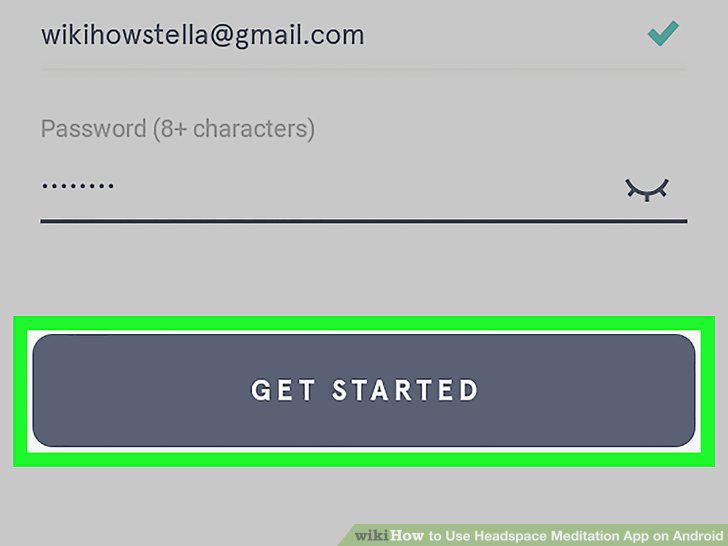
Fill out the form and tap Get started.
5
Tap Begin.
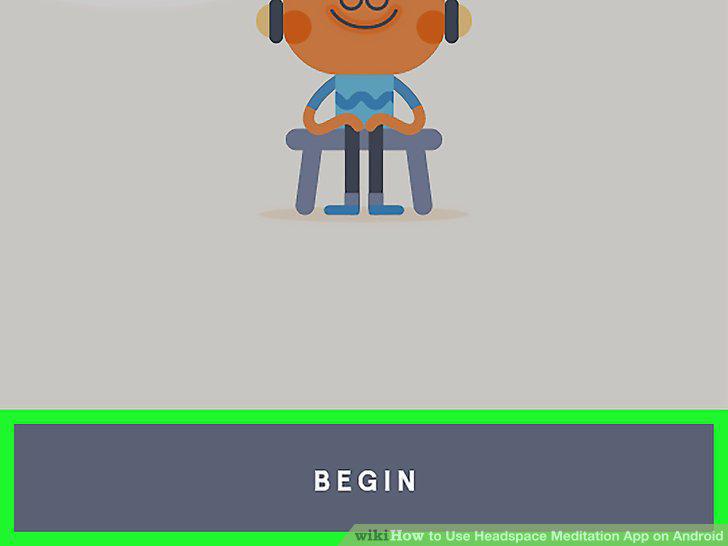
Tap Begin.
6
Tap anywhere on the screen.
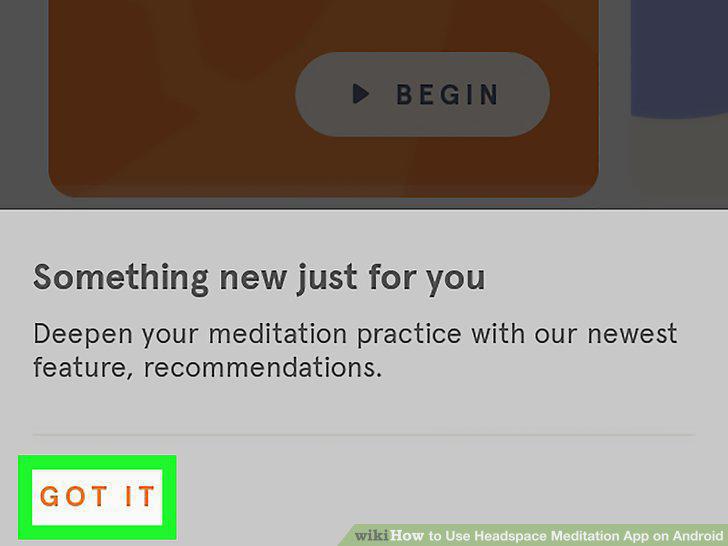
Tap anywhere on the screen.
7
Tap the Home tab.
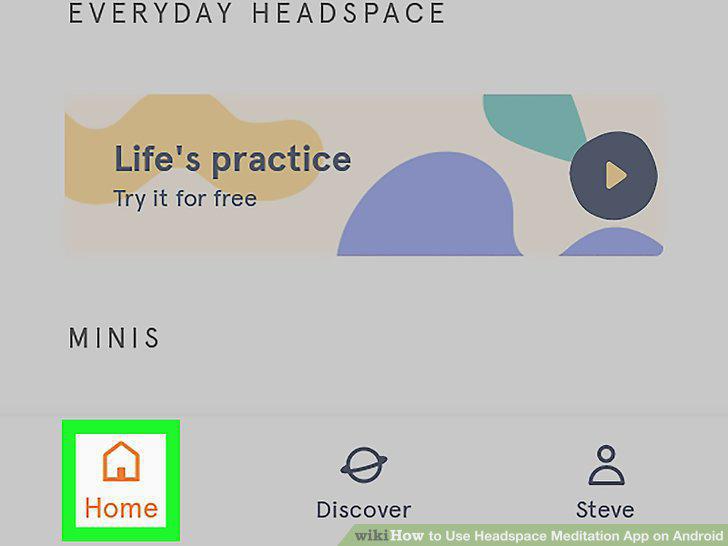
Tap the Home tab.
8
Tap a meditation.
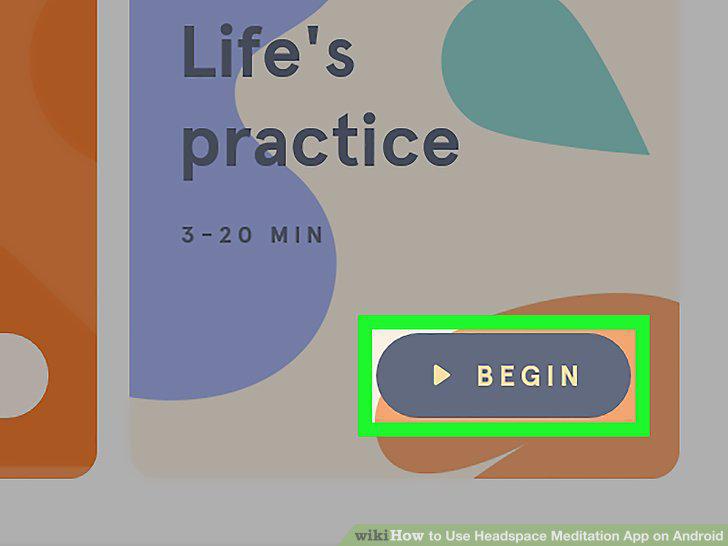
Tap a meditation.
9
Tap the Play button and listen.
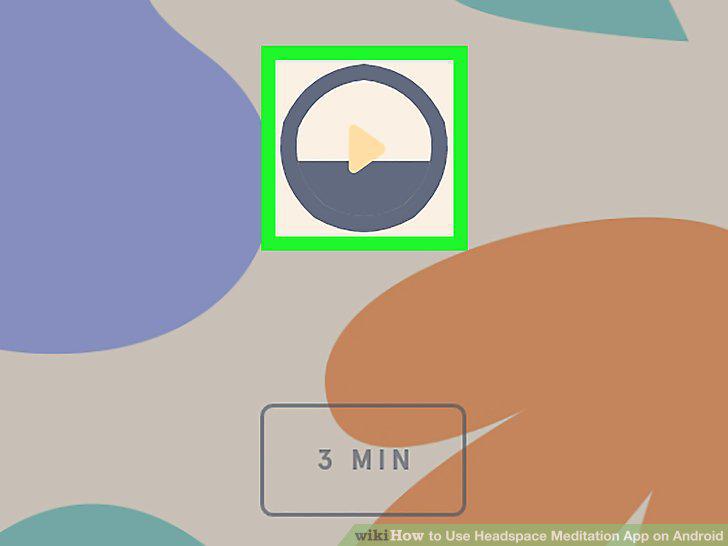
Tap the Play button and listen.
10
Add new meditations.
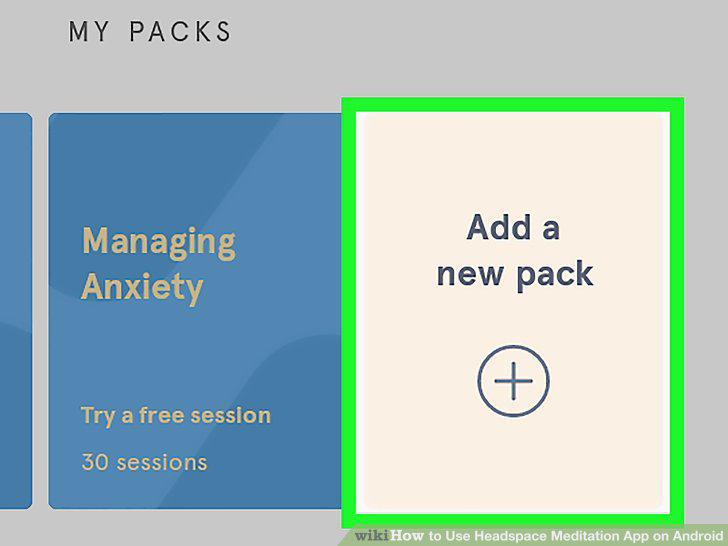
Add new meditations.
Comments (0)
No comments yet. Be the first to share your thoughts!