How to Uninstall Parallels on Mac
Open the Applications folder on your Mac.. Click and drag the Parallels Desktop icon to the Trash bin.. Right-click the Trash bin on the Dock.
Steps
1
Open the Applications folder on your Mac.
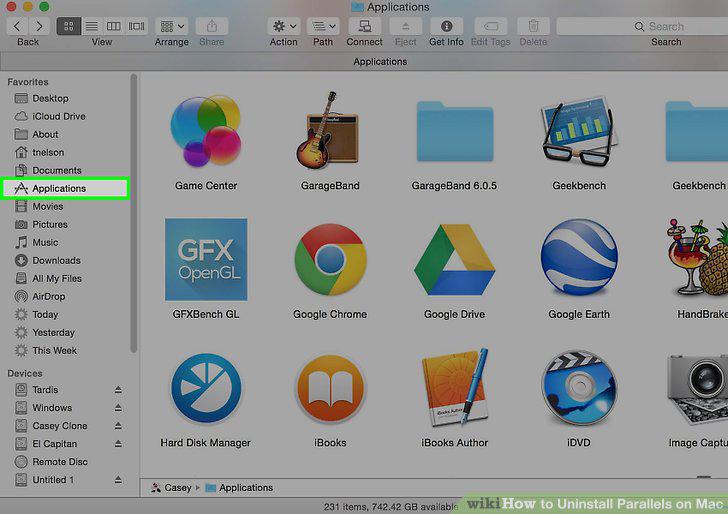
Open the Applications folder on your Mac.
2
Click and drag the Parallels Desktop icon to the Trash bin.
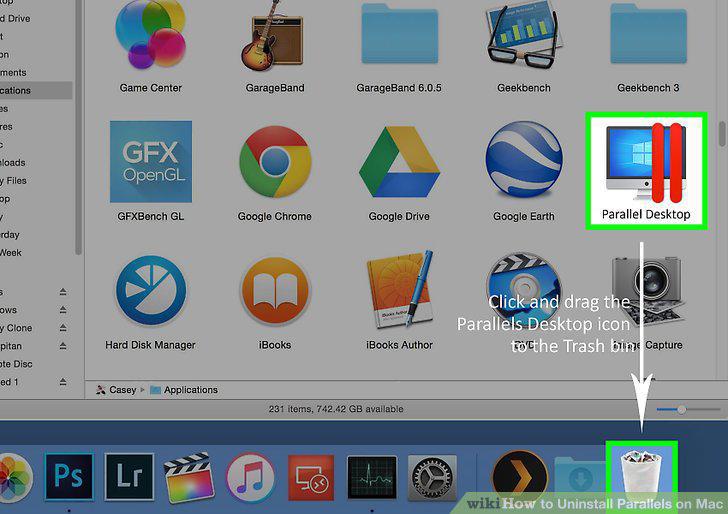
Click and drag the Parallels Desktop icon to the Trash bin.
3
Right-click the Trash bin on the Dock.
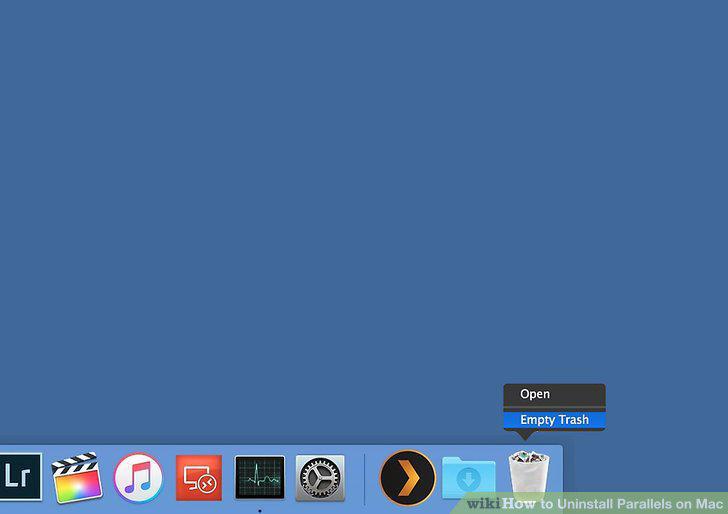
Right-click the Trash bin on the Dock.
4
Click Empty Trash on the right-click menu.
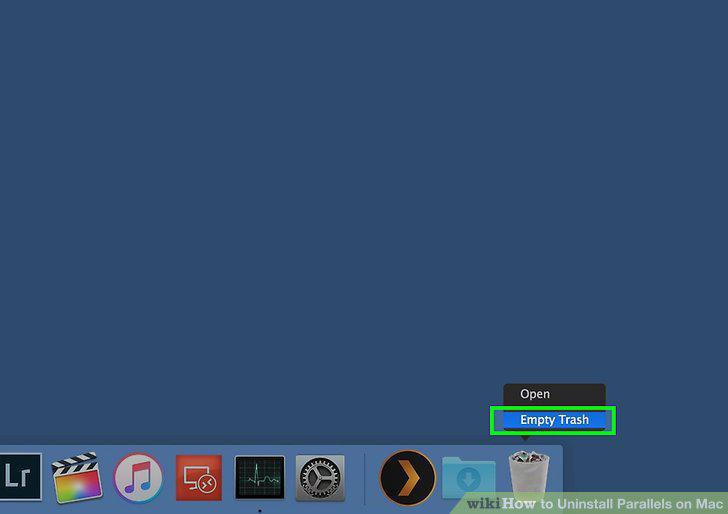
Click Empty Trash on the right-click menu.
5
Click Empty Trash in the confirmation pop-up.
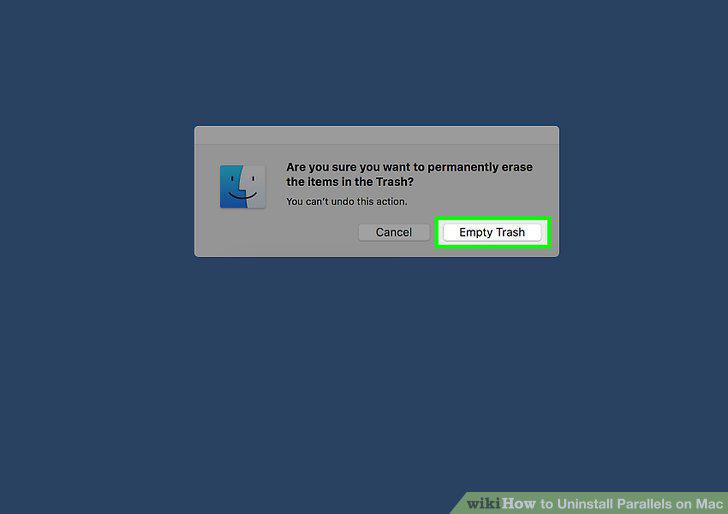
Click Empty Trash in the confirmation pop-up.
Comments (0)
No comments yet. Be the first to share your thoughts!