How to Monitor Network Traffic
Find out your router's IP address.. Open a web browser.. Click the address bar.
Steps
1
Find out your router's IP address.
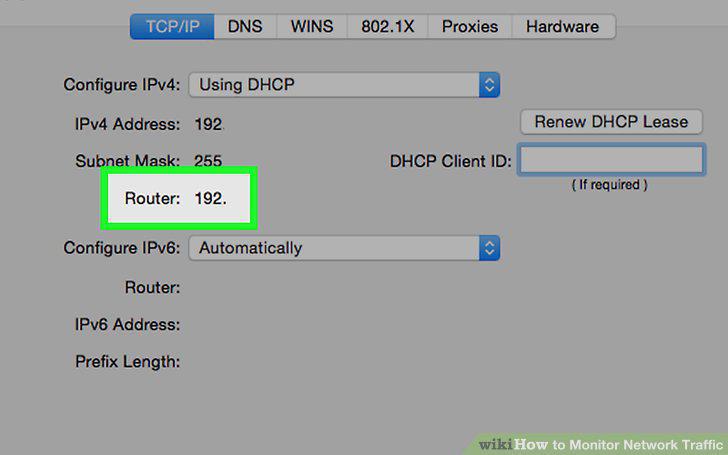
Find out your router's IP address.
2
Open a web browser.
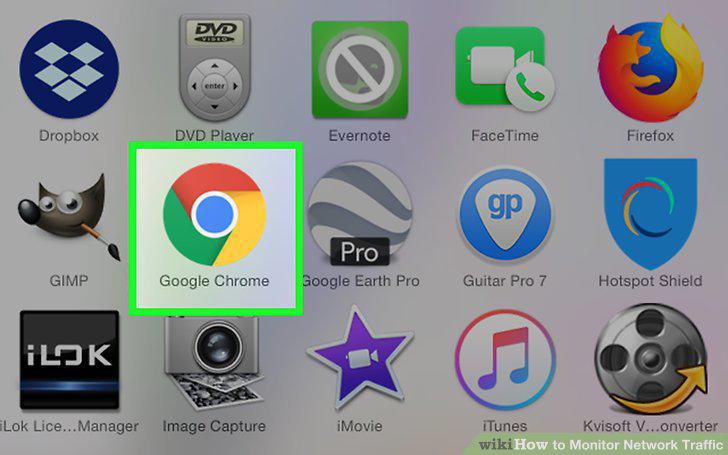
Open a web browser.
3
Click the address bar.
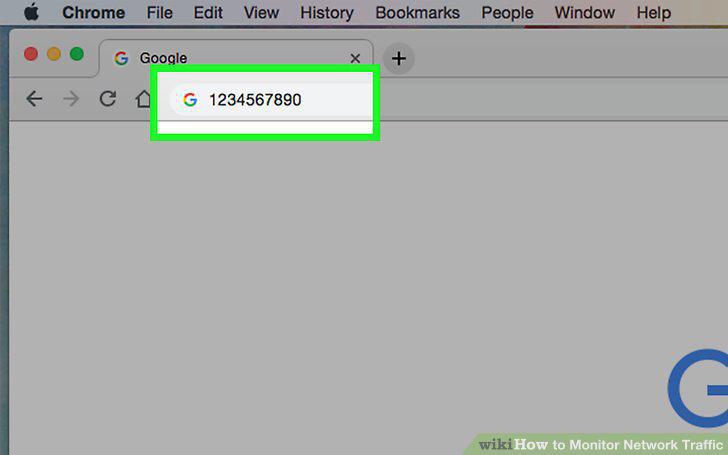
Click the address bar.
4
Enter your router's address.
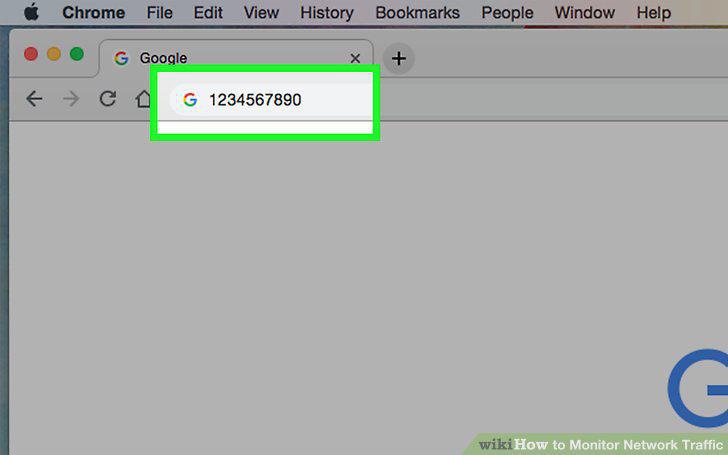
Enter your router's address.
5
Log into your router's page.
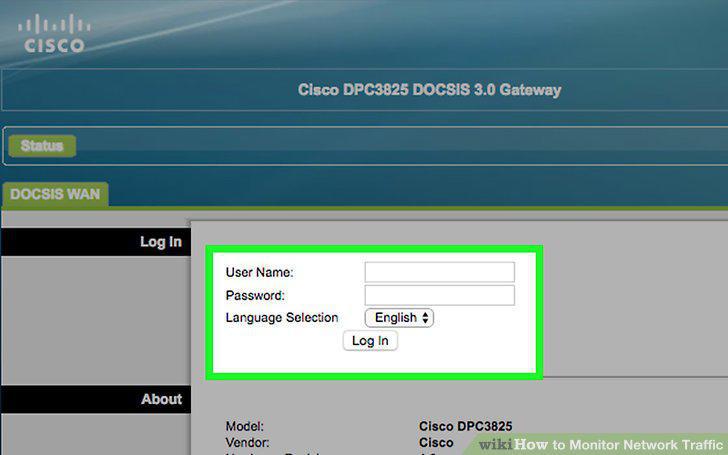
Log into your router's page.
6
Find the "Connected Devices" list.
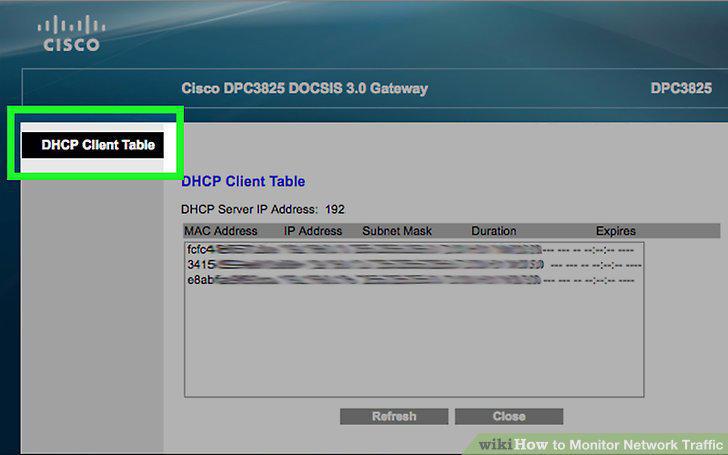
Find the "Connected Devices" list.
7
Review the list of connected items.
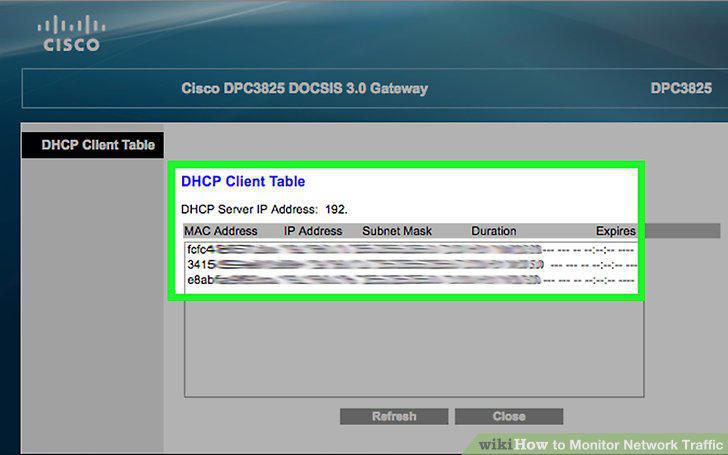
Review the list of connected items.
8
Download the Fing app.
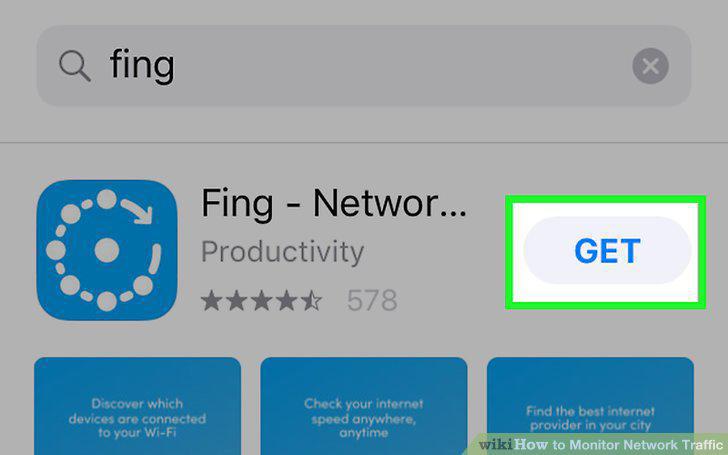
Download the Fing app.
9
Open Fing.
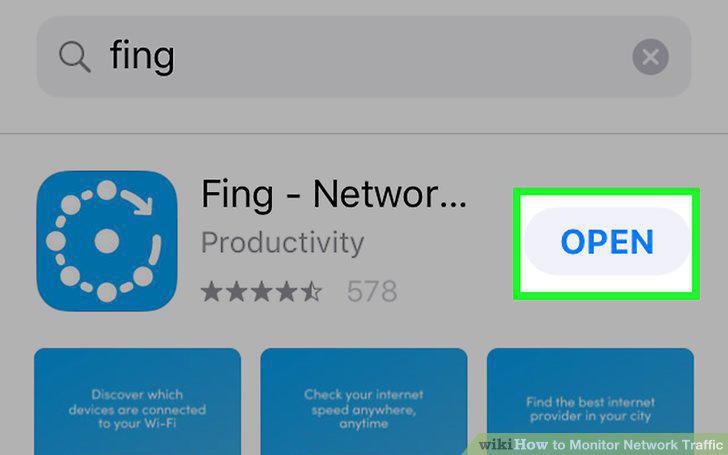
Open Fing.
10
Wait for the list of IP addresses to appear.
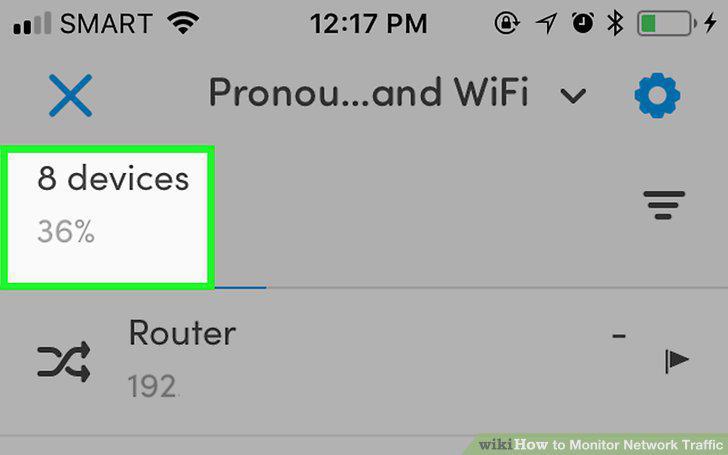
Wait for the list of IP addresses to appear.
11
Review the list of addresses.
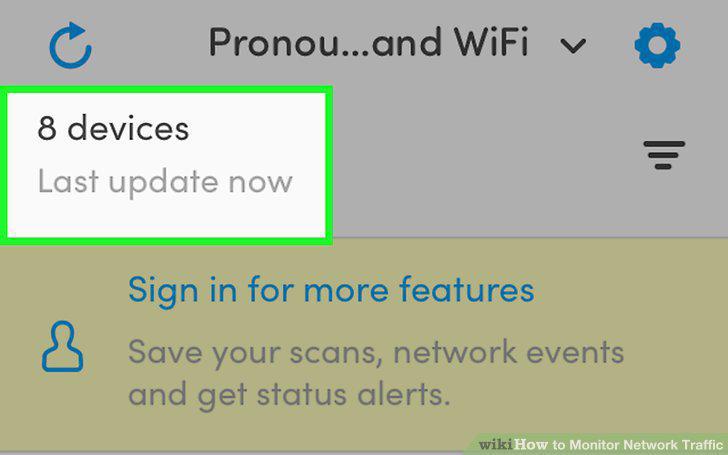
Review the list of addresses.
12
Download the Network Utilities app.
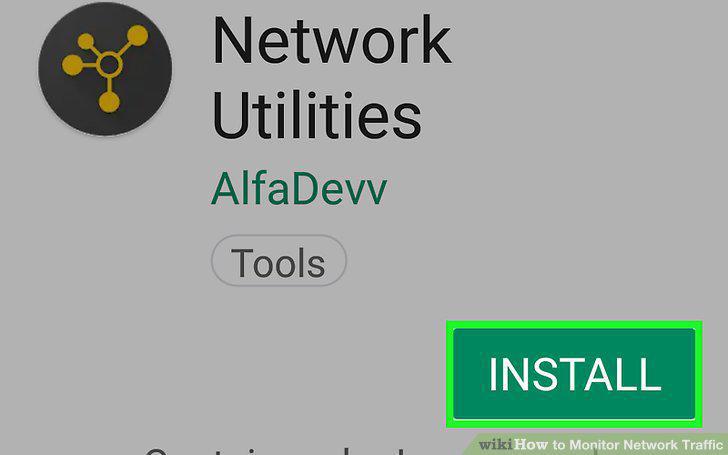
Download the Network Utilities app.
13
Open Network Utilities.
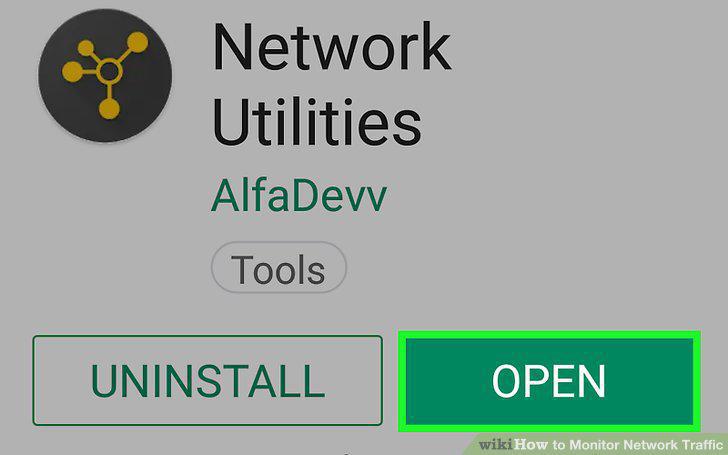
Open Network Utilities.
14
Tap ALLOW when prompted.
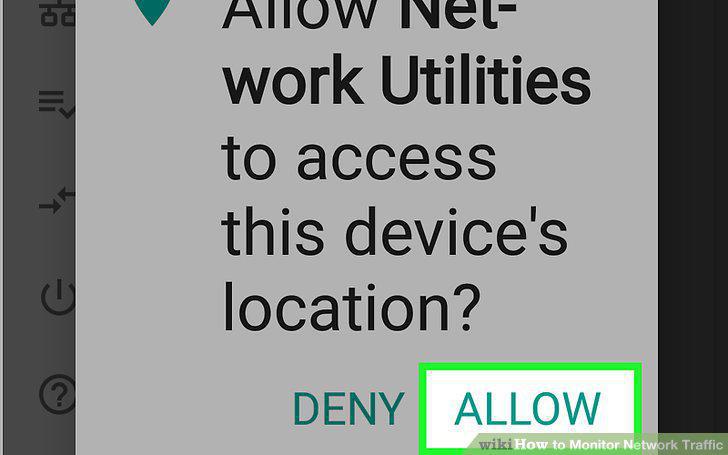
Tap ALLOW when prompted.
15
Tap Local devices.
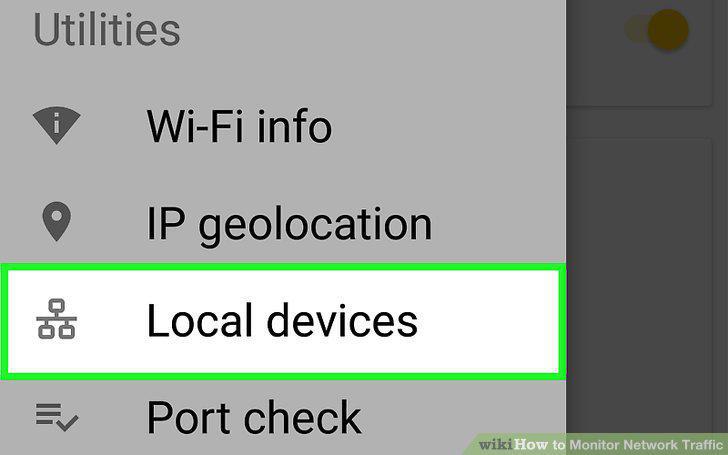
Tap Local devices.
16
Review the list of connected items.
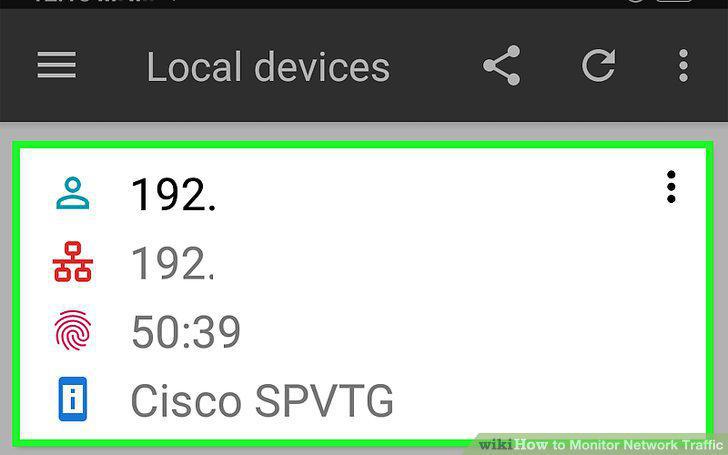
Review the list of connected items.
Comments (0)
No comments yet. Be the first to share your thoughts!