How to Make Money on Poshmark on Android
Open Poshmark.. Tap the Sell button.. Take pictures or upload pictures of the item.
Steps
1
Open Poshmark.
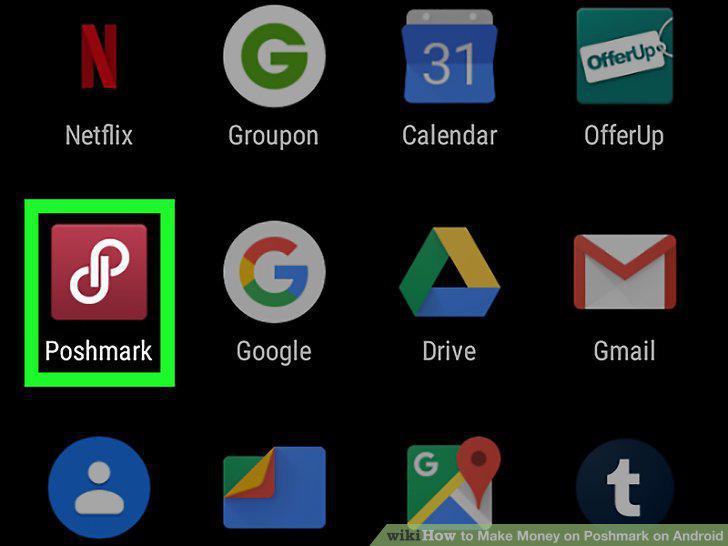
Open Poshmark.
2
Tap the Sell button.
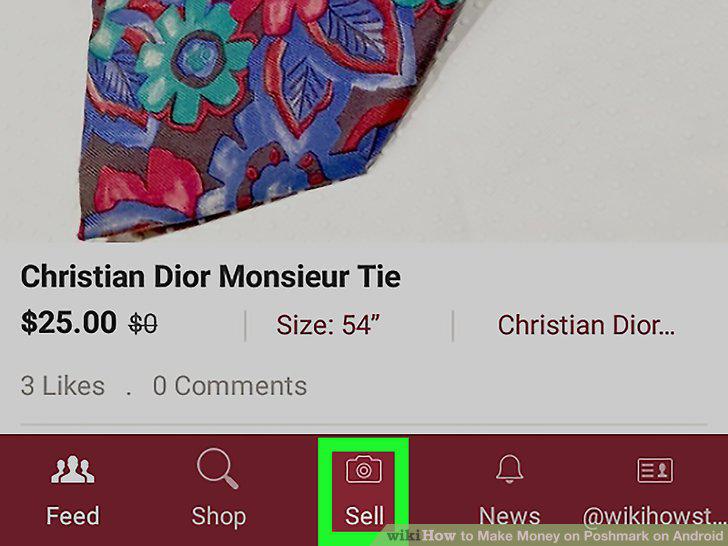
Tap the Sell button.
3
Take pictures or upload pictures of the item.
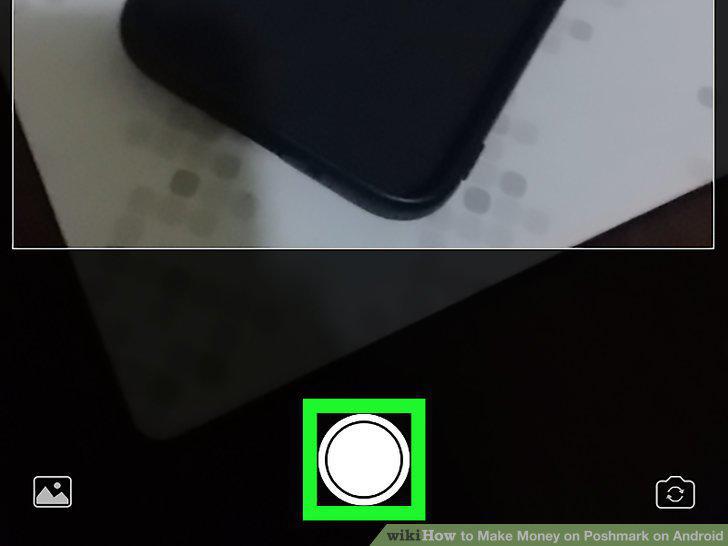
Take pictures or upload pictures of the item.
4
Fill out required information.
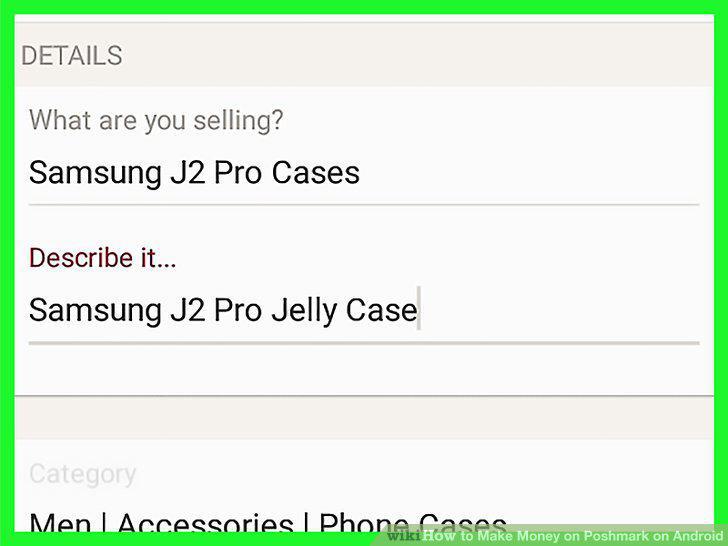
Fill out required information.
5
Tap Next.
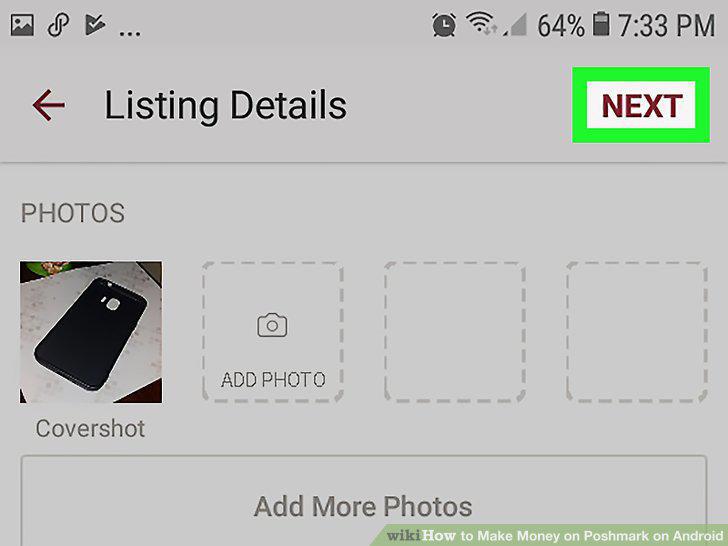
Tap Next.
6
Share your listing if you want to.

Share your listing if you want to.
7
Tap List.

Tap List.
Comments (0)
No comments yet. Be the first to share your thoughts!