How to Make Notes on a PDF on Android
Press the Google Play Store app icon.. Search for Xodo PDF Reader & Editor.. Tap the green Install.
Steps
1
Press the Google Play Store app icon.
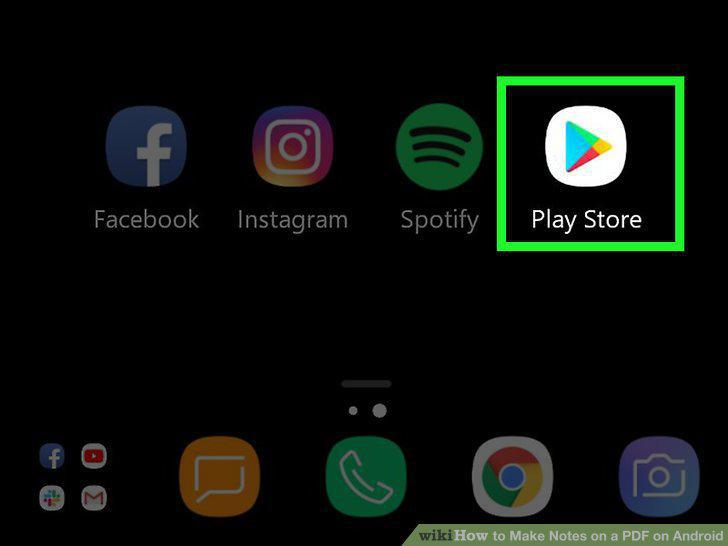
Press the Google Play Store app icon.
2
Search for Xodo PDF Reader & Editor.
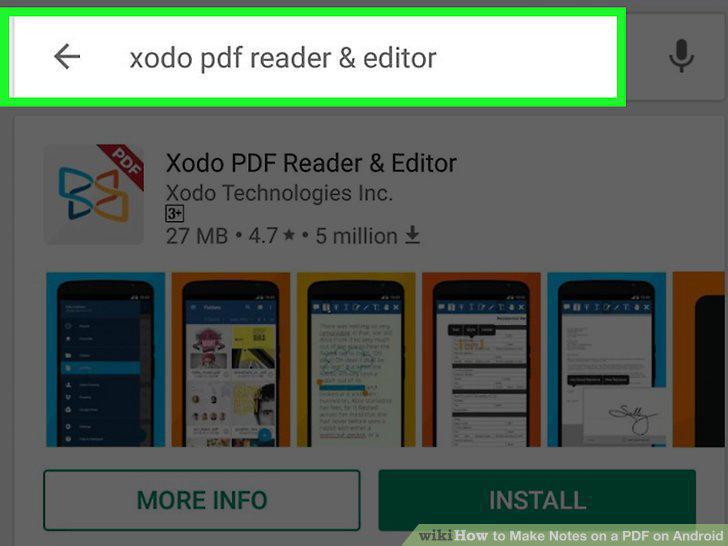
Search for Xodo PDF Reader & Editor.
3
Tap the green Install.
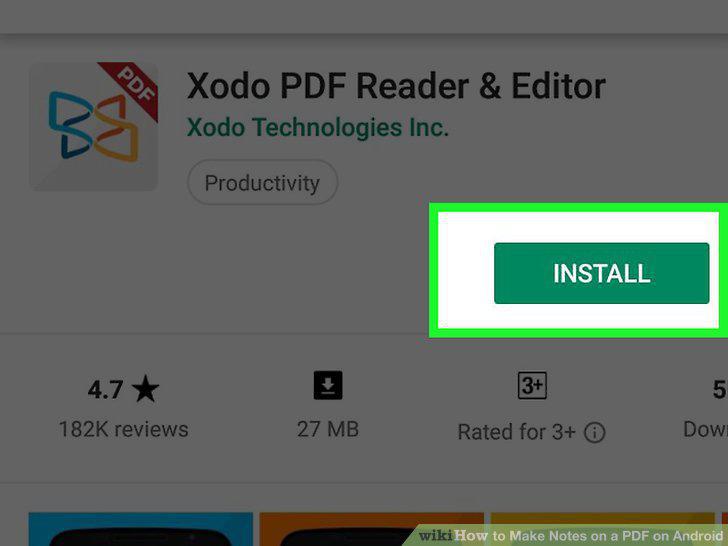
Tap the green Install.
4
Tap the Xodo PDF Reader & Editor app icon.
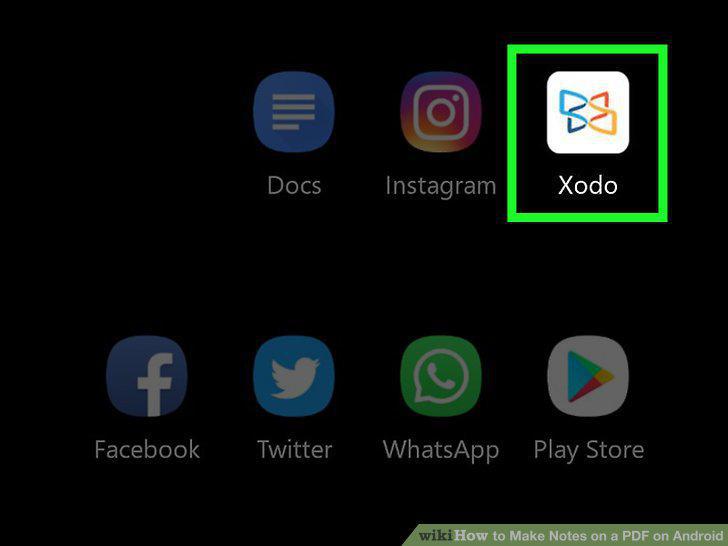
Tap the Xodo PDF Reader & Editor app icon.
5
Follow the on-screen prompts to start the app and load PDFs.

Follow the on-screen prompts to start the app and load PDFs.
6
Tap the PDF you want to edit.
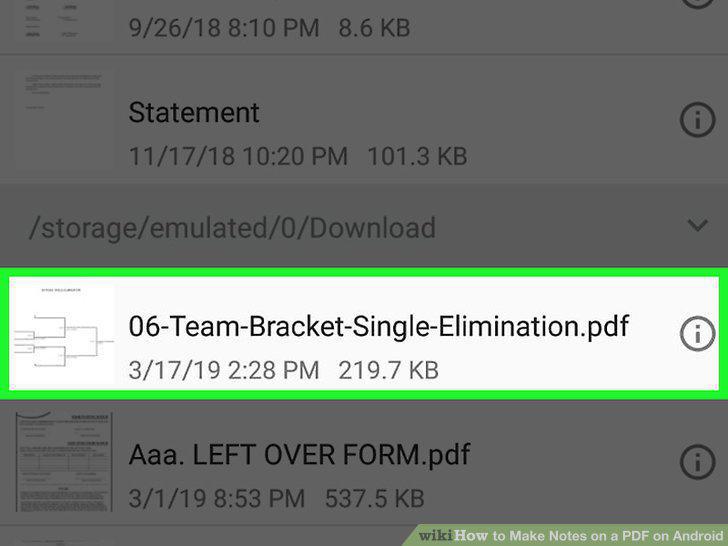
Tap the PDF you want to edit.
7
Tap the white pencil icon.
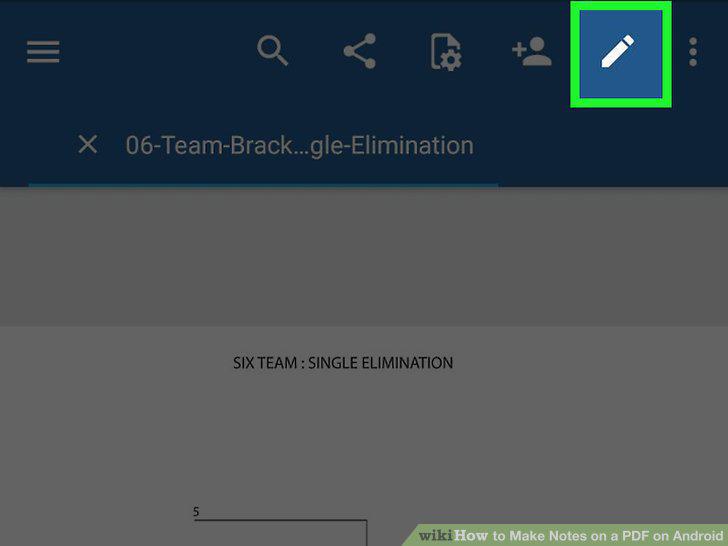
Tap the white pencil icon.
8
Make notes on your PDF.
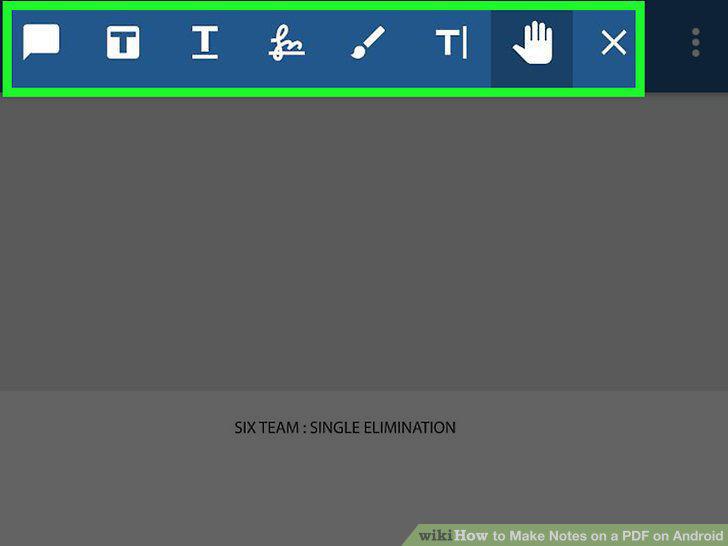
Make notes on your PDF.
Comments (0)
No comments yet. Be the first to share your thoughts!