How to Change Your Email on Instagram on Android
Open Instagram.. Tap your profile image or the silhouette .. Tap Edit Profile.
Steps
1
Open Instagram.
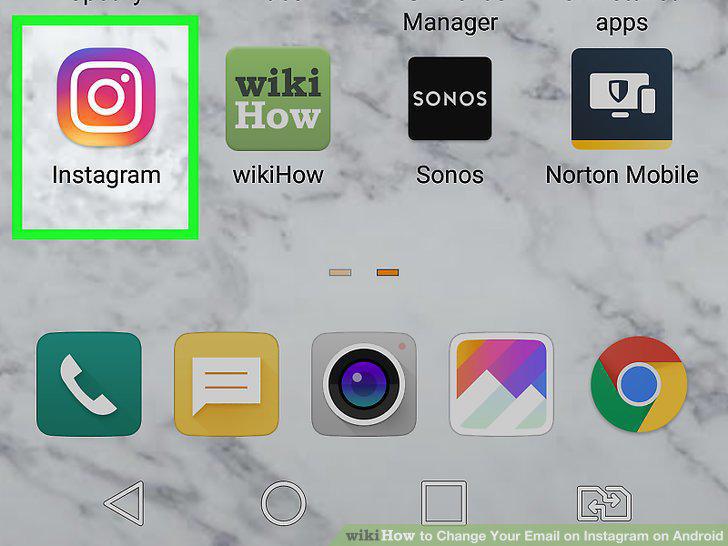
Open Instagram.
2
Tap your profile image or the silhouette .

Tap your profile image or the silhouette .
3
Tap Edit Profile.
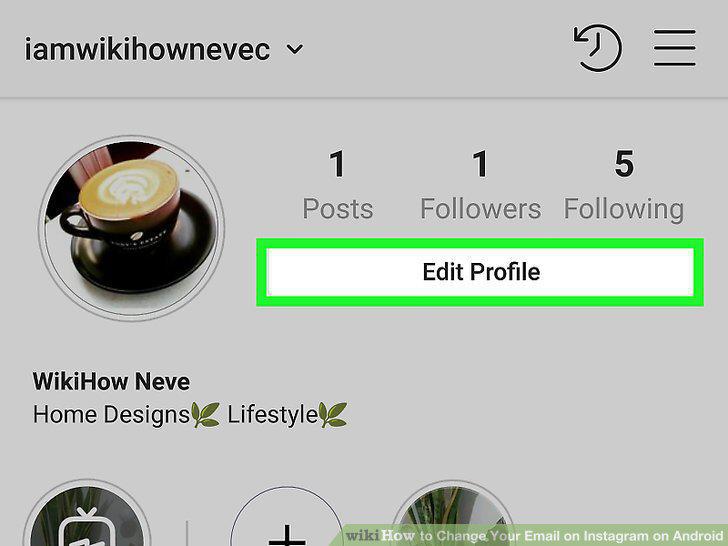
Tap Edit Profile.
4
Tap your email address.
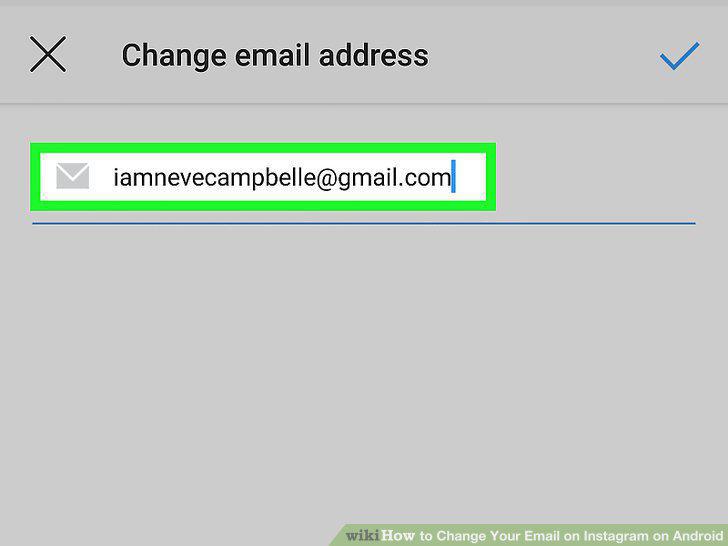
Tap your email address.
5
Delete your old email address.
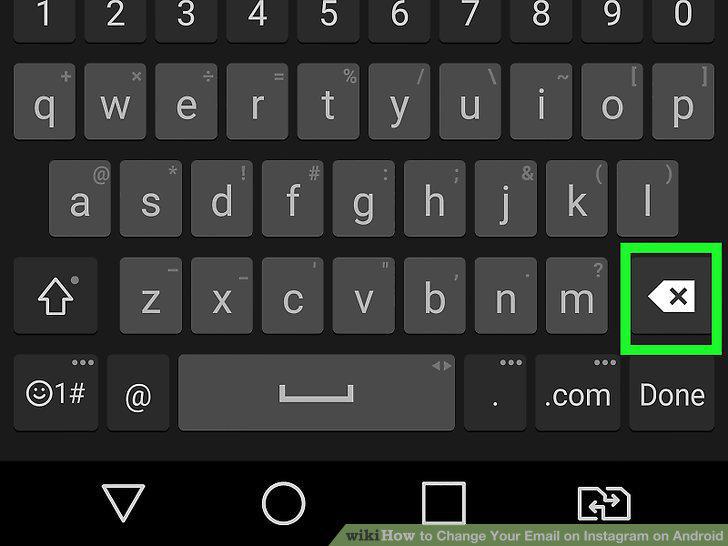
Delete your old email address.
6
Type your new email address.
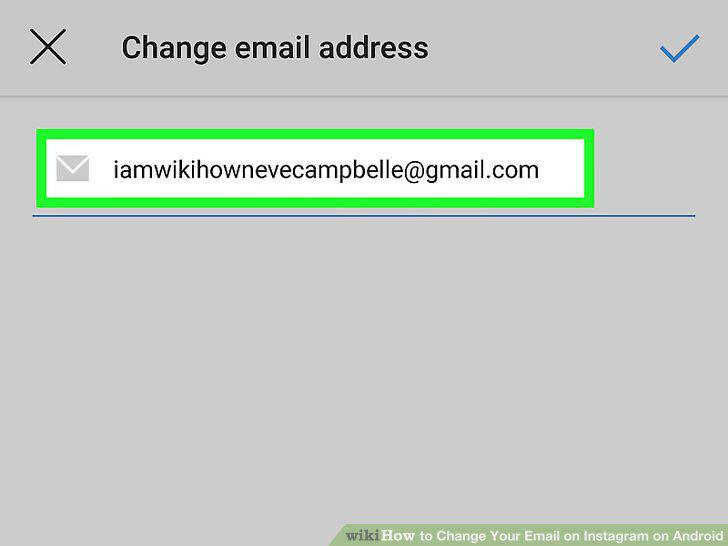
Type your new email address.
7
Tap the blue check mark.
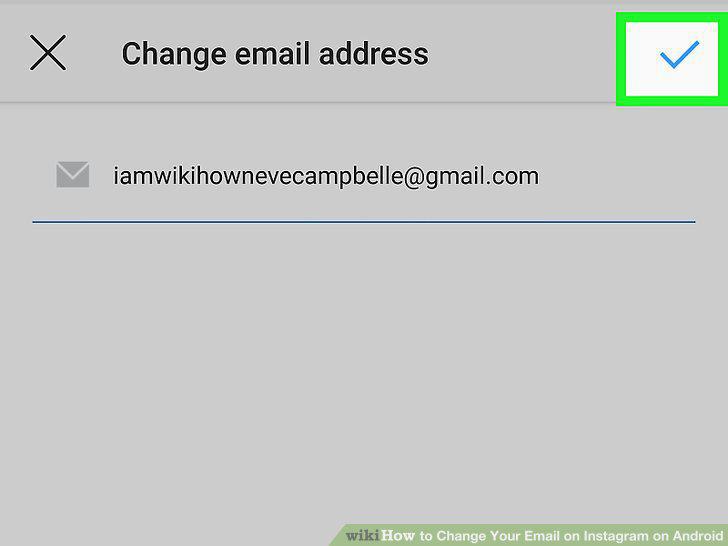
Tap the blue check mark.
8
Go to your email account.
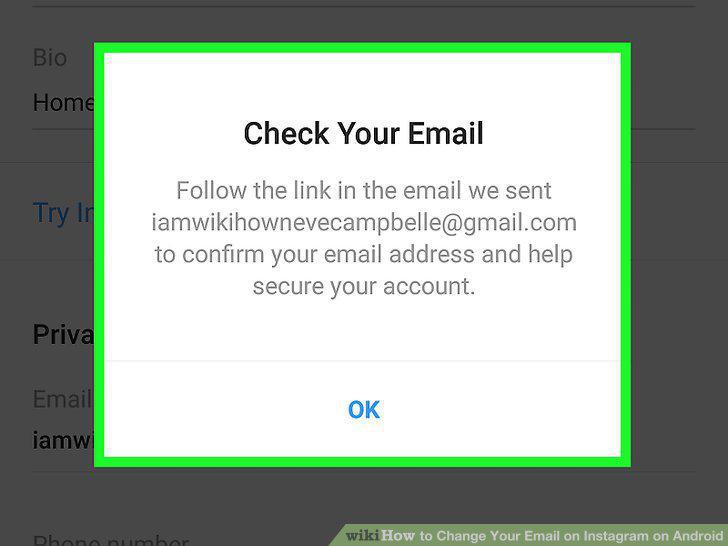
Go to your email account.
9
Open the email from Instagram.
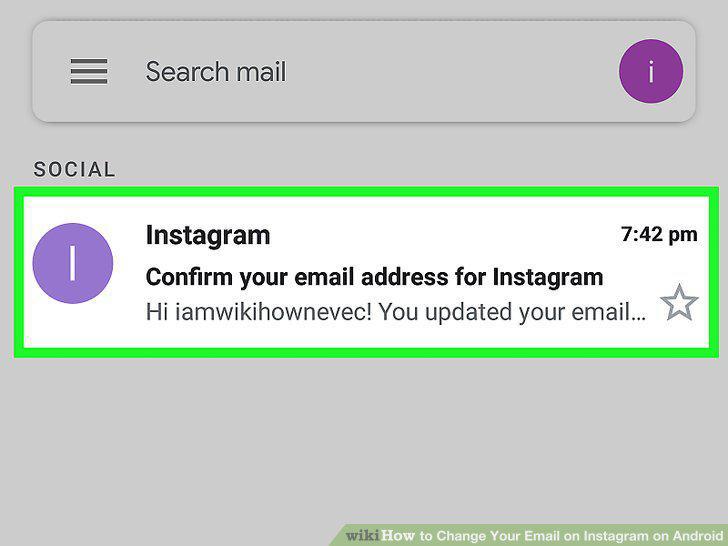
Open the email from Instagram.
10
Tap Confirm Email Address.
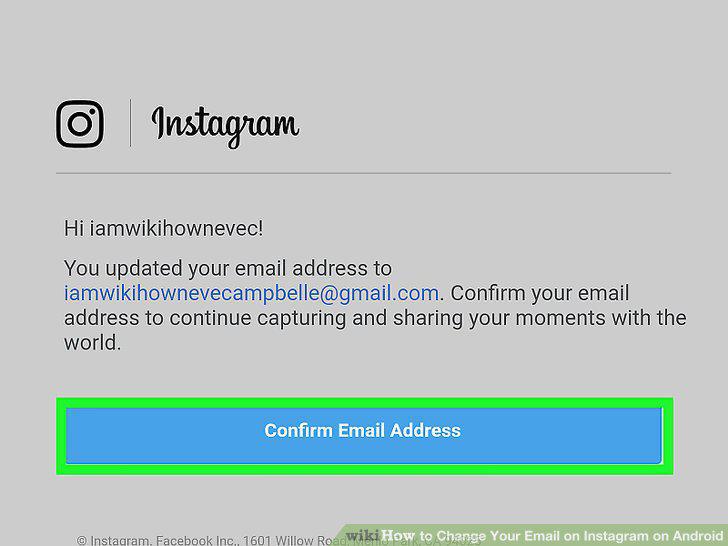
Tap Confirm Email Address.
Comments (0)
No comments yet. Be the first to share your thoughts!