How to Link Twitch with Amazon Prime on PC or Mac
Navigate to https://twitch.tv/prime on your web browser.. Click the button that says Log in at the top right.. Enter your Twitch username and password and click Log In.
Steps
1
Navigate to https://twitch.tv/prime on your web browser.
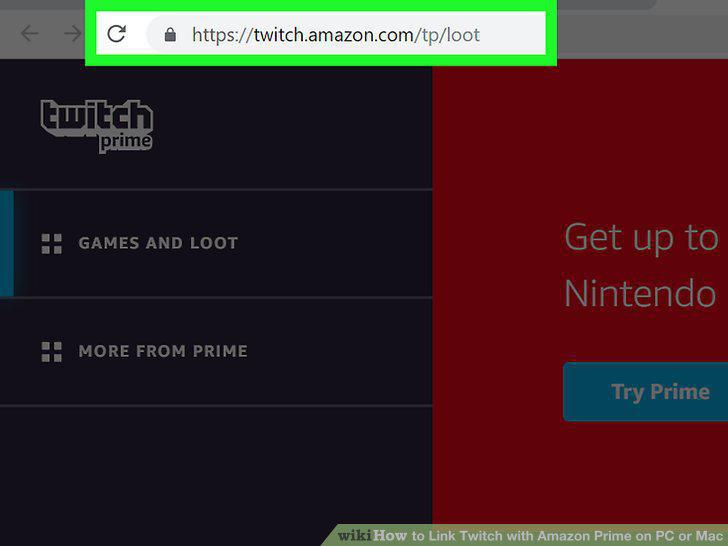
Navigate to https://twitch.tv/prime on your web browser.
2
Click the button that says Log in at the top right.
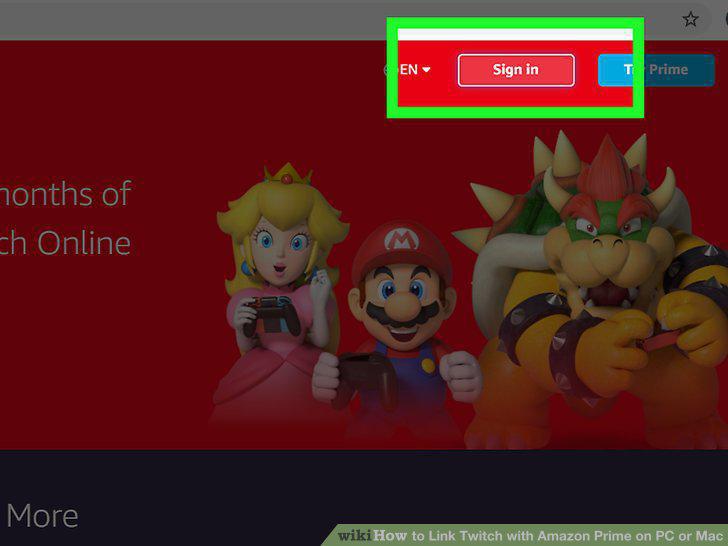
Click the button that says Log in at the top right.
3
Enter your Twitch username and password and click Log In.
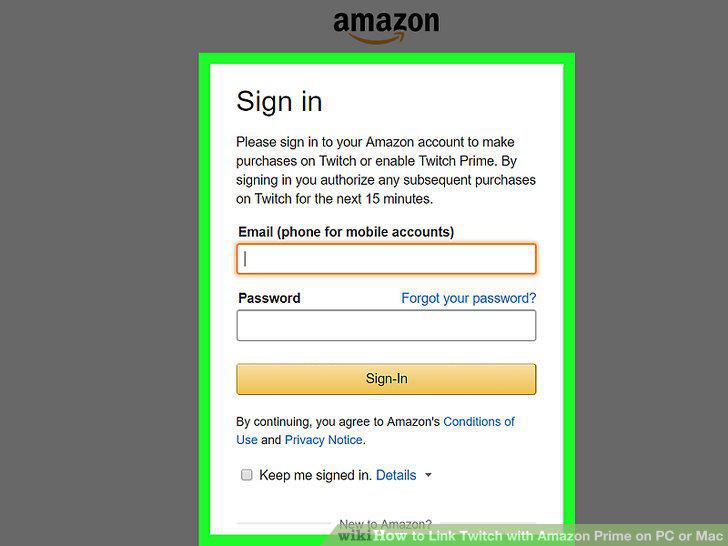
Enter your Twitch username and password and click Log In.
4
Click on Try Twitch Prime.
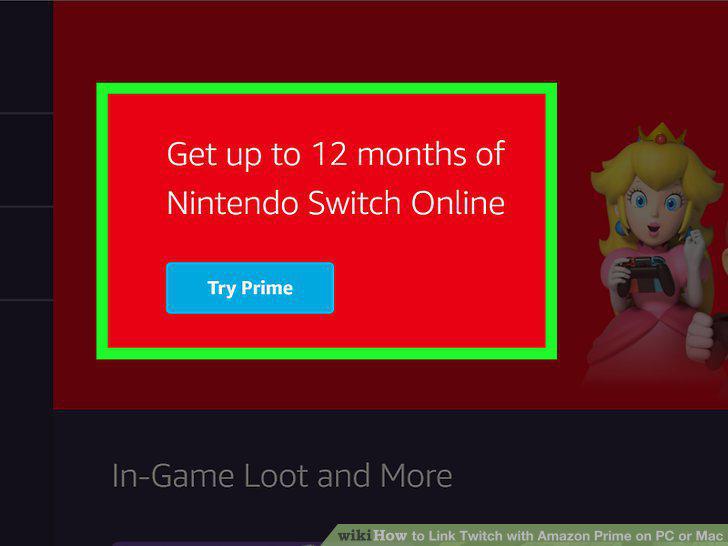
Click on Try Twitch Prime.
5
Choose your country of residence.
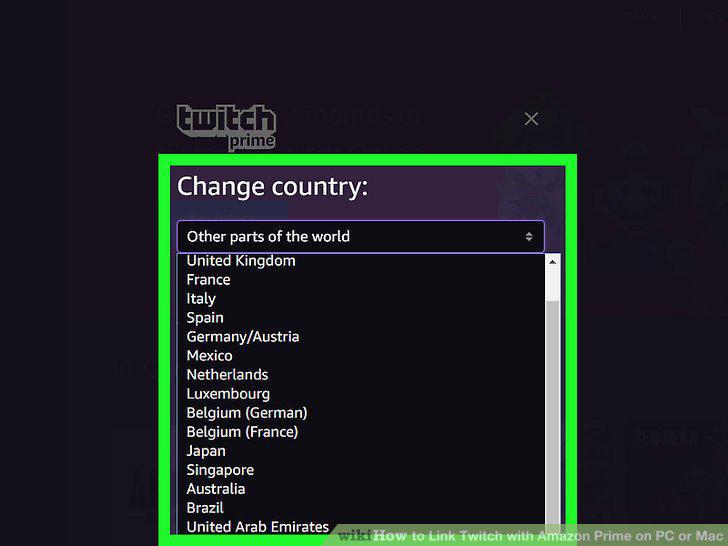
Choose your country of residence.
6
Enter your username and password and click Log In.
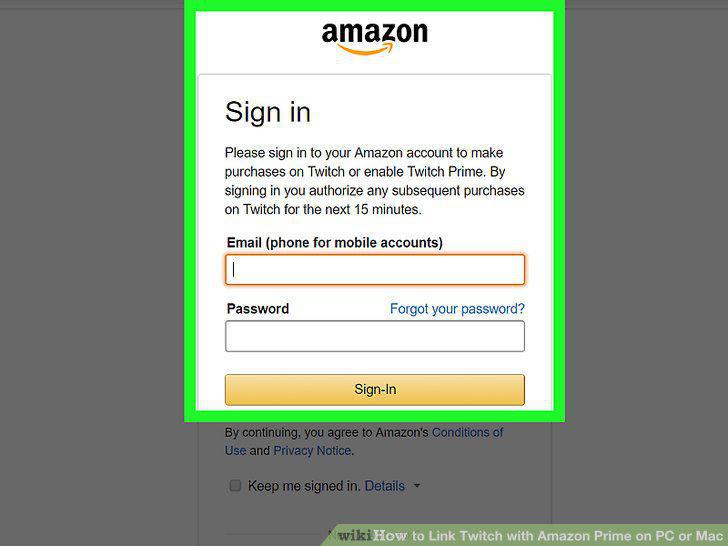
Enter your username and password and click Log In.
7
Type your username and password for Amazon and press Sign in.
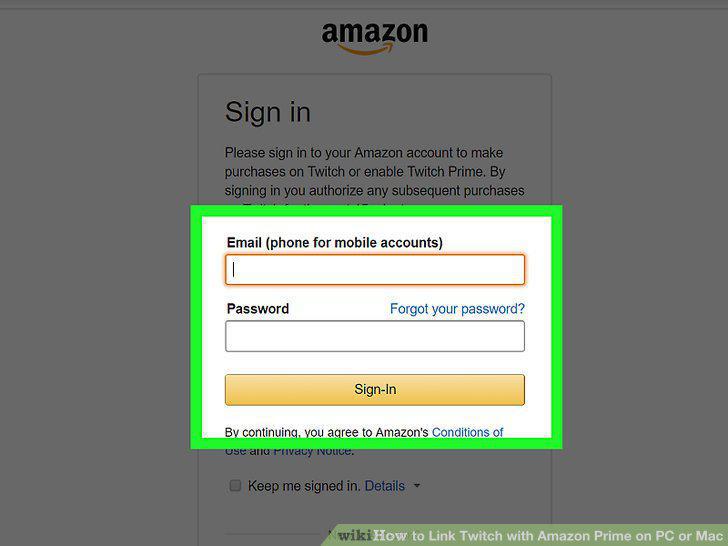
Type your username and password for Amazon and press Sign in.
Comments (0)
No comments yet. Be the first to share your thoughts!