How to Write with a Cricut Maker
Open the Cricut Design Space to a new project on your computer.. Choose "Text" from the sidebar on the left.. Type your desired text into the text box.
Steps
Open the Cricut Design Space to a new project on your computer.

Open the Cricut Design Space to a new project on your computer.
Choose "Text" from the sidebar on the left.
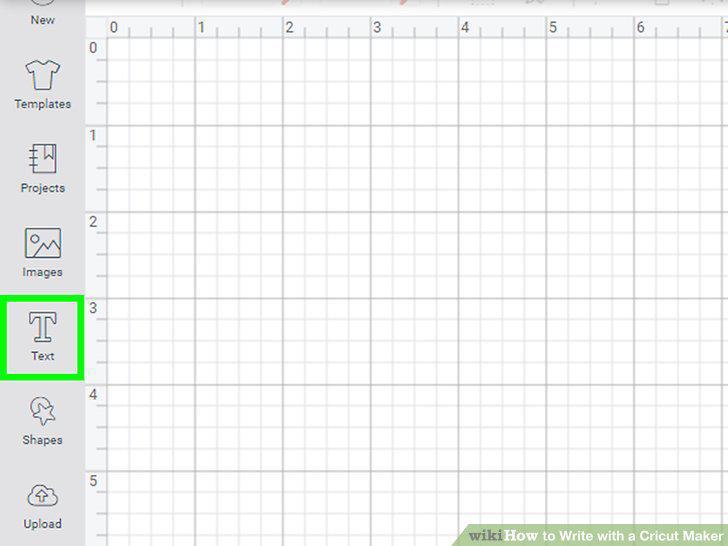
Choose "Text" from the sidebar on the left.
Type your desired text into the text box.
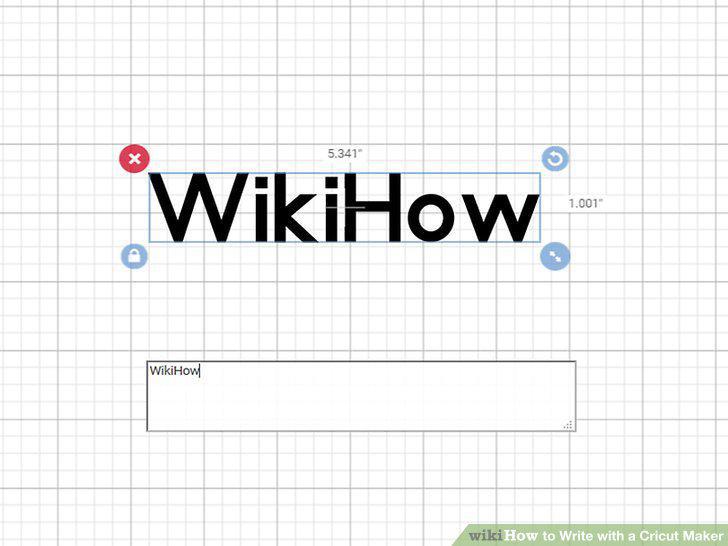
Type your desired text into the text box.
Select the text and locate the "Writing" option to create solid lettering.
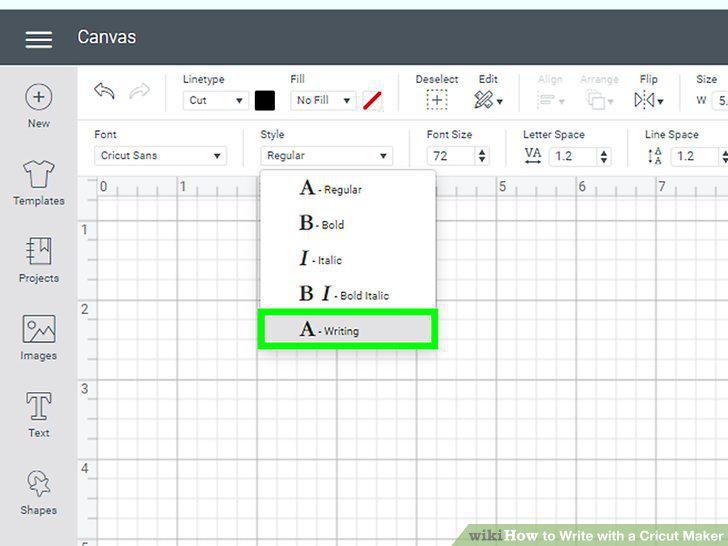
Select the text and locate the "Writing" option to create solid lettering.
Arrange your lettering so it's properly formatted.
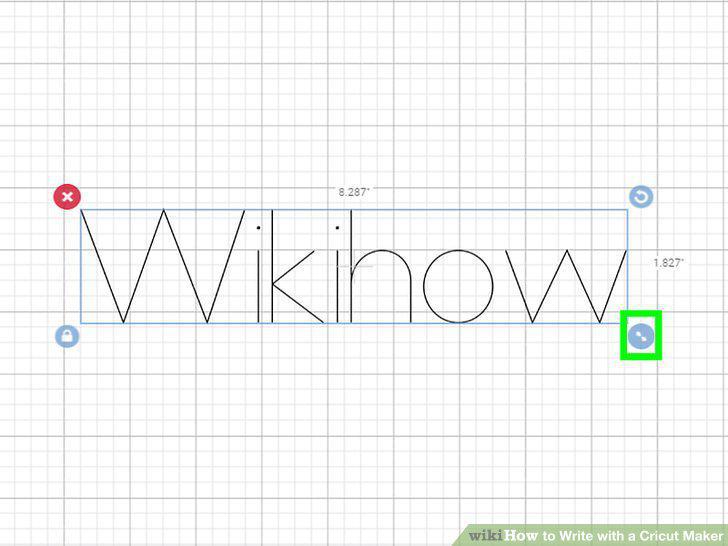
Arrange your lettering so it's properly formatted.
Click on "Font" and choose filters to see which fonts are available in writing.
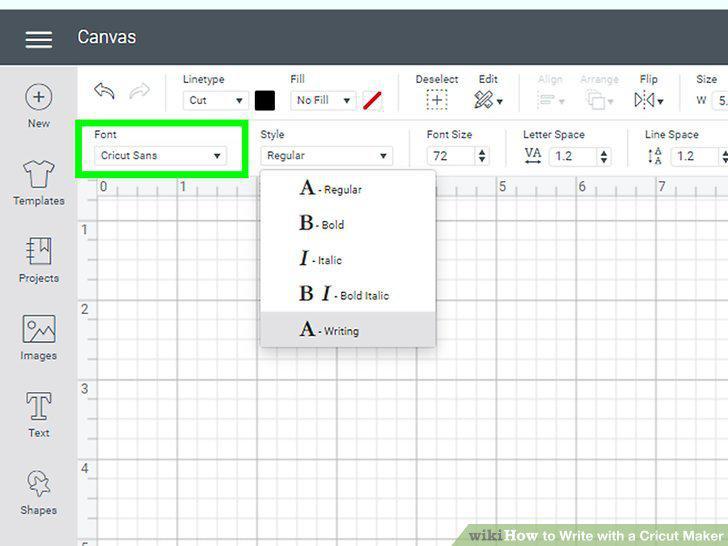
Click on "Font" and choose filters to see which fonts are available in writing.
Test out different fonts until you find one that you like.
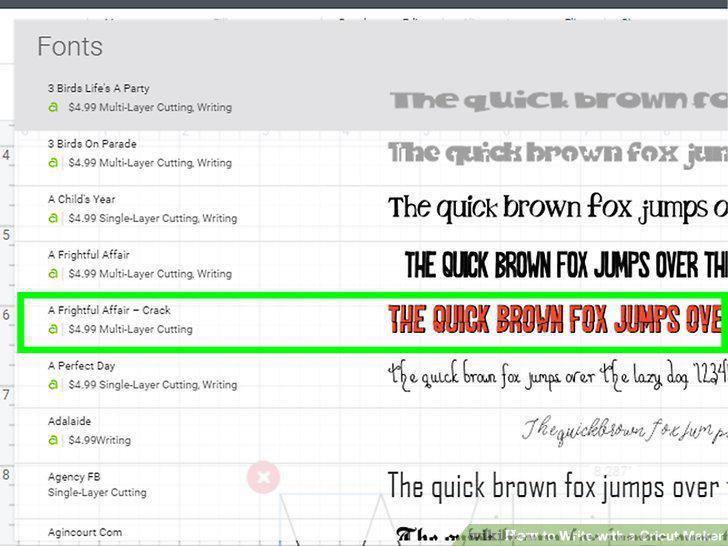
Test out different fonts until you find one that you like.
Click on the layers panel to pull up available font colors.
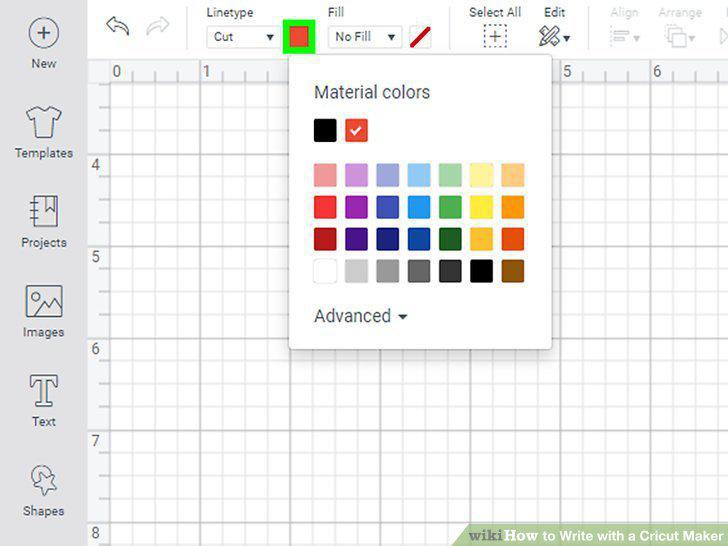
Click on the layers panel to pull up available font colors.
Select a color that you'd like your writing to be in.
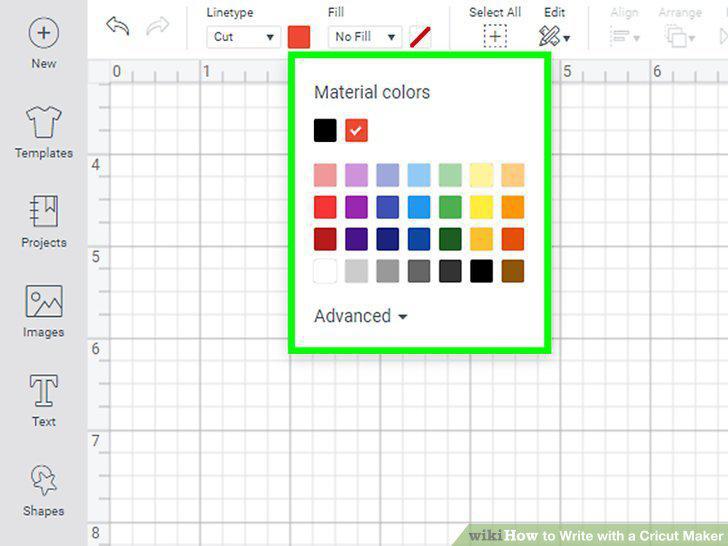
Select a color that you'd like your writing to be in.
Use multiple colors by setting different colors for multiple text boxes.

Use multiple colors by setting different colors for multiple text boxes.
Select all of your text boxes and click "Attach" to group them together.
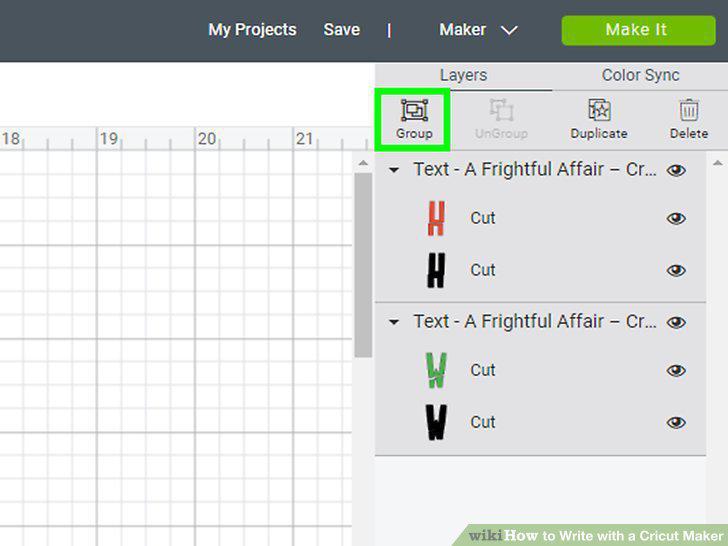
Select all of your text boxes and click "Attach" to group them together.
Click "Make It" in the top right of your screen to preview of your writing.
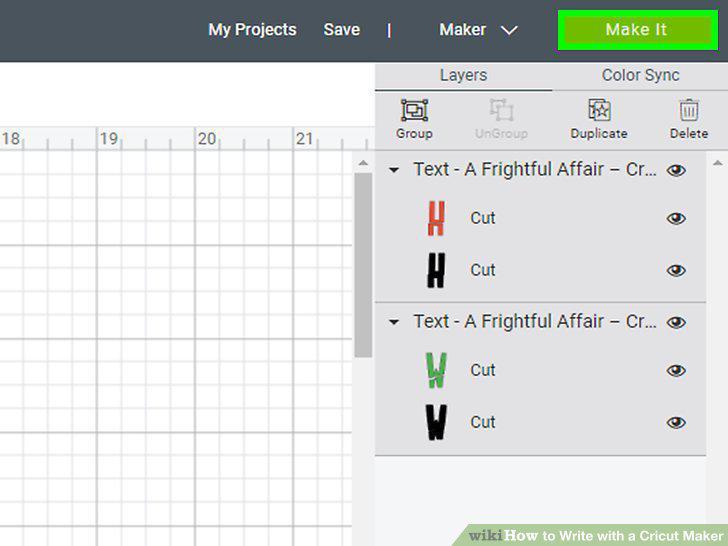
Click "Make It" in the top right of your screen to preview of your writing.
Connect your machine using the dropdown menu.
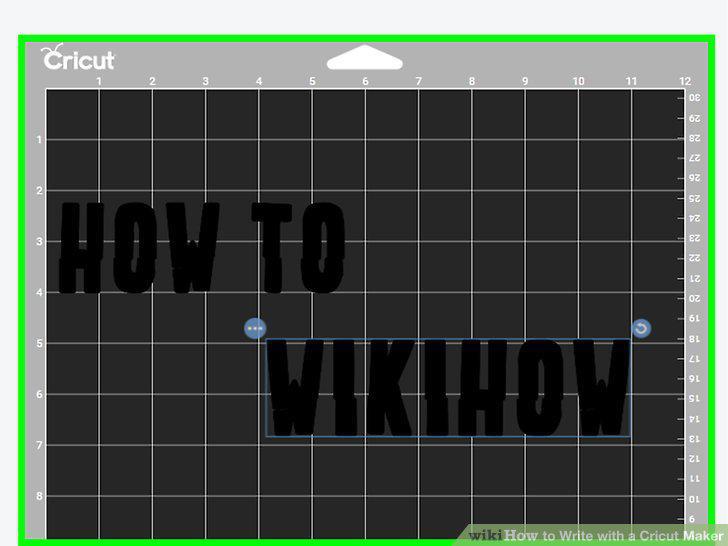
Connect your machine using the dropdown menu.
Load in your selected paper and pen so the machine is ready to write.
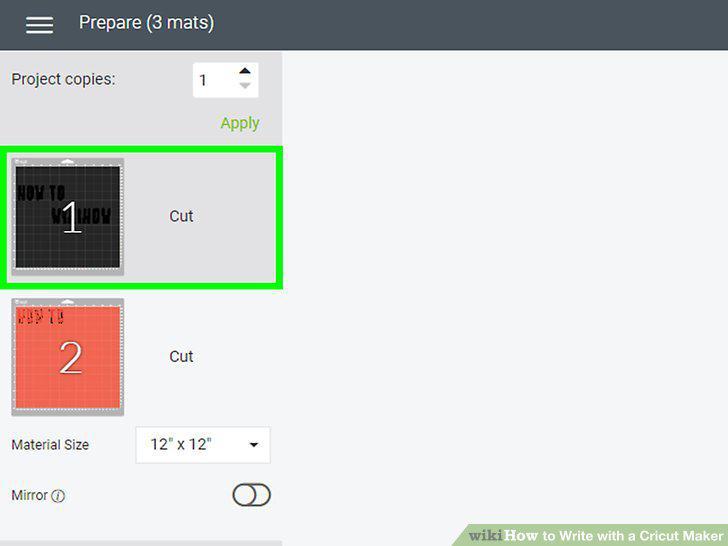
Load in your selected paper and pen so the machine is ready to write.
Press "Go" to tell your Cricut machine to begin writing.
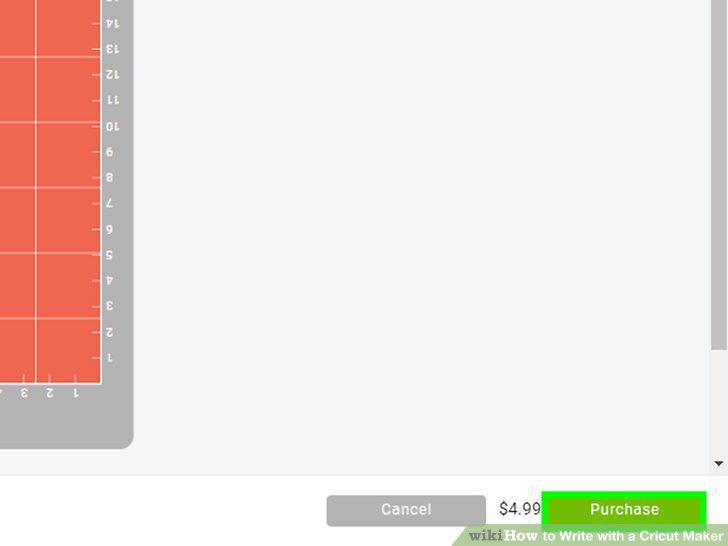
Press "Go" to tell your Cricut machine to begin writing.
Comments (0)
No comments yet. Be the first to share your thoughts!