How to Restart Services in Linux
Open the command line.. Enter the command to show currently running services.. Find the command name of the service that you want to restart.
Steps
1
Open the command line.
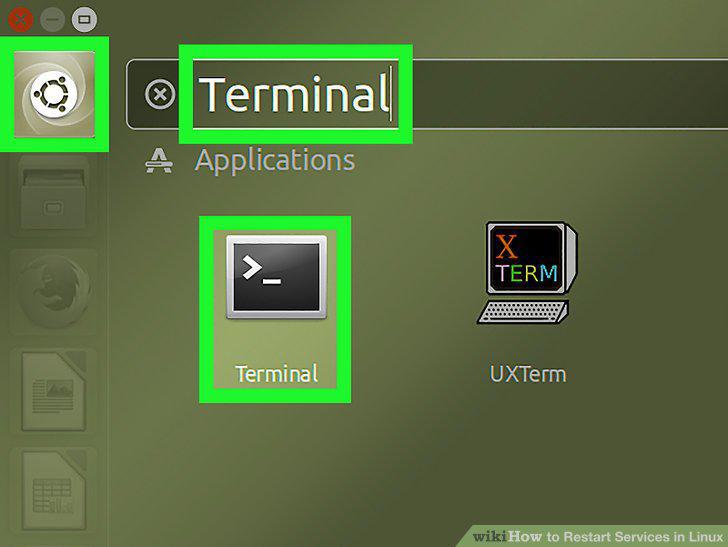
Open the command line.
2
Enter the command to show currently running services.
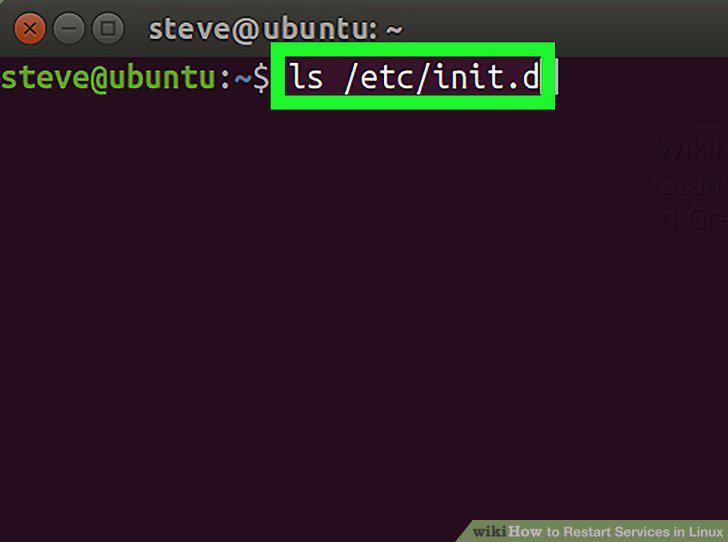
Enter the command to show currently running services.
3
Find the command name of the service that you want to restart.
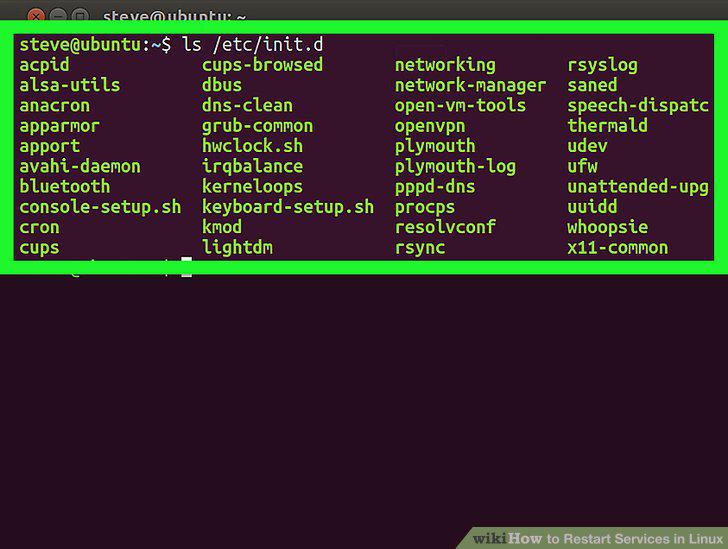
Find the command name of the service that you want to restart.
4
Enter the restart command.
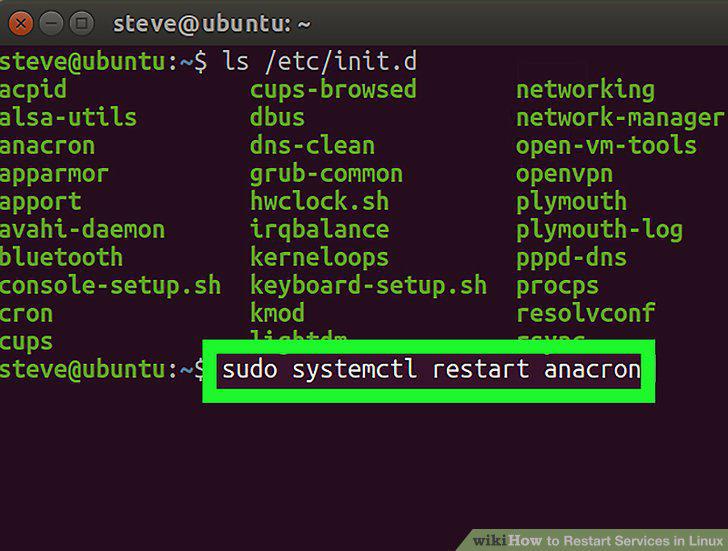
Enter the restart command.
5
Enter your password when prompted.
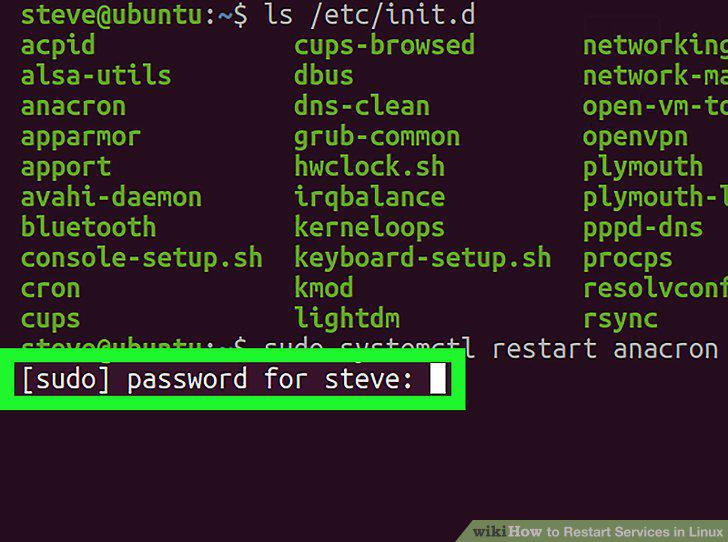
Enter your password when prompted.
Comments (0)
No comments yet. Be the first to share your thoughts!