How to Turn on WiFi Calling on Galaxy
Open your Galaxy's quick settings panel.. Turn on your WiFi network.. Open your Galaxy's Settings app.
Steps
1
Open your Galaxy's quick settings panel.
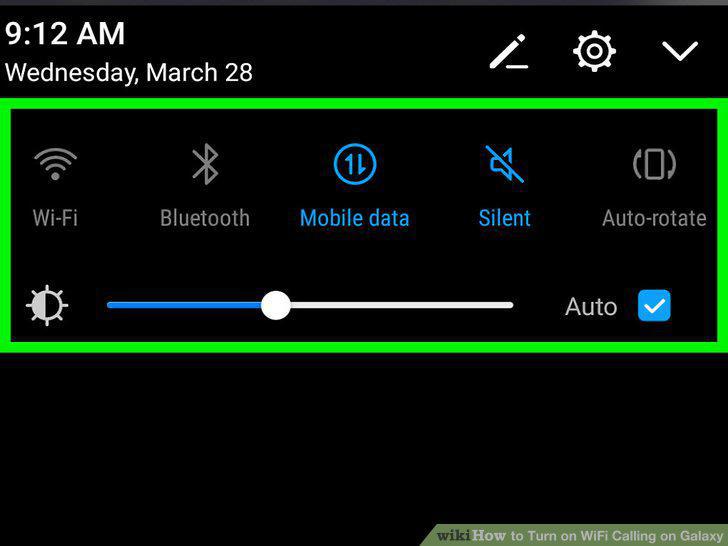
Open your Galaxy's quick settings panel.
2
Turn on your WiFi network.
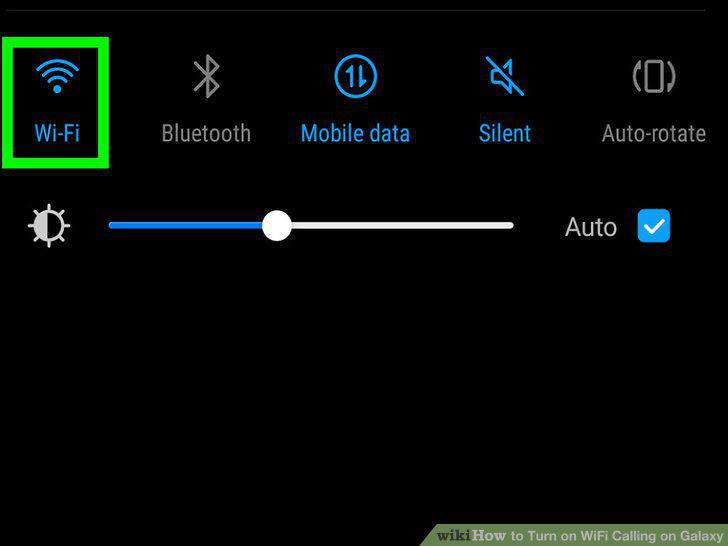
Turn on your WiFi network.
3
Open your Galaxy's Settings app.
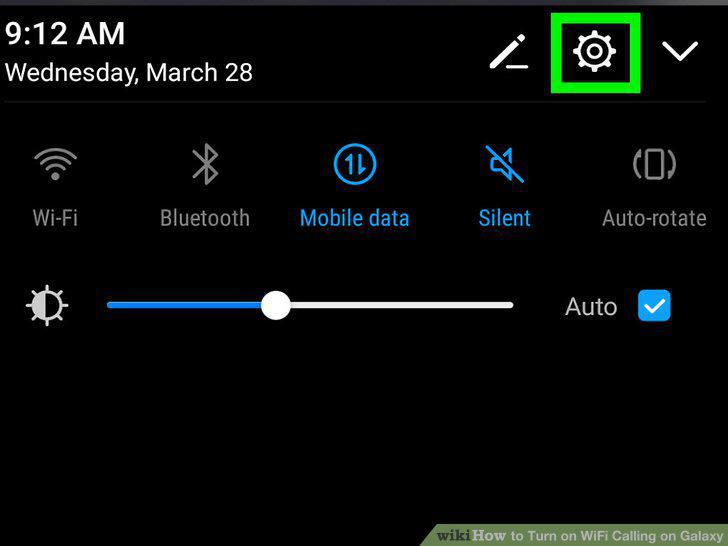
Open your Galaxy's Settings app.
4
Tap Connections at the top of Settings.
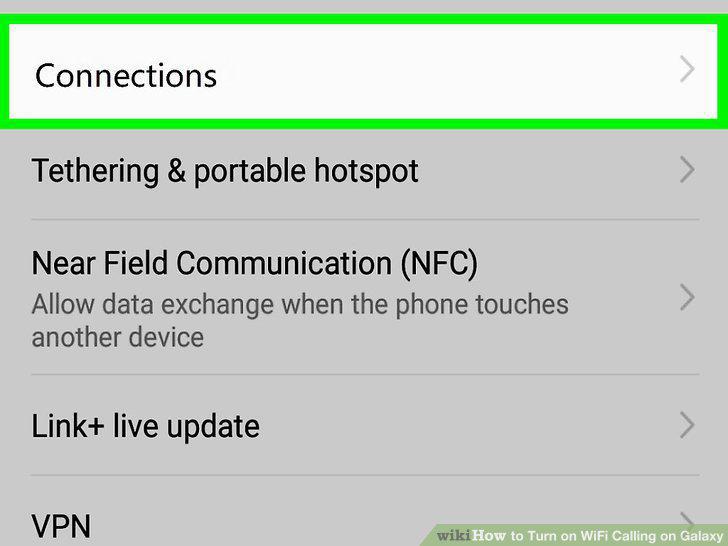
Tap Connections at the top of Settings.
5
Slide down and tap More connection settings.
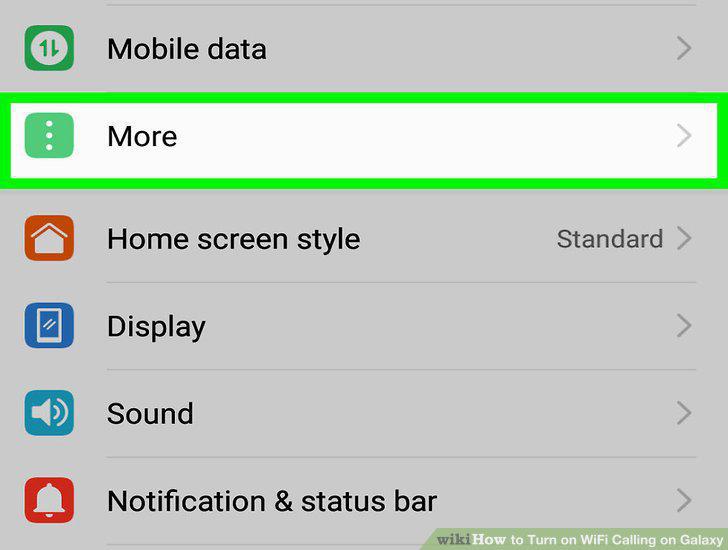
Slide down and tap More connection settings.
6
Tap WiFi calling.
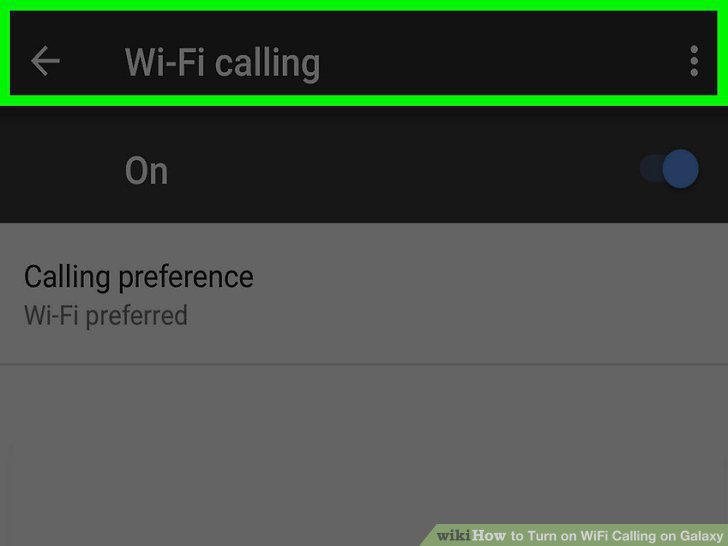
Tap WiFi calling.
7
Slide the WiFi calling switch to .
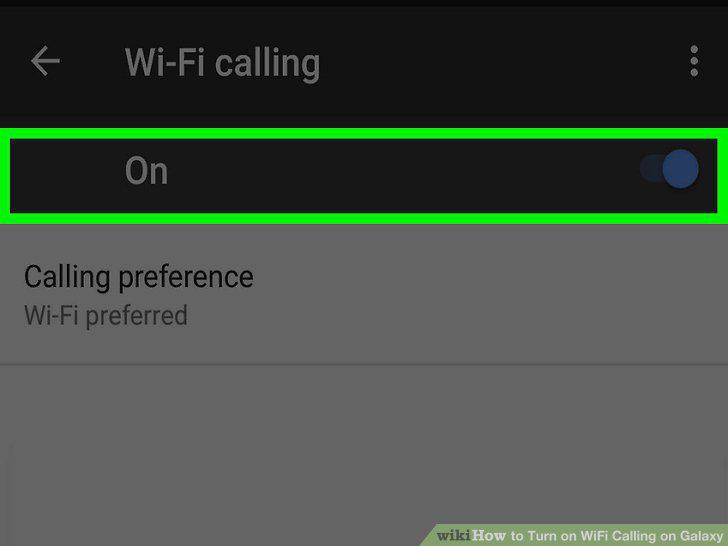
Slide the WiFi calling switch to .
8
Tap the Calling preference tab.
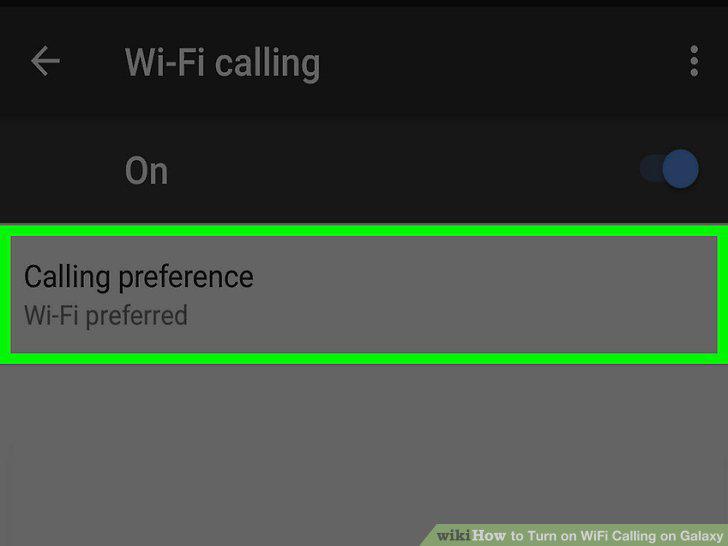
Tap the Calling preference tab.
9
Select a calling preference for your Galaxy.
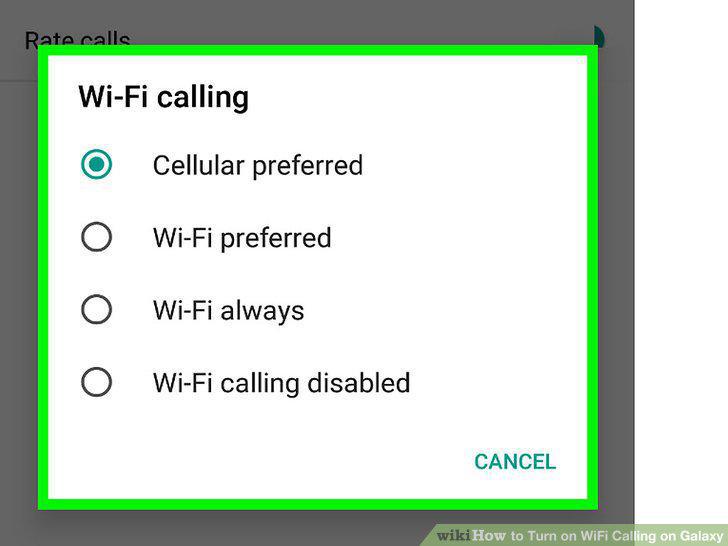
Select a calling preference for your Galaxy.
Comments (0)
No comments yet. Be the first to share your thoughts!