How to Use Facebook Details to Log into Skype
Open the Skype program on your PC or Mac.. Click Sign in with Facebook.. Type in your Facebook email address and password.
Steps
1
Open the Skype program on your PC or Mac.
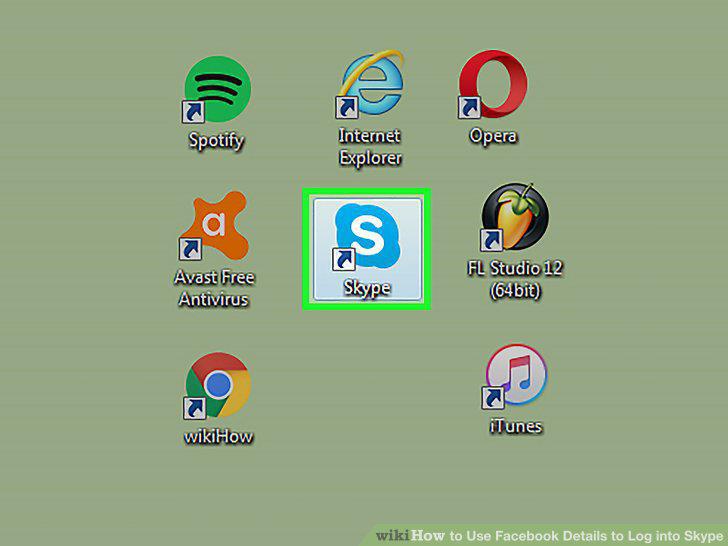
Open the Skype program on your PC or Mac.
2
Click Sign in with Facebook.
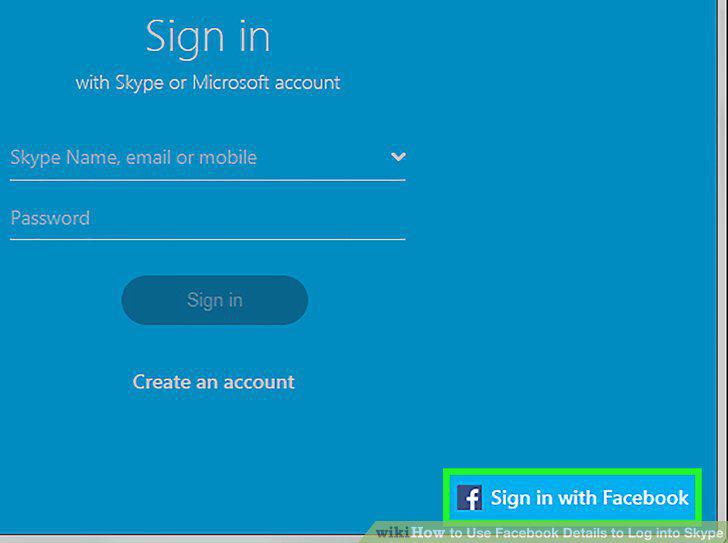
Click Sign in with Facebook.
3
Type in your Facebook email address and password.
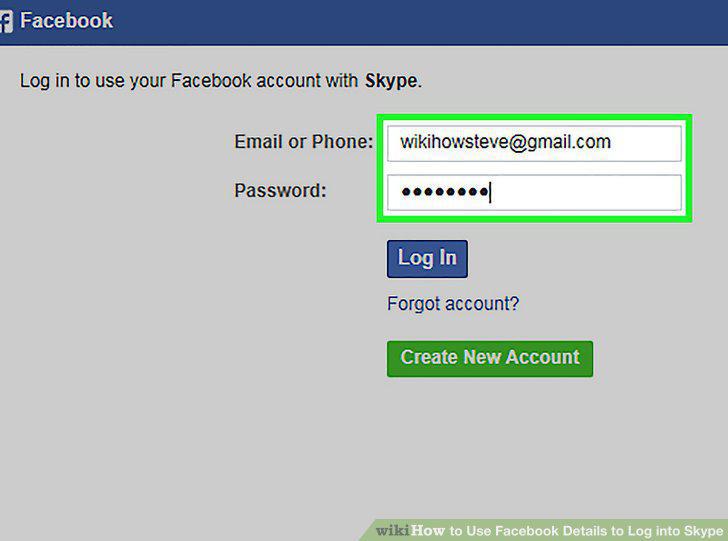
Type in your Facebook email address and password.
4
Click Log In.
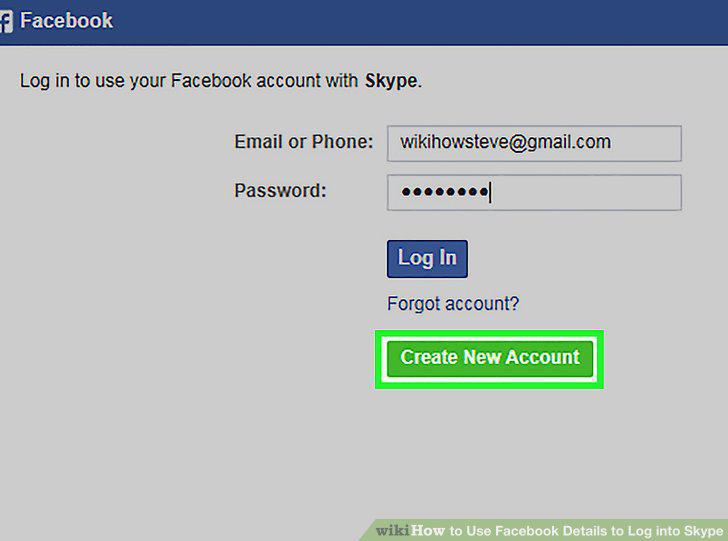
Click Log In.
5
Click Continue as Your Name.
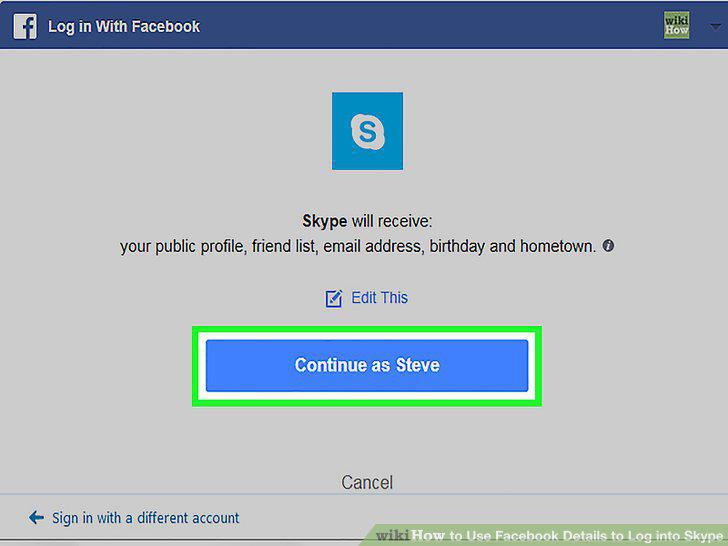
Click Continue as Your Name.
6
Click I agree - join skype.
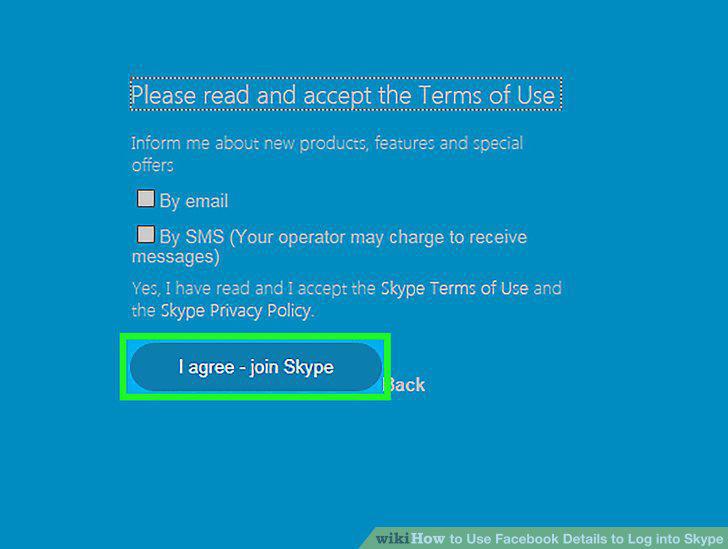
Click I agree - join skype.
Comments (0)
No comments yet. Be the first to share your thoughts!