How to Charge an AirPod Case
Place your AirPods into the charging case (optional).. Close the AirPod case.. Plug a lightning connector into the bottom of the AirPods case.
Steps
1
Place your AirPods into the charging case (optional).

Place your AirPods into the charging case (optional).
2
Close the AirPod case.
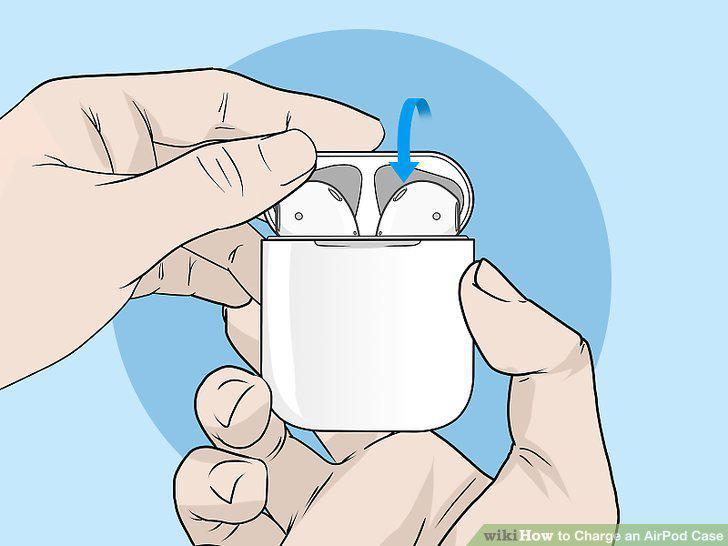
Close the AirPod case.
3
Plug a lightning connector into the bottom of the AirPods case.
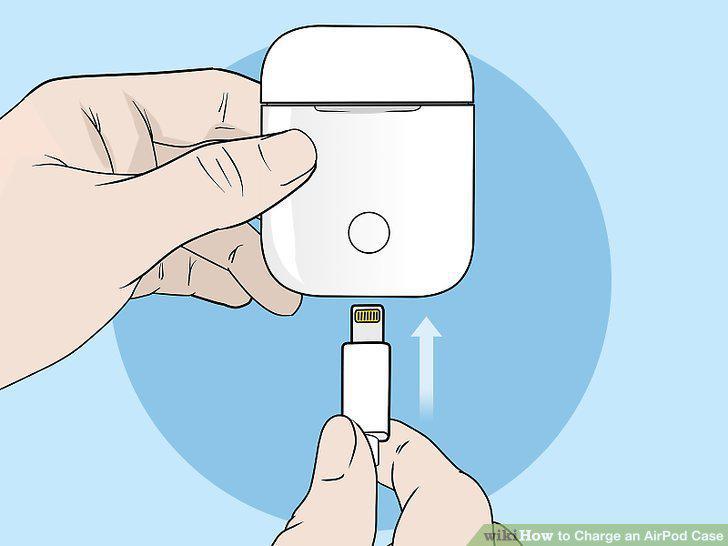
Plug a lightning connector into the bottom of the AirPods case.
4
Plug the USB connector into a USB port or charger.
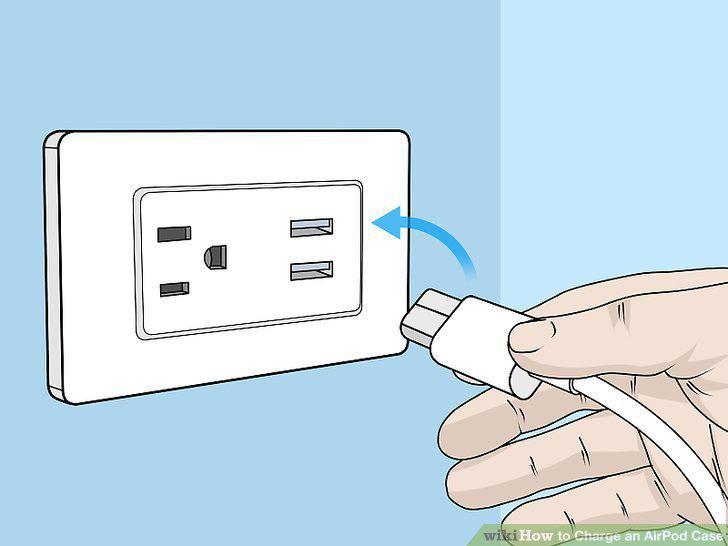
Plug the USB connector into a USB port or charger.
Comments (0)
No comments yet. Be the first to share your thoughts!