How to Choose a Google Home Device
Get a Google Home Mini if you just want access to the Google Assistant.. Buy a Home Mini if you want to save money.. Get a Google Home if you want to listen to music.
Steps
1
Get a Google Home Mini if you just want access to the Google Assistant.
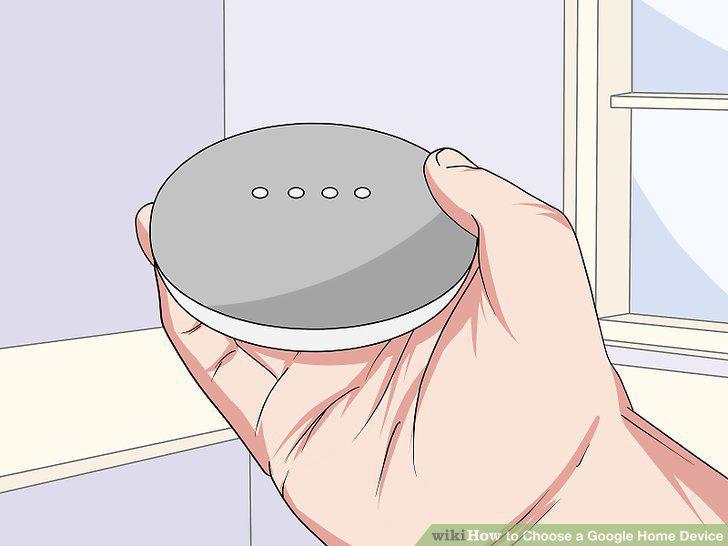
Get a Google Home Mini if you just want access to the Google Assistant.
2
Buy a Home Mini if you want to save money.
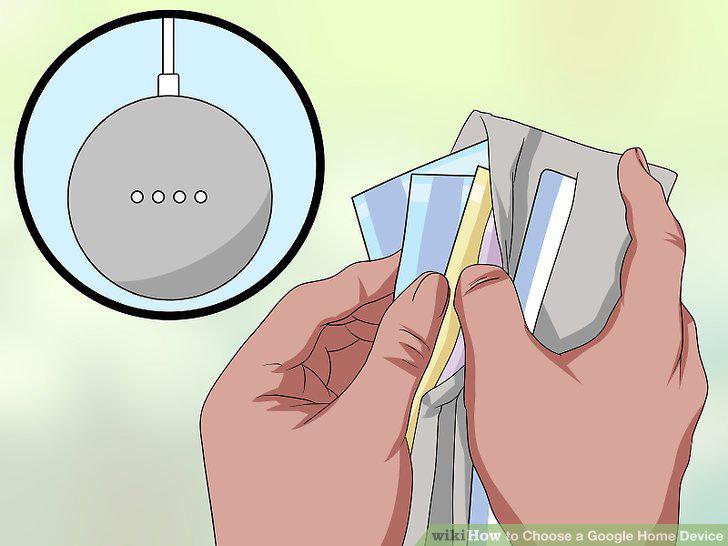
Buy a Home Mini if you want to save money.
3
Get a Google Home if you want to listen to music.
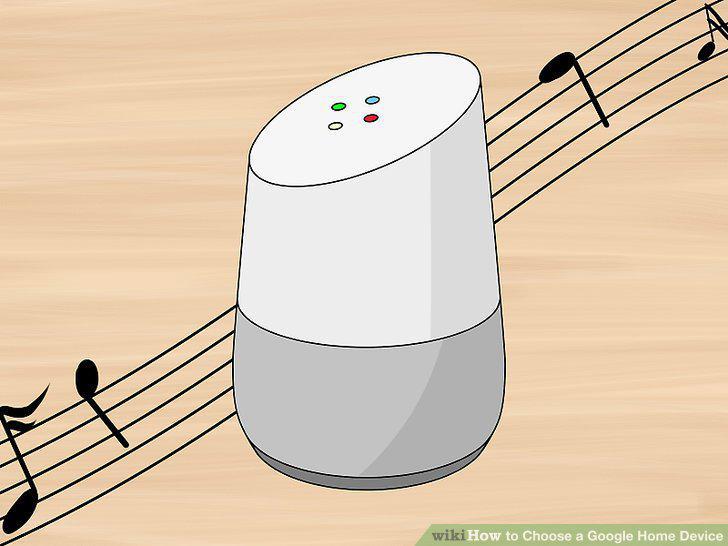
Get a Google Home if you want to listen to music.
4
Buy a Google Home if you're willing to pay $129 just for the better speaker.
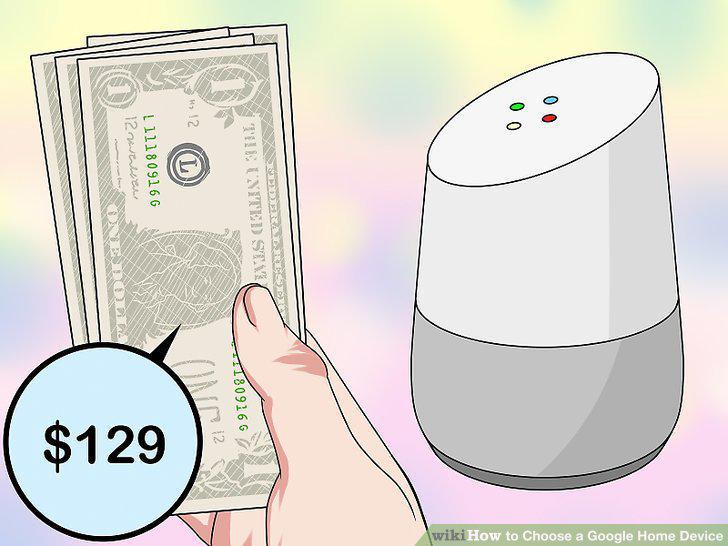
Buy a Google Home if you're willing to pay $129 just for the better speaker.
5
Get a Google Home Max if you need a new sound system.
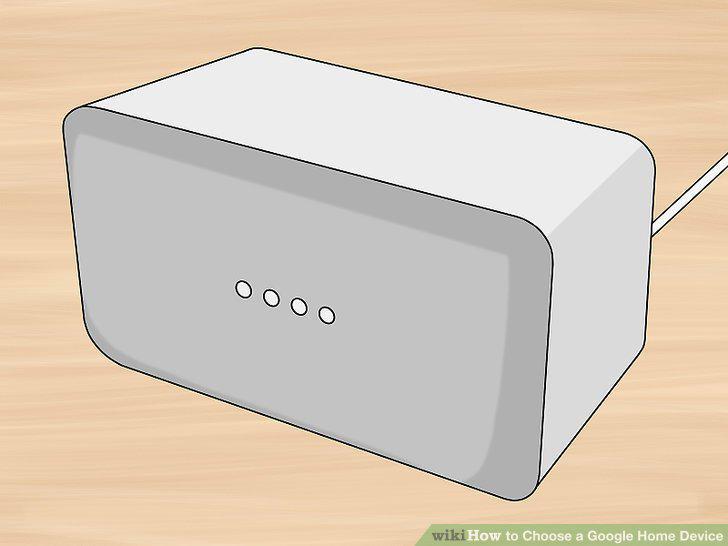
Get a Google Home Max if you need a new sound system.
6
Buy a Home Max if you're willing to pay $399 for enhanced audio quality.
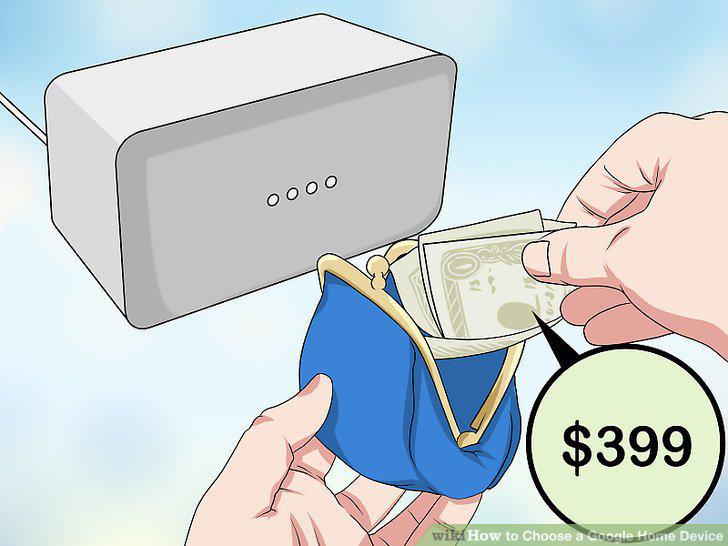
Buy a Home Max if you're willing to pay $399 for enhanced audio quality.
7
Try out the Google Assistant on your phone.
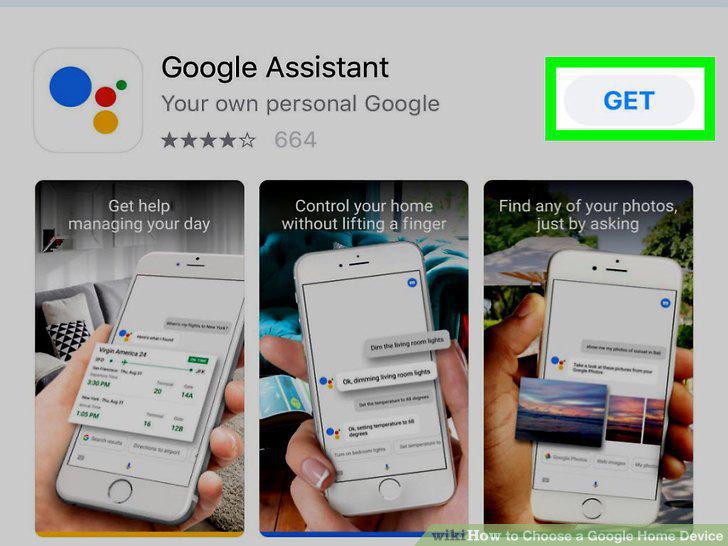
Try out the Google Assistant on your phone.
8
Say "OK Google," to ask the assistant something while your phone is unlocked.
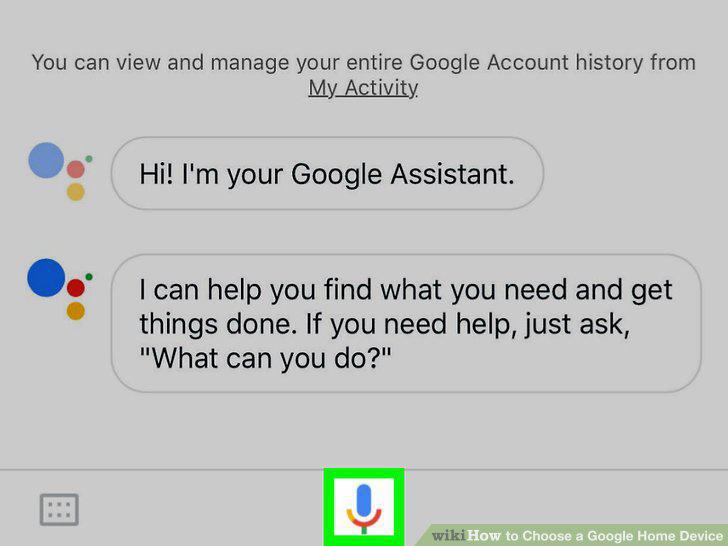
Say "OK Google," to ask the assistant something while your phone is unlocked.
9
Ask Google Assistant various questions or give voice commands.
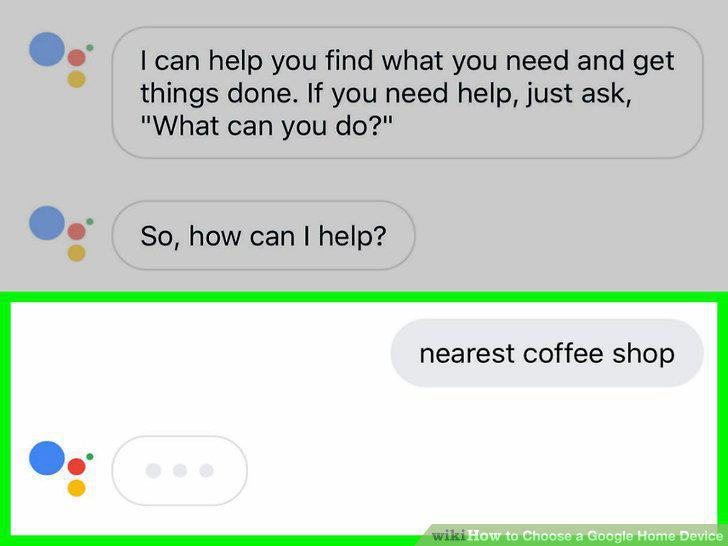
Ask Google Assistant various questions or give voice commands.
Comments (0)
No comments yet. Be the first to share your thoughts!