How to Do Group Messaging on Groupme.Com
Go to https://web.groupme.com.. Click Sign up today.. Type in your email address.
Steps
1
Go to https://web.groupme.com.
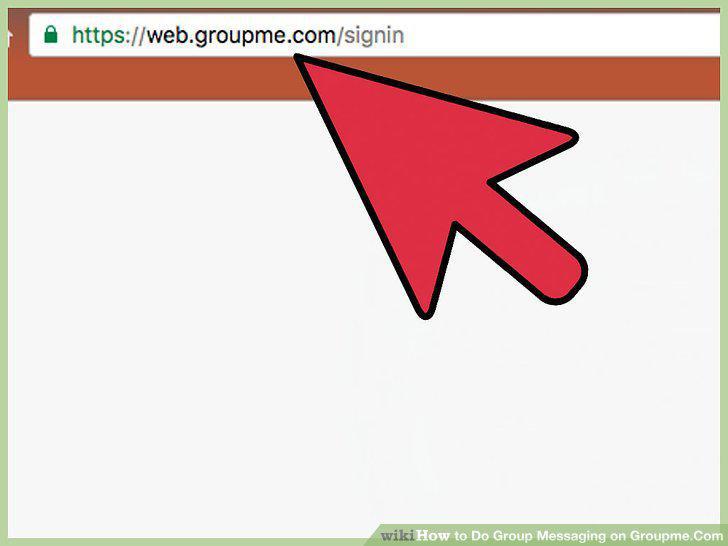
Go to https://web.groupme.com.
2
Click Sign up today.
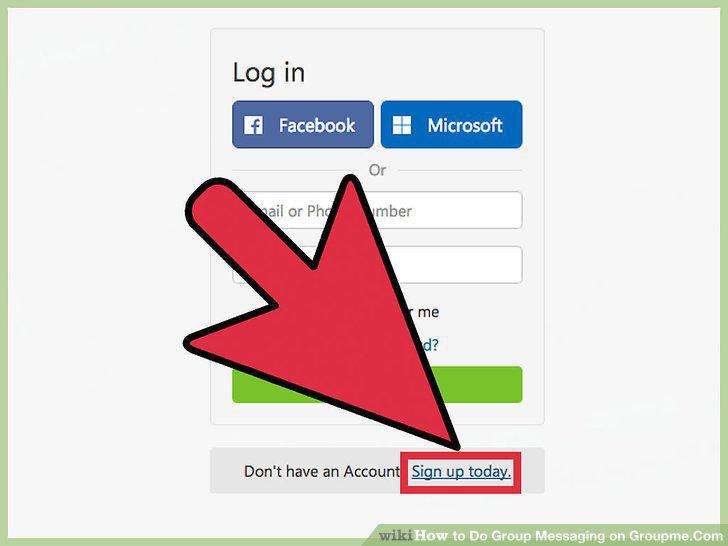
Click Sign up today.
3
Type in your email address.
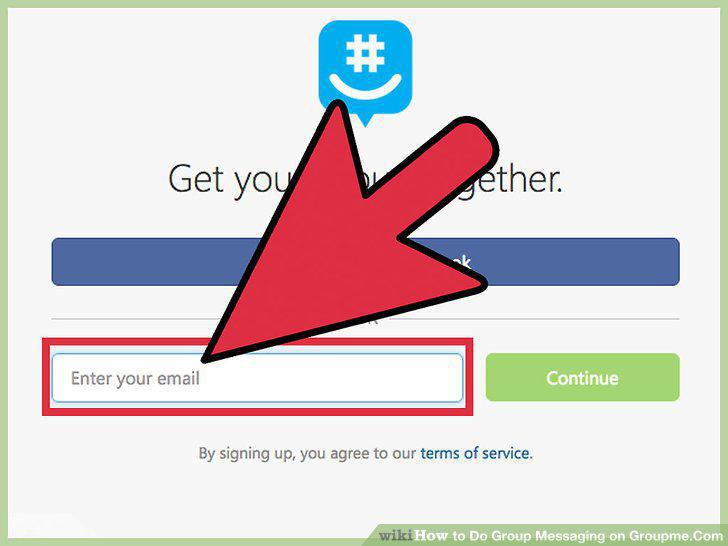
Type in your email address.
4
Click on Continue.
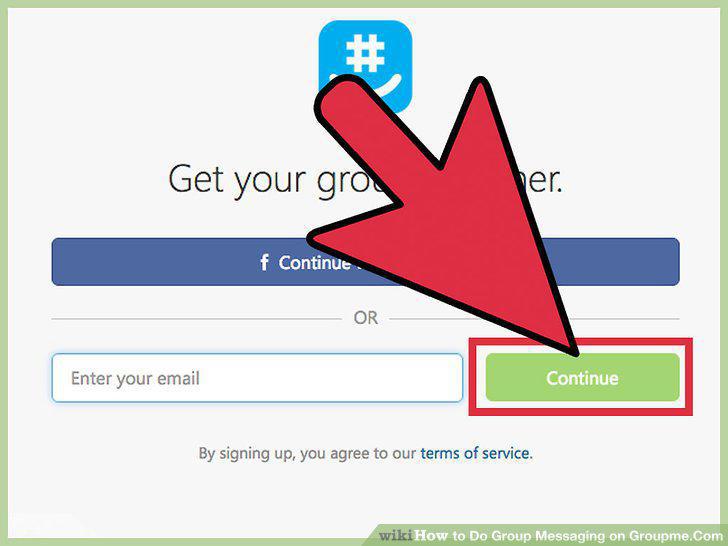
Click on Continue.
5
Enter your personal information.
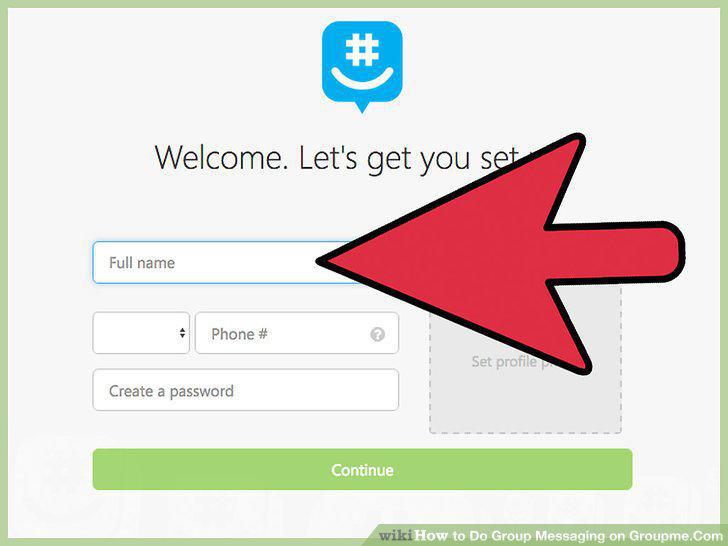
Enter your personal information.
6
Type in the code and Click Continue.
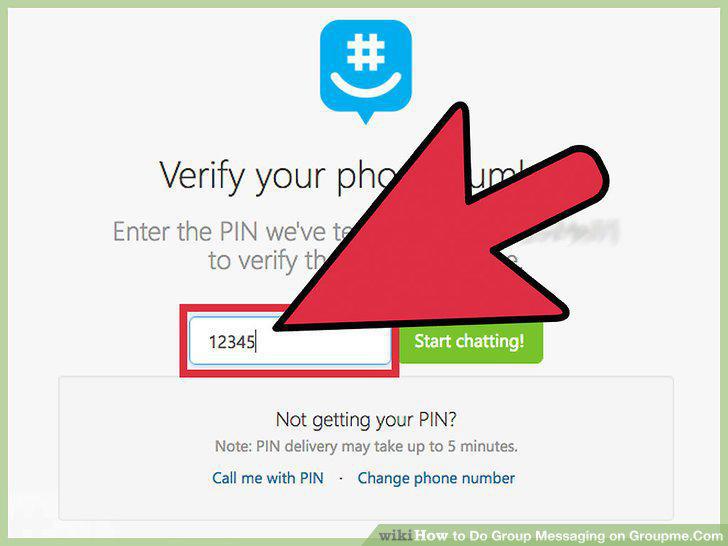
Type in the code and Click Continue.
7
Click on Start Chatting!.
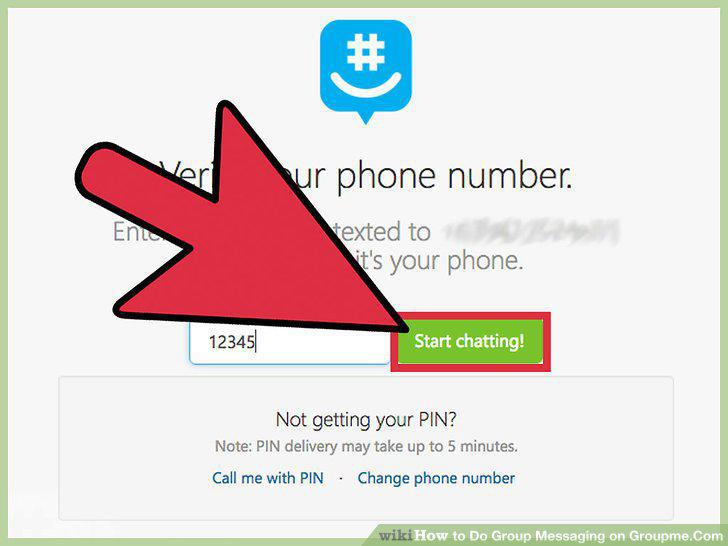
Click on Start Chatting!.
8
Go to https://web.groupme.com and sign in.
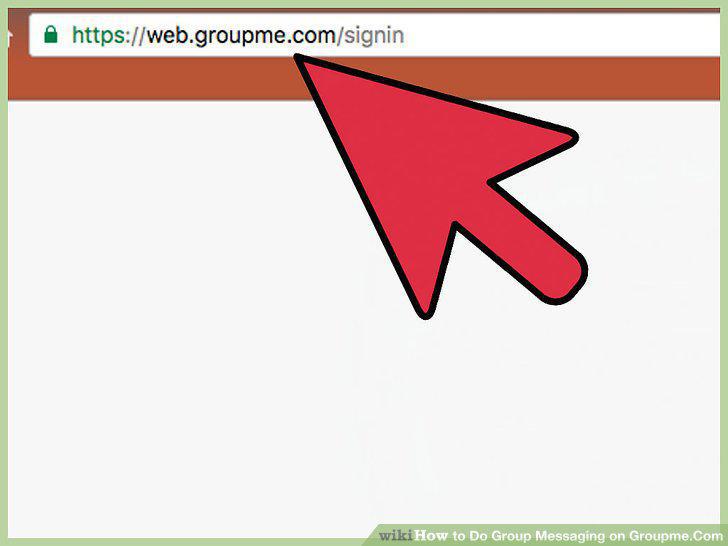
Go to https://web.groupme.com and sign in.
9
Click on the blue chat bubble.
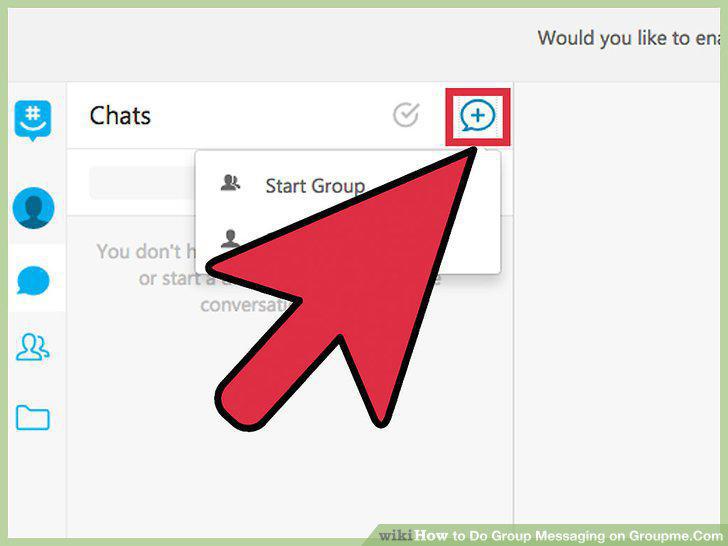
Click on the blue chat bubble.
10
Click Start Group.
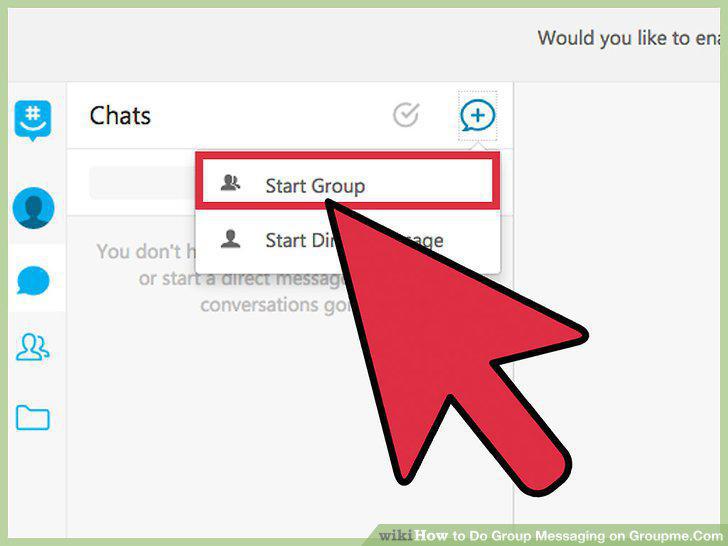
Click Start Group.
11
Type in the group name.
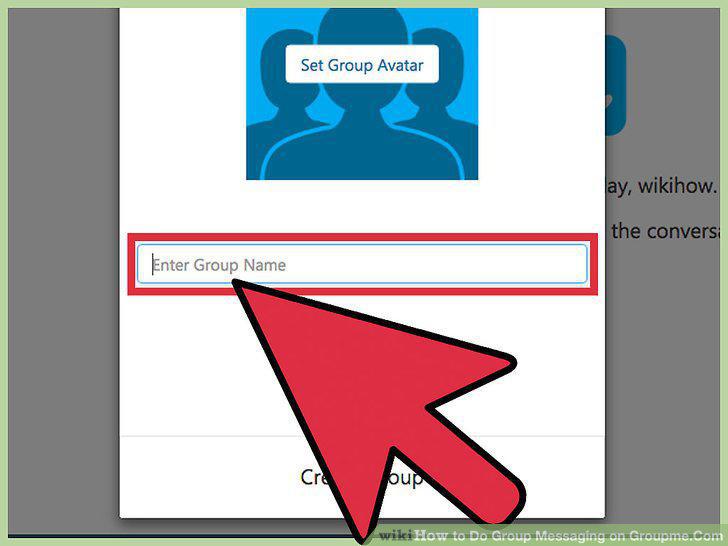
Type in the group name.
12
Click on Create Group.
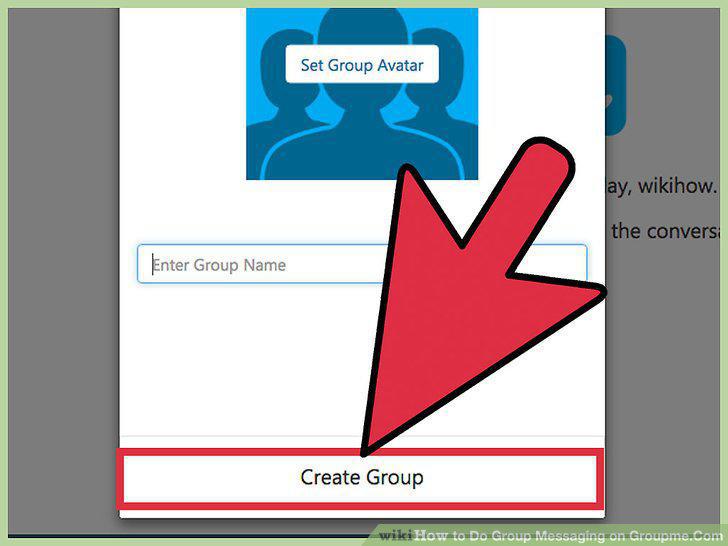
Click on Create Group.
13
Click on a contact to add.
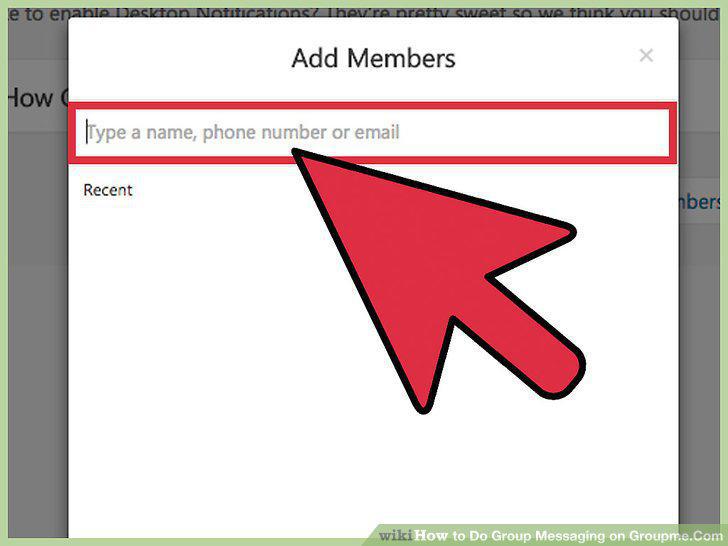
Click on a contact to add.
14
Click on the Add Members button.
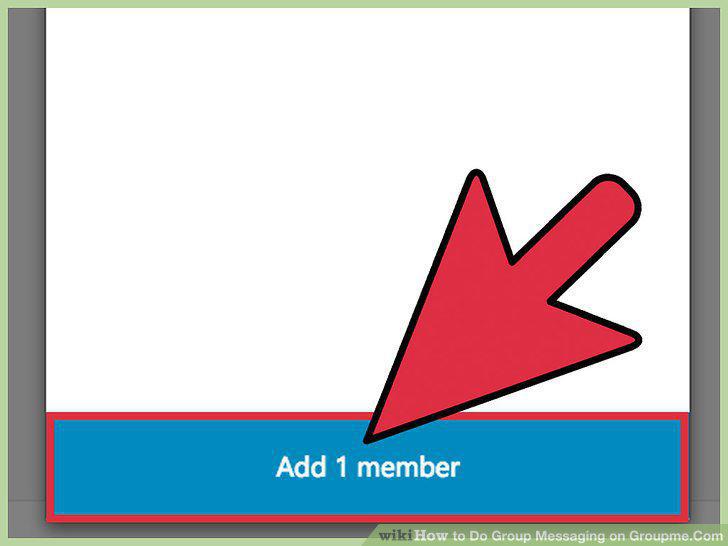
Click on the Add Members button.
15
Click on the text field.
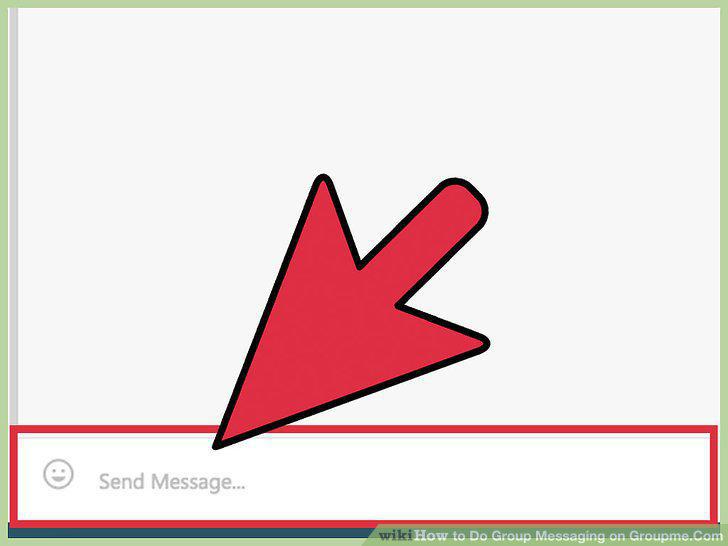
Click on the text field.
16
Type out a message.
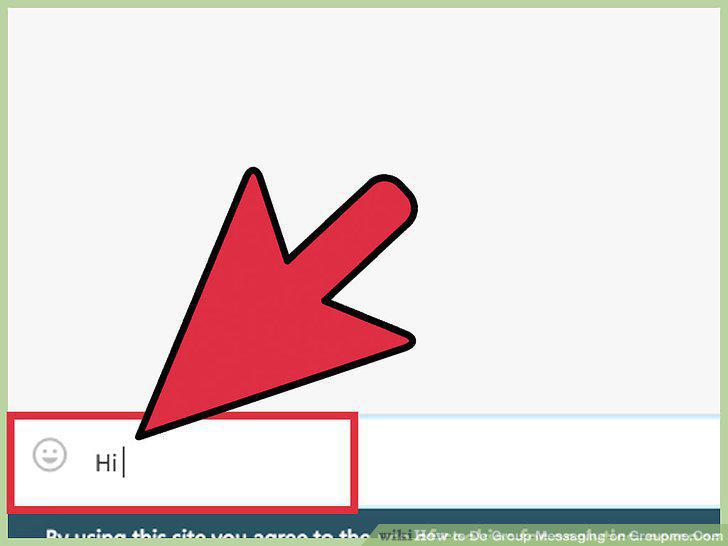
Type out a message.
17
Click on +.
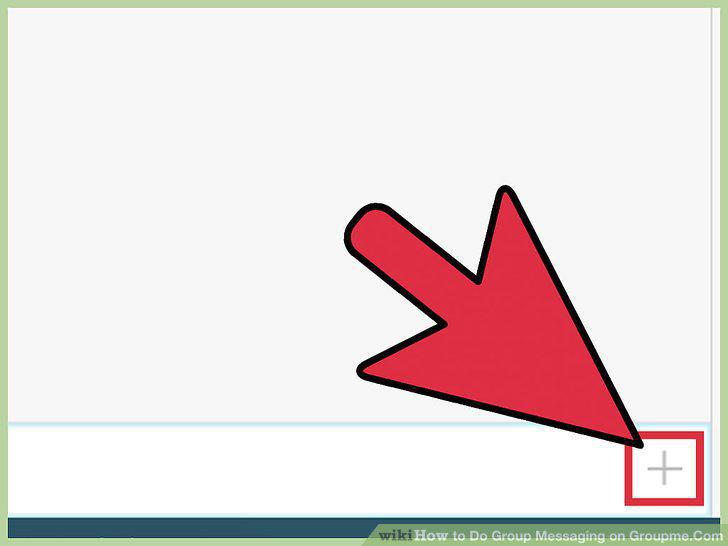
Click on +.
Comments (0)
No comments yet. Be the first to share your thoughts!