Steps
1
Open WeChat.
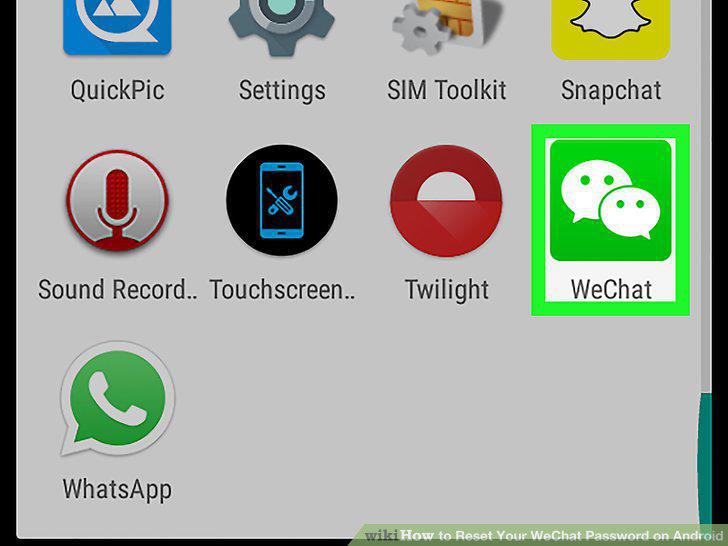
Open WeChat.
2
Tap Me.

Tap Me.
3
Tap Settings.
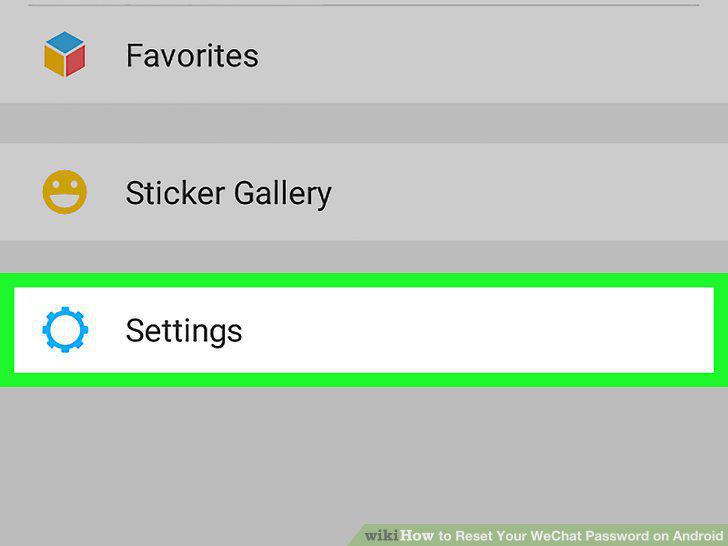
Tap Settings.
4
Tap Account Security.
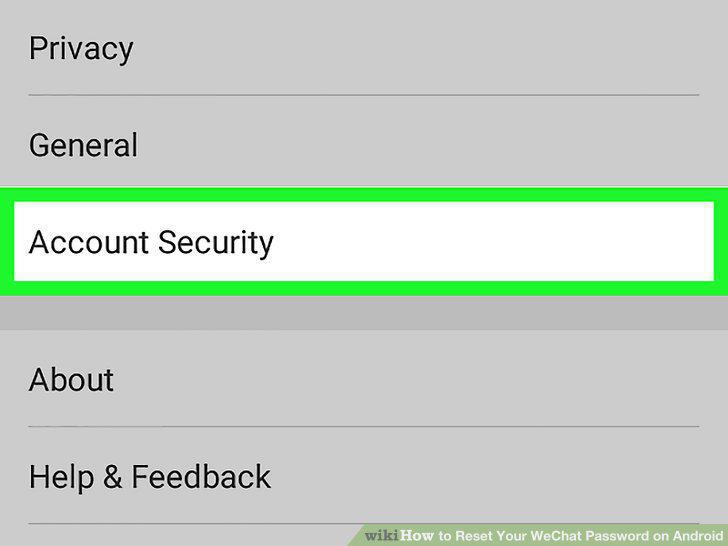
Tap Account Security.
5
Tap Password.
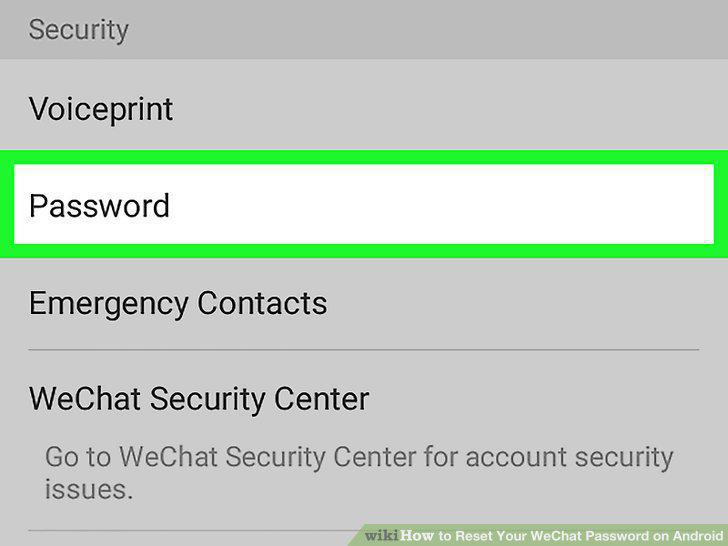
Tap Password.
6
Enter your current password and tap OK.
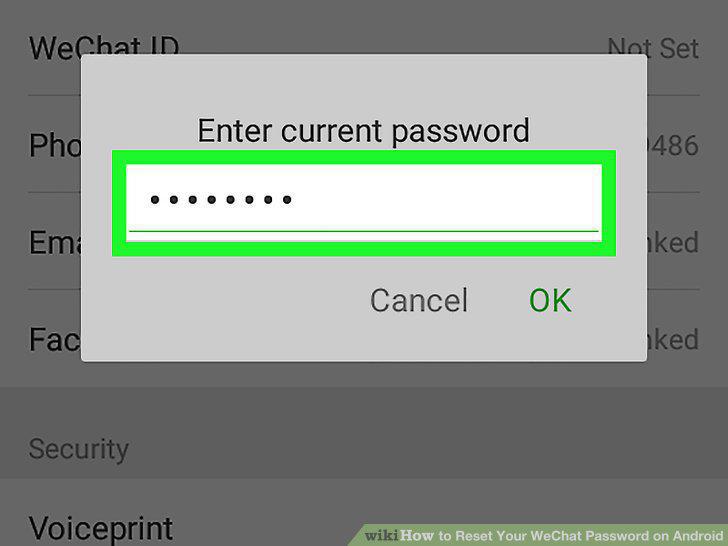
Enter your current password and tap OK.
7
Enter a new password.
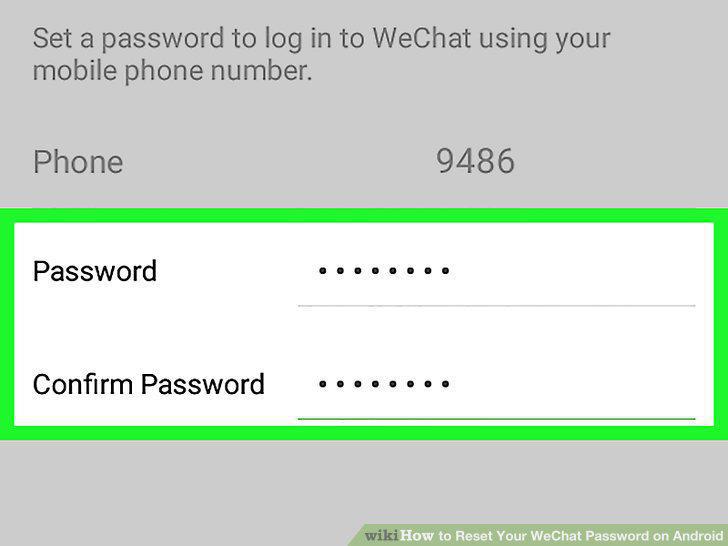
Enter a new password.
8
Tap Done.
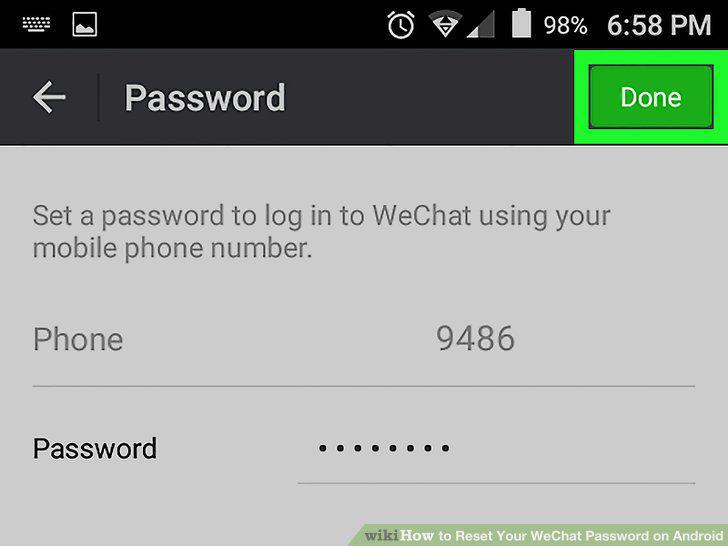
Tap Done.
Comments (0)
No comments yet. Be the first to share your thoughts!