Steps
1
Open TikTok.
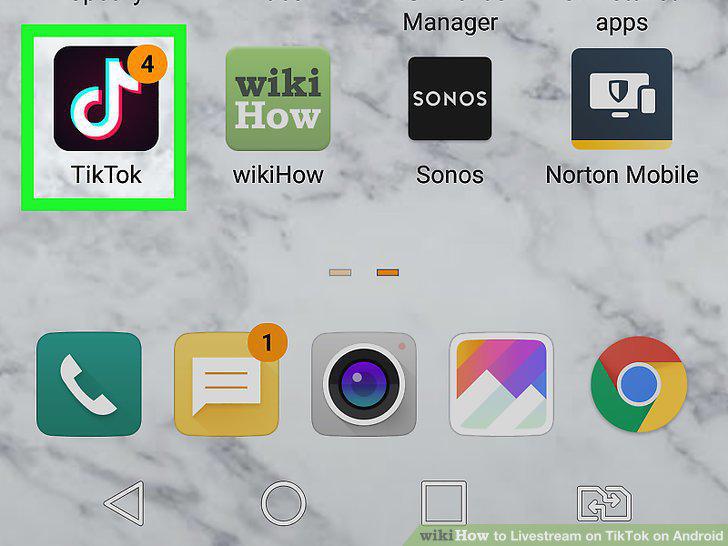
Open TikTok.
2
Tap the plus +.
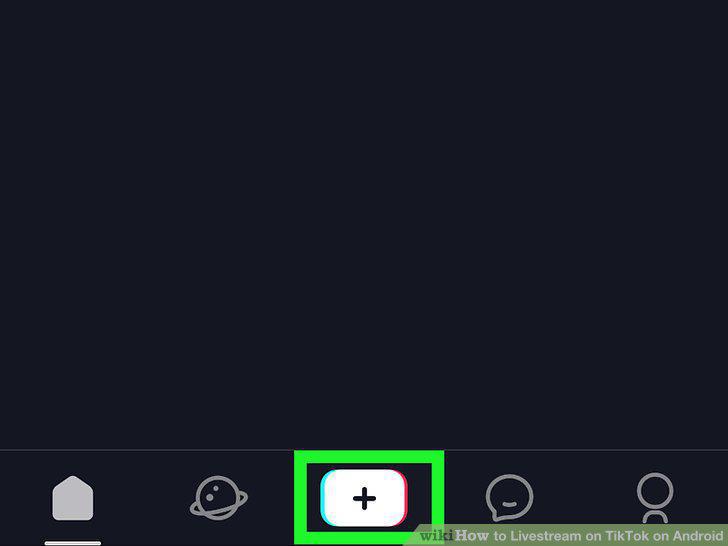
Tap the plus +.
3
Tap Live.
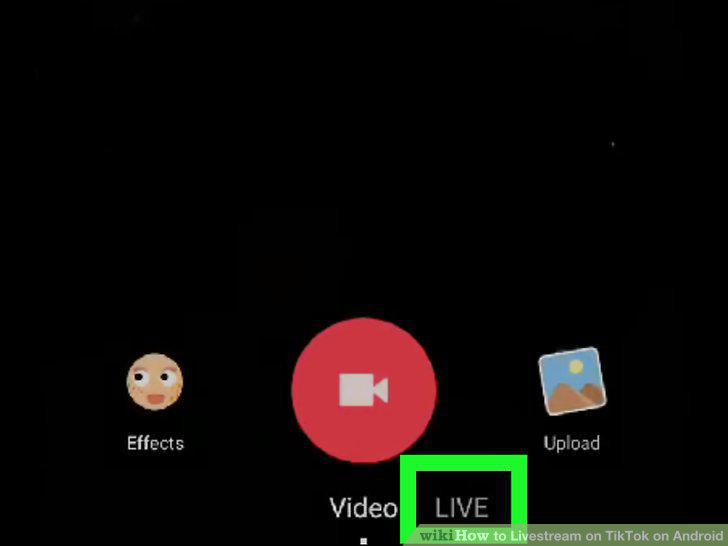
Tap Live.
4
Enter your live stream title.
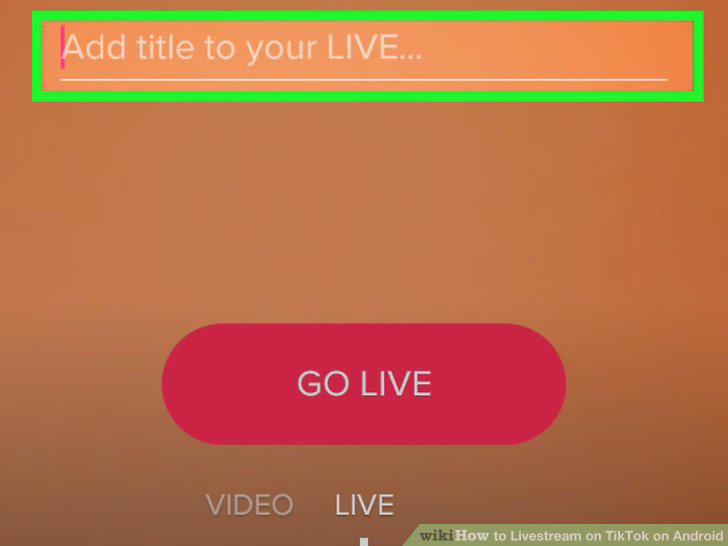
Enter your live stream title.
5
Tap Go Live.
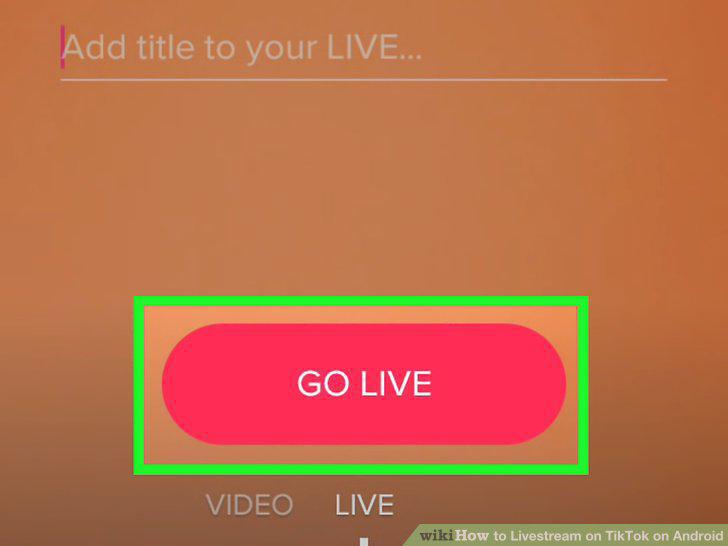
Tap Go Live.
6
Tap X to stop streaming.
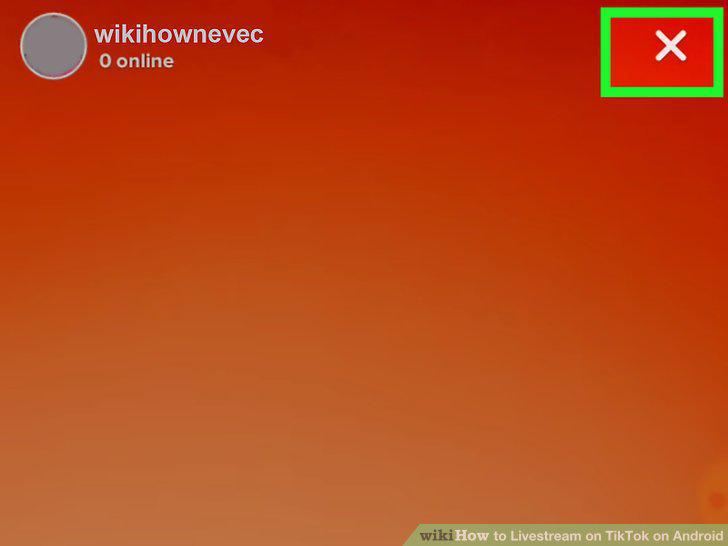
Tap X to stop streaming.
7
Confirm that you want to end the stream.
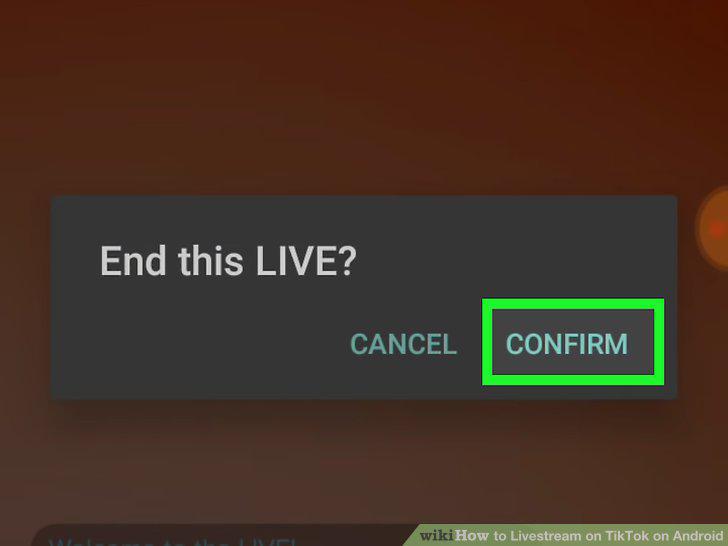
Confirm that you want to end the stream.
Comments (0)
No comments yet. Be the first to share your thoughts!