How to Access Your SD Card on Samsung Galaxy
Swipe down on the notification bar.. Tap on the Settings icon.. Tap on Application manager.
Steps
1
Swipe down on the notification bar.
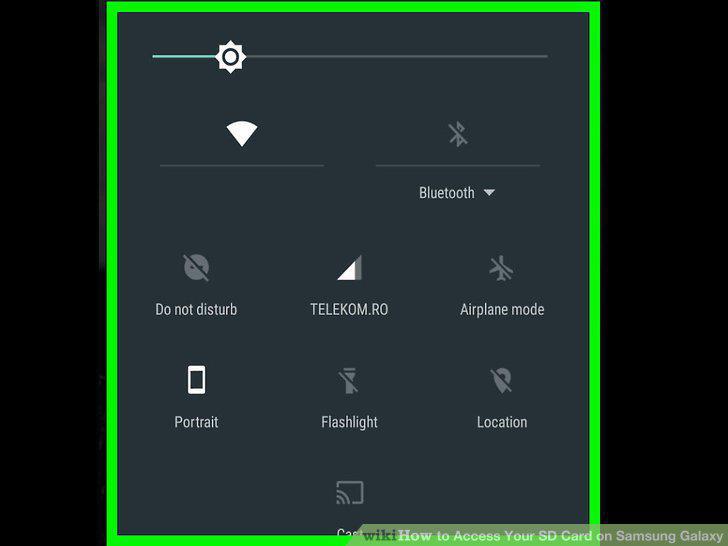
Swipe down on the notification bar.
2
Tap on the Settings icon.
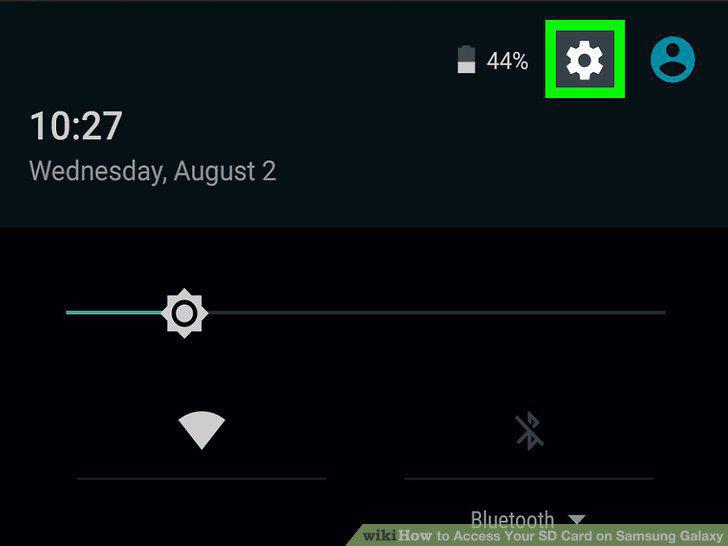
Tap on the Settings icon.
3
Tap on Application manager.
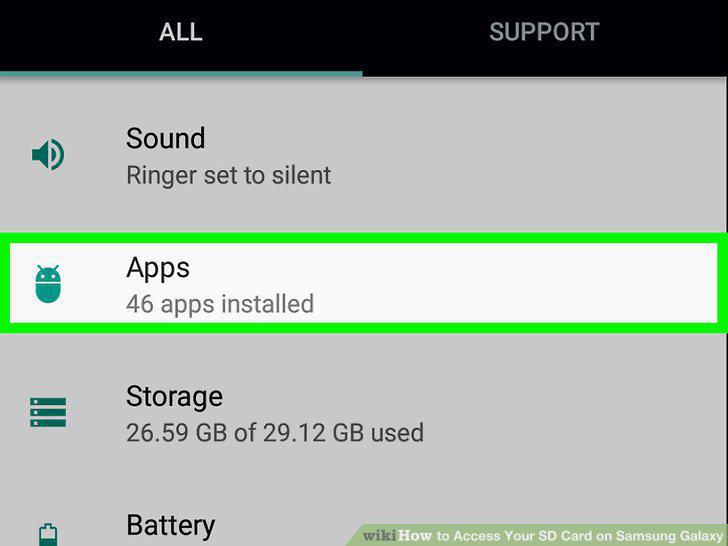
Tap on Application manager.
4
Swipe left.
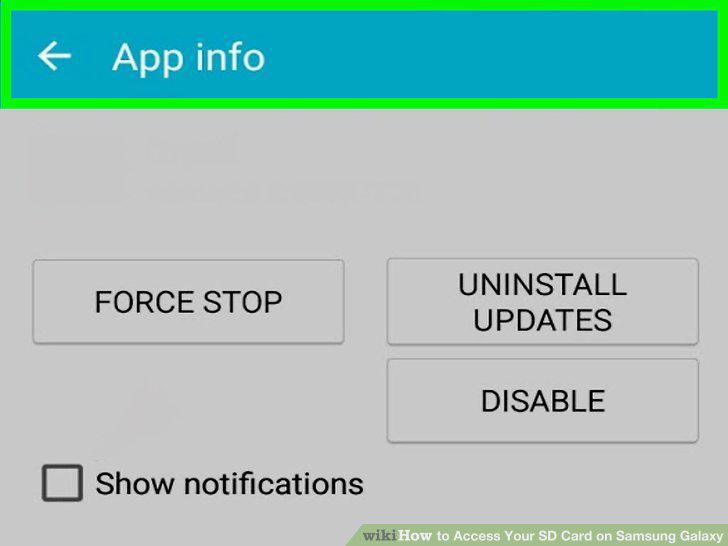
Swipe left.
5
Tap the app you want to manage.
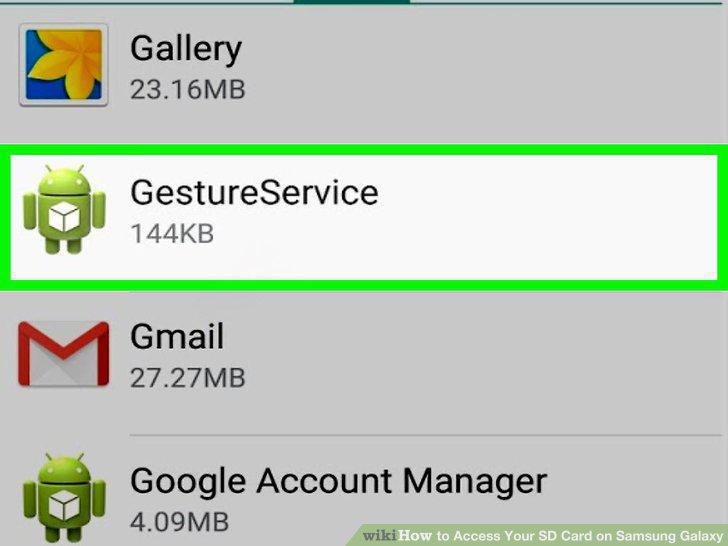
Tap the app you want to manage.
6
Tap on Move to SD card.
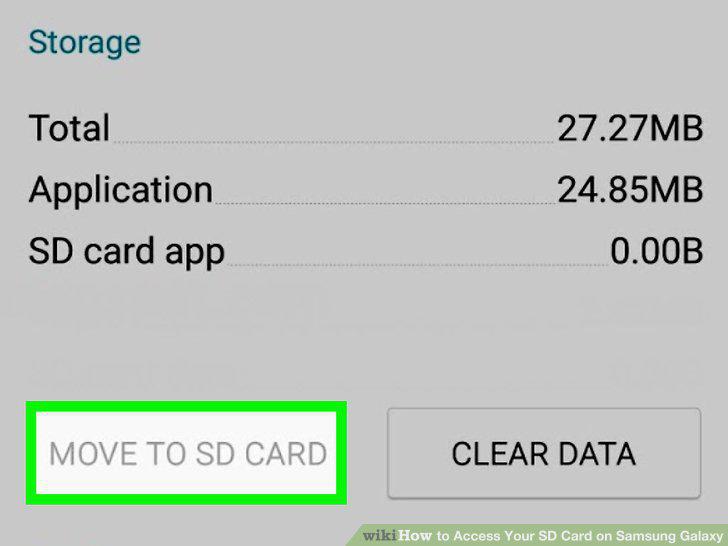
Tap on Move to SD card.
7
Tap on Move to Device Storage.
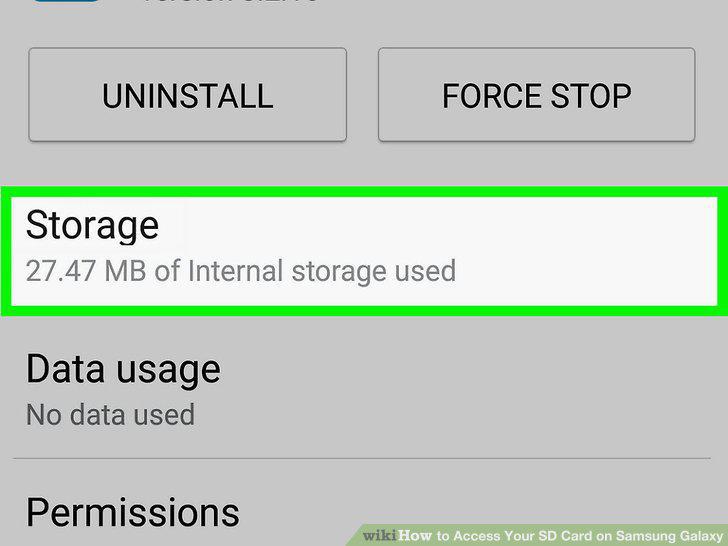
Tap on Move to Device Storage.
8
Tap Uninstall.
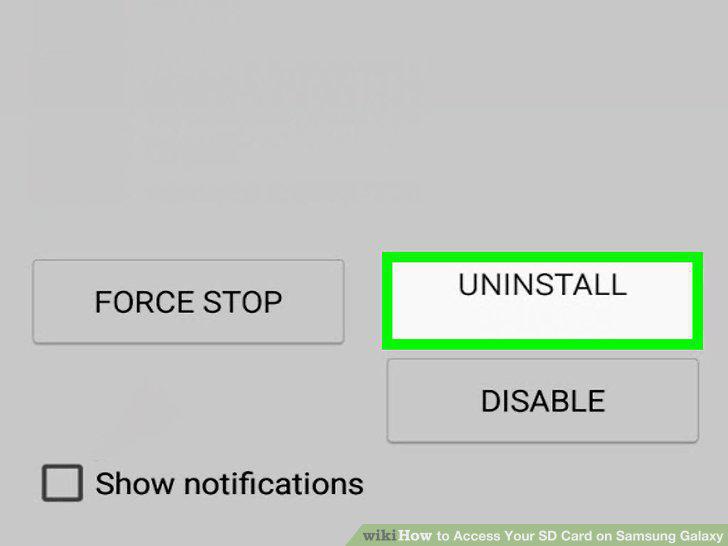
Tap Uninstall.
Comments (0)
No comments yet. Be the first to share your thoughts!